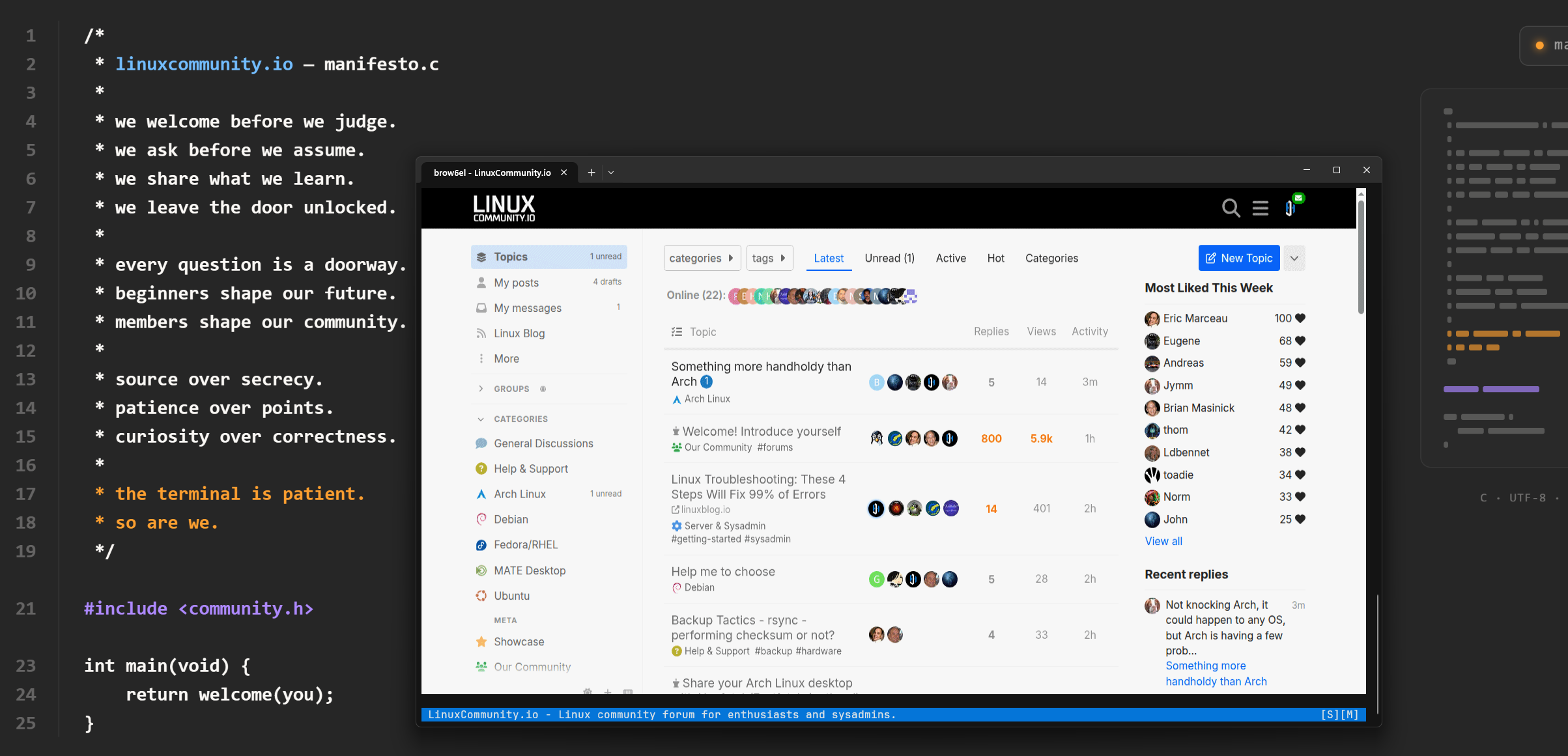
Very interesting. I never thought that there might be an alternative for lynx browser for terminal. And I immediately had a question: which modern hardware supports sixel protocol? Was it possible to use brow6el in genuine text mode?
Well, Google AI told me:
Modern graphics cards do not directly support the Sixel protocol in hardware. Sixel is a historical, software-level terminal protocol rather than a native GPU display mode. However, you can still view Sixel images using software translation in modern terminal emulators that run on top of modern GPU drivers.
I think the Google AI answer led things astray a bit. It just lacks context/seeding probably. It’s not wrong but omits the important points.
Sixel was never meant or design to be a GPU supported feature. Support for it isn’t in hardware, it’s in our terminal emulators, and plenty of them do it:
https://arewesixelyet.com - see this lists terminal emulators that support the sixel graphics format.
So the GPU only draws whatever the terminal hands it, same as it does with text output.
Sixel is basically the opposite of text mode. lynx and w3m render pages as text. Brow6el goes the other way, rendering a real Chromium and pushing it to the terminal as graphics. So there’s no text-mode fallback because graphical output is the whole point. Pretty cool!
Sounds cool; don’t have any specific need for this one, but being that we’re a community of people with diverse interests, this is a cool and unusual Web browser; I’ve used stuff like links, links2, elinks and lynx in the past as terminal based Web browsers.
without the intention to spam you with yetty terminal: yetty has ybrowser and is natively rendering to the terminal (msdf font, sdf shapes). yetty.dev. Though ybrowser does not have the full chromium features, it has javascript, css and for remote connections it consumes obviously less bandwith as it is closer to what lyx/w3m would do.