Hi everyone!
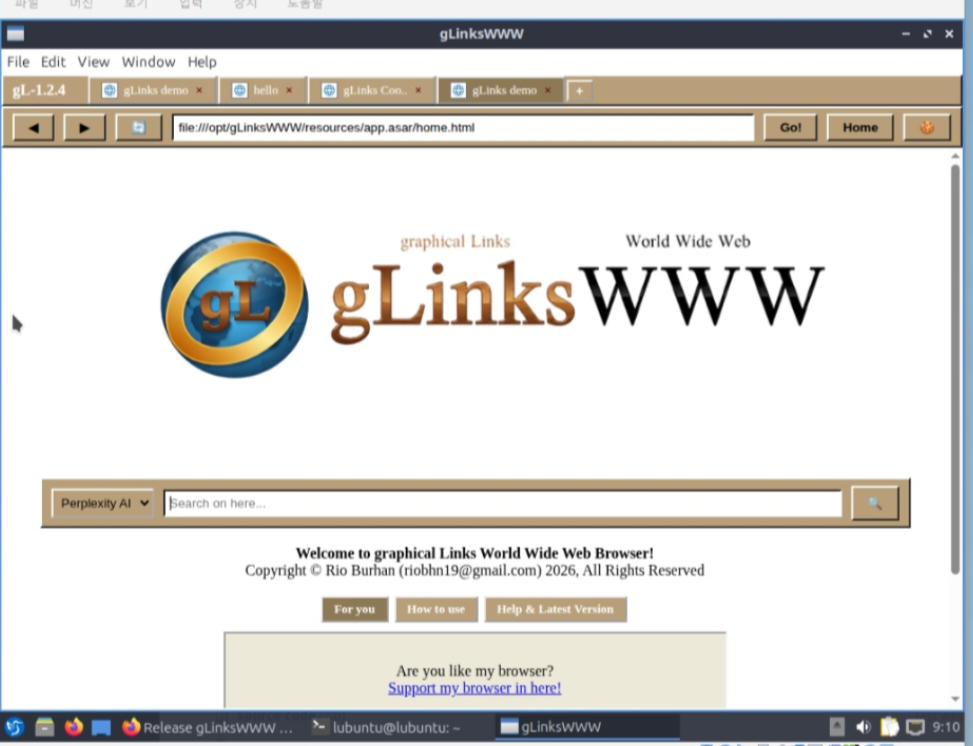
I’m a student developer from Indonesia. I’ve been using Lubuntu on a virtual machine with only 1-core CPU, and as you can imagine, most modern browsers were nearly unusable in that environment.
So, I decided to build my own browser called gLinksWWW using Electron, specifically focusing on what a 1-core user actually needs.
What’s inside right now:
9-Slot Internal Clipboard: I built this to minimize the need for extra tabs or apps when multitasking. You can store and manage 9 different copied items right inside the browser.
Tested on 1-Core: I’m developing and testing this on a 1-core Lubuntu VM to ensure it stays functional where other browsers fail.
Privacy & Open Source: No telemetry,No history, No tracking. Licensed under GPL-3.0.
What I’m working on next (Roadmap):
Aggressive Tab Throttling/Freezing: I’m currently developing a logic to freeze background tabs (except for audio) to save even more CPU cycles.
18-Slot Clipboard: Expanding the productivity tools.
I’m not trying to build a Chrome killer. I’m just a student trying to make a tool that works for my specific, low-resource setup. I’d love for you to check out the source code and give me some advice!
You can check the source code and download the files on GitHub. Please search for ‘gLinksWWW-browser’ or visit my profile ‘rio719’ on GitHub! (I couldn’t include the direct link because of a posting error, sorry!)
Exciting project. I’ve been working on setting up an LXC on my system as a browser sandbox and trying to get as low overhead as possible. I limited the cores available to the LXC to 2 threaded cores, which was necessary because as you mentioned modern browsers utilize at least 2 cores to operate (i think). Your project feels very relevant to my needs as a user. I look forward to giving it a look and maybe even getting it running on my system, its a great idea!
Hi everyone! It’s Rio-Burhan again.
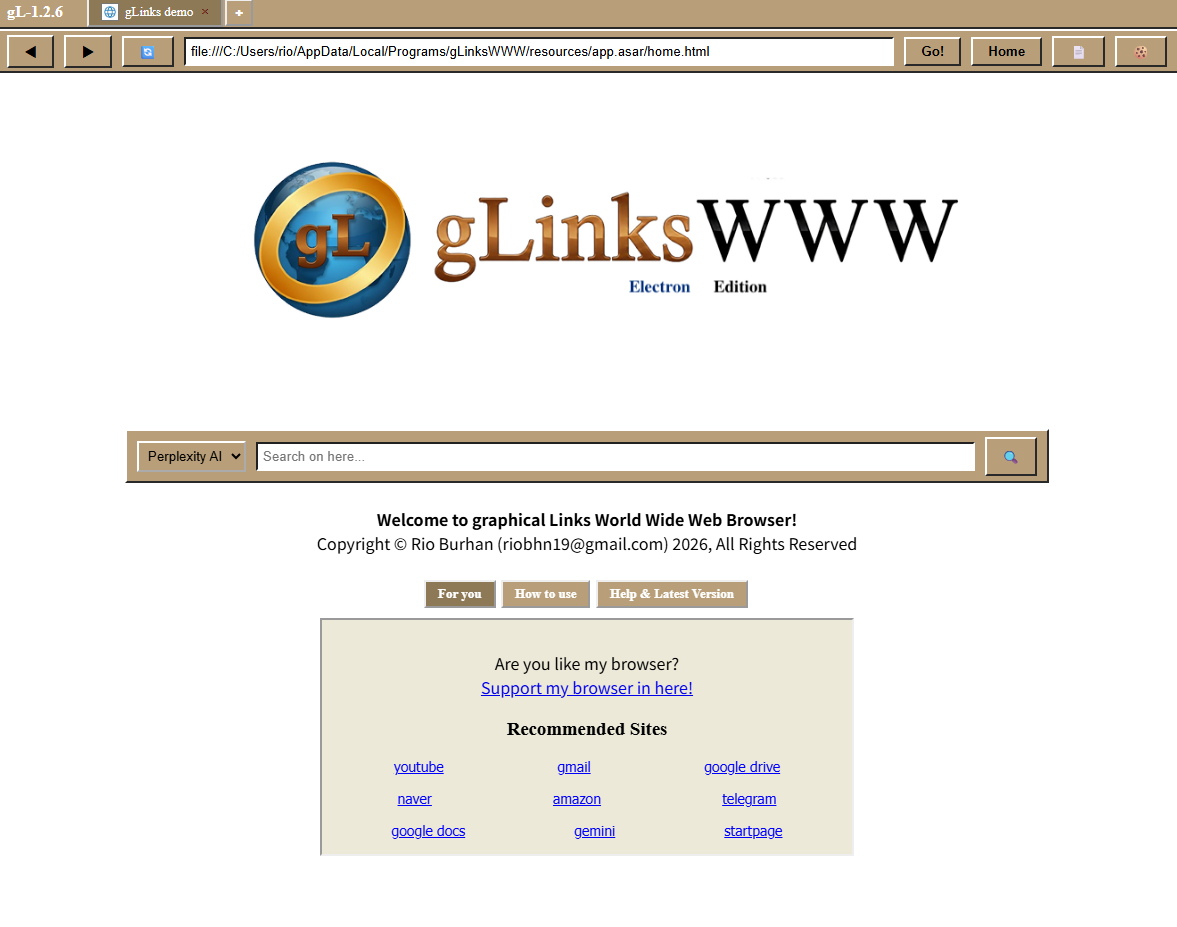
I’ve recently updated my project, gLinksWWW, with a major focus on workflow efficiency and absolute privacy. After testing it in various environments, I’ve shifted the project’s core identity to being a high-productivity tool for power users. While it’s built on Electron to ensure cross-platform compatibility and a rich UI experience, the priority is now entirely on maximizing user output and data management.
Key Features of the 1.2.6 Update:
- 18-Slot Multi-Clipboard System: Break the “single copy-paste” limit. You can now store up to 18 independent items in your clipboard and paste them using dedicated hotkeys (0-9, F1-F8). It’s a game-changer for data-heavy multitasking.
- Hardcore Privacy: No History. No Telemetry. No Tracking. Period. It’s designed to be a “clean slate” every time you use it.
- Cookie Manager: I’ve added a tool that allows you to manually edit or delete cookies per website for granular control over your digital footprint.
- Native Download Tracker: A streamlined progress bar directly on your taskbar (Windows/Linux) to keep you informed without extra pop-ups.
Visual Clipboard Manager: It’s not just about storage. I built a dedicated manager interface where you can see all your 18 slots at once. You can preview the content, clear specific slots, or organize your data flow visually. No more “Wait, what did I copy to F3?” — just check the manager and keep going.
I’m currently a student developer striving to make a tool that respects the user’s time and privacy. While I’m preparing for a major 2.0.0 engine overhaul (PyQt), I’d love to get your feedback on the current workflow of the 18-slot clipboard!
Source & Download:
Please search for ‘gLinksWWW-browser’ or visit my GitHub profile ‘rio719’!
(I’m still experiencing some link-posting issues, but your search and support mean a lot to me!)