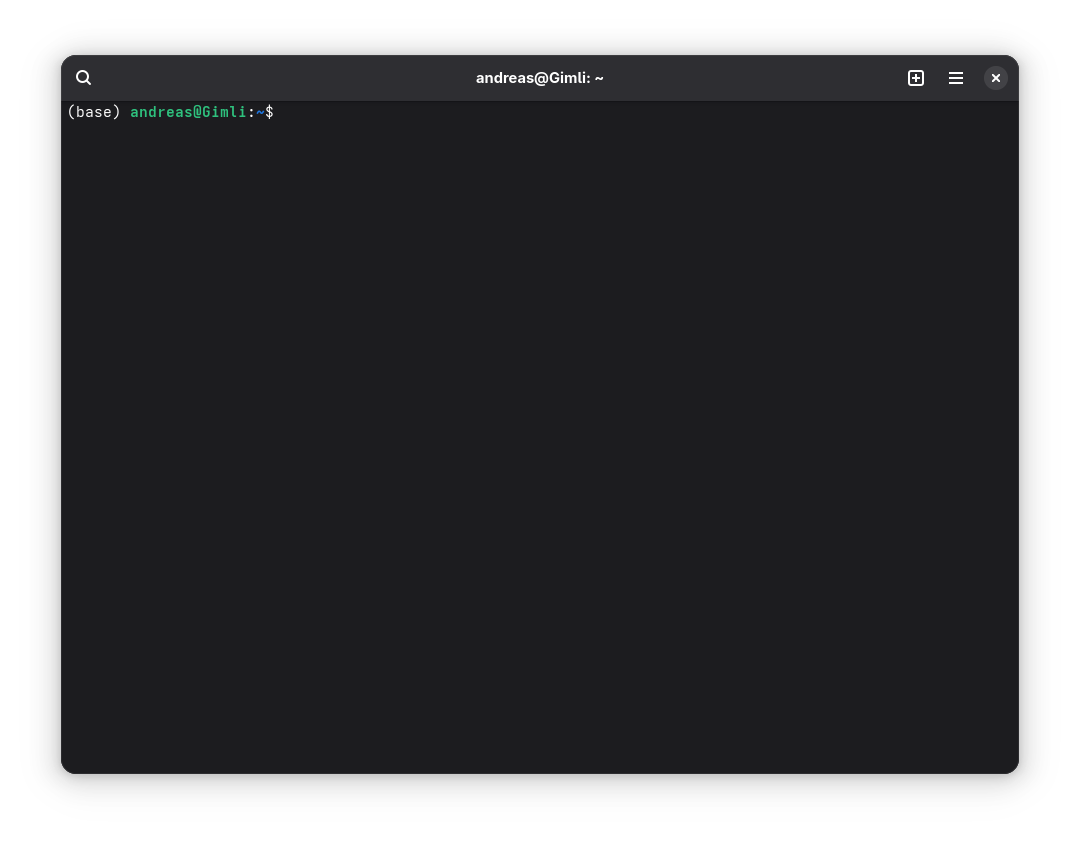
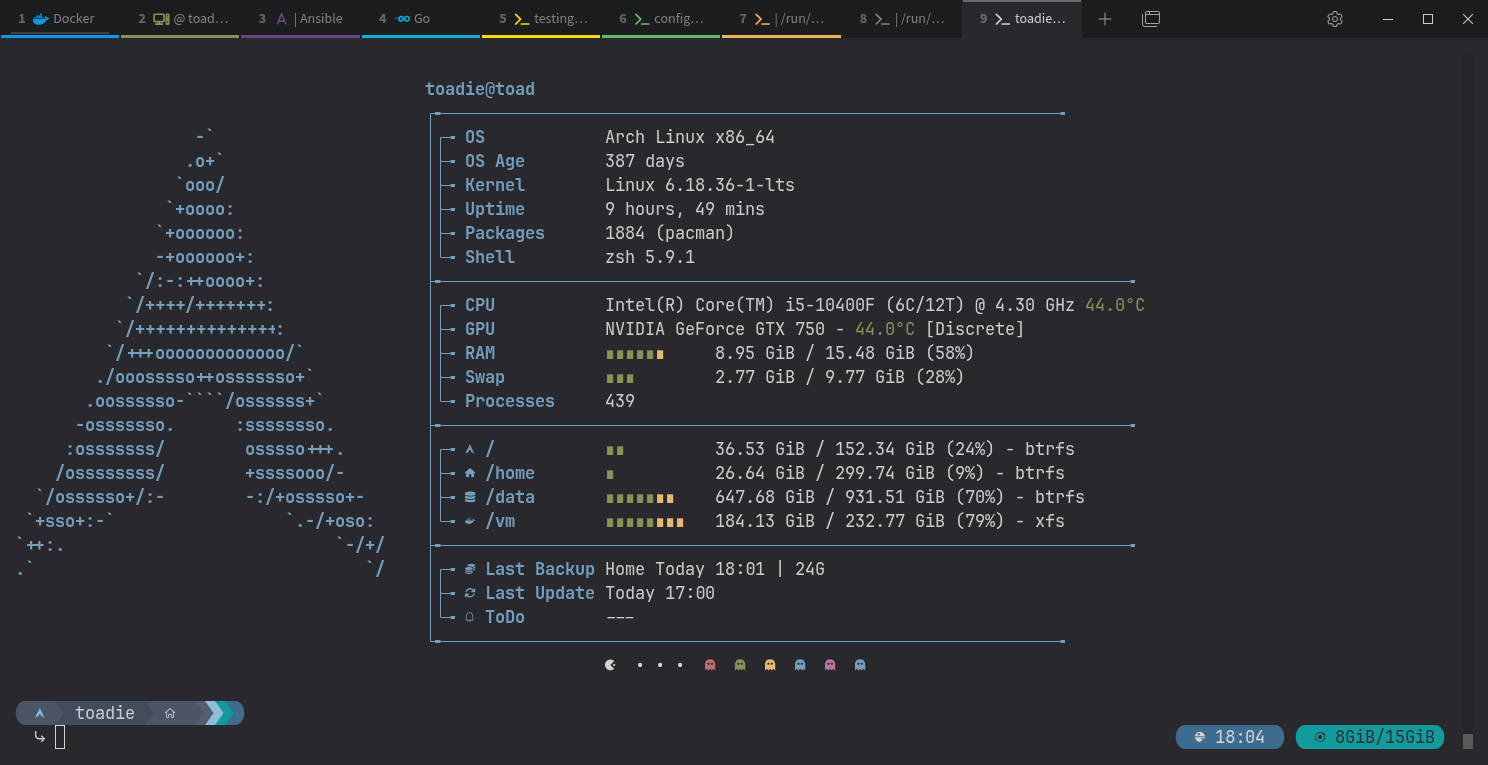
Mine was ptyxis, The terminal uses GPU Acceleration, integration with GTK4 and Libadwaita, has many Palettes, and is very match with GNOME.
ptyxis is also the Default Terminal for Ubuntu 25.10 to 26.04
Made by Christian Hergert
Mine was ptyxis, The terminal uses GPU Acceleration, integration with GTK4 and Libadwaita, has many Palettes, and is very match with GNOME.
ptyxis is also the Default Terminal for Ubuntu 25.10 to 26.04
Made by Christian Hergert
GNOME Console is also good, minimalist, suitable for people who like minimalism
Do you use Bash?
If I use zsh and powerlevel10k, I need features from zsh and powerlevel10k, not just fancy features.
mate-terminal of course!
Yes, it is mate-terminal.
In my opinion, MATE Terminal remains one of the most reliable terminal emulators available for Linux users.
It may not offer the modern features or visual polish found in newer terminals such as Alacritty, Kitty, or Tilix, but it excels where it matters most: stability, simplicity, and efficiency. The interface is straightforward, resource usage is low, and the tab management works well for everyday administration and development tasks.
One of its biggest strengths is that it stays out of the user’s way. It provides the essential functionality expected from a terminal without unnecessary complexity. For system administrators, developers, and users who value a dependable workflow over cutting-edge features, that is often a significant advantage.
While power users may prefer terminals with GPU acceleration or advanced pane management, MATE Terminal remains a practical and trustworthy choice that continues to perform its job exceptionally well.
I like Kitty.
For new users you can also find an extensive list of options here:
Showout also to Terminator.
Kitty is one of the most impressive modern terminal emulators available today.
What sets it apart is its focus on performance. By leveraging GPU acceleration, Kitty remains exceptionally responsive even when handling large amounts of text output, multiple sessions, or demanding development workflows. The difference becomes noticeable when compared to traditional terminal emulators, particularly during intensive tasks.
Beyond performance, Kitty includes a number of advanced features that appeal to power users, such as split layouts, extensive keyboard-driven workflows, image rendering within the terminal, and a highly flexible configuration system. These capabilities allow users to build an efficient and customized working environment without relying on external tools.
That said, Kitty may feel excessive for users who only need a basic terminal for occasional administration tasks. Its feature set and configuration options are clearly designed with developers, Linux enthusiasts, and advanced users in mind.
Kitty strikes an excellent balance between speed, functionality, and modern design. For users who spend a significant portion of their day in the terminal, it is easily one of the strongest options currently available.
mate-terminal for me too!
kitty is also my go-to choice as well! I just recently found a collection of kitty themes on GitHub and have been mucking around with that recently.
It’s the first app I install on every new desktop system of mine now, can’t work without it!
Yes, bash. I tried to use zsh and its customisation for a bit, and while it was nice, I realise I didn’t need all that—so now, I’m just sticking with plain ol’ bash.
Most of you may not even know the relic I use on the terminal, but it’s just right for me: roxterm: it offers tabs, allows me to set up foreground and background colors; not too much else to it other than a fast, simple, efficient setup that is just right for me; I can write stuff directly from the roxterm interface, though I spend far more time in a Web browser most days.
I would like to give an honorary mention: Terminology - Bodhi Linux, the elegant and lightweight terminal emulator of Bodhi Linux with some interesting build in goodies.
tabby is my favorite