What is your strategy to block ads on your distro?
Well… i am thinking of best ad-blocking solution.
Maybe something system-wide MITM? Classic HOSTS approach? DNS block?
What is your strategy to block ads on your distro?
Well… i am thinking of best ad-blocking solution.
Maybe something system-wide MITM? Classic HOSTS approach? DNS block?
Long story short:
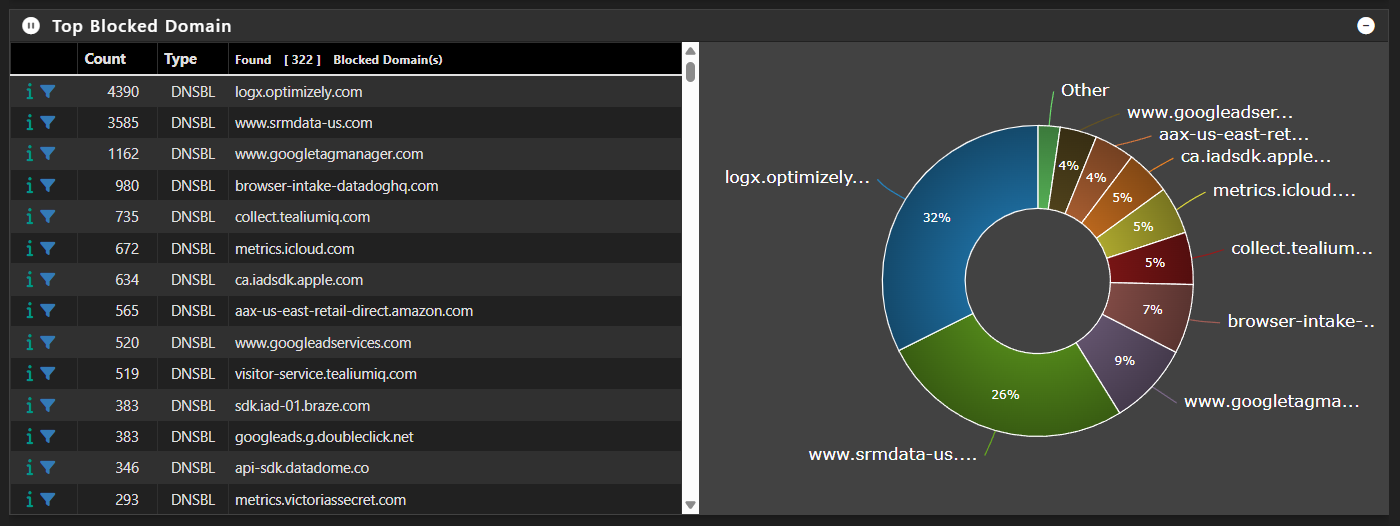
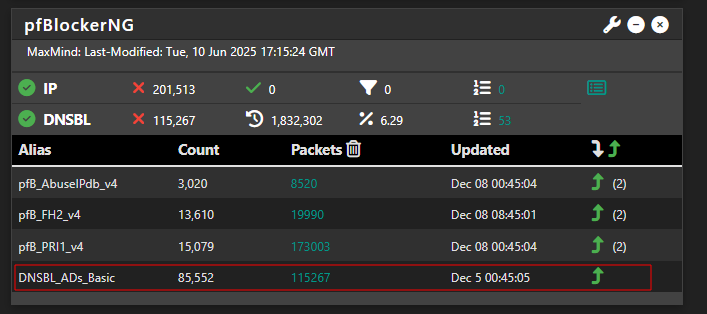
…also using pfSense with pfBlockerNG as the sole solution, and it works well:
I don’t go as far as you; usually UBlock Origin alone.
Proton VPN
Brave
UBlock
I have read about pfBlockerNG, and I like what I have read. It has capabilities that Pi-hole cannot touch.
My concern with pfBlockerNG is not with the package but with pfSense’s janky update/upgrade mechanism. Even with no packages, pfSense can be tricky to upgrade, and from what I have read packages greatly complicate the update/upgrade process. Netgate’s decision to require Internet access for new installs and re-installs only cemented my stance.
From a previous posting, I noticed that you were taking disk image based backups of pfSense, and I think I understand why.
Everyone’s browsing is different, and that is expected. I added several third-party blocklists to both uBlock Origin and Pi-hole. Running Linux, I never see Pi-hole block much of anything. uBlock Origin blocks tons of stuff as expected. Please note that depending on your browsing and which third-party blocklists you add, perhaps all of them like I did, you will probably need to learn how to manually unblock specific elements/assets in uBlock Origin using the logging. It is not difficult, but some sites can be mildly annoying. If you like tinkering with blocking everything you can, and then opening up what you need (whitelisting), you may enjoy this.
If someone is new to third-party blocklists, I would recommend starting with the two HaGeZi lists. BadBlock+ and some of the others can be very restrictive.
BadBlock+ (ABP)
Dandelion Sprout’s Anti-Malware List
Fanboy’s Annoyance List
https://easylist.to/
HaGeZi’s Threat Intelligence Feeds DNS Blocklist
HaGeZi’s Ultimate DNS Blocklist
1Hosts (Xtra)
oisd big
ph00lt0 - Blocklist
StevenBlack/hosts
My Arkenfox (hardened Firefox) DNS bypasses Pi-hole going directly to Tor’s DNS resolver. I configured uBlock Origin (Hard Mode) to perform blocklist blocking and cosmetic blocking (element picker) while using temporal graylisting for Javascript, etcetera.
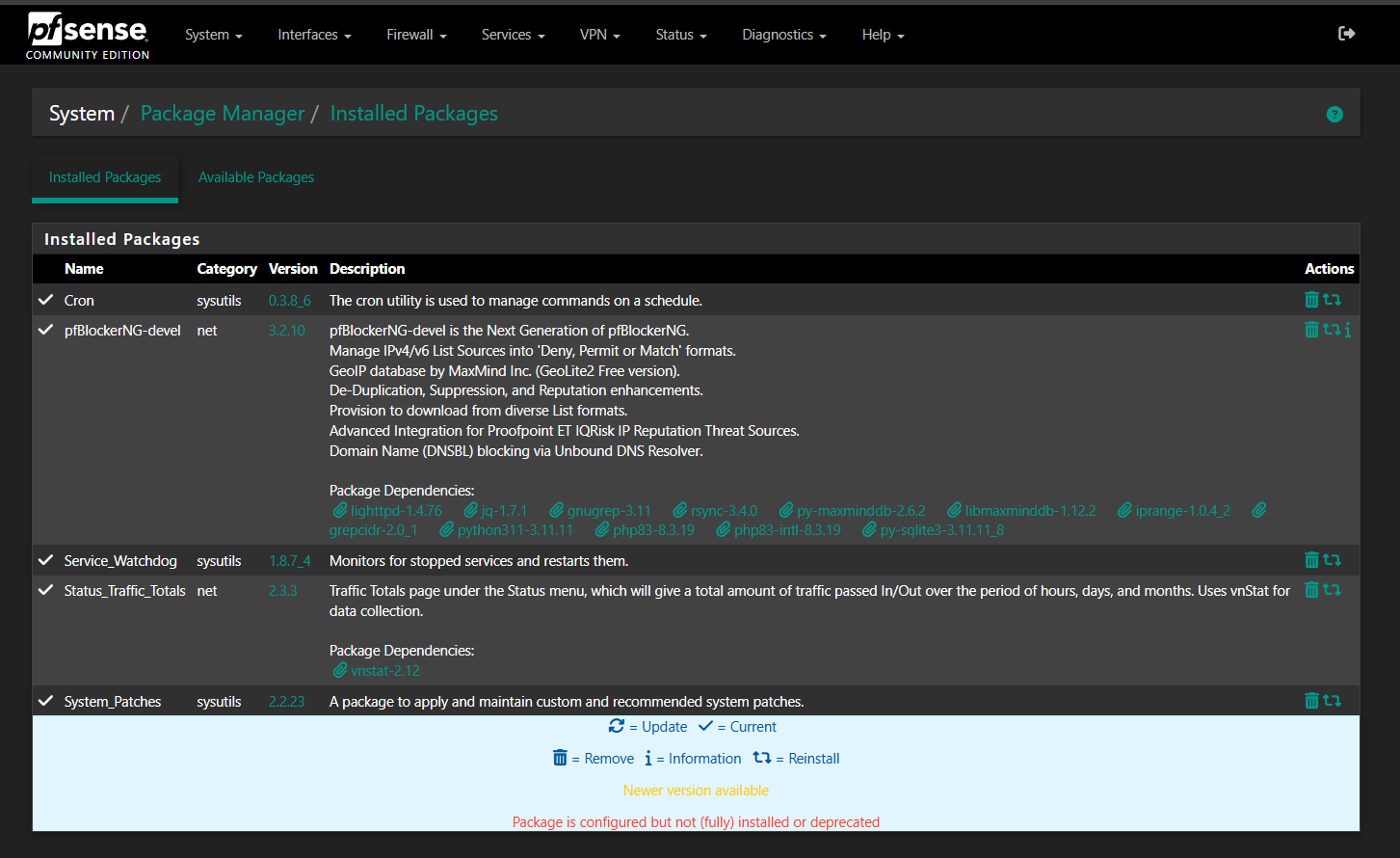
I find updating really simple. Related management screenshots:
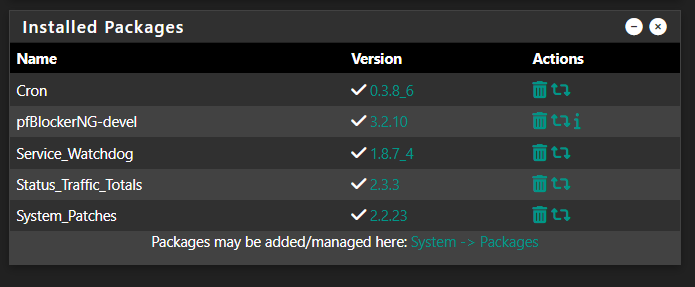
Homepage quick overview widget
Package manager
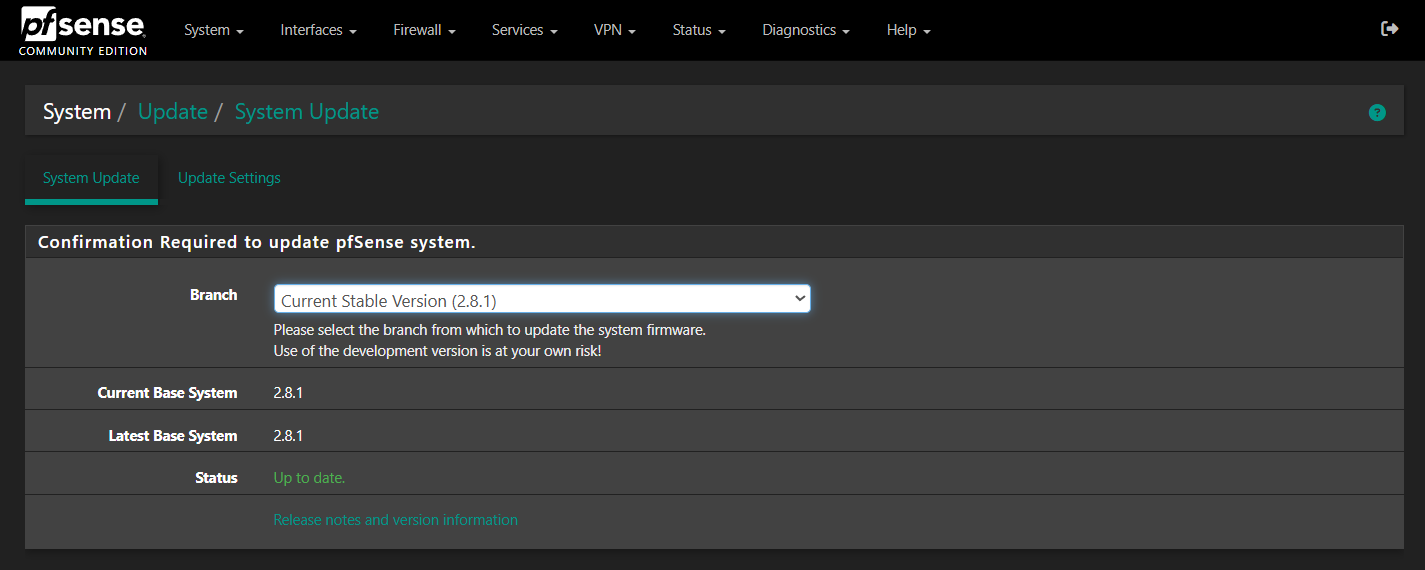
For updating pfSense itself, it’s 1 click
For major version updates, you can also update this way, but because of how detailed the backup of config works, I like to install fresh and then import config. Probably, when there’s a version 3, then a full install may be required.
Netgate’s decision to require Internet access for new installs and re-installs only cemented my stance.
For my use case, requiring temporary Internet only for the installer and updates is a reasonable trade‑off that improves security and ensures up‑to‑date images, pfSense itself does not need the Internet to function in production.
From a previous posting, I noticed that you were taking disk image based backups of pfSense, and I think I understand why.
I’ve only been using it for about a year, so a lot of my previous posts reflected those challenges.
But in reality, one of the things I appreciate most about pfSense is how it handles backups and restoring seamlessly.
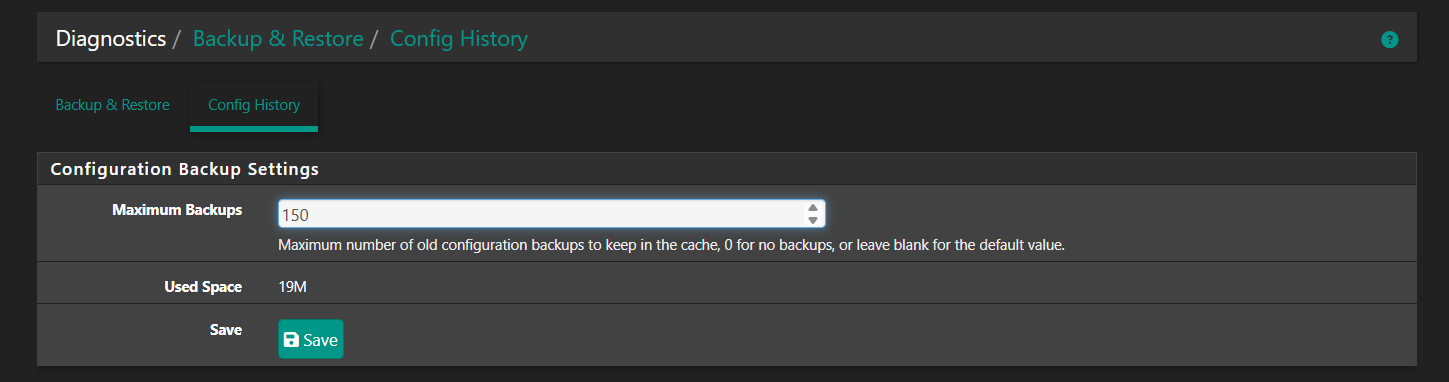
Every single change you make creates a full configuration snapshot automatically. The moment you hit Save anywhere in the interface, that change is preserved as its own version. By default, it keeps the last 30 versions, but I expanded mine to 150 because I was making a ton of tweaks early on and wanted a long history. Sometimes you only notice the side-effects of a change days or even weeks later, so having that depth of rollback is a lifesaver (and works via command line):
Restoring is effortless. There’s a history list with timestamps. You just pick the exact configuration you want, press restore, and the system reboots back into that point in time. If you want to jump back to how things were on November 5th 6AM 2025 and only after enabling a specific ruleset, it’s literally a couple of clicks.
The other bonus is that pfSense lets you sync your configuration backups to the cloud for free (optional). So even if the firewall hardware dies all of those versions are still stored safely online. You just download the configuration you want and you’re back in business.
This has saved me more times than I can count. If I change a rule or add a tuning that ends up breaking something, I don’t have to spend hours troubleshooting just to get the network back up. I can roll back to a working version in seconds, then re-implement my change more carefully later.
Most other platforms only back up once a night or on a manual schedule. I know when I used Unifi the backups were once nightly. So if I made 30 settings changes, I would lose all 30 when I restore the previous night’s backup. pfSense backing up automatically after every saved change is a major advantage and genuinely one of my favorite features.
Posted a bit about that here:
Great advice.
So ad blocking I’ve been using a single list:
https://raw.githubusercontent.com/StevenBlack/hosts/master/hosts
Via: StevenBlack/hosts
A user trying to visit a blacklisted host on my network will see this:
Or in the case of ads, they just won’t load.
The result is ads and tracking is blocked:
Please don’t hesitate to add hyperlinks to those you have listed above.
I guess it’s because my typical use cases these days are seldom intense. Also my only trouble with scammers has come from store related issues - a grocery store in New Hampshire and a gas station in South Carolina. Neither situation resulted in any personal financial loss because my financial services are well insured.
I mentioned UBlock Origin; that’s all I have used along with firewall protection , successfully too, and that covers 45+ years of computer use.
Two of the three pfSense instances are updated, but it is done pointing to a proxy server which then routes across Tor. The third pfSense instance has direct Internet access (edge device).
Yes, and this thread is mainly about ad blocking on desktop, rather than one’s entire network. So something like uBlock Origin is great!