I don’t have any personal experience with that card so I can’t speak to how it performs in practice.
For Linux compatibility my go-to recommendation would be the Intel AX200 or AX210, both use the iwlwifi driver which is built into the kernel so there’s no DKMS or third-party driver headaches. They’re also well proven at this point with a lot of community support behind them!
That said, the BE200 in theory it should work fine too. It’s a newer chipset so there’s less real-world mileage on it compared to the AX200/AX210, but it shows as backward compatible with your WiFi 5 modem.
Ultimately it’s your call, since you’ll be the one living with it day to day. Whatever you go with, sticking with Intel will be a much smoother experience on Linux than Broadcom has been.
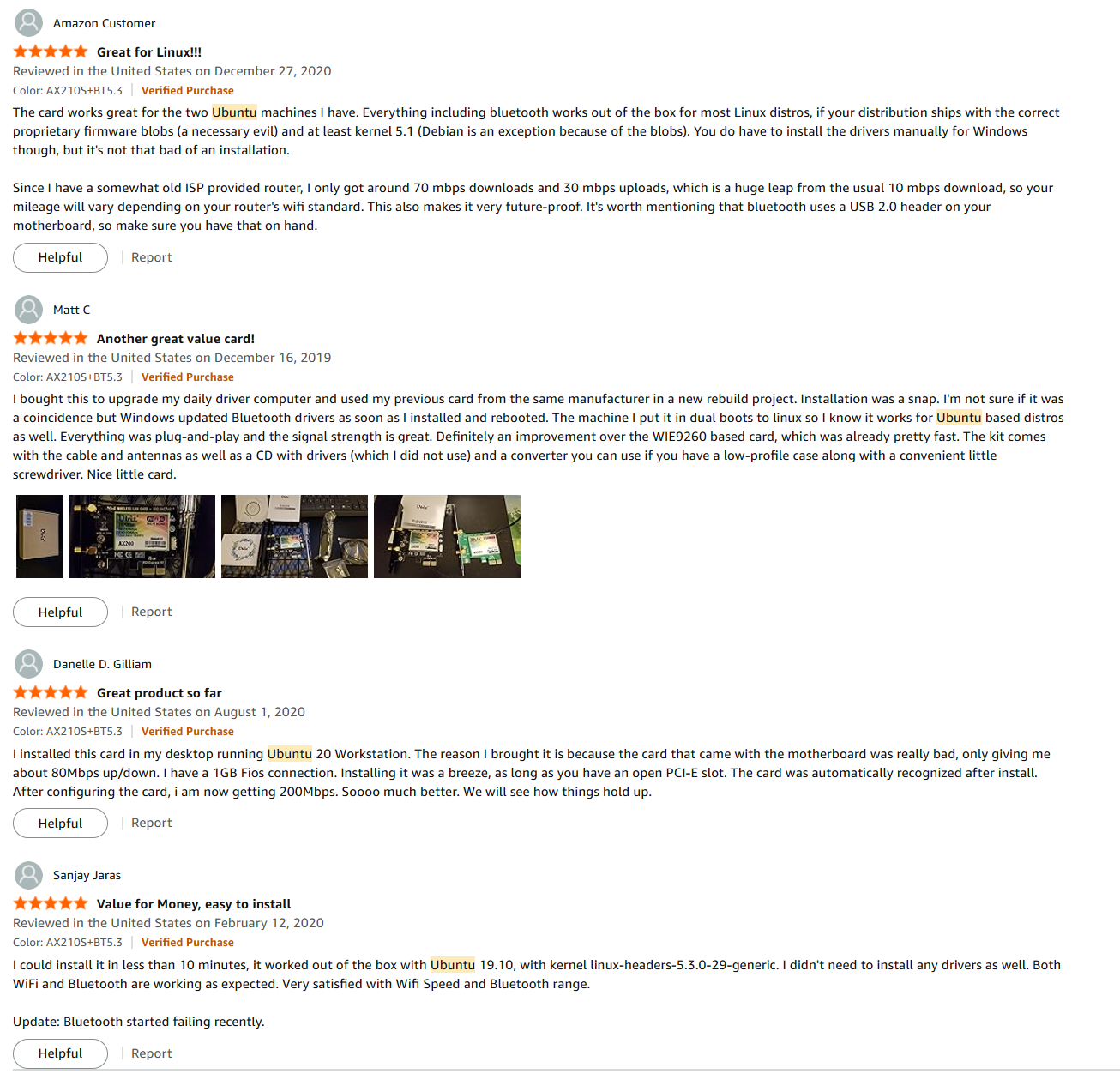
Usually I like to see other users on Linux confirming as well. Like this card:
Hi Hayden, this helps immensely. Thanks fo going to so much trouble providing the extra information. I generally try and go for the most current device able but your point about the AX200 and AX210 having more exposure to ubuntu users and thus, the chances of more problems solved, seems the safest choice. Time to go shopping!
Hallelujah! The new wifi card finally arrived and after a couple of issues, it connected and I am back connected with the real world. Thanks again to everyone for your guidance and patience.
Note the AXE3000 is just the product model name for the adapter board. SImilar to this one. The AX210 is the Intel chipset on it.
Think of it like a car: “AXE3000” is the car model, “AX210” is the engine inside.
The “3000” I believe, refers to the combined dual-band speed (2400Mbps on 5GHz + 574Mbps on 2.4GHz = ~3000Mbps). Same Intel AX210 chip, same iwlwifi driver on Linux. The naming is just marketing.
Kudos and thanks for sharing this info with the community!
Just when I thought some form of normality had occurred, a curve ball comes hurtling in. Our HEPC decided to curl it’s toes up and stop. I problem, I thought, I will just get rid of Windose (love that term) and install Ubuntu. Well, now the fun starts because I can’t get Ubuntu to boot from the usb to even install it! I hate to call out for help again so soon but, I have tried three different instances of Ubuntu and none of them work and I’m at my wits end! Any thoughts please?
What type of High Energy Particle Collider is it ?
Although almost all of them run Linux, none of them run Ubuntu, and none of them run MS-Windows
The immediate thought is, ofcourse, that if Windoze stopped and Ubuntu won’t boot that the hardware is fried.
If it won’t boot from USB at all, chances are that your CPU is dead, or if you’re lucky, a general power failure.
Dang, can’t get a decent Collider in this day and age! You make a good point regarding the cpu and or power supply. I can get into the boot menu/bios settings okay so I presume that the power supply is good.
Which leaves the south-bridge or RAM:
If you can boot into a mem-test:
it means your southbridge/USB is probably OK
you can (and should) now run a RAM check, just to make sure RAM is OK
If it passes the above, onto the next step.
Connect your boot-stick and see if it is recognized in the BIOS.
if it isn’t , then either the stick or your southbridge is dead.
if it is recognized, check if your BIOS/UEFI is in compatibility mode (CSM)
Ubuntu sticks often refuse to boot in this CSM mode because of how their ISOs are formatted. Not every old BIOS (including new BIOS in CSM mode) is compatible with the way they do it.
onto the next step: the Ubuntu installer.
Know this: Ubuntu completely fscked up their installer after 22.04LTS
It is now a highly unreliable experimental piece of cowdung written in flutter, confined in a snap, running in parallel with a resource hungry disk-checker. What could possibly go wrong ? right ?
So to eliminate this, you might try Lubuntu or Kubuntu because they both have a reliable installer (calamares).
If all else fails, try Porteus, because that boots on everything, even on a non-standard SONY potato BIOS from 2002
Okay, I took a look at Lubuntu and while the documentation etc, is quite impressive there seems to be a few gaps in the installation instructions. Kubuntu looks like it might be somewhat easier to follow for such a complete newbie as myself! I was obviously spoilt previously by a simple Ubuntu install. Hopefully, I will be back in a few days.