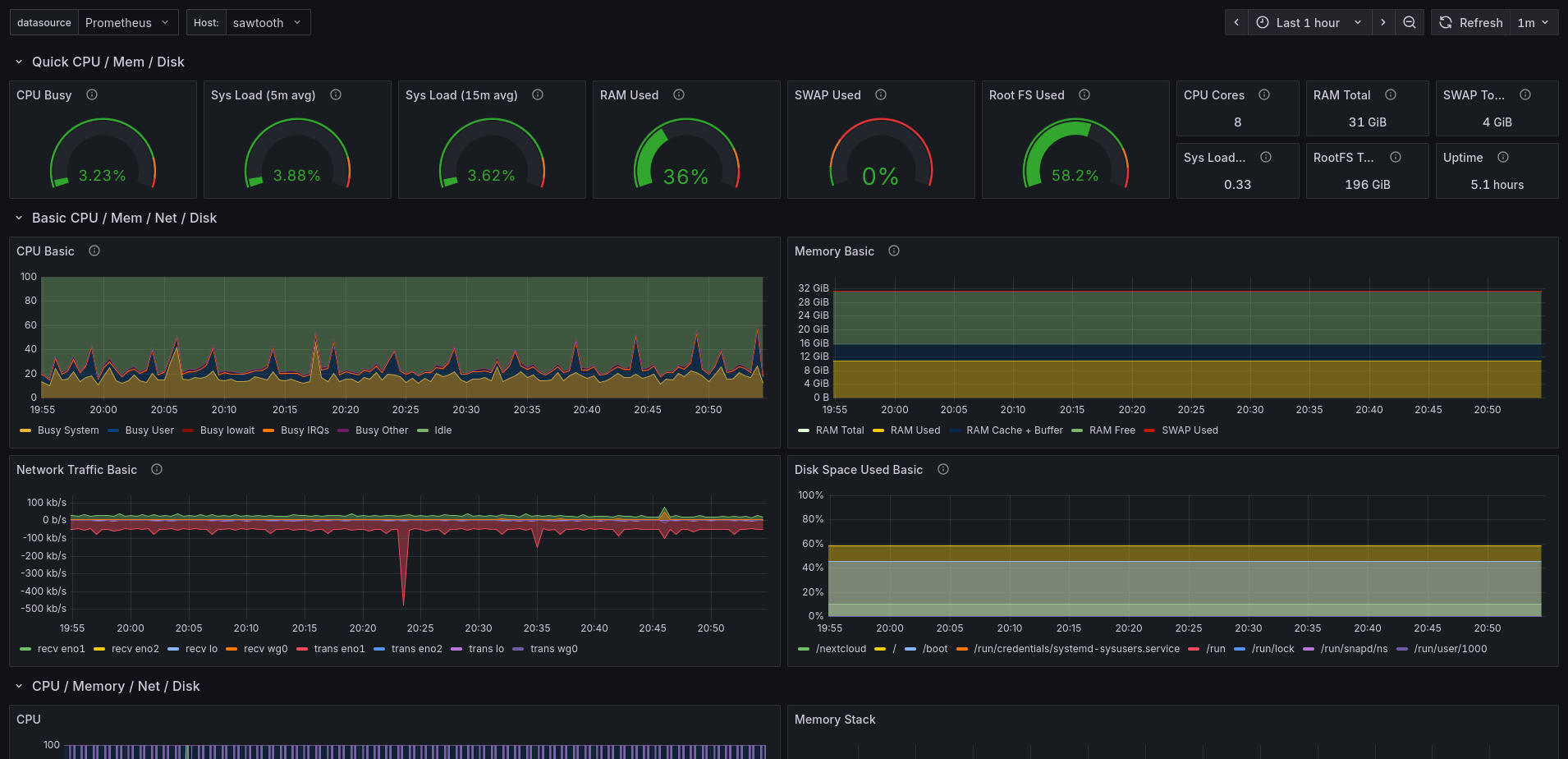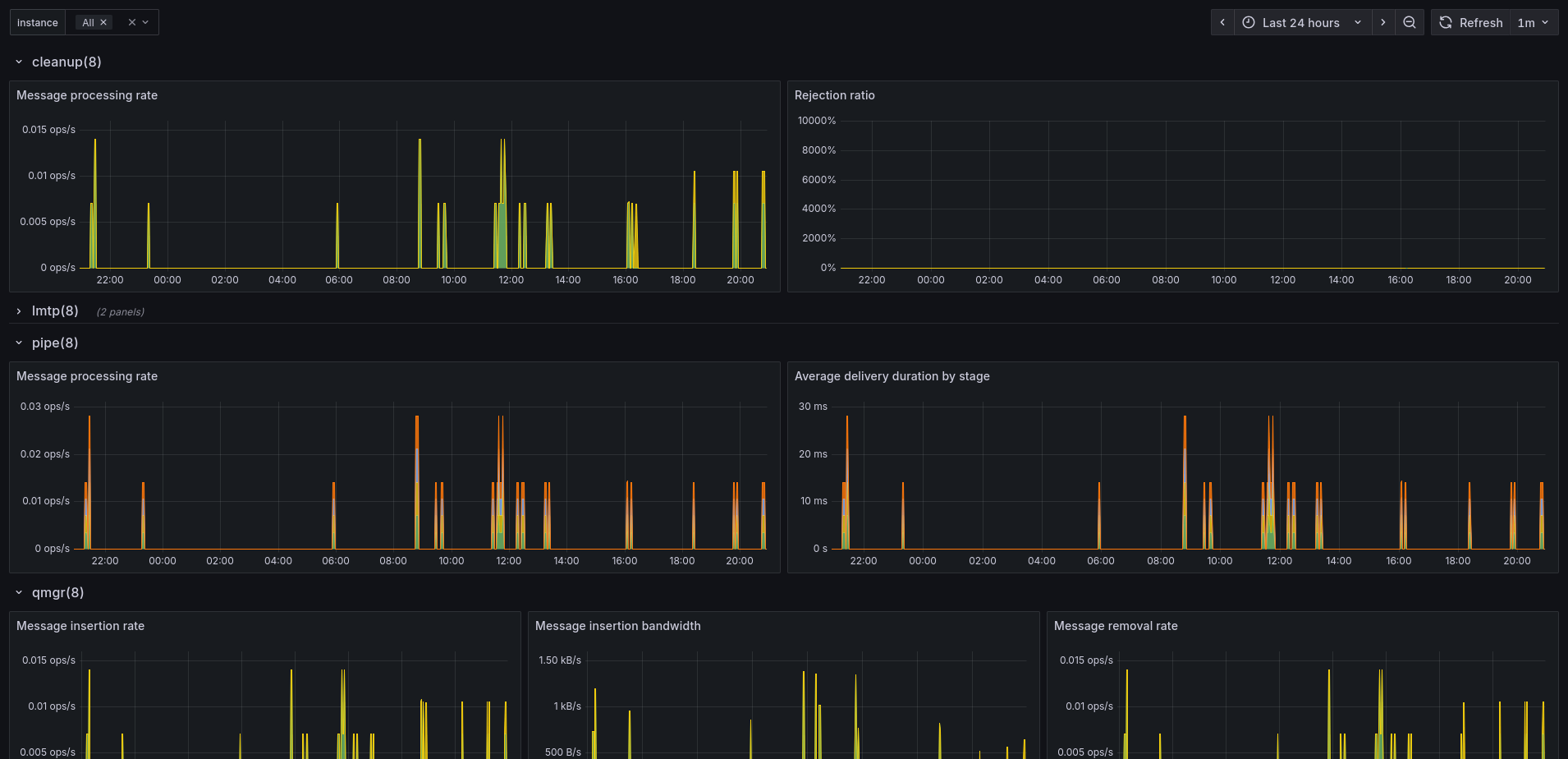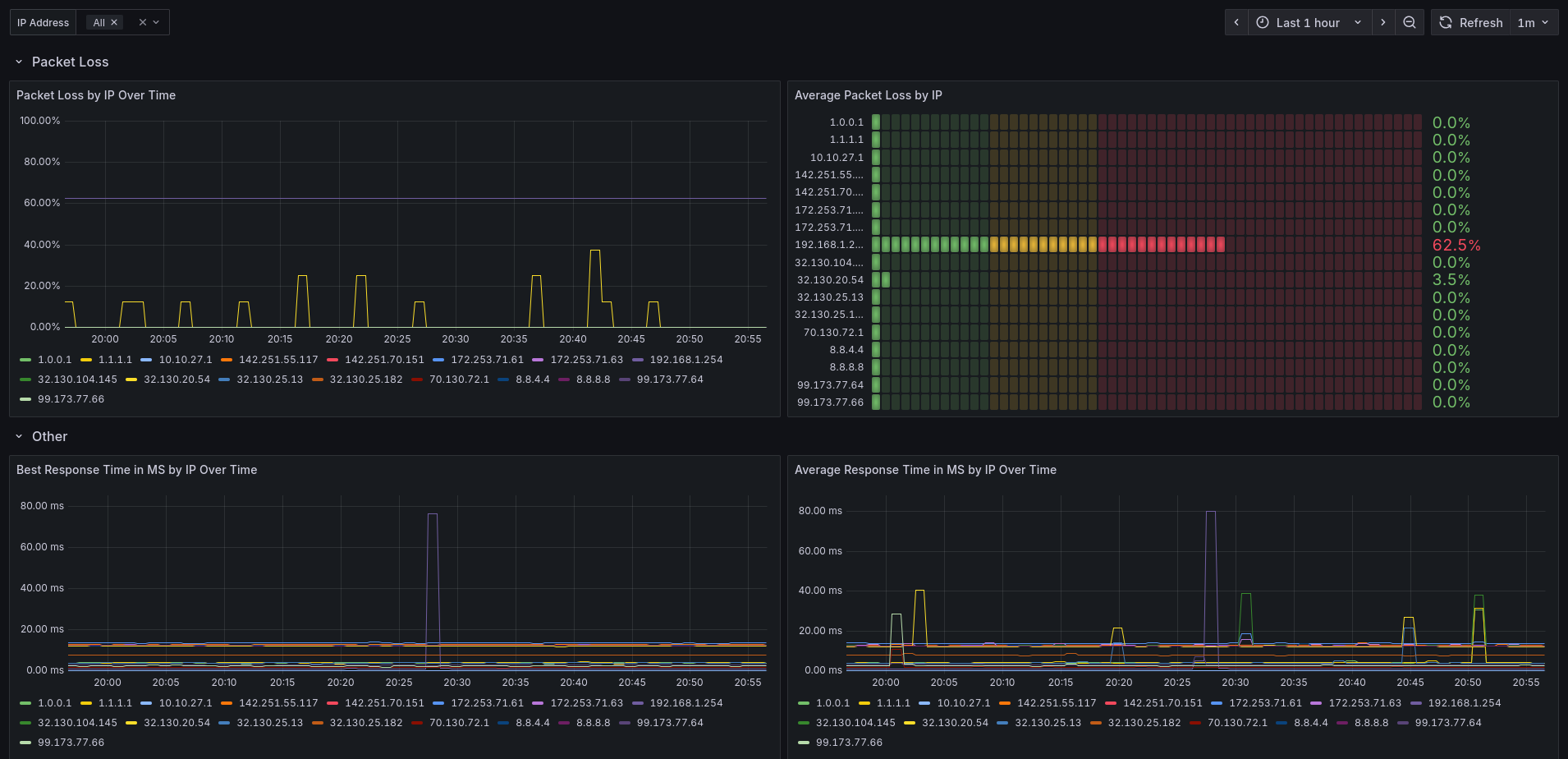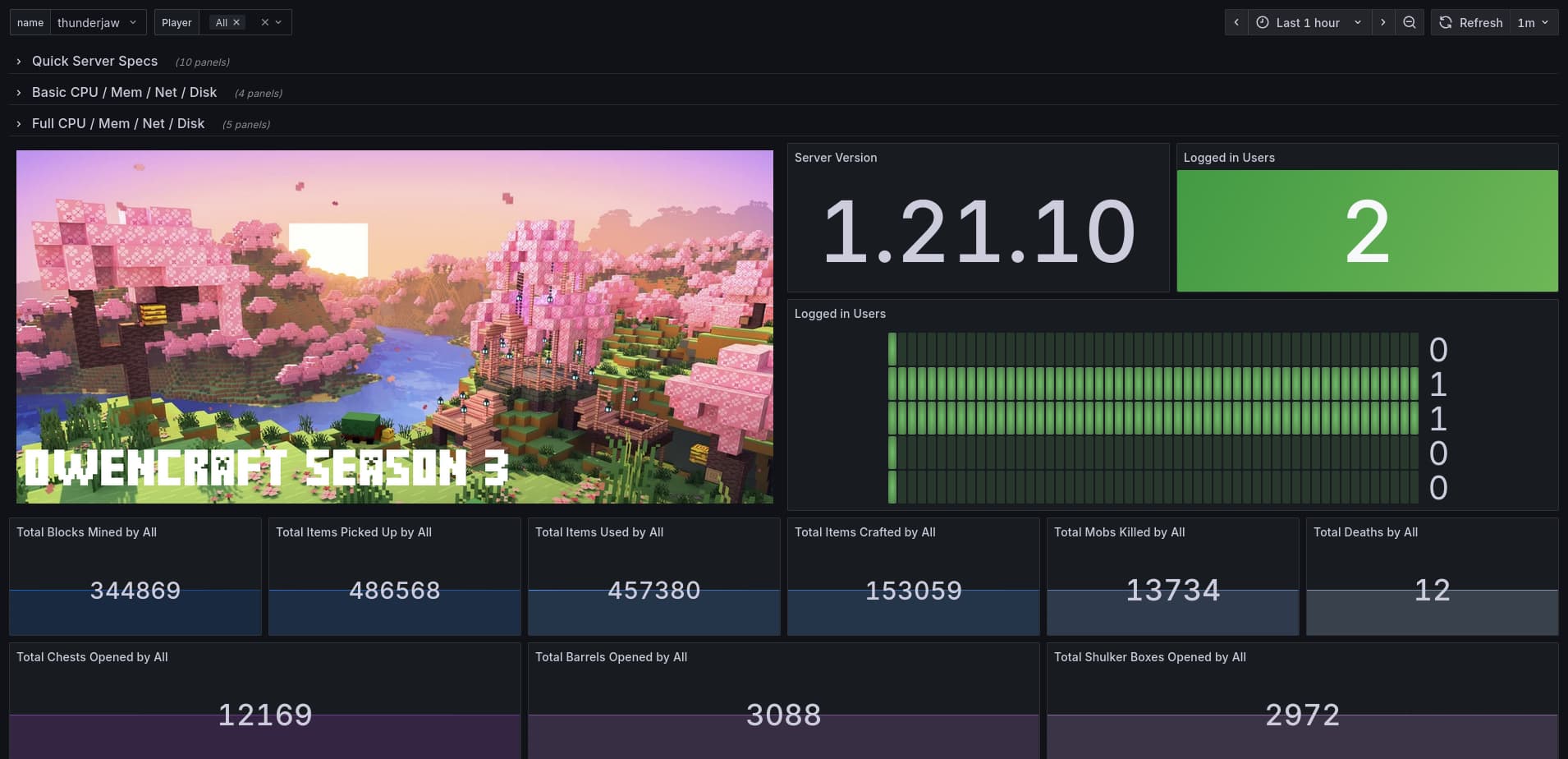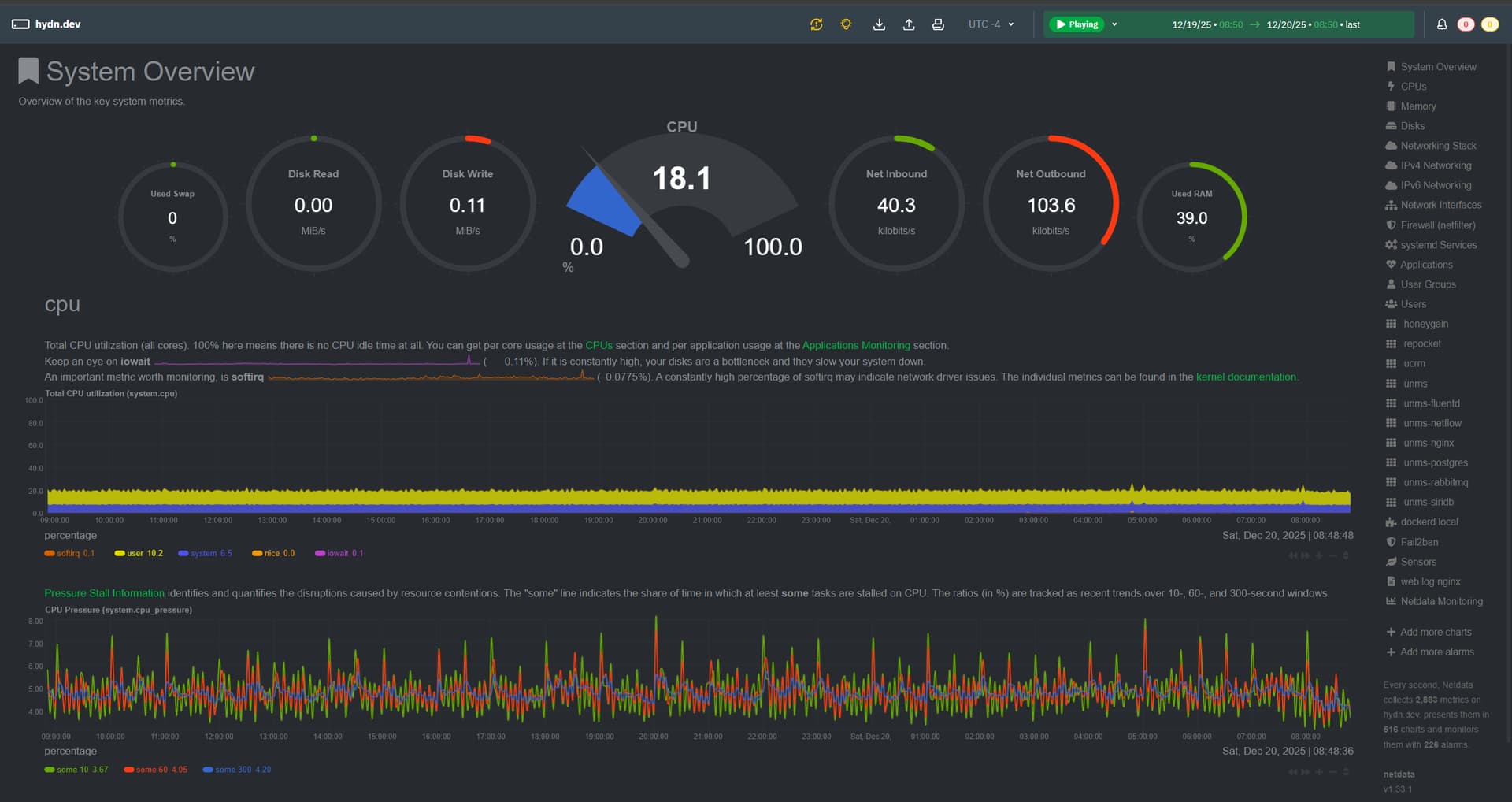
2 days ago I installed Netdata. Which always stands out for how easy it is to get up and running. Literally thousands of metrics in less than 3 minutes to install after pasting a single install command in terminal.
Why Netdata
This is one of those tools where you install it, open a browser, and you’re already seeing useful data without spending hours tuning or wiring things together.
Who Netdata Is For
Netdata makes the most sense for people who want deep visibility into a system without turning monitoring into a project of its own. Home lab users, small servers, single VPS setups, or even a lone desktop or mini PC running services are a perfect fit. It gives you real-time insight into CPU, memory, disk, network, Docker containers, and applications with almost no effort.
My Setup
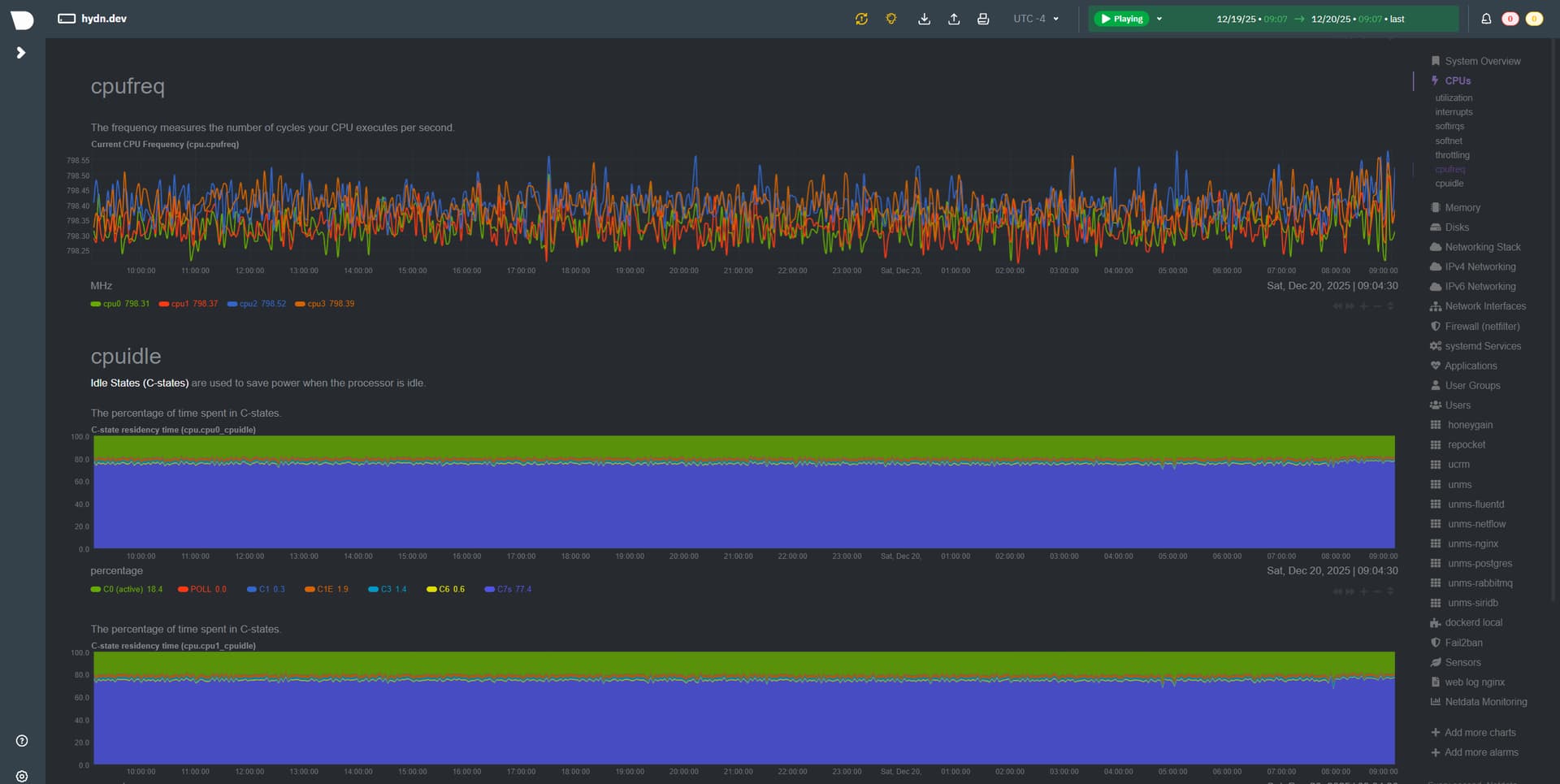
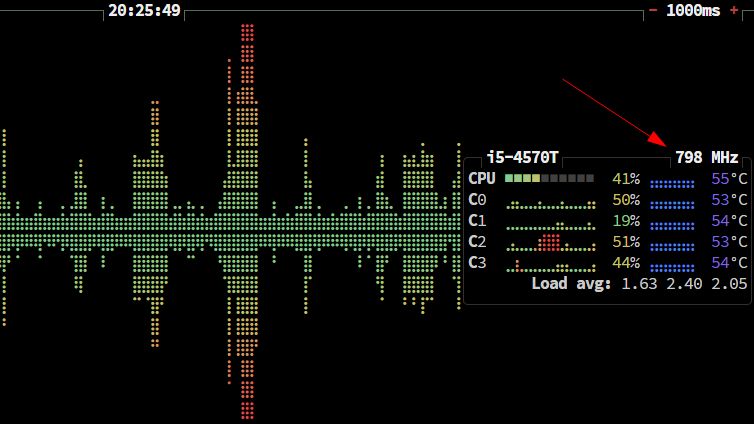
I’ve disabled CPU turbo in the BIOS and enabled power-saving options to keep power usage down.
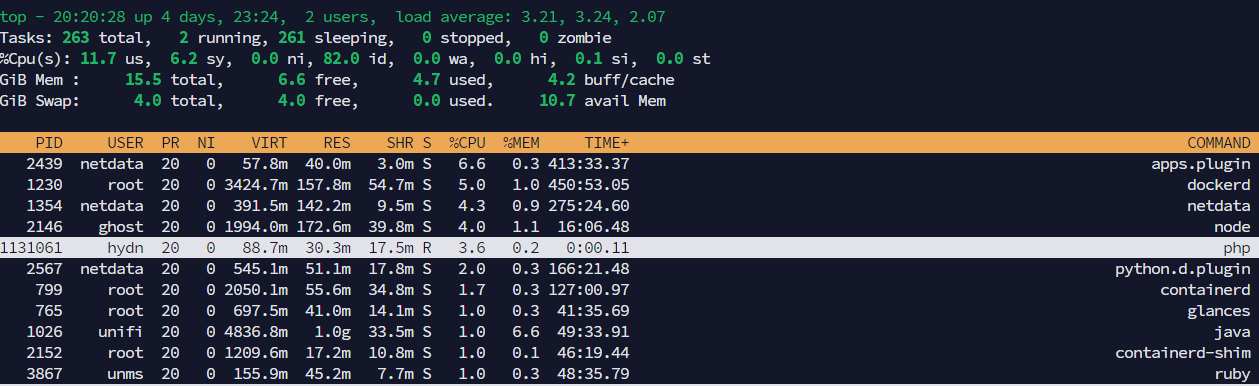
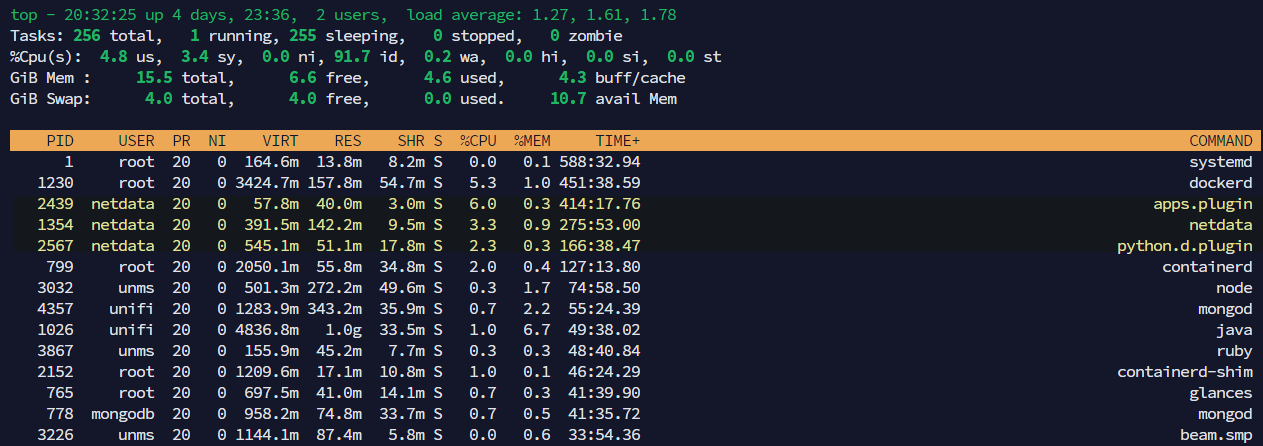
My setup is a Lenovo ThinkCentre Tiny that mostly sits idle. Originally it was just running a UniFi controller, which already lives in Docker. Over time I added a few more services and containers, including some light web hosting and background services. Nothing heavy, which is exactly why Netdata appealed to me. When a system is quiet most of the time, you actually want good visibility into the brief spikes, background activity, or unexpected behavior.
What Netdata Does Well
Netdata shines here. The dashboard is fast, clean, and extremely detailed. You can drill down from high-level system health to per-core CPU usage, disk I/O patterns, network traffic, and even individual Docker containers. The built-in charts make it easy to spot trends or confirm that “nothing weird is happening,” which is often the goal on a small server.
Pricing and Personal Use

Another big plus is that Netdata is free for personal use for up to 5 nodes. You can run it locally, keep all the data on your own system, and never touch the cloud if you don’t want to. For anyone running a single box at home or a couple of machines, it’s worth checking out.
What Are You Using?
I’m curious if others here are using Netdata already, and if so, what kind of setups you’re running it on? Or what other monitoring/observability solution(s) do you use/recommend?
Anyways, check them out: