Here you can see how to deploy an deployment with kubernetes.
In this case it is a minimal Ubuntu Container.
Scaling an container is a bit like RAID. It depents on the settings but basicly it works similar.
Examble: Scaling the Ubuntu Container to 10 means 10 instances of the same container. If 1 or 2 (depents on the settings) are failling, the users won’t notice.
I’ve been running it with Docker for about two years. Now I’d like to migrate it to the Kubernetes cluster. Audiobookshelf itself isn’t a problem at all, but migrating the data will be interesting.
The great thing about Kubernetes is that you can use namespaces.
When I’m testing a new app, I create a new namespace to which everything is linked.
If my test goes wrong, I delete the namespace and everything related to the app is deleted as well.
If everything went well and is working, I do the same thing. I then adjust the desired namespace in the underlying YAML file (e.g. fun) and recreate the app in the new, correct namespace.
Of course, only if I actually intend to use the app after my tests
At the same time, I then have ‘production-ready’ YAML so I can deploy the app to a cluster at any time.
Nice setup. Using Ansible for the Pi cluster updates is a smart move, especially the serial: 1 and reboot check that avoids taking down all nodes at once. One thing I do in similar playbooks is add a health check task after the reboot, just a simple curl or ping loop, to confirm the node actually rejoined the cluster before moving to the next one. Saves some manual checking later if a node gets stuck.
Hi @toadie I’ve a question (I’m still new to Kubernetes and learning it and plan to make a homelab for it just like you)
Shouldn’t we let the worker nodes to have more specs because of the running applications? so it’s kind of replacing the control plane with one of the worker nodes?
Hello @omar,
I’m afraid I don’t understand your question.
Do you mean whether the worker nodes should have more RAM?
Basically, the control plane (master) should be the strongest link in the chain – it handles the ‘thinking’ and the administration.
The worker nodes (slaves) don’t need to think, just work, and don’t necessarily need to have the same processing power as the master.
Ideally, of course, that would be better.
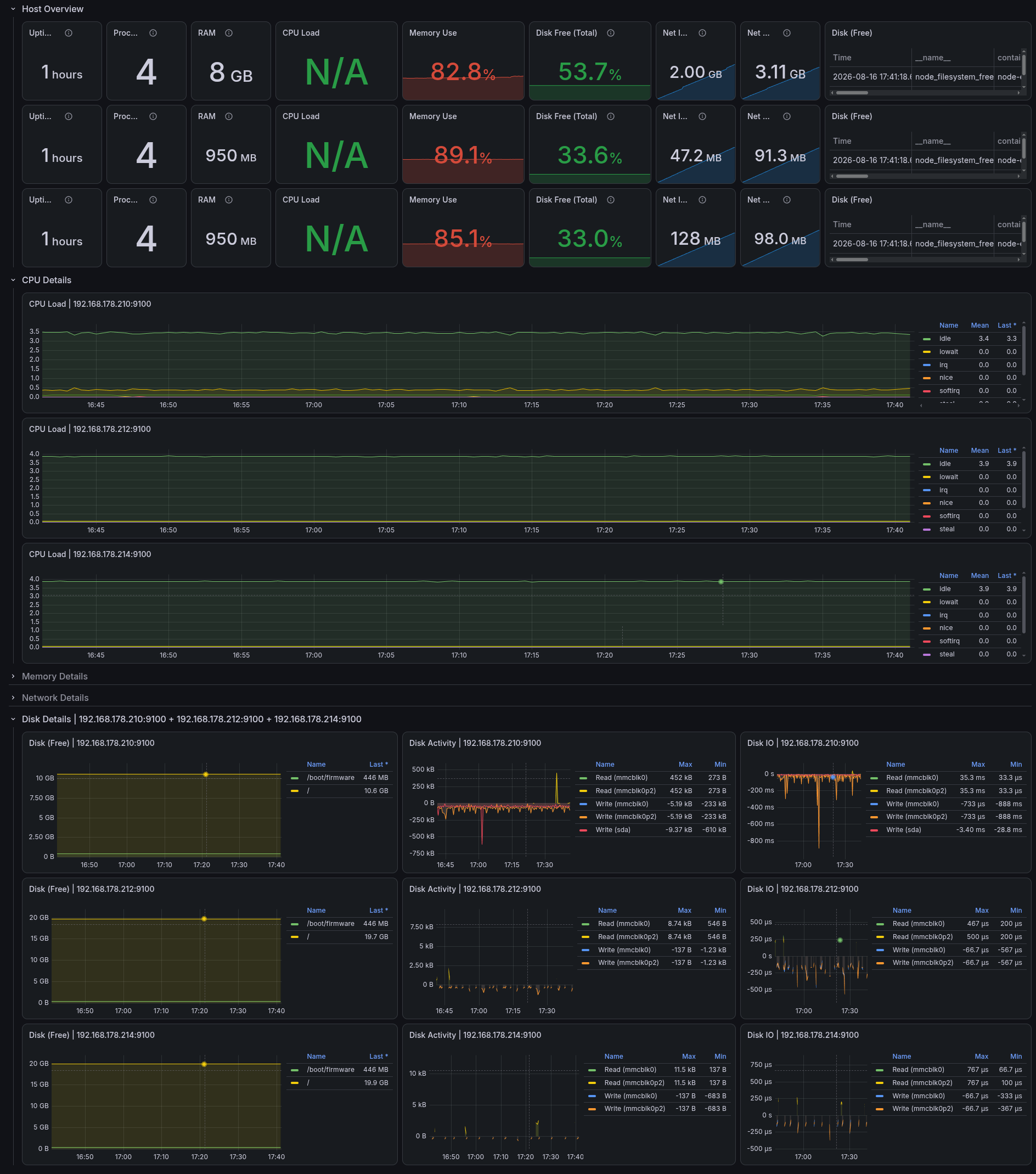
In my case, the two workers only have 1 GB of RAM because the Pis with more RAM have become extremely expensive.
So far, though, that’s been enough. The great thing is, you can add new worker nodes at any time or set up a second cluster for redundancy – whatever takes your fancy.
My plan is to add another Pi with a bit more RAM as a third worker node and set up a second cluster to experiment with high availability (HA).
Hi folks! Thanks for the warm welcoming and sorry for the late response.
Do you mean whether the worker nodes should have more RAM?
Yes. In fact, I’ve read about that somewhere in an article on the internet but I’m not able to get it right now. But also I’ve seen someone creating a kubeadm multi-node cluster and he did give the nodes more hardware specs. (Also Kelsey Hightower Kubernetes cluster from scratch did give all nodes equal resources) I thought this is the way most people handle their clusters.
so that was my point, I hope you did understand me now. And keep going with great stuff. I plan to start mine ASAP ~ 1 month.
Yes, it’s certainly better if all the devices have the same hardware. If it had been cost-effective, I would have done that too.
But – and that’s the beauty of it – basically you can use anything to start with to learn and understand Kubernetes.
BTW: my new Pi from eBay has already arrived (bloody quick delivery!)
Unfortunately, the right power supply hasn’t arrived yet
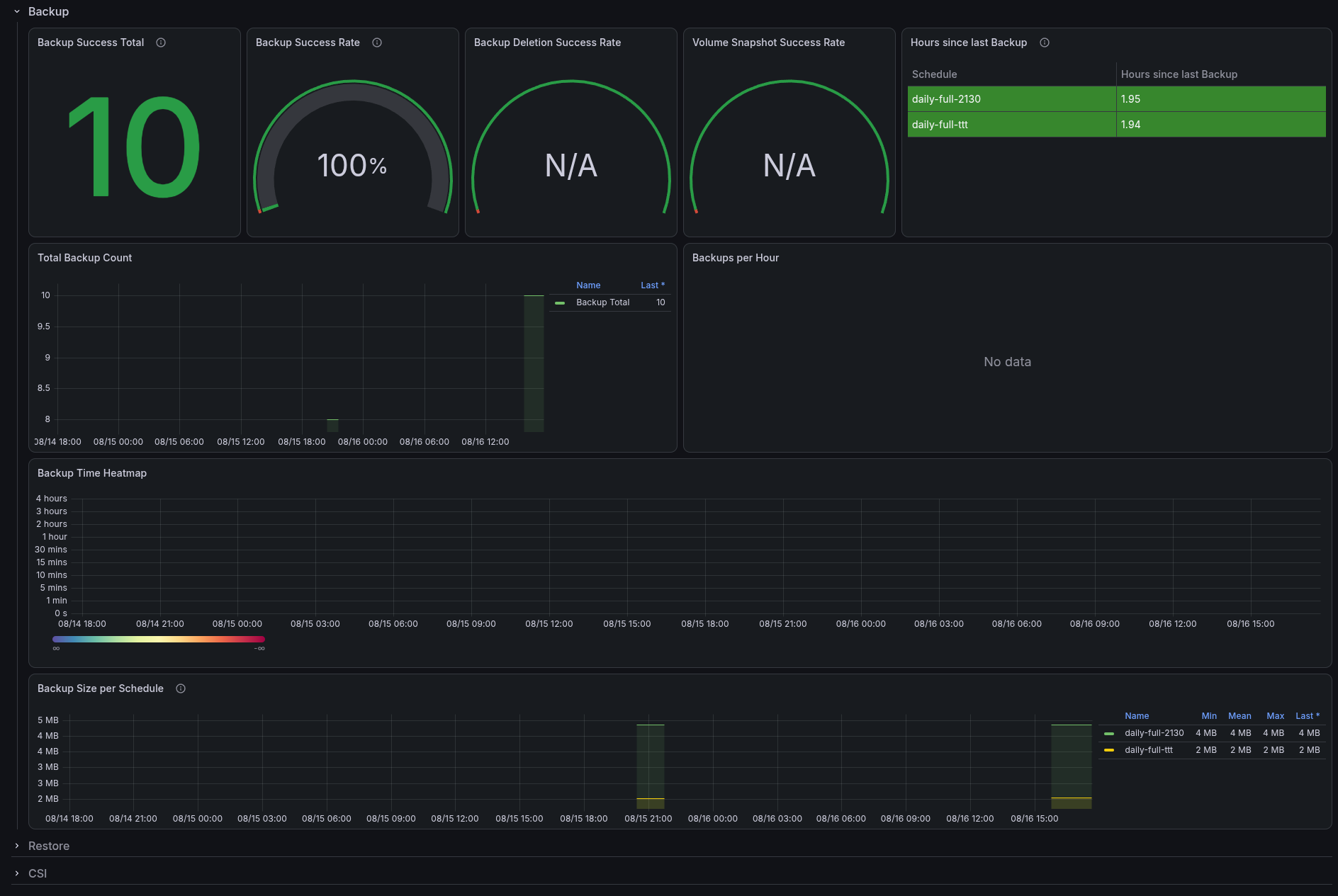
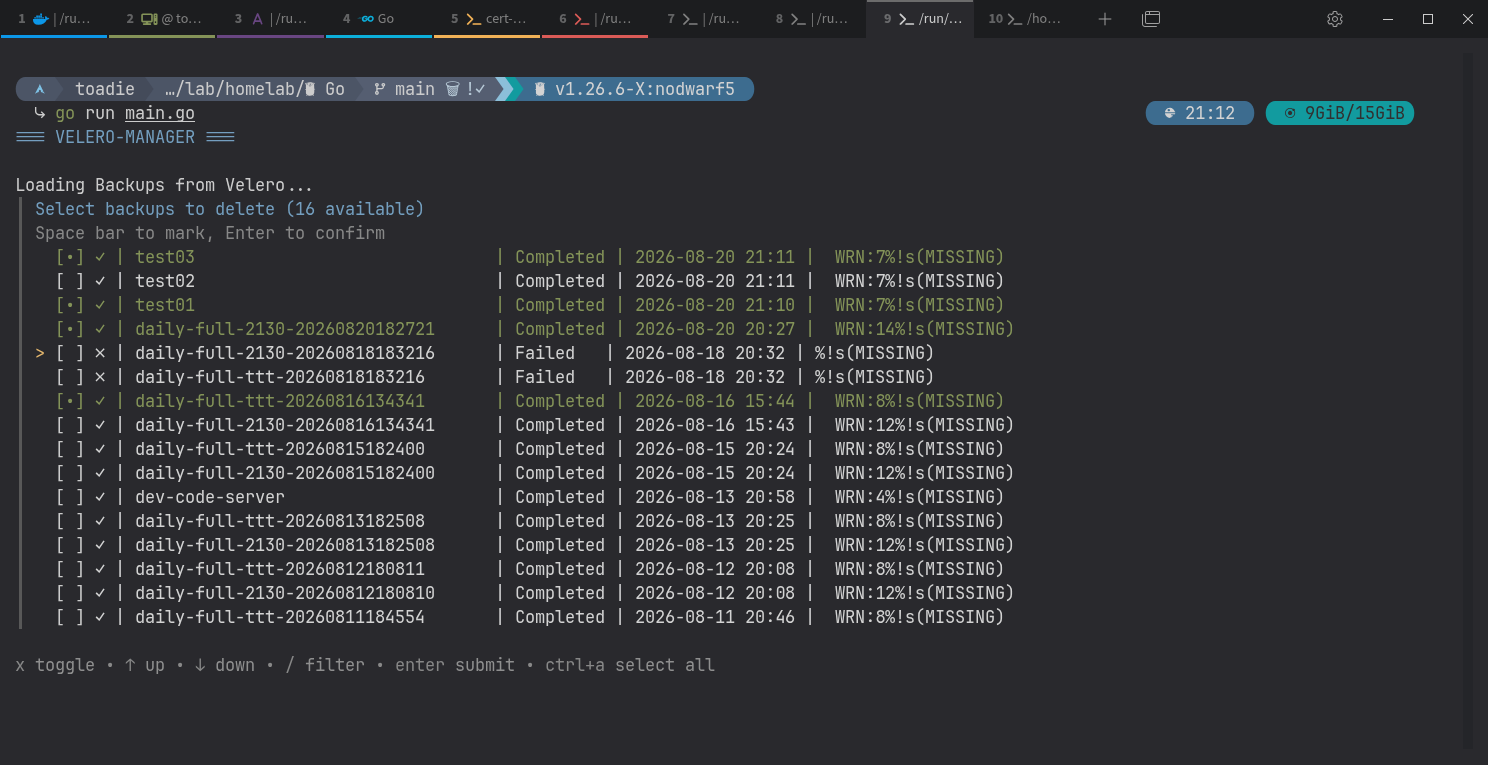
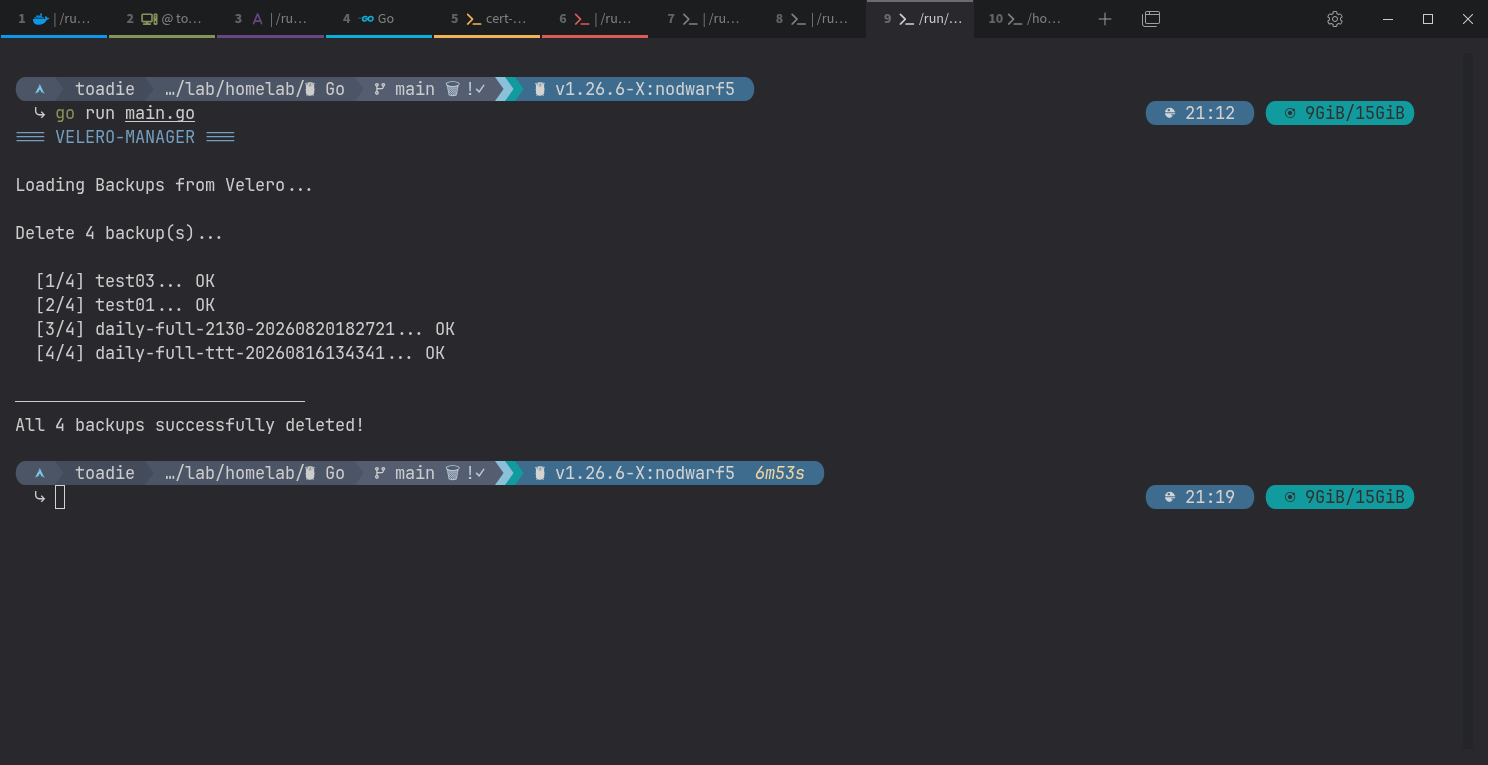
I use velero for Kubernetes backups. Velero backups all the metadata (or selective) from clusters.
Very nice and easy to use app. But deleting backups is a pain in the as.
So I decided to code a little helper with go as always.
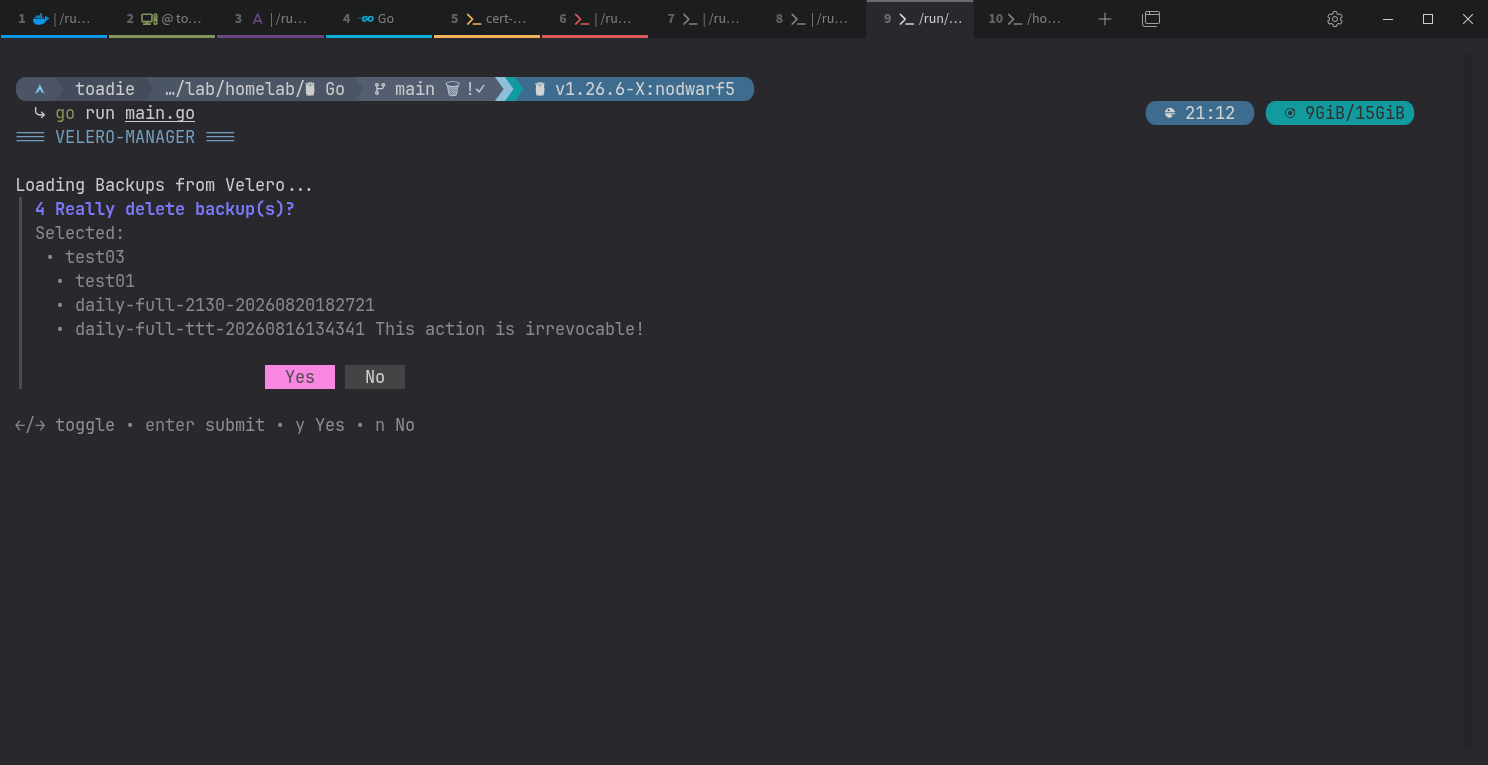
The first version lists all the backups; you can select several backups, and deleting them works too.
Basically, it’s everything I wanted. Let’s see what else I can do with it.