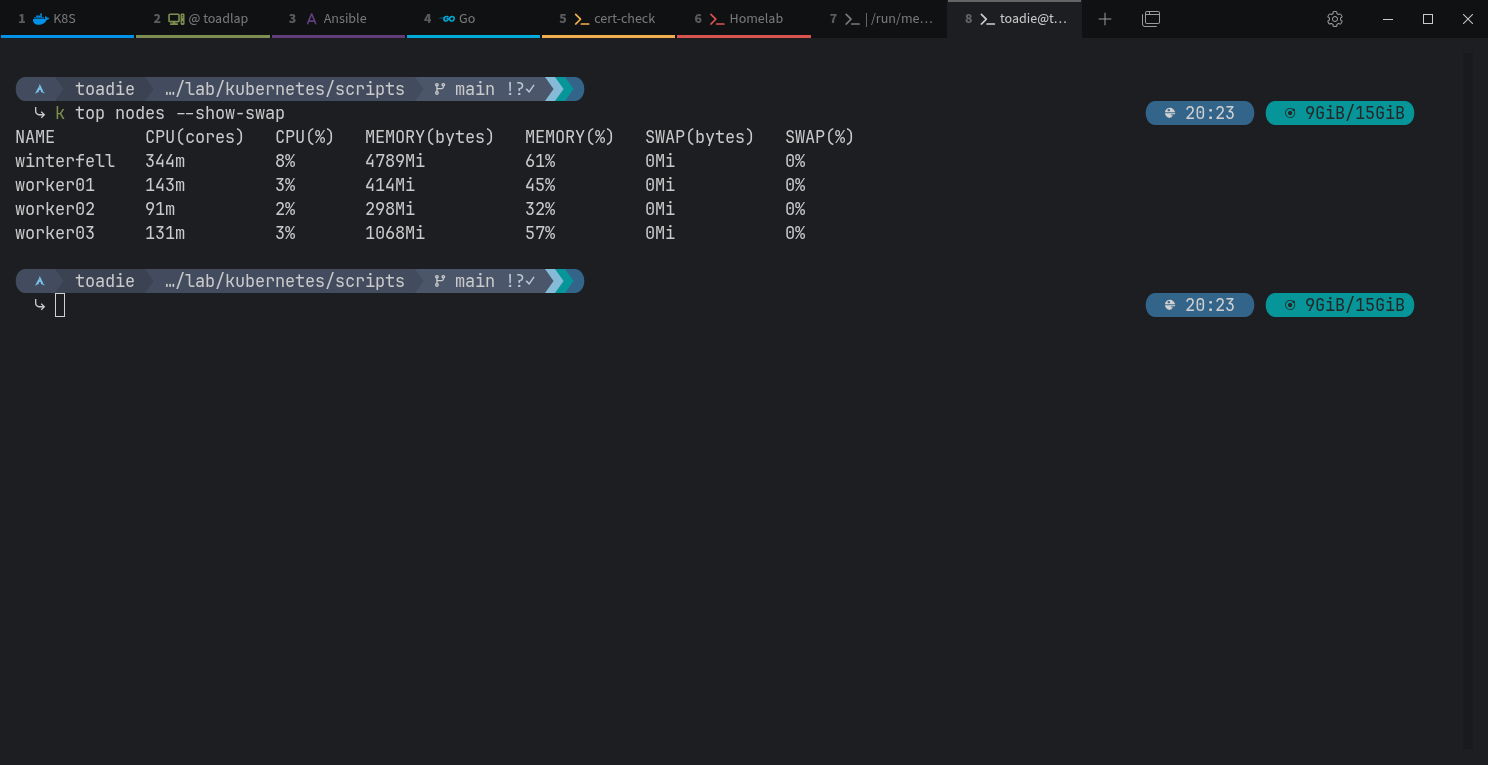
BTW the 4th Pi lives on the cluster since a week
Thanks for sharing your homelab @toadie! I am still quite early in my homelab journey with only 1x Pi 4B with 8GB. I’m using basic Docker Compose at the moment and lazydocker to monitor the containers. I don’t know any ansible and kubernetes and I didn’t know you can use those for homelabs (d’oh). Will be following your thread to learn about more cool ways of doing things!
3 Likes
Thank you @burg. I know lazydocker and use it too. You know oxker? Also a nice TUI for docker.
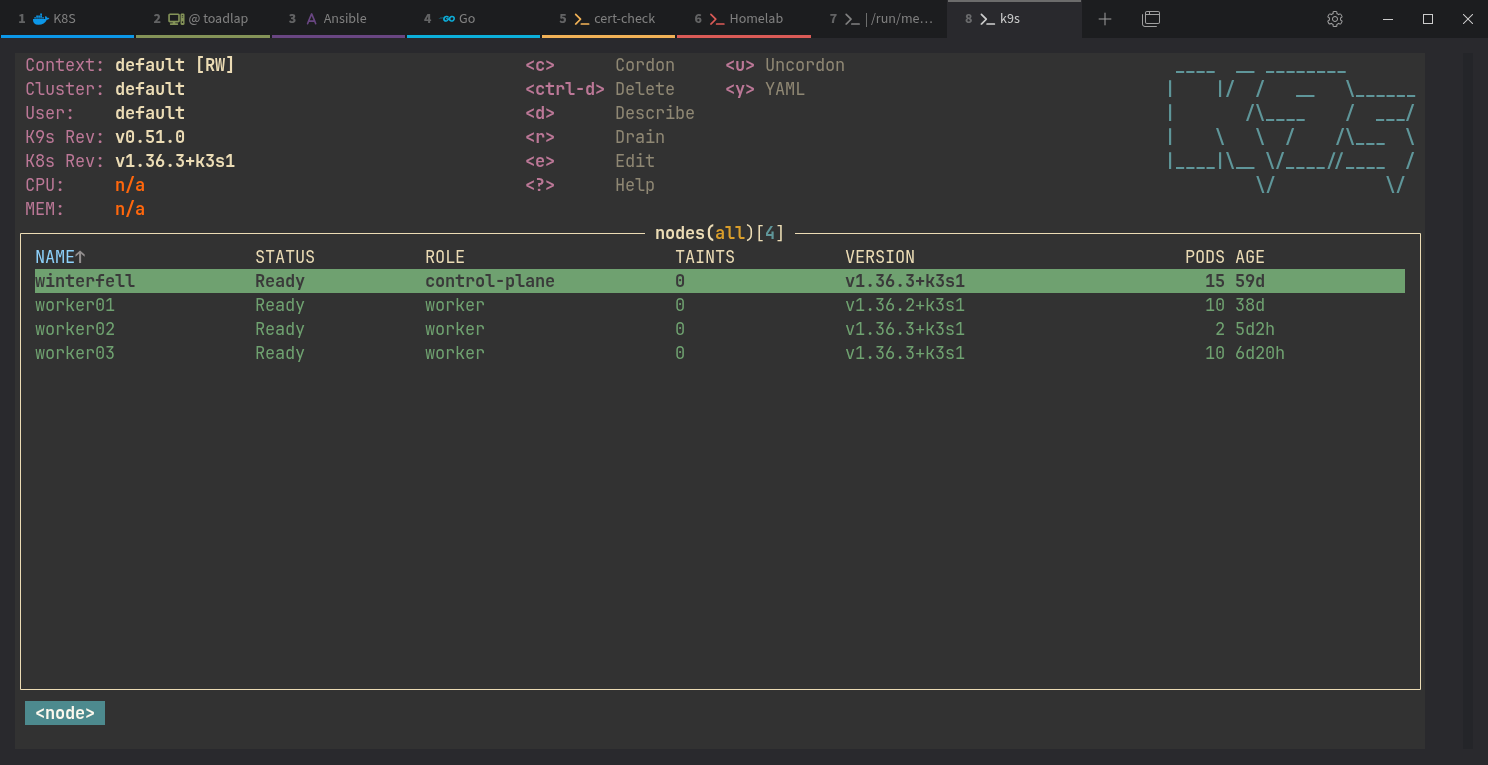
For kubernetes I mostly use k9s:
To learn ansible, tihs course from Learn Linux TV ist insane good!

5 Likes
Really enjoyed reading through this whole thread, the Pi cluster approach is great and honestly the constraints are half the value. Making it work on nodes with 1GB of RAM teaches you more about what Kubernetes is actually doing than throwing a beefy box at it ever would.
I run a similar setup but on the other end of the hardware spectrum, three-node k3s on top of Proxmox instead of bare Pis, and it’s funny how many of the same lessons show up regardless of scale. The namespace-per-experiment workflow you described is exactly how I work too, spin it up in its own namespace, and if the test goes sideways you just delete the namespace and it’s like it never happened. Cleanest undo button in tech.
On the Velero thing, that one hit home. I run Velero for nightly cluster backups too, and I’ll admit I did the thing everyone does: scheduled them for months and never actually tested a restore. Finally made myself wipe the cluster state on purpose just to find out if the backups were real. Came back in about eleven seconds, clean, and that was the moment I actually trusted it. Scheduling a backup and restoring one are two completely different levels of confidence, and you don’t earn the second one until you’ve done the scary part. Your go-velero-manager is a cool answer to the cleanup annoyance, deleting old backups through the CLI is genuinely tedious, so building the tool you wished existed is the whole spirit of this hobby.
And to the person who suggested adding a health check after each node reboot in the Ansible play, listen to that, it’s the kind of thing you don’t think you need until a node comes back up but doesn’t actually rejoin the cluster and you’re chasing a ghost for an hour.
4 Likes