I believe, yes, it is better.
3 Likes
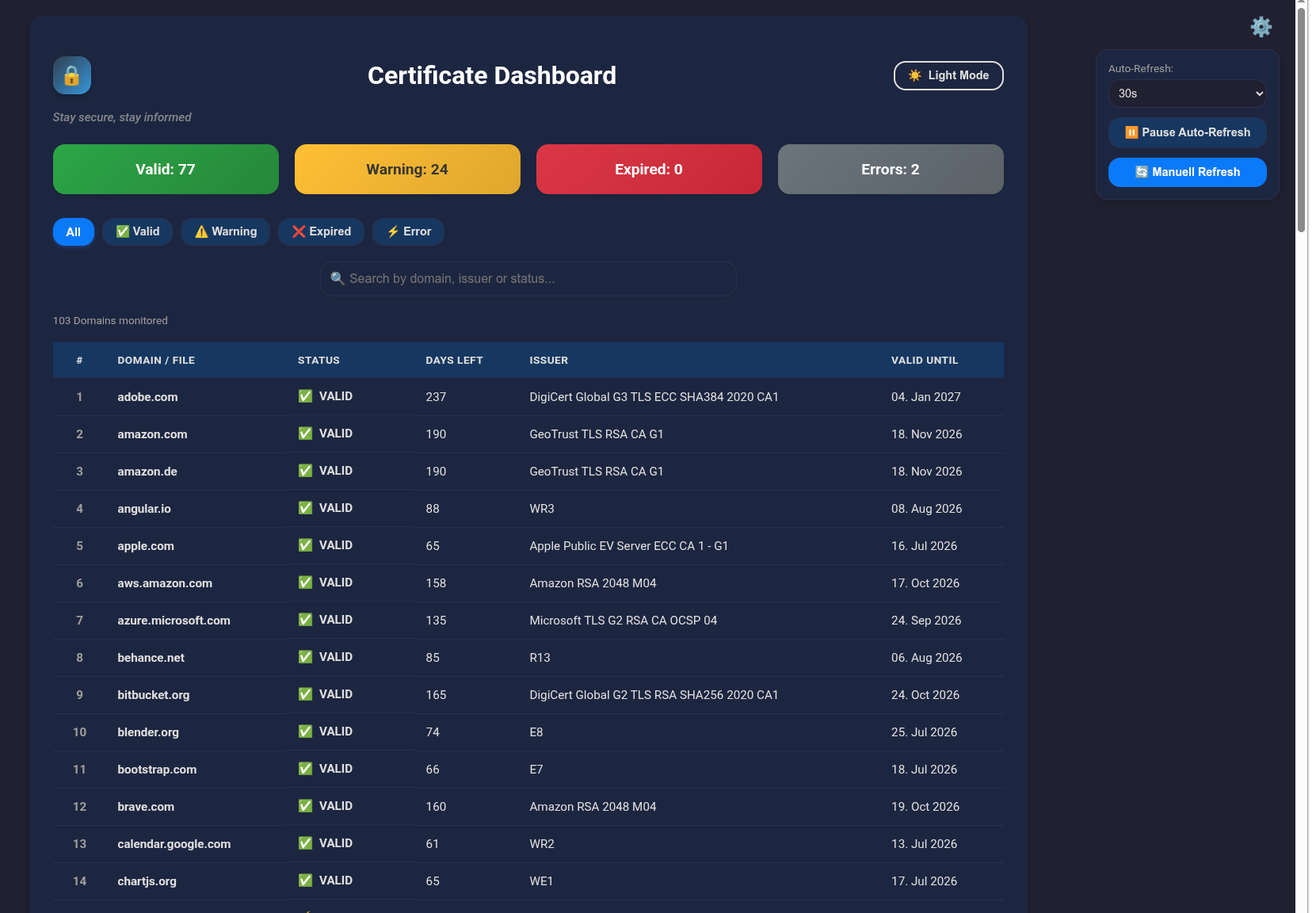
Testet with WSL (Ubuntu) and it works, nice 
3 Likes
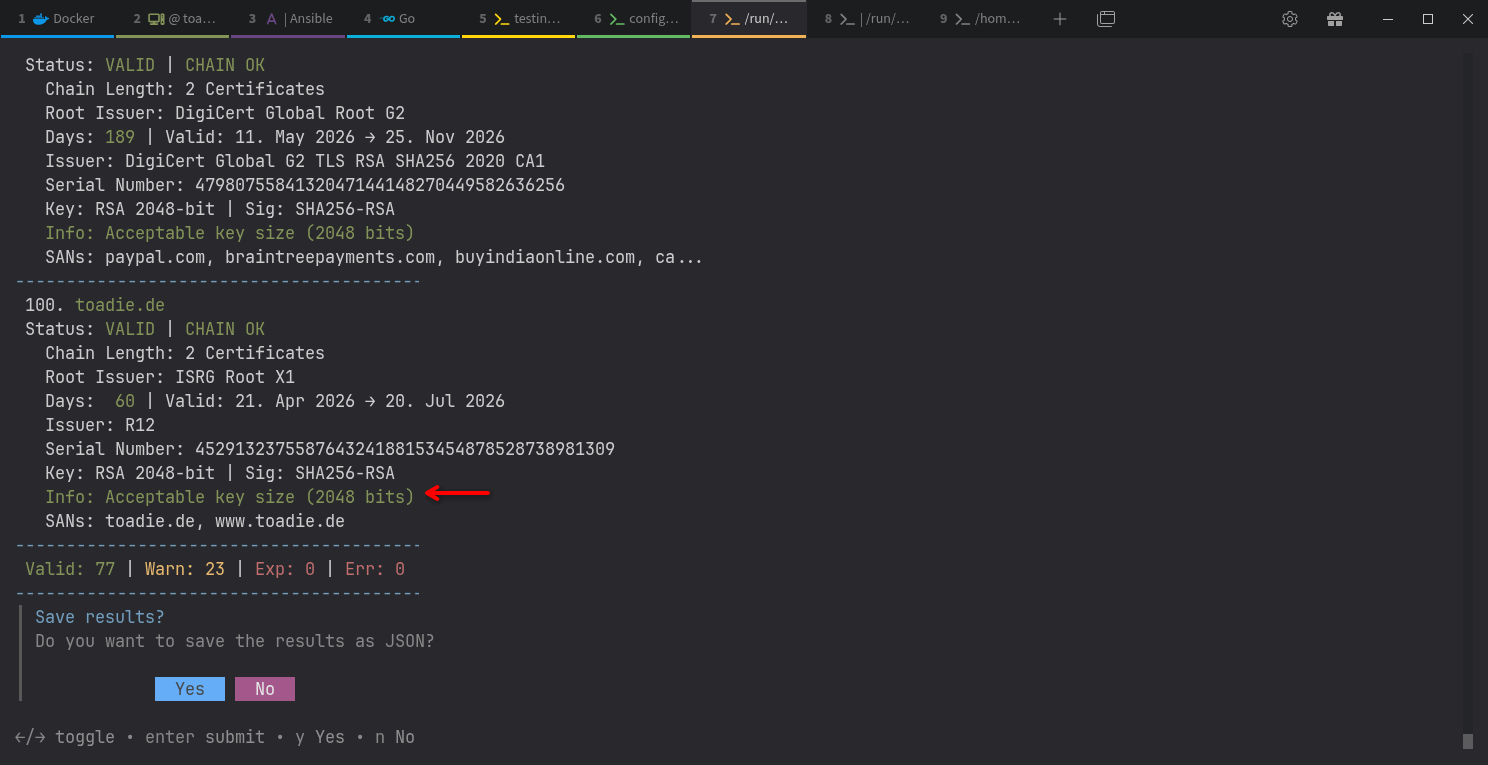
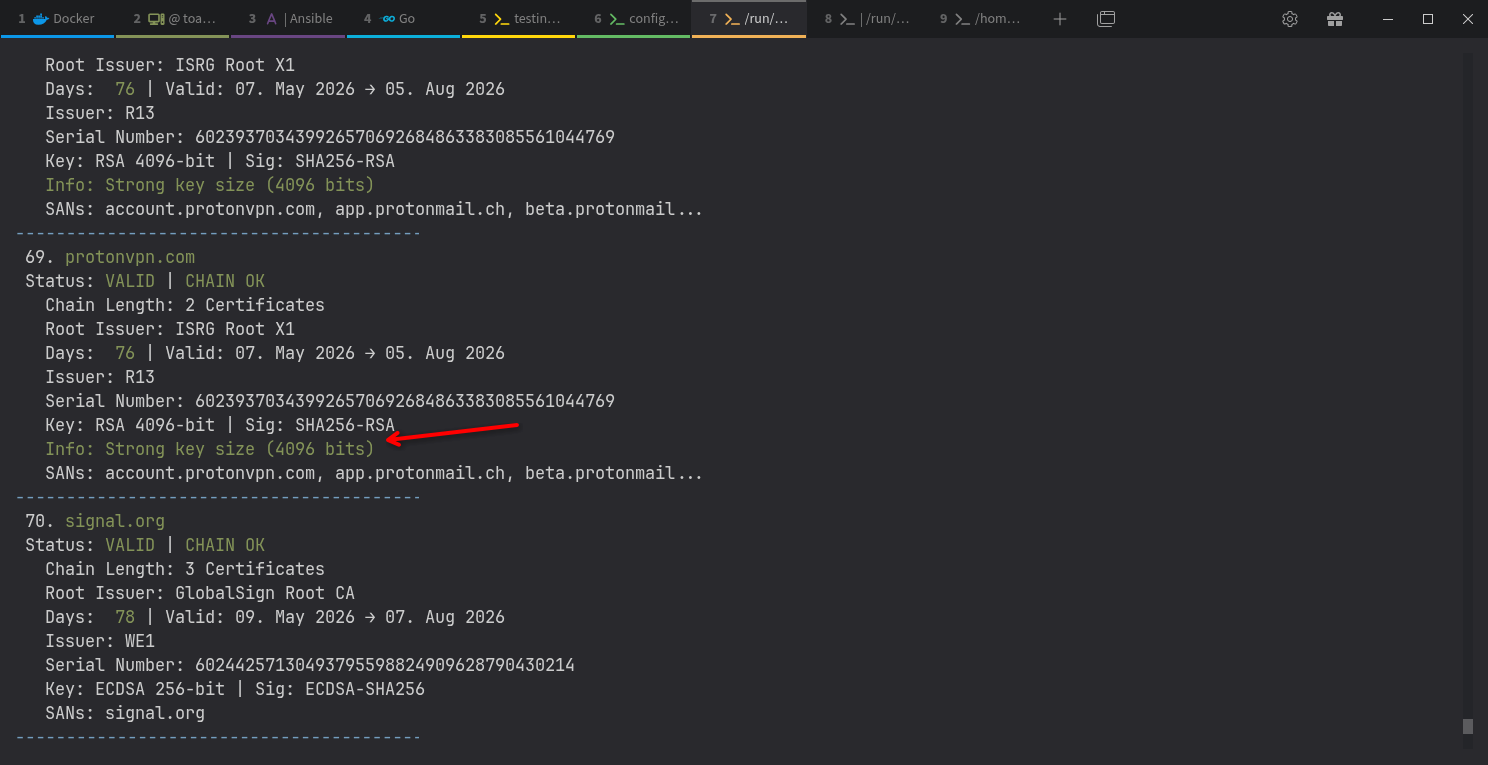
Update to Version 1.1.8
GitHub readme is updated as well.
4 Likes
4 Likes
I think you are doing very well. Your cert-checker becomes more and more mature and powerful. Cheers!
I’d like propose that you evaluate the following idea. Namely, you might want to give your cert-checker several modes of operation and UI. Say, “simple” vs “full”, “basic” > “extended” > “advanced”, “essential” vs “in-depth”, verbosity levels, etc. Simple and basic modes would allow for quick no-nonsense certificate verification and not overwhelm user with abundance of information and UI controls. More advanced modes would add more and more details for technically savvy users.
3 Likes
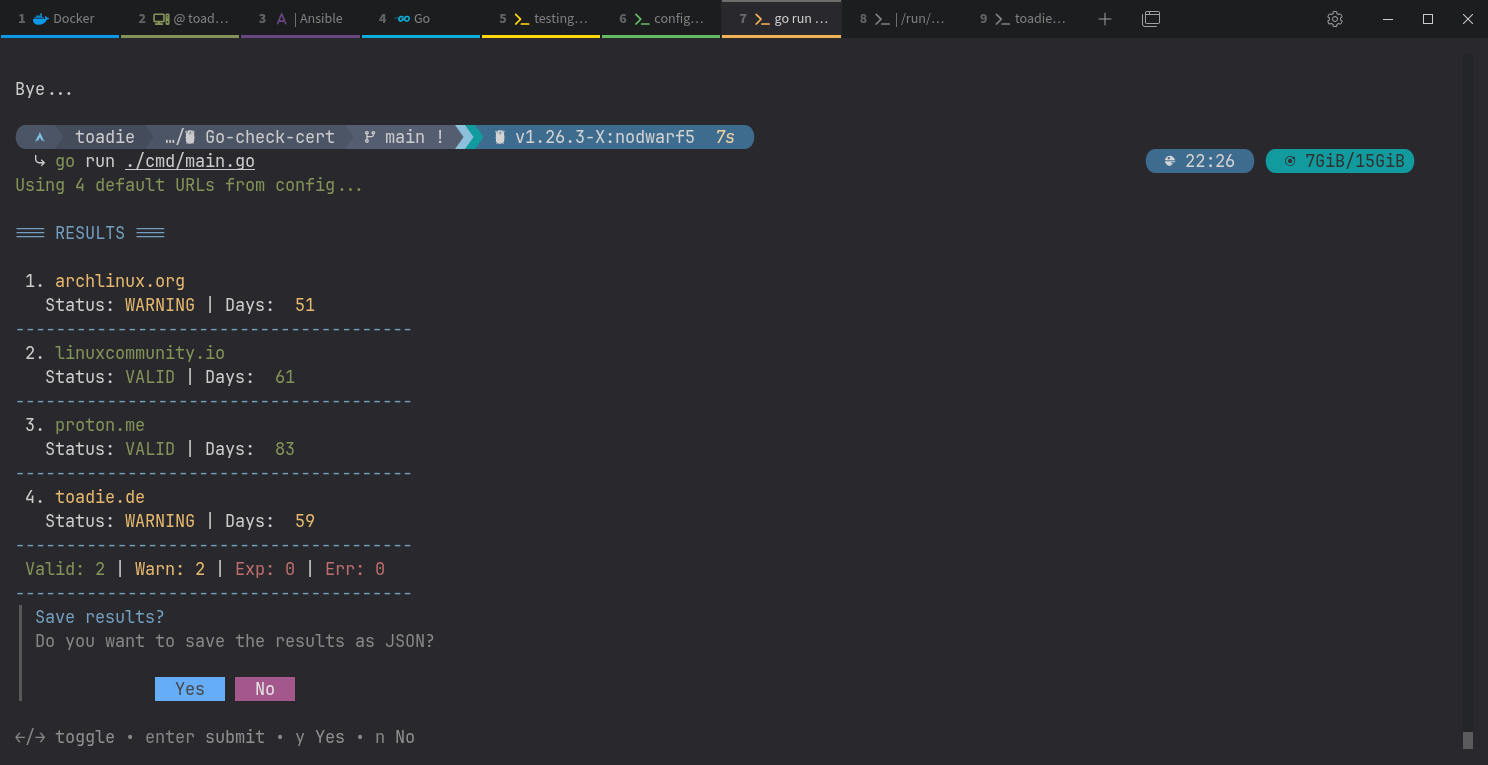
Yep, that is the same output that I got.
b.t.w. I copied all my up-to-date certs to the cert folder to see if cert-checker could read it and ofcourse it can 
Question: is there a way to change the path to the certs directory?
How can I point it to the folder where my automatically updated certs already reside.
3 Likes
cool, thank you.
Of course you can. The latest version has a config file (config.ini)
# cert-checker Configuration File
# Created automatically on first run
# Lines starting with '#' are comments

[paths]
# Path to URL list (supports ~, /or relative path)
urls_file = ~/.config/cert-checker/urls.txt

# Path to the log file
log_file = ~/.config/cert-checker/logs/cert-check.log

# Directory for JSON reports
report_dir = ~/.config/cert-checker/reports

# Directory for certificate files
cert_dir = ~/.config/cert-checker/certs

[settings]
# Timeout in seconds for network checks (default: 60)
timeout = 60
# Default webserver port
web_port = 9090
cert_dir is the setting you need
4 Likes
Nice work on v1.3, the markdown export is a solid addition.
One feature idea, since you’re already tracking cert expiry per URL: might be worth also flagging domain expiry alongside it. A cert can be perfectly valid but the domain itself lapses (happens more often than people think), and that’s a blind spot most cert-monitoring tools don’t cover.
If you don’t want to build a full WHOIS parser from scratch, WhoisFreaks has an API that just returns expiration date + registrar info for a domain, could slot into your existing report loop pretty easily. Just a thought if you’re looking for what to add next.
4 Likes
Welcome, @Furqan_Ashraf to the community! 
1 Like