DeLinuxCo 26.0.2 ISO ready for download

Download here: DeLinuxCoLinux Workstation - Form Following FunctionDownload

Take photo tour

Change log…

  • Cinnamon 6.6.6
  • Kernel 6.18
  • Obsidian2 Theme
  • QRCode Reader replaced by Qrca
  • All apps preinstalled default to dark theme, except Qrca :slight_smile:
  • Vokoscreen default screen recorder (X11 & Wayland support)
  • Wayland support seems pretty good, if you prefer Wayland and it works for you, go for it
  • LibreOffice 26 preinstalled and with a new dark theme that is very polished
  • BackInTime replaced by Duplicati for backups (see After Install link on left of screen “D”)
  • WebApp link on left launcher bar to DeLinuxCo “After Install” page
  • Support for USB4 in Control Center
  • New Fingerprint Gui
  • X11 (Xlibre) or Wayland support, freedom to choose
  • External Monitor brightness control
4 Likes

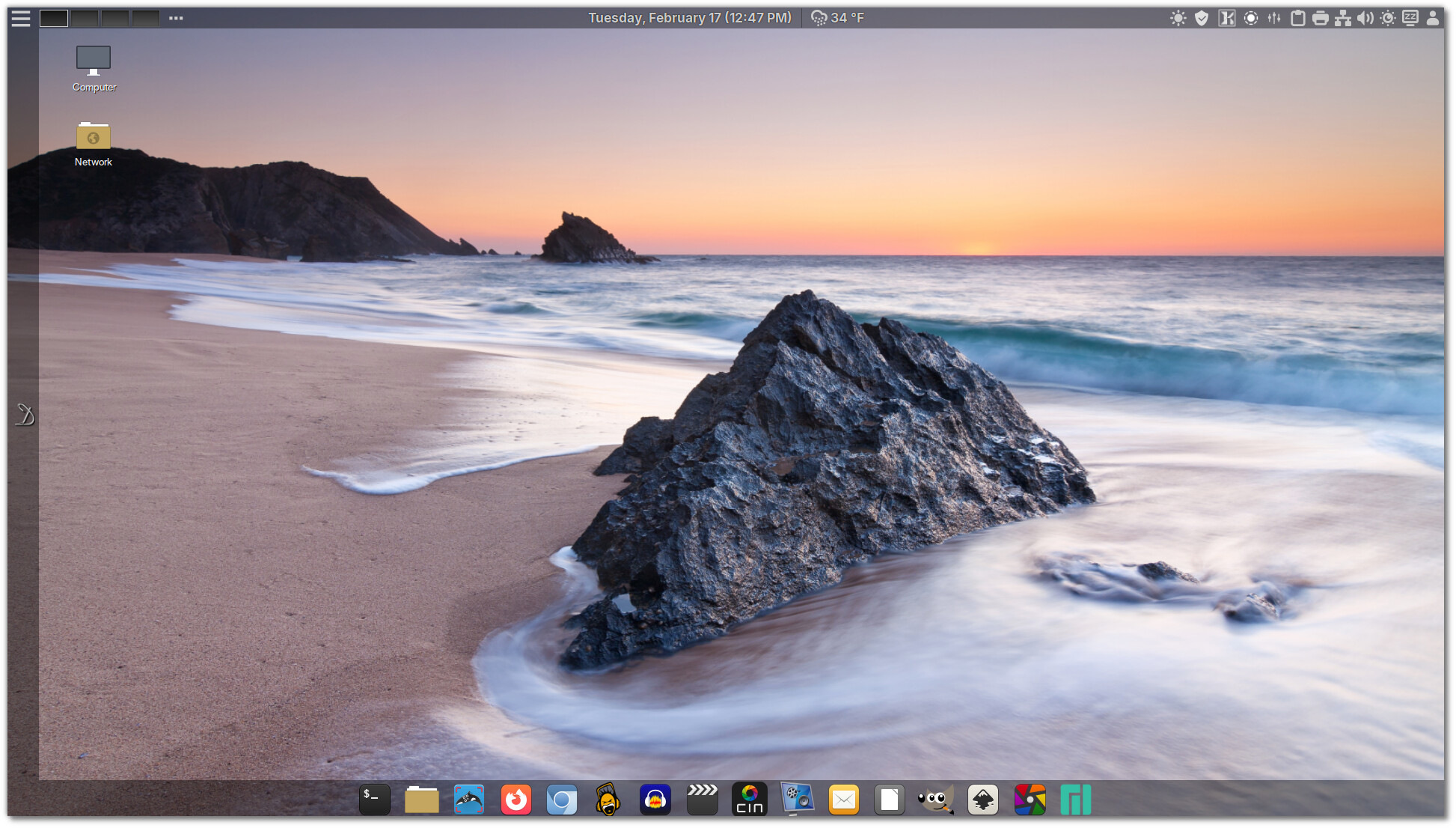
Nice work! I like the screenshot, and you have a nice variety of software.

3 Likes

Time to reinstall for testing. It was a pretty good system before, can’t wait to see the changes and how they improved it.
Thanks for the hard work. :grin:

2 Likes

Thank you, I appreciate that. This release was focused more on refinement and clean up. I think the LibreOffice team did a fantastic job on version 26 and the dark theme that set as the default just looks so good.

Don’t forget the feedback.

-John

2 Likes

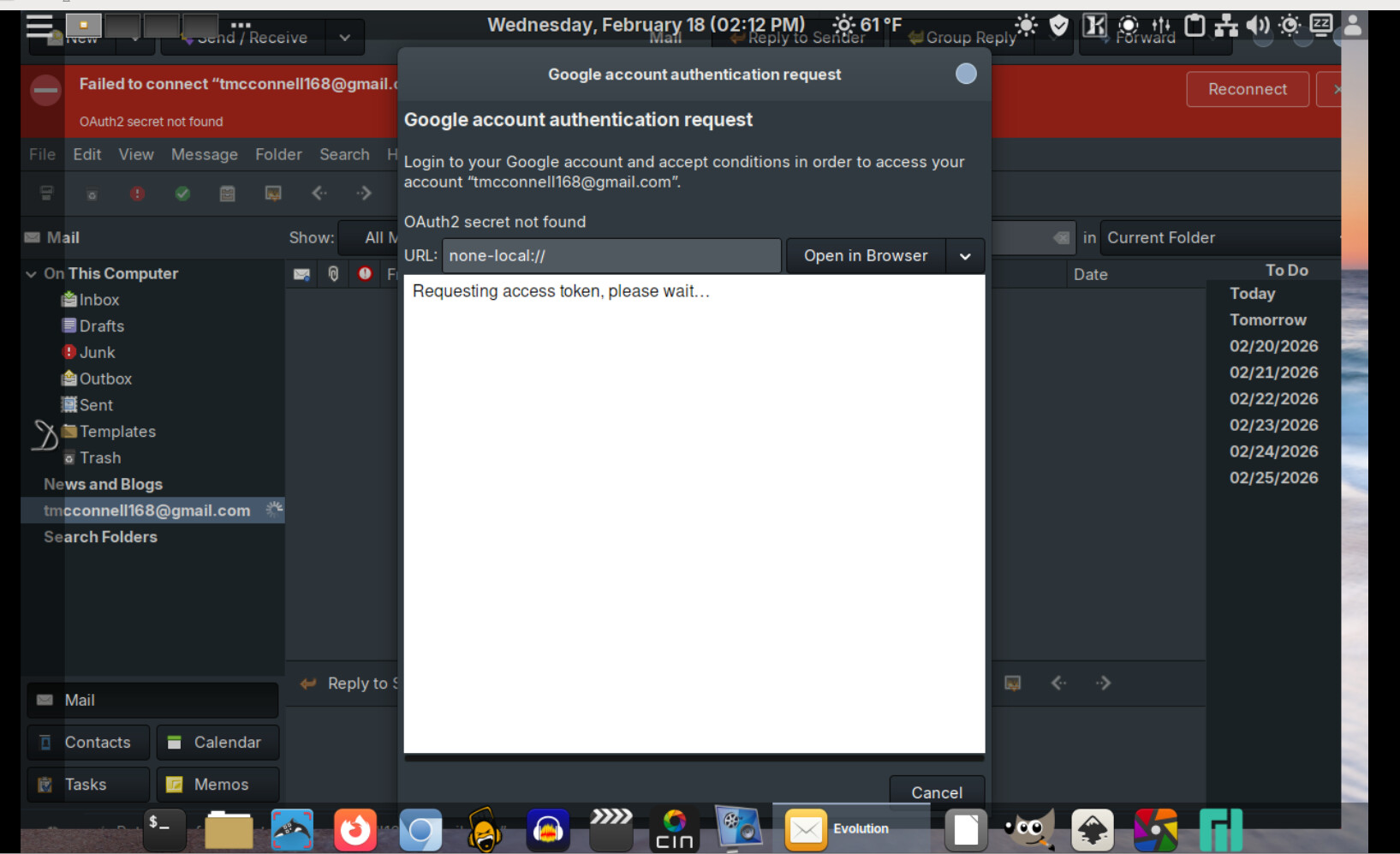
Well I got it installed and tried to use Evolution to get my gmail account and it fails at


If I try it through a browser in those screens it fails there too. It goes to the Google home page but the continue button does nothing.

Let me know how you’d like to troubleshoot it .

1 Like

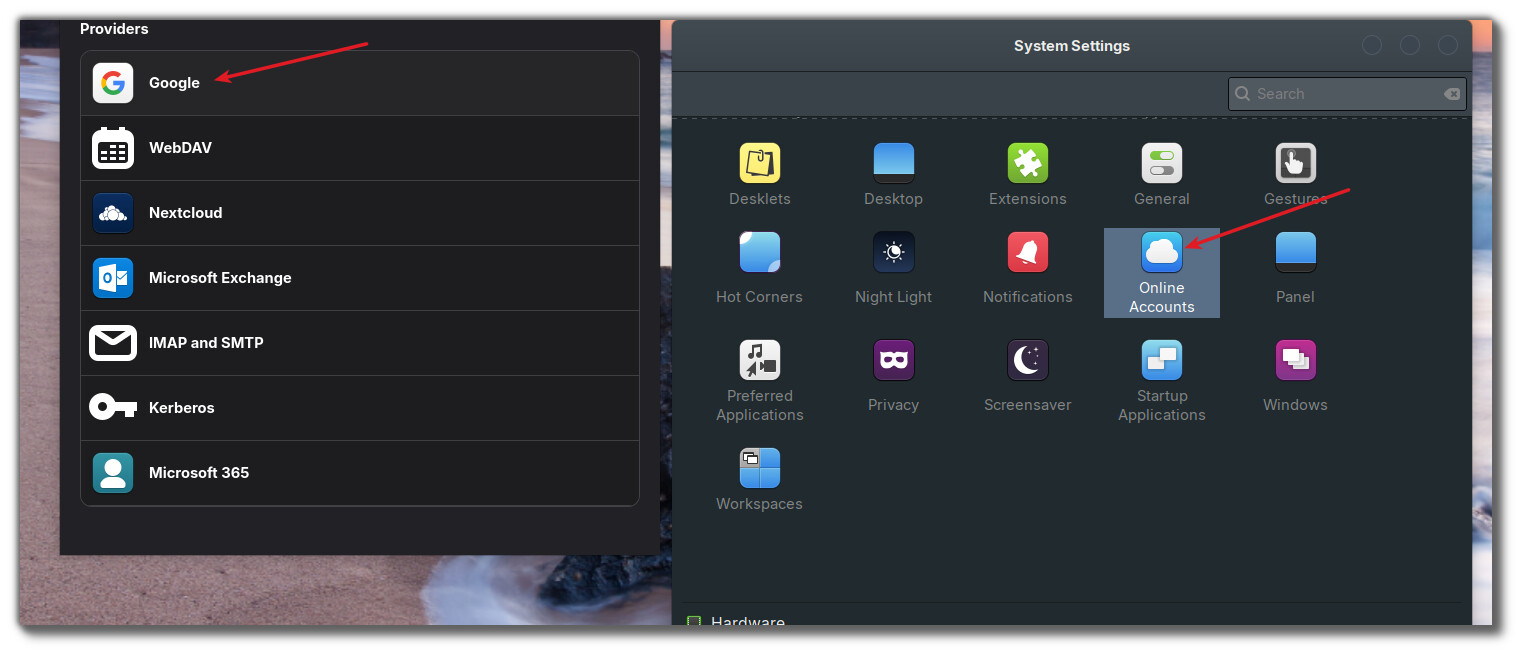
@tmick For Google, they requirte OAUTH process, go to System Settings > Online Accounts and choose Google as a provider.
Note, the window that allows Evolution access to your google account, has a save button that sometimes is hidden at the bottom, you have to scroll up :slight_smile:

2 Likes

By the way @tmick , I live in Evolution, reminds me so much of the old MS Outlook and works so well. Be sure to go through the settings in Evolution, there are many things to go through that may or may not be of interest to you.

2 Likes

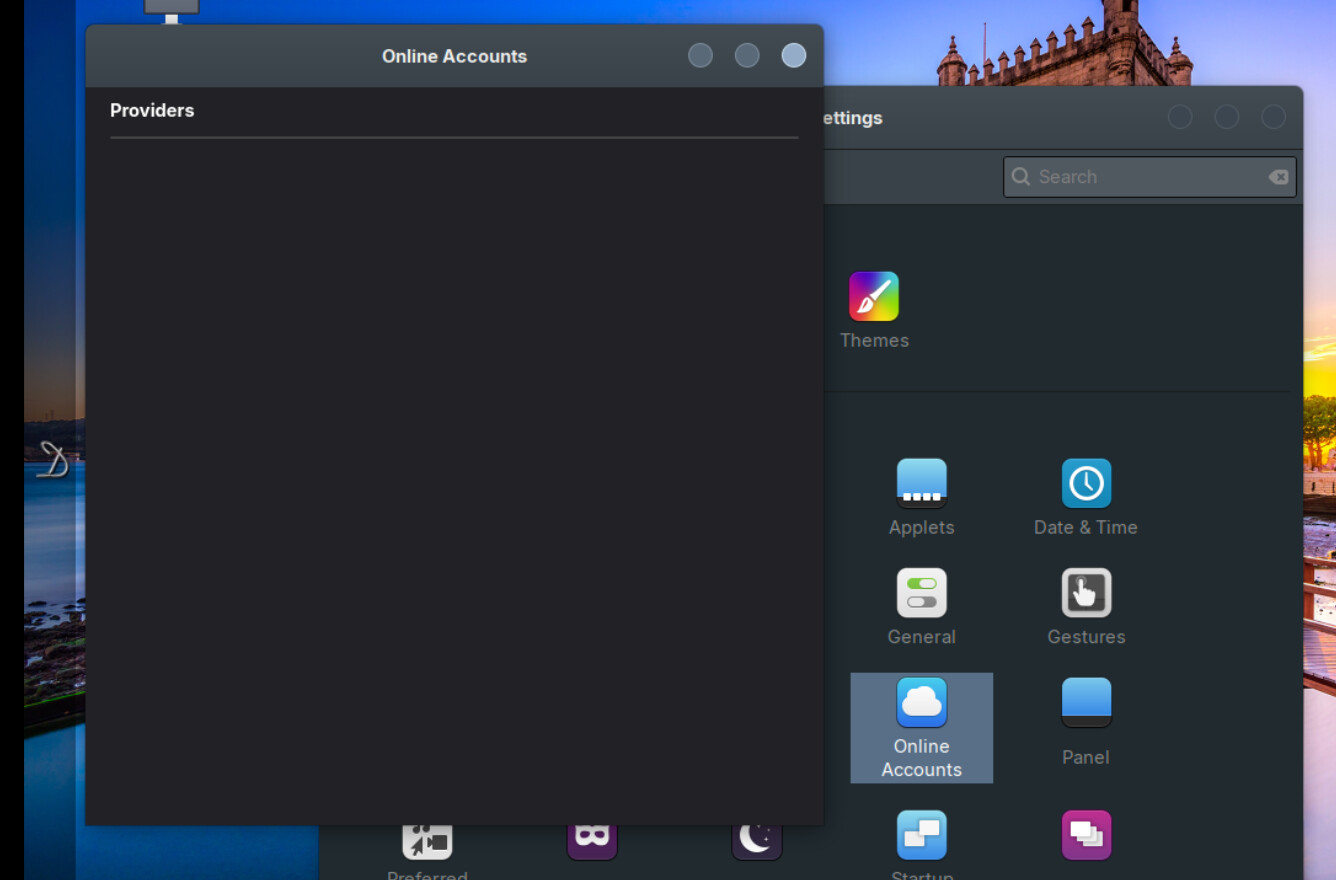
Online accounts crashes It gives a black screen and then disappears


Evolution is my go to email program so I’ve got the configuration and set up figured out.
I’m trying to restore from a back up if that helps. It hits the Oauth and fails with no error messages (of course).
1 Like

Sounds like you may have something blocking access, do you have any kind of web filter enabled? Pi-hole etc?

1 Like

Interesting, it failed to login to Google and then started working. The only thing I did was enabled my VPN, very strange … :zany_face:

2 Likes