DeLinuxCo 26.1.0 is ready!

DeLinuxCo Download
ISO Downloads
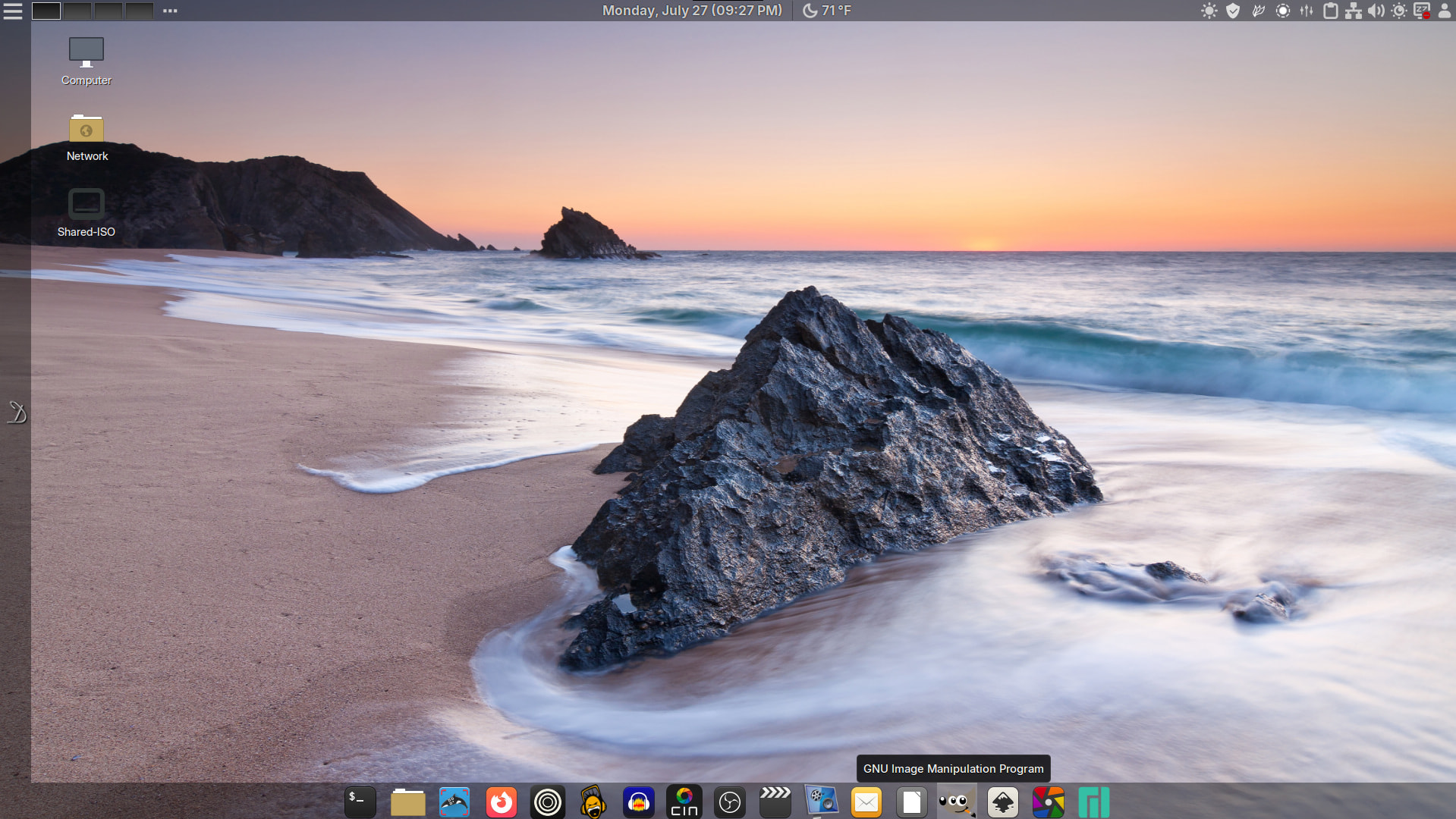
26.1.0-260727 Change log…
- Cinnamon 6.6.9
- Kernel 7.1
- Firefox and Zen Browser are now in AppImage and are both able to run in Firejail mode by right clicking on Desktop Icon and choosing “Run Jailed”
- Speaking of AppImages, 21 AppImages are now supported directly from the DeLinuxCo repos. DeLinuxCo is now AppImage focused, read more here: DeLinuxCoLinux Workstation - Form Following FunctionAppImages
- QRCode Reader replaced by Qrca
- All apps preinstalled default to dark theme, except Qrca

- Vokoscreen default screen recorder (X11 & Wayland support)
- Wayland support seems pretty good, if you prefer Wayland and it works for you, go for it
- LibreOffice 26 preinstalled and with a new dark theme that is very polished
- BackInTime replaced by Duplicati for backups (see After Install link on left of screen “D”)
- WebApp link on left launcher bar to DeLinuxCo “After Install” page
- New Fingerprint Gui
- X11 (Xlibre) or Wayland support, freedom to choose
- Xlibre dedicated repo for Manjaro via xlibre-manjaro
- External Monitor brightness control
- Flameshot now the default screenshot tool!
- Fixed delinuxco-keyring issues
- Pre-configured native-messaging-hosts for Mozilla and Zen-Browser
- Completely rewritten “on boot configuration” script, to help configure the user account.
This release could NOT have happened without the hard work of the Manjaro Team! A Big thank you.