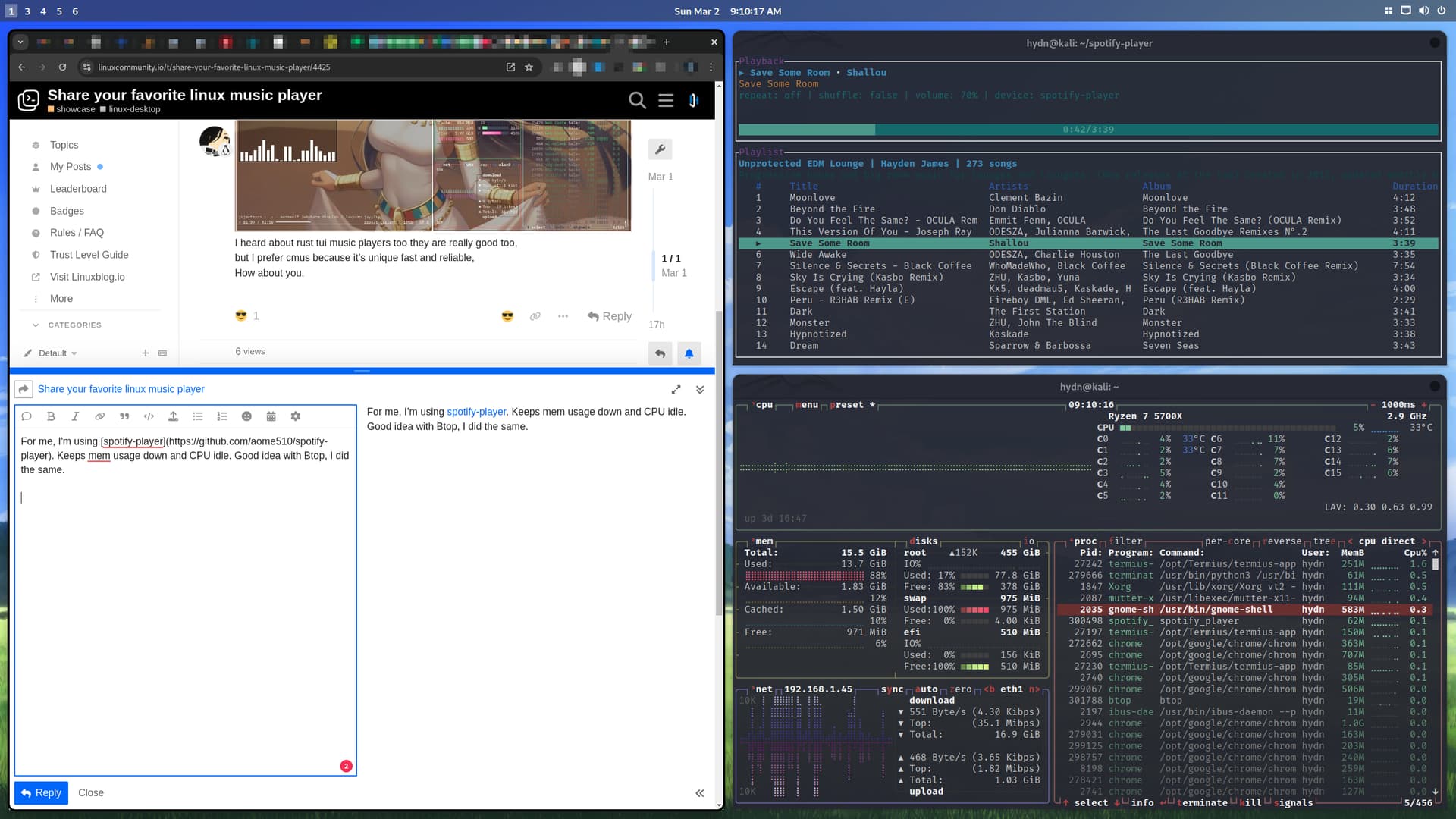
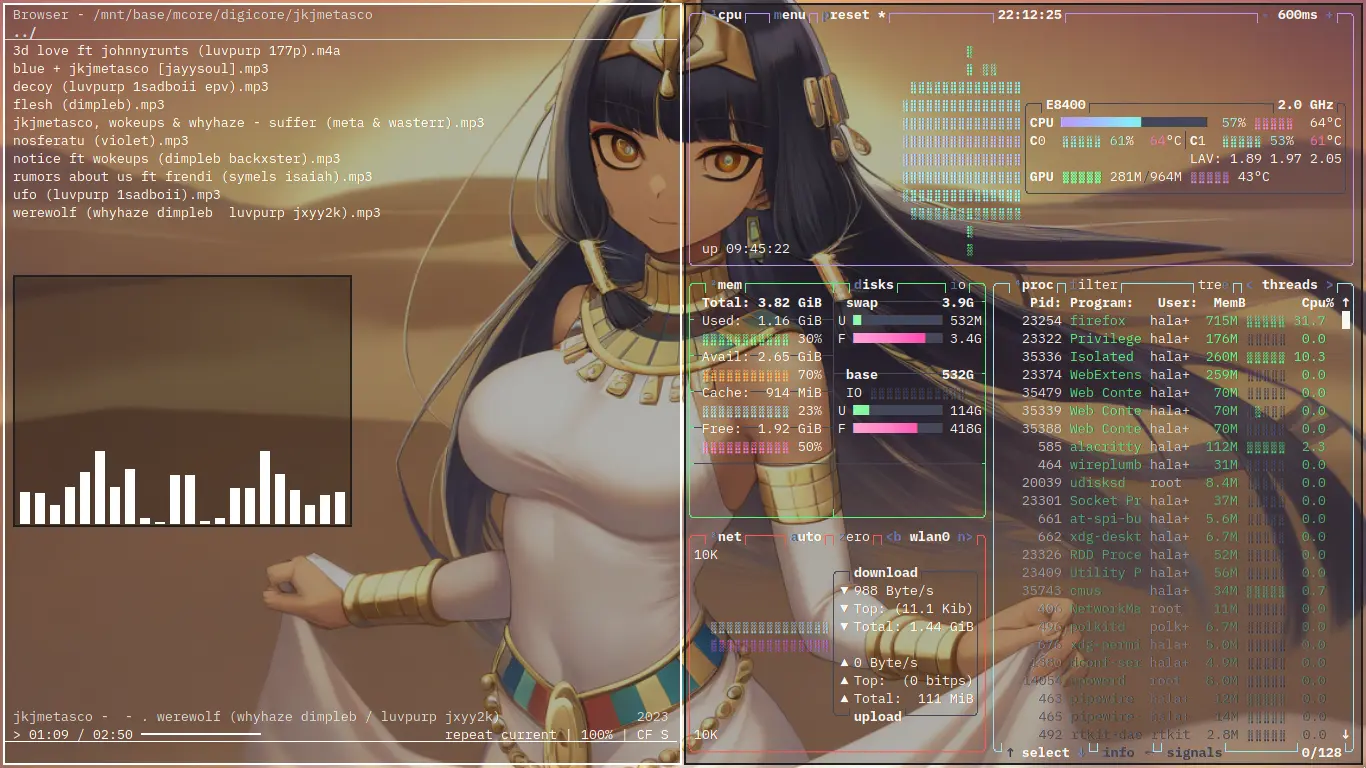
I like this. Music is an important part of my workflow. For me, I’m just using spotify-player. It helps keep memory usage down and CPU idle. Good idea with Btop, I did the same:
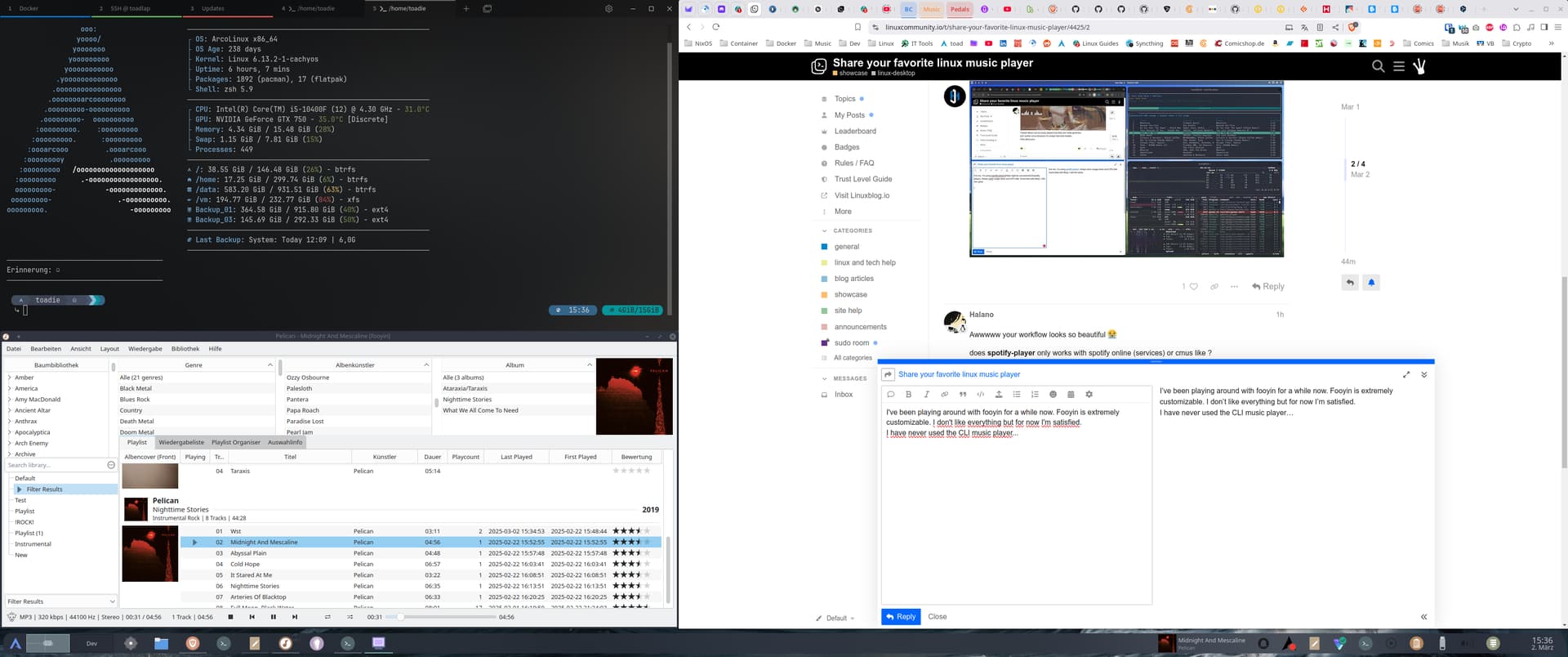
I’ve been playing around with fooyin for a while now. Fooyin is extremely customizable. I don’t like everything but for now I’m satisfied.
I have never used the CLI music player…
Never heard about fooyin before
But it make sense , you’re using kde plasma it integrate well into your environment
noticed it’s built on QT 6 , it should start fast because QT already cached,
I also listen alot of music during my day infront of PC, and for now the best media player for Linux I found is all about Strawberry.
On Windows side nowdays Strawberry is payment software, so on my Windows machine I’m using Clementine for common audio files and the software MPV for play radio playlists such as PLS files since Clementine seems it does not support PLS.
Lately I return using Strawberry, definitevely my favorite music player.
I was trying to achieve some Discord rich presence while listening music, I ended up the latest integration they did Strawberry C++ side is horrible and not usable after all.
On Linux there’sa thing called dbus and Strawberry, which is a software written mostly for Linux, you can easily achieve Discord rich presence thank dbus and a random Python script fetching metadata directly from the running software.
But in Windows?
In Windows you can download pretty updated version of this software with Chocolatey, the fact is hard achieve that rich presence also in Windows bc lack of support and no dbus running over Windows.
So last day I was scripting in Python for achieve this goal on Windows as well.. I ended up with reading user AppData/Local/Strawberry cache folder; is seem it’s content is updated each time you play a song in the player.
So my script is doing:
Connecting to Discord
Clear up cache folder
Attaching a file system watcher on the folder
Each time there’s a file update
it launch a rich presence update on Discord
It clear up again the cache, because if you will listen the same song again the cached file won’t be touched again
I don’t think there’s better way in Windows without putting hands on the C++ Strawberry source code.
Pretty artisan script, nothing professional, but my goal is achieved.
I say Strawberry to for favorite Player. I used Clementine for a long time but finally wen to Strawberry which was forked from Clementine as it had became deprecated. Also I don’t stream music with my player, I just use the browser and radiovolna.
Back in the old days when I was suffering with Windows, I experimented with many players such as WinAmp, Music Match Jukebox, MediaMonkey, and Windows Media Player. Back then I was keen on having a single application able to rip CDs and play back the resulting “.mp3” or “.wma” (lossless) files.
Since moving to Linux, I separated the ripping app from the playing app. I use Asunder to rip CDs to “.flac”, and I use VLC to play the files. Yes, it is very basic, but with VLC, you can paste the album art named (case-sensitive warning) as “Folder.jpg”, and VLC will display the album art.
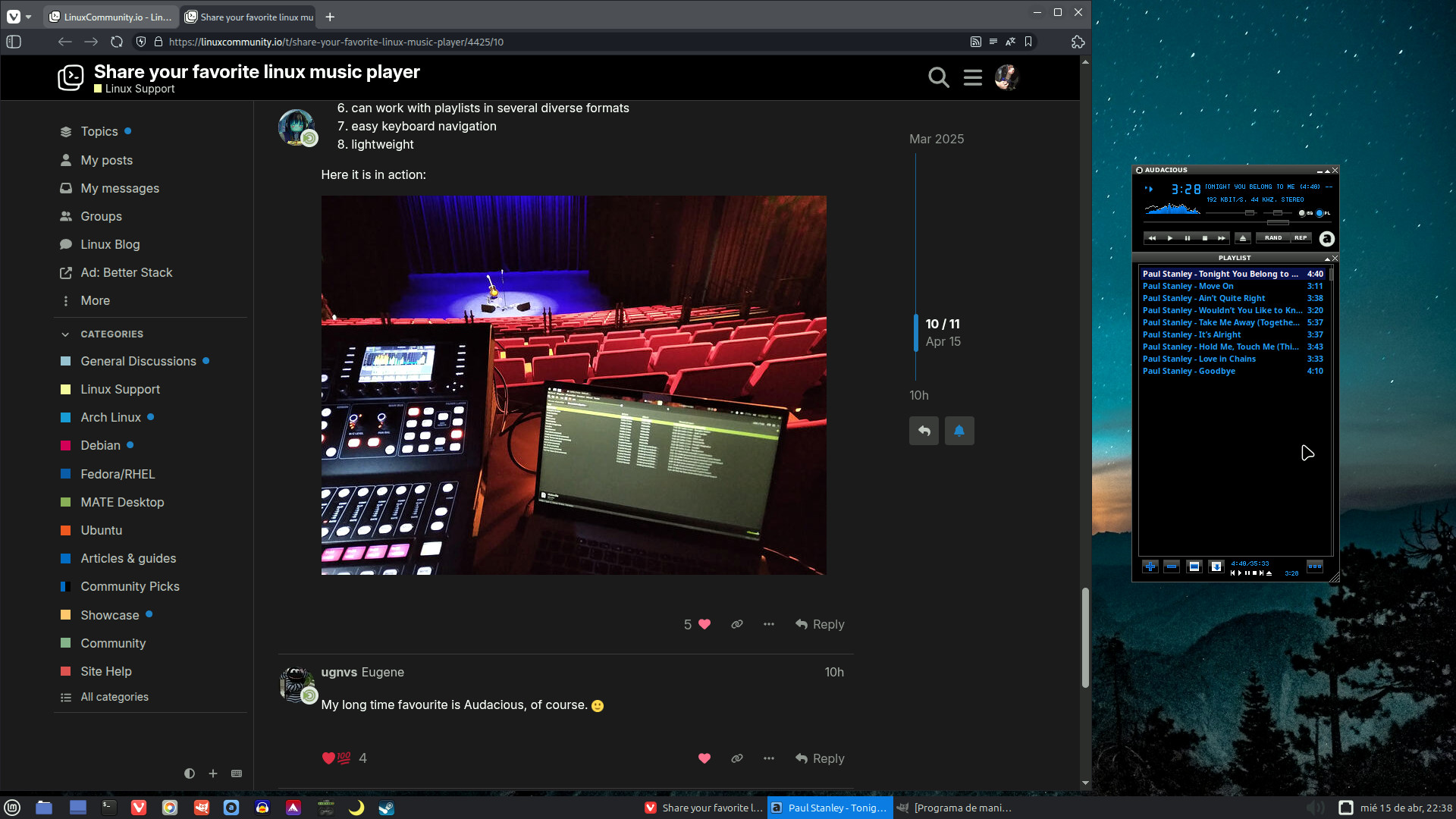
I use Audacious for the basics like sound messages (I have it set under preferred applications as my multimedia player) and simple tag editing because I like it’s small size and simple GUI. Yet for just listening I use Strawberry. For more complex tag editing I use Kid3.
I like and use Easytag for some things like editing a whole album but to often the changes don’t show in my Truck’s music player. Genres and pictures will be missing after the changes. That never happens with Kid3 for either or Audacious for genres. I did some reading on it and some players are just more picky than others.



 Music is an important part of my workflow. For me, I’m just using