690, is long but I’ve seen much longer. It’s rarely a number to be proud of, but often a good sign of the underlying distro’s stability if in active use.
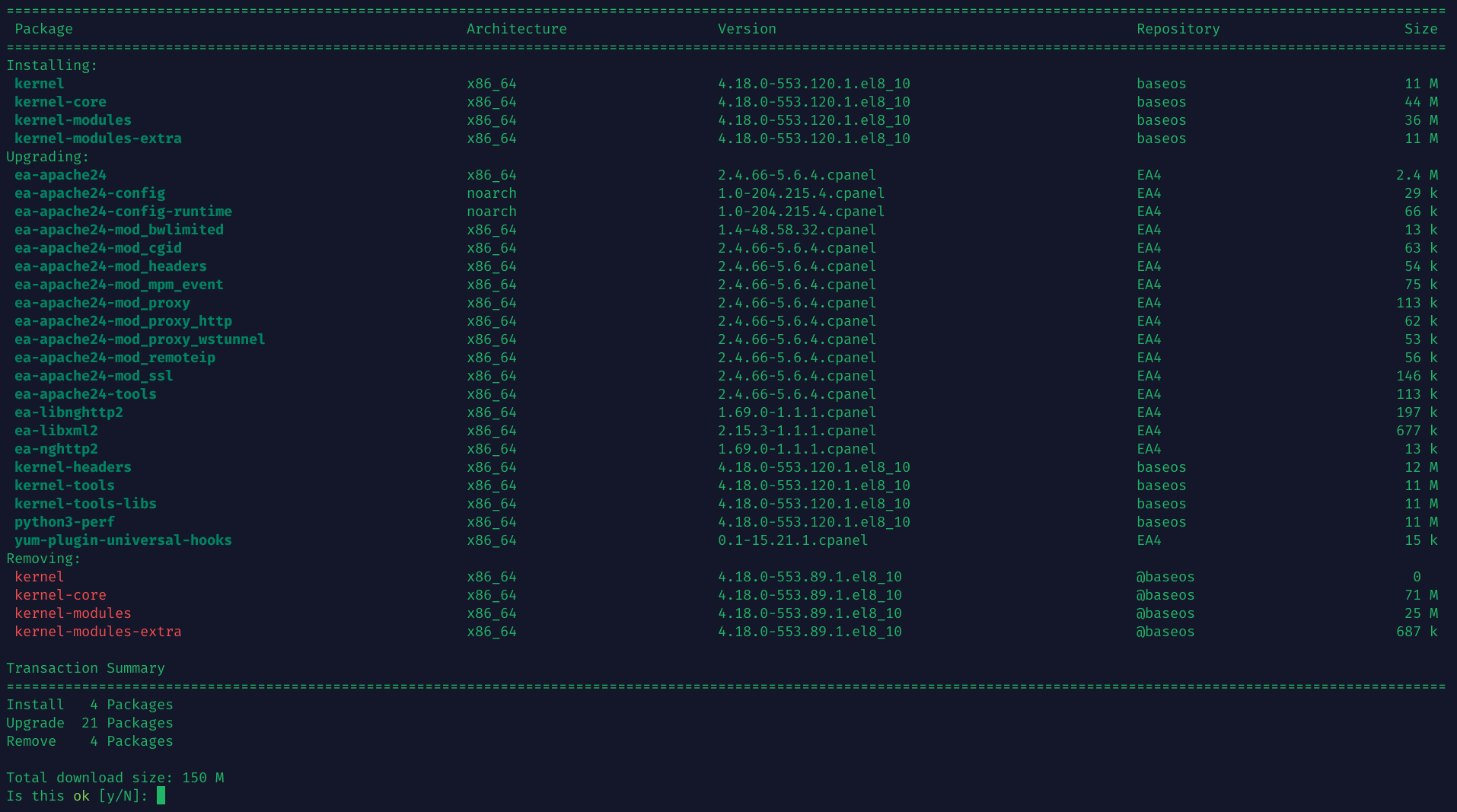
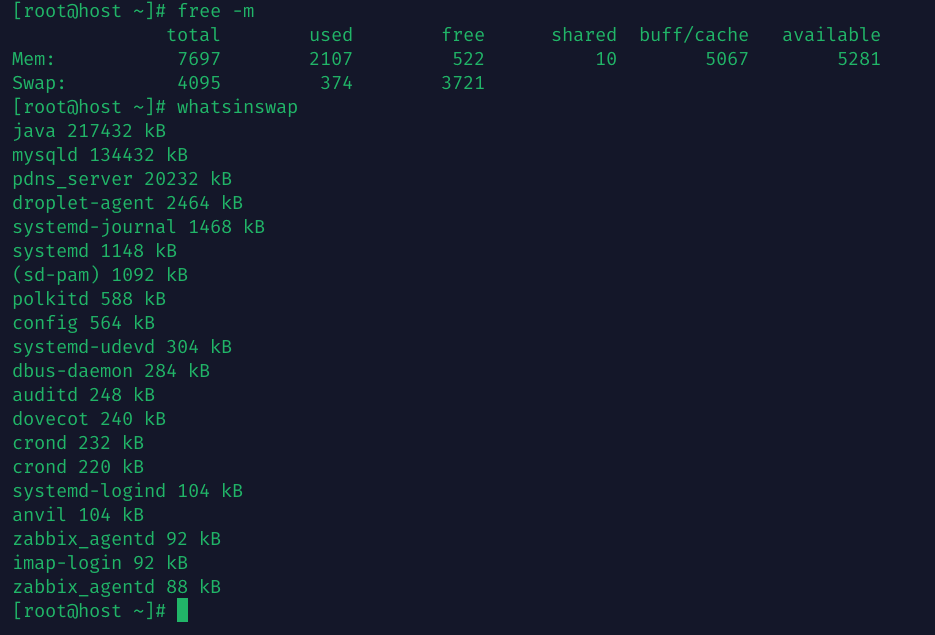
This screenshot is from a sandbox server used by several devs or staging/testing a web app. It’s rsync’d nightly. Really not updated often because it’s largely locked down from the web.
AlmaLinux I find to be a good fit for this due to their long EOL (May 31, 2029), stability, and version 8 means very few pending updates after long periods of uptime.
Pavlos, only because I haven’t studied this, is there a need for periodic reboot to defragment the memory, or is that a critical piece of logic which already takes place within the Kernel?
You guys win! I don’t keep my laptops on; I turn them off when I’m not using them. Workstations in the office however were a different thing; same with the servers. Only a new release of software, disruptive weather or things like that would interrupt uptime, though sometimes installing a new release only affected system up time, the hardware remained turned on and usable. Some “clustered” hardware/software combinations allowed splitting the cluster temporarily, installing an update on one end, then flipping to the other cluster member(s) until they are all installed; that’s another way to keep 24x7x365 services running, and if you have multiple instances like this in multiple locations in an enterprise, it’s how you achieve high availability; financial service companies strive for as close to 100% availability as possible. One firm I worked for even had duplication multiple times in the US and more on another continent, also replicated there! Expensive, yes, so were their services but they were superb!
For me, on my laptop, I use hibernation almost exclusively now. It works so well on XFCE that I leave my browser, terminals and all other apps open, close the lid and continue sometimes days later. I don’t think hibernation counts towards uptime though, I will have to check.