Soooo, short version of a long story. I screwed up being able to boot into anything bad enough the only option was to reinstall both Windows & Debian.
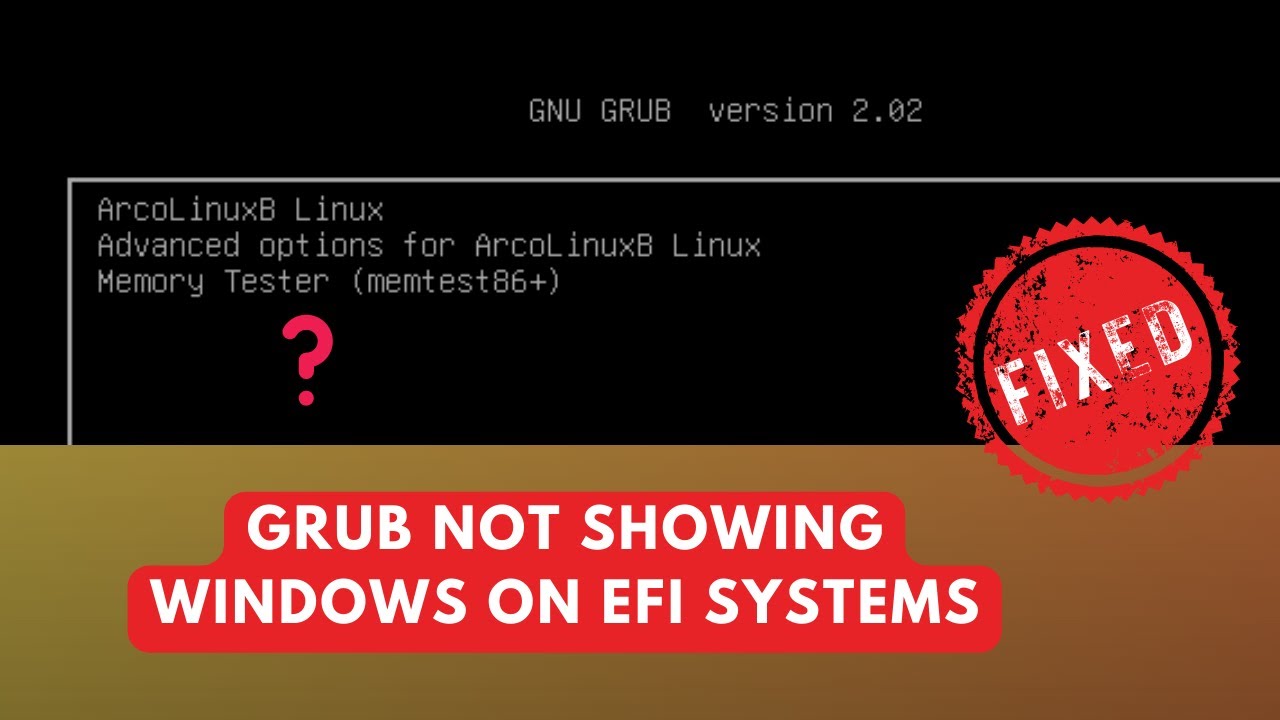
Now I don’t have the option for Windows in the boot menu (not that it’s all that sad, but I’d like to be able to play DiabloIV again) .
I have two SSD’s and the nvme1n1 SSD is for Windows with a 250GB HDD (spinning rust ) for extra storage. nvme0n1 has the Linux partitions on it as well as a 3TB HDD. I can boot into either one if I go into BIOS, etc, and there’s that. But I want my old boot menu back I’ve googled how to tell what Windows is using to boot with either BIOS or efi and the files are there for the EFI option.
Debian by default installs grub-pc,my question is if I install grub-efi is it going to mess up my boot option?
If I try runnigupdate-grub I get a lot of these types of warnings:
WARNING: Couldn't find device with uuid 7FBVYF-2naZ-8t5D-ETY0-dMpr-PUac-hlQ2I5
WARNING: VG debianTim-vg is missing PV 7FBVYF-2naZ-8t5D-ETY0-dMpr-PUac-hlQ2I5 (last written to /dev/nvme1n1p3).
IDK if modifiying the /etc/grub.d/40_custom file will help or not. I found this web page Adding Windows Manually that tells me how to do it. But I tried that and it didn’t help.
I’m open to suggestions at this point. I’ve never installed with 2 SSD cards before, only HDD combined with SSD, maybe something is done differently with 2 SSDs?
I suggest you to install the Debian bootloader on the same disk where you install the Linux system, while keeping disconnected Windows hard drive, so it won’t conflict with it.
Then when Debian and its bootloader are installed on a secondary hard drive you can customize the Debian bootloader adding Windows entry in grub:
Then you need to copy EFI boot from Windows drive and paste in /boot/EFI folder (root access is required, sudo is no sufficient) and then you need to edit the grub configuration file: /etc/grub.d/40_custom for adding Windows entry in grub boot menu. Finally run sudo update grub.
Well I tried his advice and I still get the warnings when running update-grub so apparently it doesn’t work for EFI boot types. I guess I’ll make a “live” usb stick and try installing grub-efi as per a page I found (if I can find it again). Thanks for the suggestion though.
Maybe off-topic (apologies if so!) but curious what (if any) trouble you ran in to with Diablo IV on Debian?
I put ~30 hours (according to Steam) into Diablo IV on my Zorin install (which I believe is a Ubuntu derivative so I imagine there’s enough differences) and all ran really great: good FPS, solid responsiveness in key presses/mouse clicks, and good stability (no crashes). It looks like I was using Proton 9.0-4 under Steam’s Compatibility tab.
It’s not really off topic, it’s probably good to explain why I don’t just run it on my Debian install.
When I install Steam it doesn’t allow me to install Diablo at all. I’ve even tried to install Steam with WINE to see if it thinks it’s on Windows but that didn’t work either. Lutris and Wine tricks didn’t work either.
I keep getting told it’s not a supported OS and I should install one that is which ain’t gonna happen, there will be no Ubuntu on my computer.
Agreed. Not off topic. Interesting the two sides of running Debian: solid for day-to-day use, but you end up juggling grub packages on one hand and fighting with Steam/Proton support on the other. That’s the trade-off with a distro that sticks closer to upstream instead of smoothing edges the way say Ubuntu/Zorin do.
You found the appropriate technical way of conveying my approach haha! I prefer Debian on my “servers” because it feels (to me) stable and minimal and usually has just what I need to run the few self-hosted apps I use.
Whereas the Zorin installs I use are for my gaming usage and what I want to use when I need something “easy to use” and “easy to fix”. I don’t want to feel like I’m stuck troubleshooting when all I want to do is game.
Well, after 5 (yes 5) re-installs of Debian I learned a few things.
Windows when installed on a SSD will default to EFI mode.
Debian defaults to the BIOS (legacy, what ever) mode regardless of if it’s on a SSD or HDD type of drive.
EFI & BIOS mode don’t talk worth a DAMN!
Debian offers “Live” cds of most of the available desktops (GNOME, KDE, MATE, etc).
The “Calamari” installer on the live cd is waaaaaaay easier to use that the net install cd installer.
I now know just to switch to EFI only mode before installing Debian, in the computer’s BIOS settings, it automatically selects grub-efi instead of grub-pc. When installing dual SSD drives.
You can format and partition more than one drive when doing a Manual install in Debian (I didn’t know this until this fiasco happened)
DON"T SCREW UP THE BOOT SETTINGS IN THE FIRST PLACE & STAY OUT OF THE GRUB EDITOR! ← note to self
Thankfully it’s done & over. I now have a 1000GB SSD & 250HDD for Windows (Games hog a lot of space) and a 500GB SSD & 3TB HHD for Debian. And it presents to OS’s in the boot menu correctly.
That’s a battle hard-won lesson list right there. Thanks for sharing these with us.
The EFI vs legacy mismatch trips up a ton of people, and Debian’s installer doesn’t exactly shout at you when it defaults to BIOS mode.
You nailed the key fix though: make sure the firmware is set to EFI only before you even start, otherwise you end up with one system writing to EFI and the other ignoring it completely.
The live ISO with Calamares really does feel miles ahead of the netinst text installer. For most setups it just takes away the stress and still gives you the flexibility when you want manual partitioning.
Sounds like you’ve ended up with a really nice dual-boot layout now. After five installs, you’ve probably got the process memorized better than the installer devs at this point.
“STAY OUT OF THE GRUB EDITOR!” Expecially I won’t reccomend using tools such as Grub customizer: the problem I noticed editing a Linux entry with this tool is when Linux is getting a kernel upgrade you need to manually change the boot entry
The fact is you can manually edit the configuration file 40_custom,. it’s pretty secure, at last knowing what are you doing.
 ) for extra storage. nvme0n1 has the Linux partitions on it as well as a 3TB HDD. I can boot into either one if I go into BIOS, etc, and there’s that. But I want my old boot menu back
  I’ve googled how to tell what Windows is using to boot with either BIOS or efi and the files are there for the EFI option.


 Thanks for sharing these with us.
