Share your Fedora or RHEL desktop setup, including your theme, tweaks, and optionally a Neofetch or Fastfetch screenshot. Also check out our @Fedora group.
1 Like
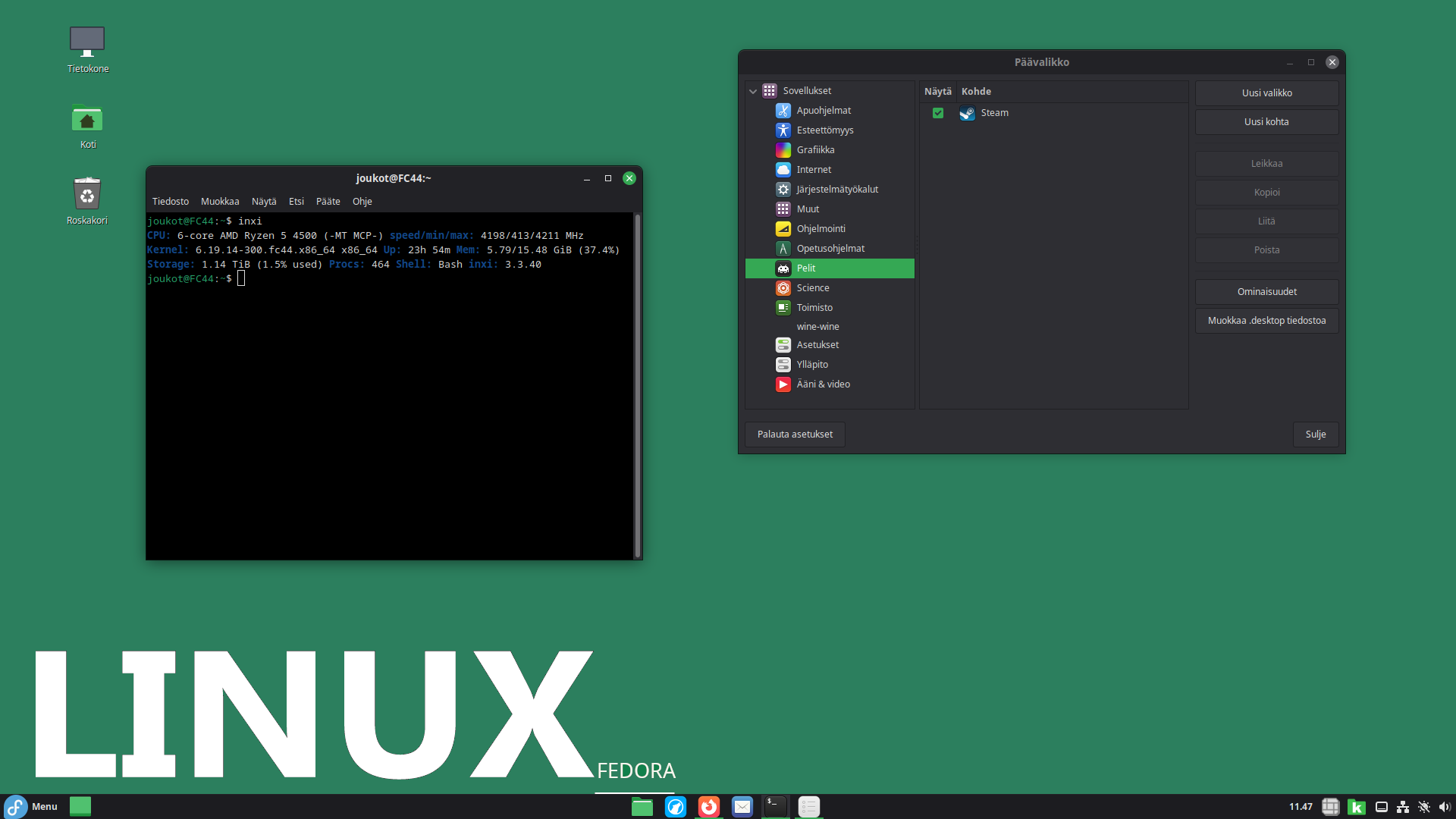
Cool! What Desktop Enviornment is this?
1 Like
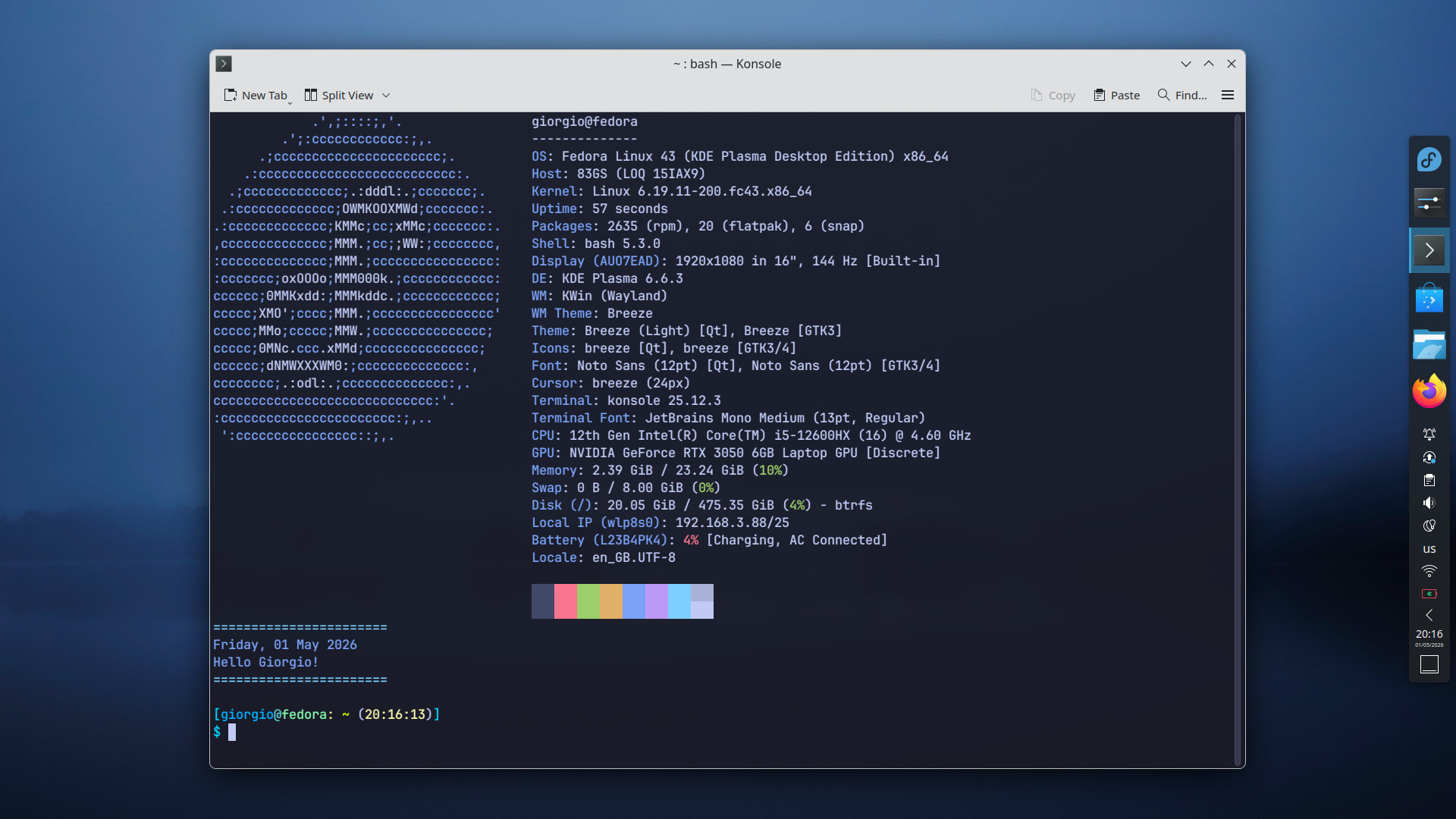
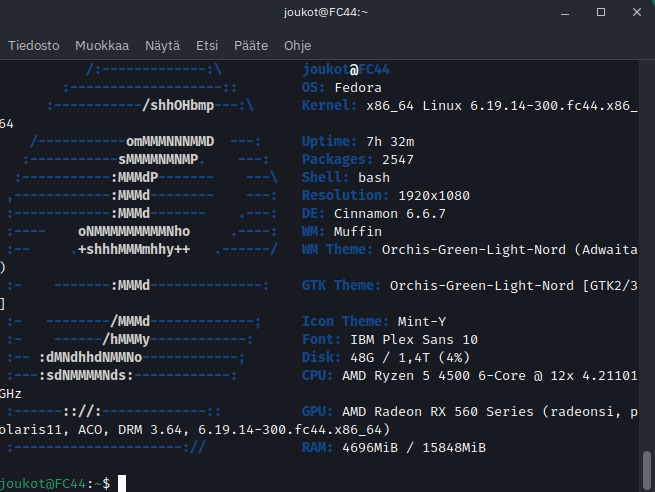
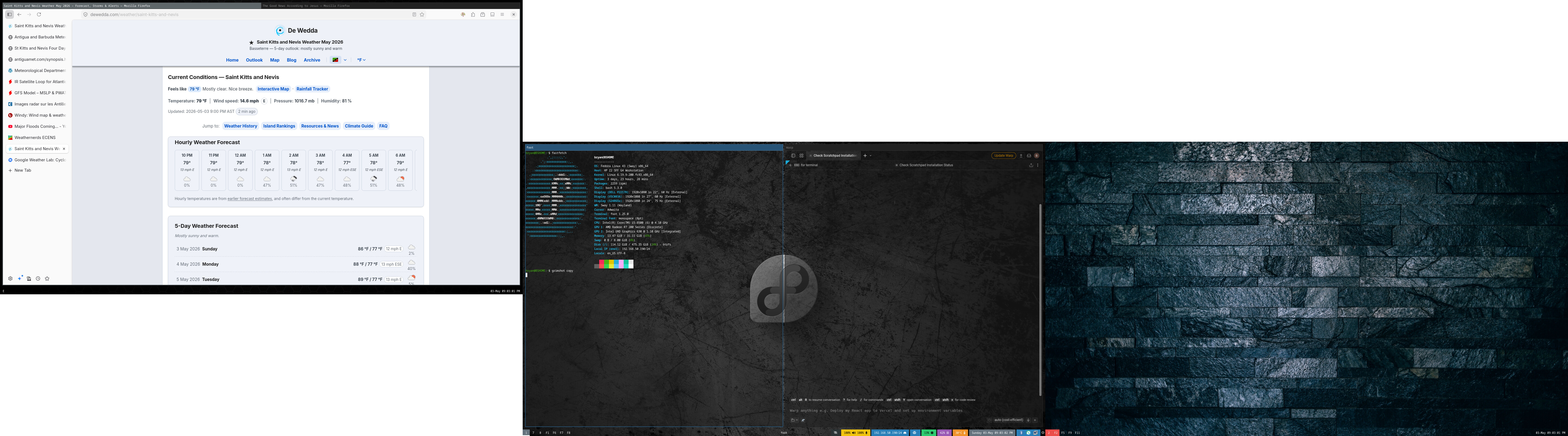
I am using 3 monitors. The left monitor is mounted on the wall, hence why the screen shot comes out that way. SwayWM is my window manager of choice. I have been running this for over a year now.
5 Likes
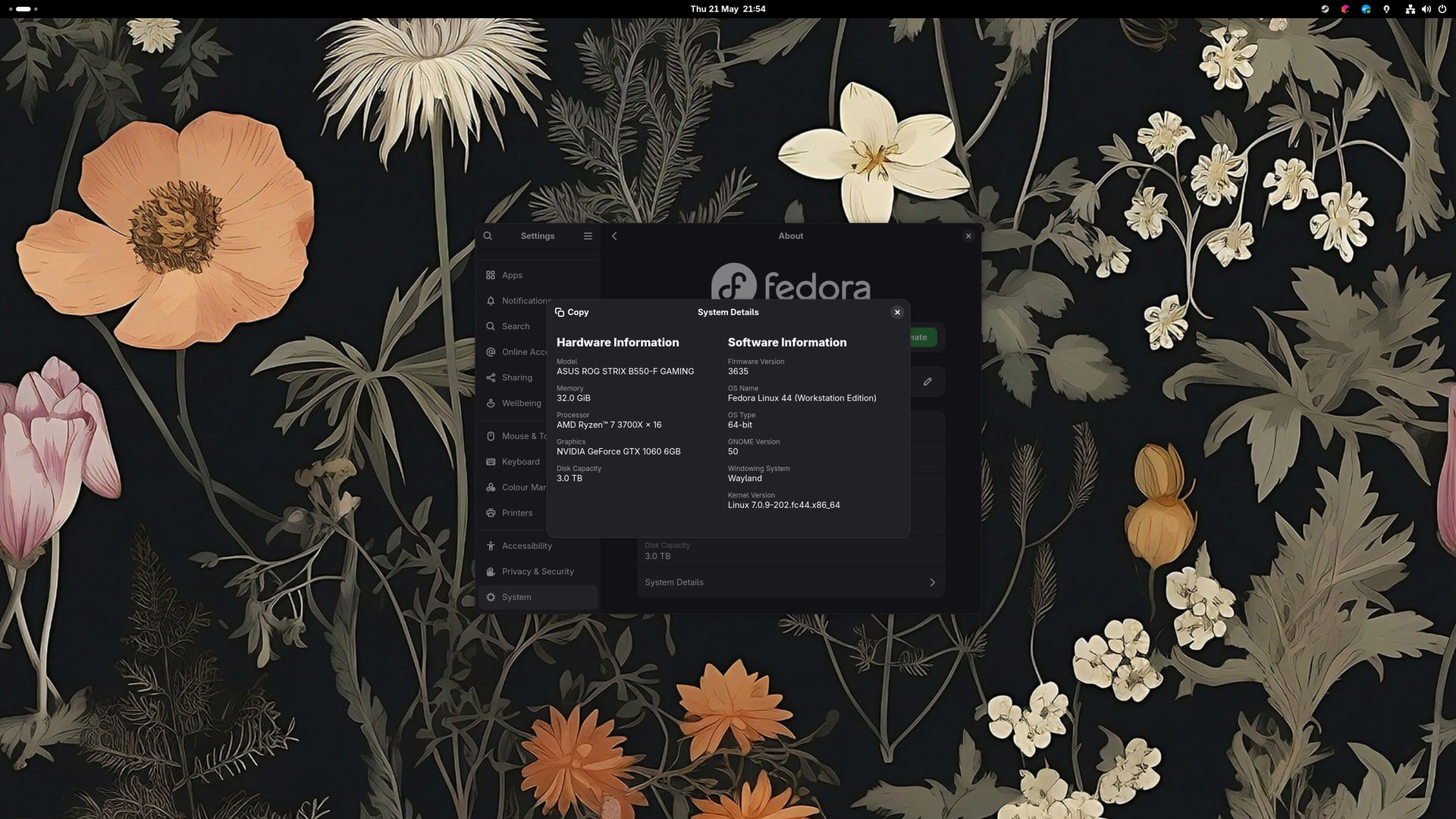
I have a very boring, rather default setup—running Fedora 44 GNOME. I’m very happy with it though, it’s very smooth and I can be productive, which is what matters.
6 Likes
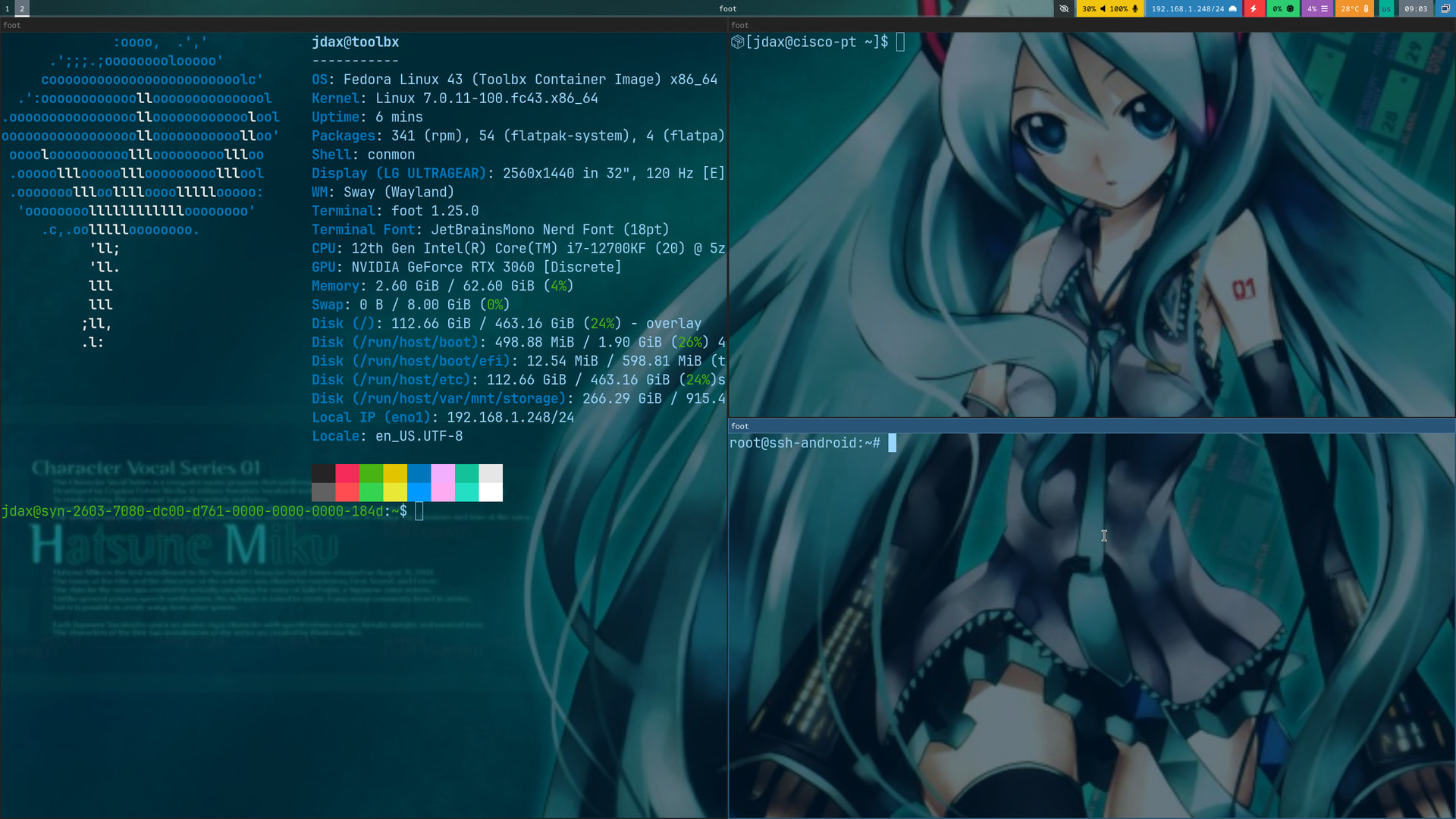
So, I have fastfetch installed in a Toolbx container and I have this line in my .bashrc so it only runs when a host terminal opens:
if [ ! -f /run/.containerenv ]; then toolbox run --container aesthetics-box fastfetch --logo Fedora-Sericea fi
Upper right is a shell inside a (distrobox) podman container and bottom right is a shell inside an Incus LXC.
In theory it gives me a little extra nudge to tell me where my shell is operating. 
Host OS is Fedora Sway Atomic.
6 Likes
I love your Hatsune Miku desktop wallpaper 
3 Likes
yesss lets go Miku fans!
3 Likes
Required comment that has to be said.
IS THAT HATSUNE MIKU!?!?!?
Also nice sway setup. I’m too spoilt with floating windows to ever move over XD
5 Likes
Imagining a window covering one of my other windows offends me now. 
4 Likes
Welcome to the world of tiling window managers!
3 Likes
6 Likes
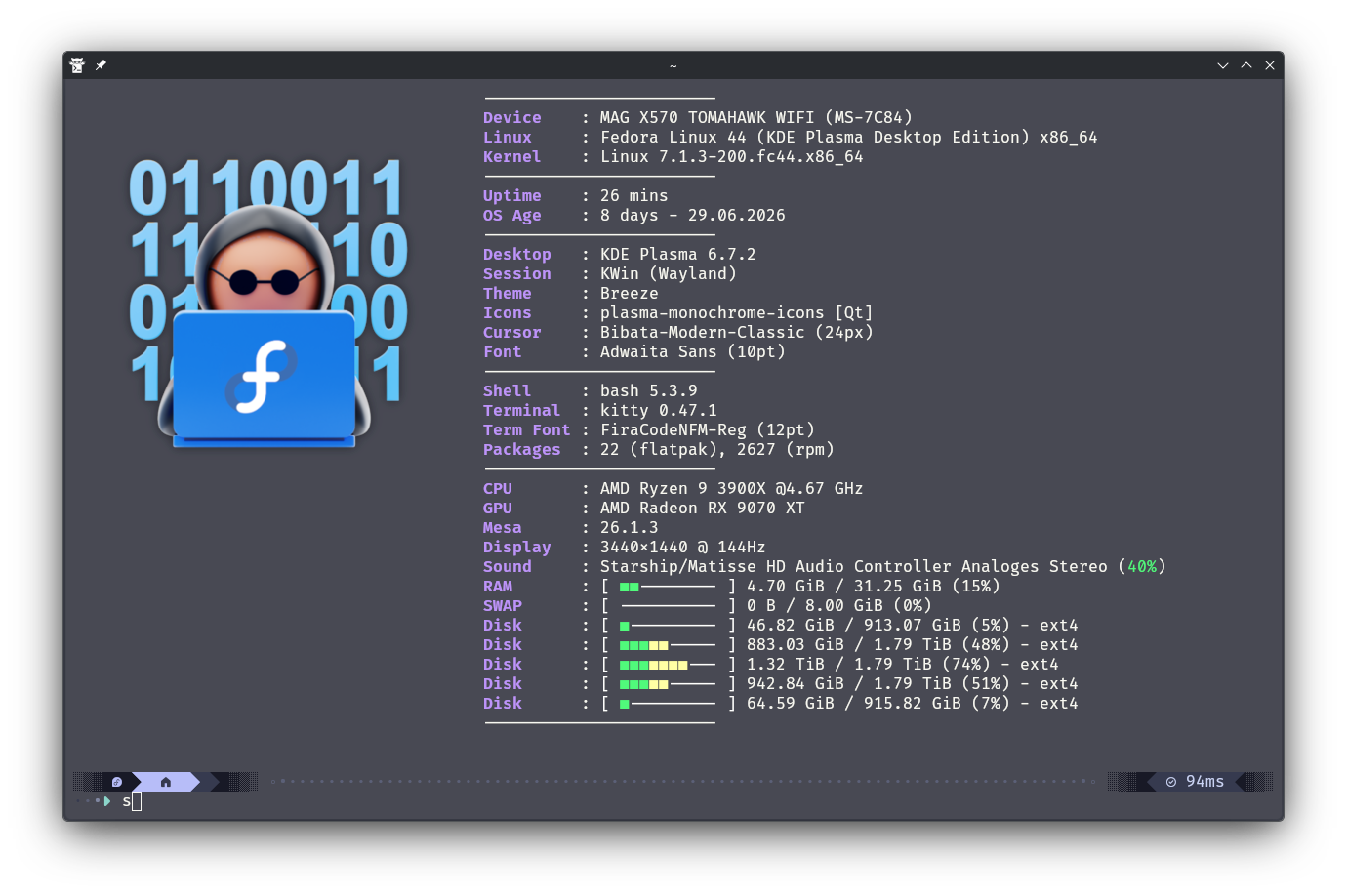
Nice setup! That’s an interesting fastfetch logo I always thought it was just ASCII characters.
2 Likes
Fastfetch can show logos via a config file. But your terminal has to support showing pictures as logos. I’m using Kitty as my terminal, and I like it.
"logo": {
   "source": "/mnt/DATEN/Nextcloud/Bilder/Linux/Images and Logos/Fedora_Nerd.png",
   "type": "auto",
   "height": 18,
   "width": 15,
   "padding": {
   "top": 2,
   "left": 2,
   }
},```
4 Likes
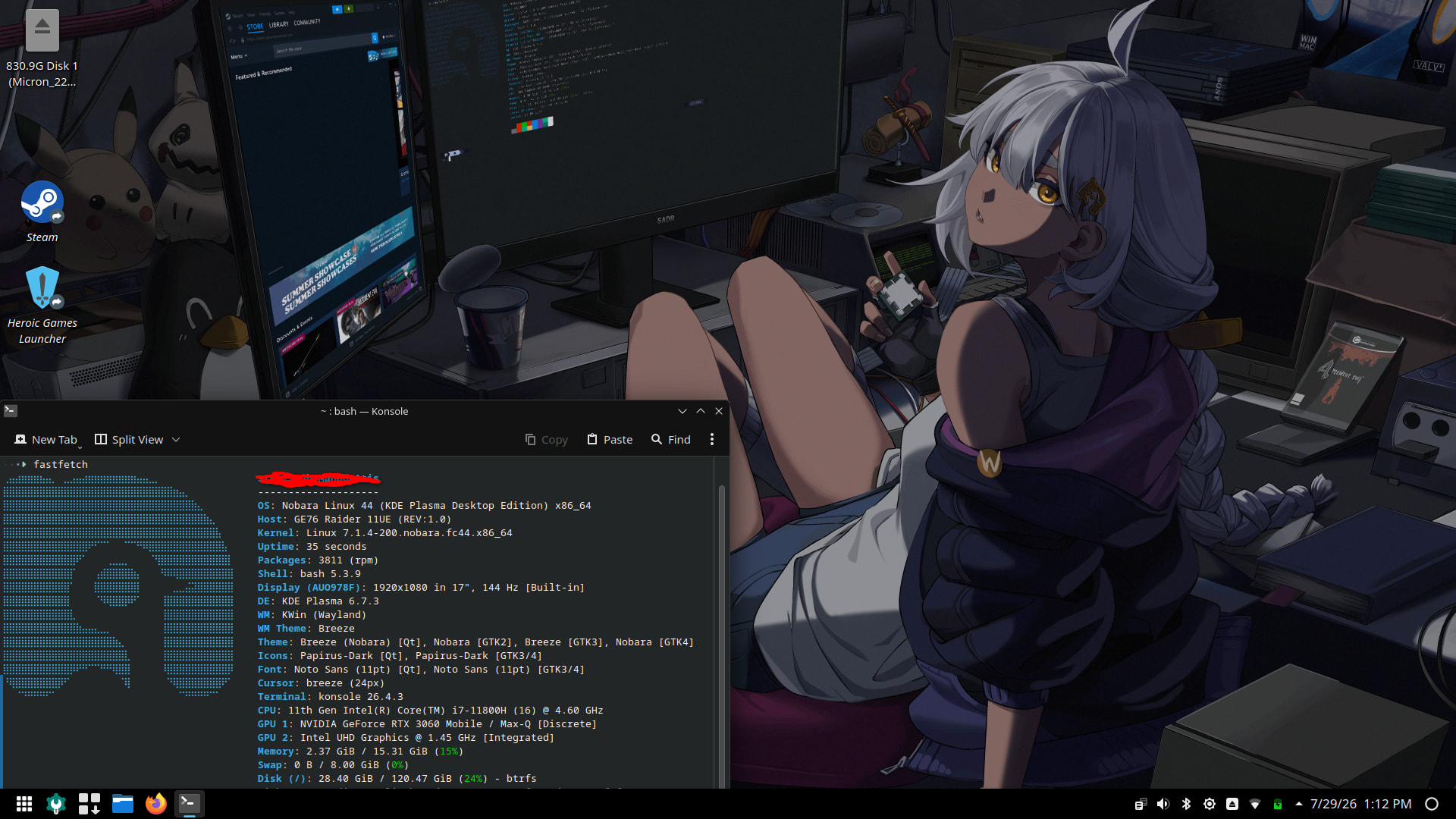
Here is a screenshot of my Nobara Linux laptop. Nobara is a Fedora-based distro by GloriousEggroll (and others). I use it for gaming, obviously, and I dual boot with Mint. The desktop environment for my Nobara is KDE Plasma. The desktop background is an illustration by a user from the unofficial Nobara forum on Reddit, and they encouraged us to use it as the “mascot” for the distro. I think it pretty well portrays the intent of the distro haha
6 Likes
Looks great. How has your Wayland experience been?
2 Likes
To be honest with you, I am not well-versed enough to know the details of what is unique in terms of UX/UI when it comes to Wayland. For me the experience has been great. No issues and everything runs smoothly and looks great.
3 Likes