Ubuntu is I believe still the most popular Linux distro out there. But there are a few things that can noticeably improve your experience.
Let’s share our favorite tips and tricks for getting the most out of Ubuntu.
I’ll kick things off with a few:
- Get to know
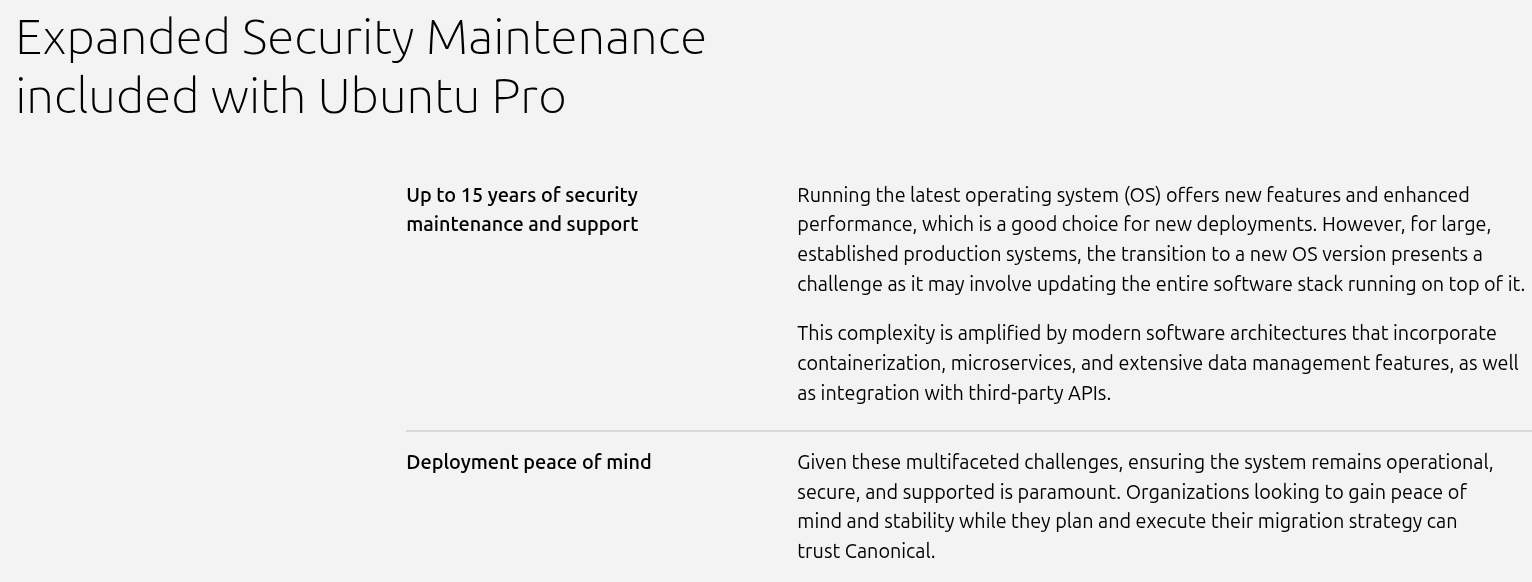
do-release-upgradefor major version jumps rather than trying to manually edit your sources list. It handles the heavy lifting and is the officially supported way to move between releases. See: Ubuntu Release Upgrades - If you’re on an LTS release, you don’t have to jump to the next one right away. LTS releases get five years of standard support, and you can extend that to ten years with Ubuntu Pro which includes Extended Security Maintenance, kernel Livepatch, and more. It’s free for up to 5 machines, personal or business.
- Snap packages are installed by default for some apps. If you prefer traditional
.debpackages, you can usually find them in the official repos or via PPAs. See: Remove Snap Ubuntu 22.04 LTS and 24.04 LTS | LinuxBlog.io - Use
ubuntu-drivers autoinstallfor GPU drivers rather than manually hunting down.runfiles. It picks the right driver for your hardware and keeps it updated through apt. - Don’t overlook
unattended-upgradesfor keeping security patches applied automatically, especially on personal servers and home labs. See: Automatic updates - Ubuntu Server documentation | How to Enable Unattended Upgrades on Ubuntu/Debian | LinuxBlog.io | Linux Updates: Command Line Guide | LinuxBlog.io
What are your go-to Ubuntu tips? Anything you wish someone had told you earlier? Drop them below and let’s build a nice reference for everyone.

 Absolutely agree for critical production servers. I would be surprised if those sysadmin need these tips. This is more for desktop and home labs.