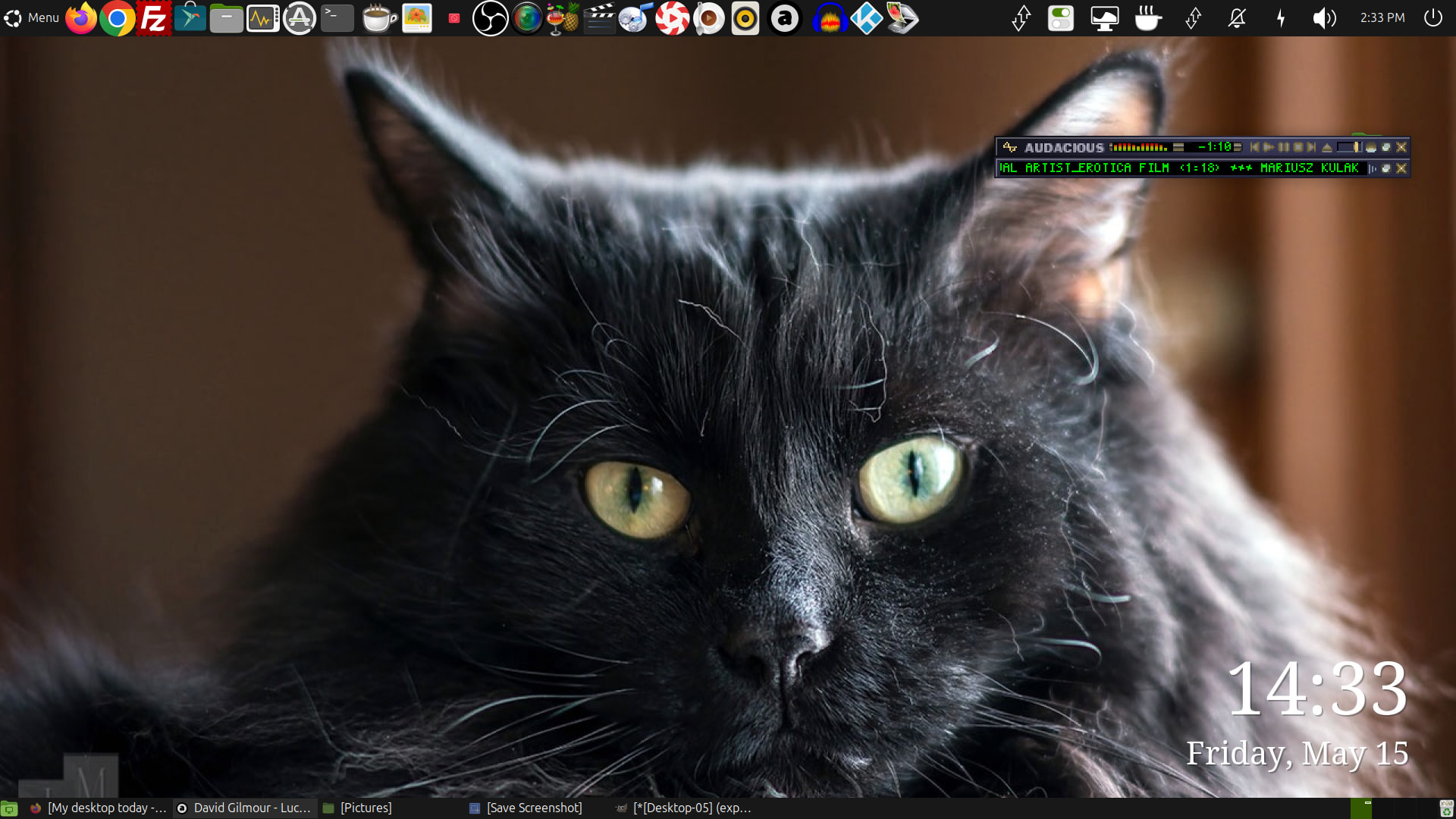
Great, this thread is back! It is always fun to see how people creatively customise their MATE Desktop 
My desktop today.
Jaymo
I like this. Especially the “today” as it allows us to keep sharing as it changes over time. 
Top panel autohides itself. No bottom panel. Launchers are at the left dock and taskbar is at the right dock.
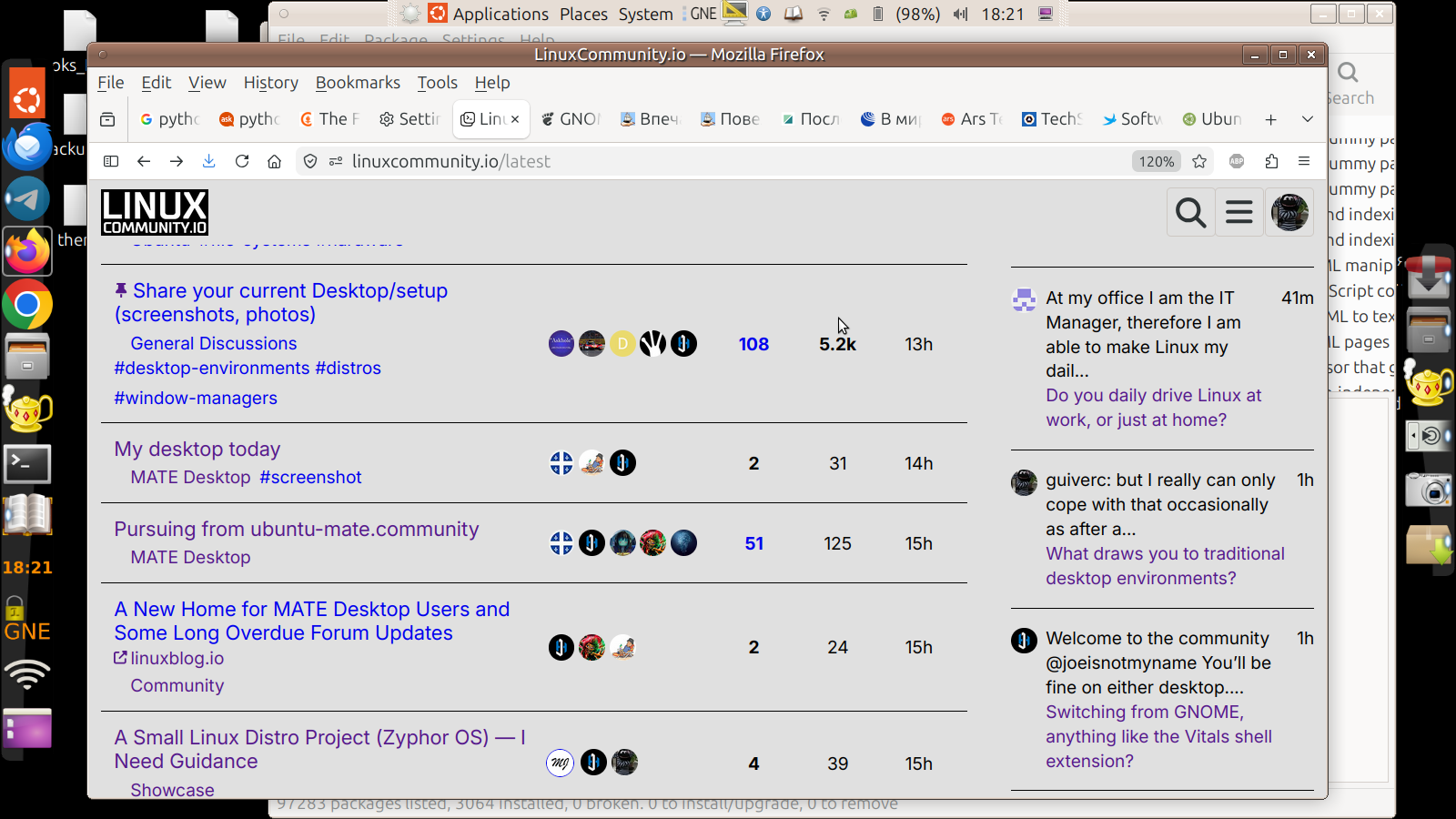
What web browser is that? Does the forum menu work? Looks nice! Minimal. It looks like the mobile version but on desktop.
This is cool! I could use this. Are you using workspaces and workspace switching though?
It’s ‘snapped’ version of Firefox. And yes, forum menu works. It is just toggled hidden.
I don’t really use workspaces but if I need them I have keybindings to switch between 4 workspaces (Super + 1 for Workspace 1, Super + 2 for Workspace 2, etc.).
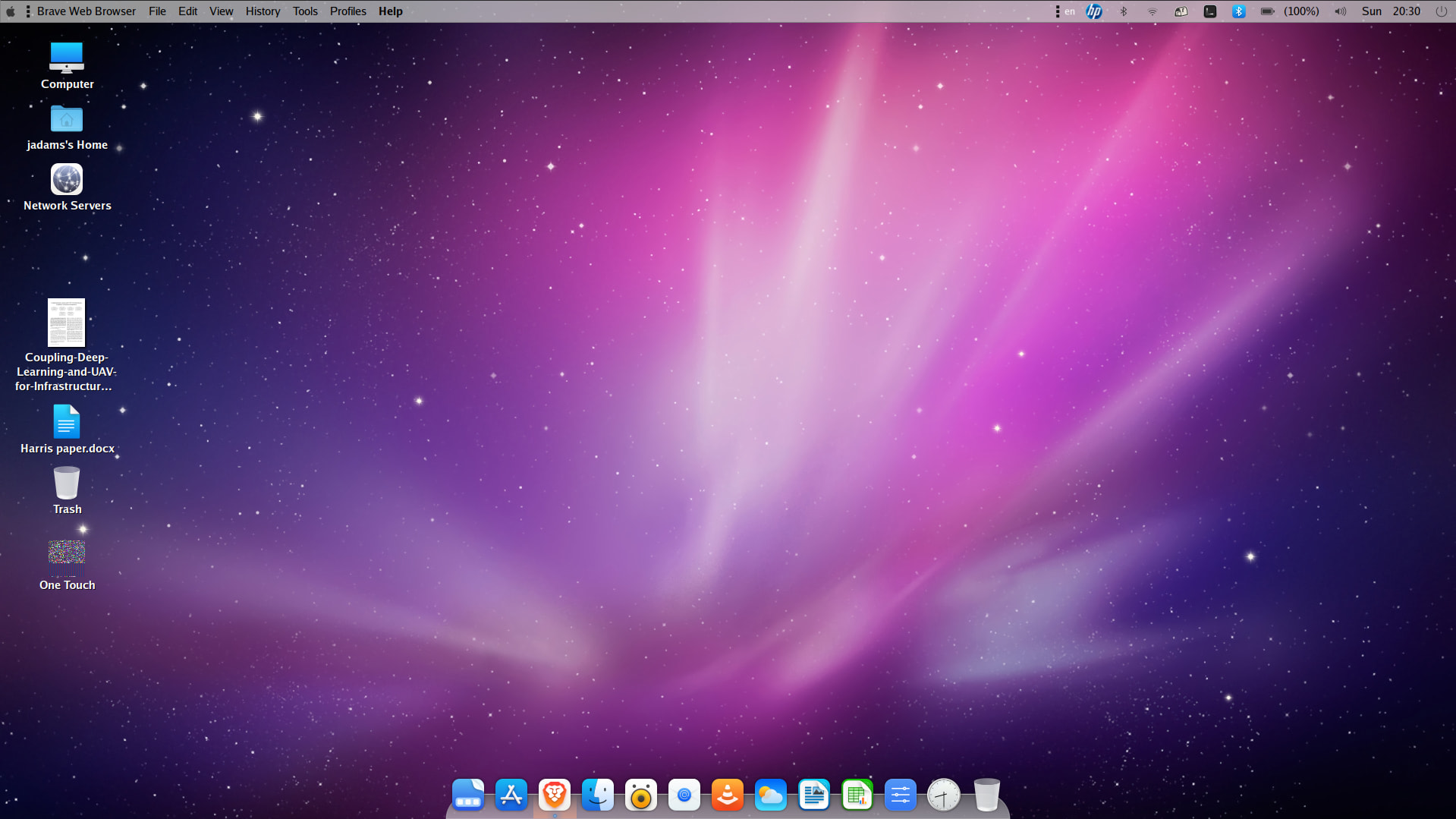
Theme components:
- Plank theme: OSXLion from GitHub - mrbvrz/plank-themes: 🚀 These are just collection of plank themes I collect when using elementary-os · GitHub
- GTK Theme: Mac OS X Aqua from Mac OS X Aqua theme - a mix of Cheetah and Leopard - Gnome-look.org
- Icon theme: WhiteSur Icons from GitHub - vinceliuice/WhiteSur-icon-theme: MacOS Big Sur style icon theme for linux desktops · GitHub
I found another GTK theme based on OS X Cheetah that seems good. I’m definitely going for the authentic, 2000s Mac OS X look that I remember fondly.
Jaymo
Additionally, wallpaper from https://wallpapersafari.com/w/A8rcL7/download
Additional to additionally, I found a couple more themes that I like even better than the GTK theme I listed before:
- Mac OS X Cheetah theme from GitHub - B00merang-Project/Mac-OS-X-Cheetah: Mac OS theme with the Aqua design guidelines · GitHub
- Mac OS X Leopard theme from GitHub - B00merang-Project/OS-X-Leopard: OS X Leopard with Aqua-styled GTK widgets · GitHub
This goes along with the ‘What draws you to traditional desktop environments?’ post.
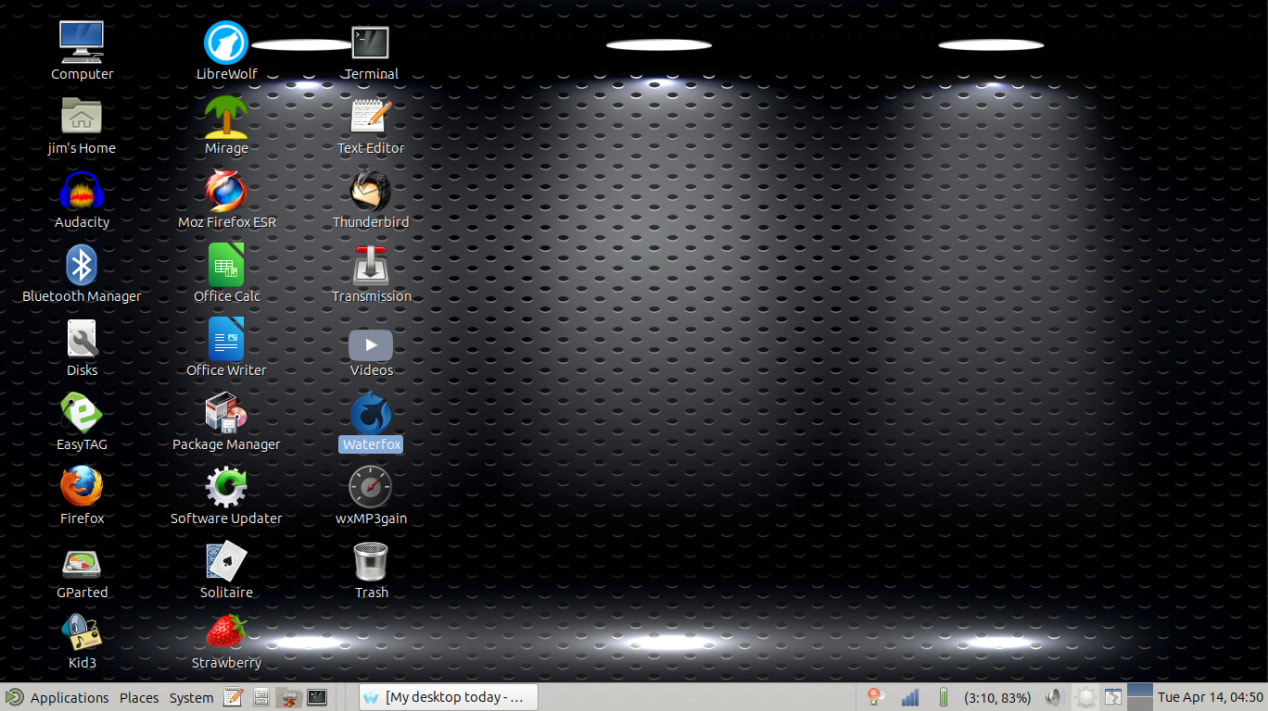
As you can see I like a traditional desktop. The wallpaper is from Pearl Linux. When I changed to that wallpaper I replaced a wallpaper I had used for more than 12 years. I also used Mint Mate for a while, the desktop looked exactly the same.
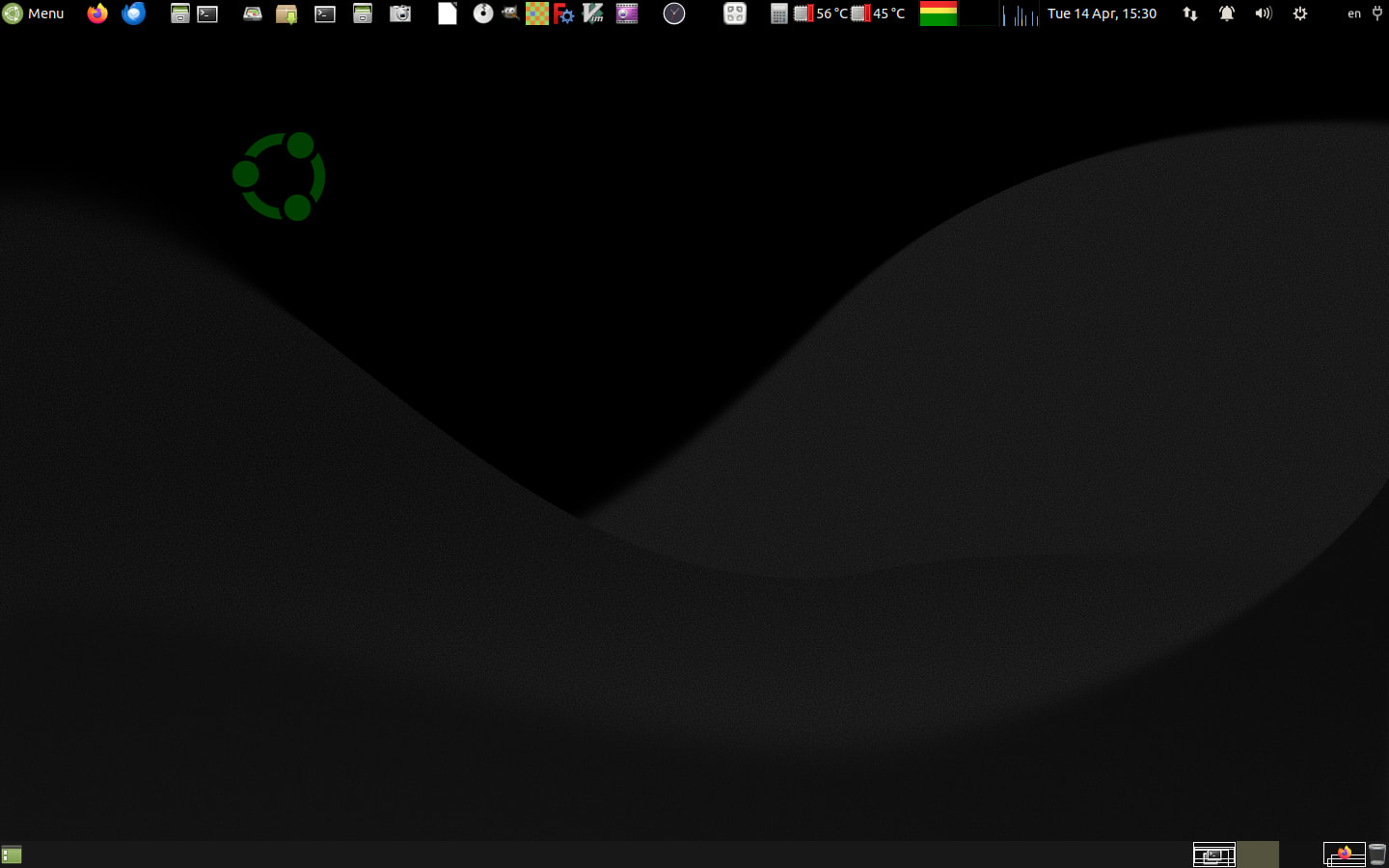
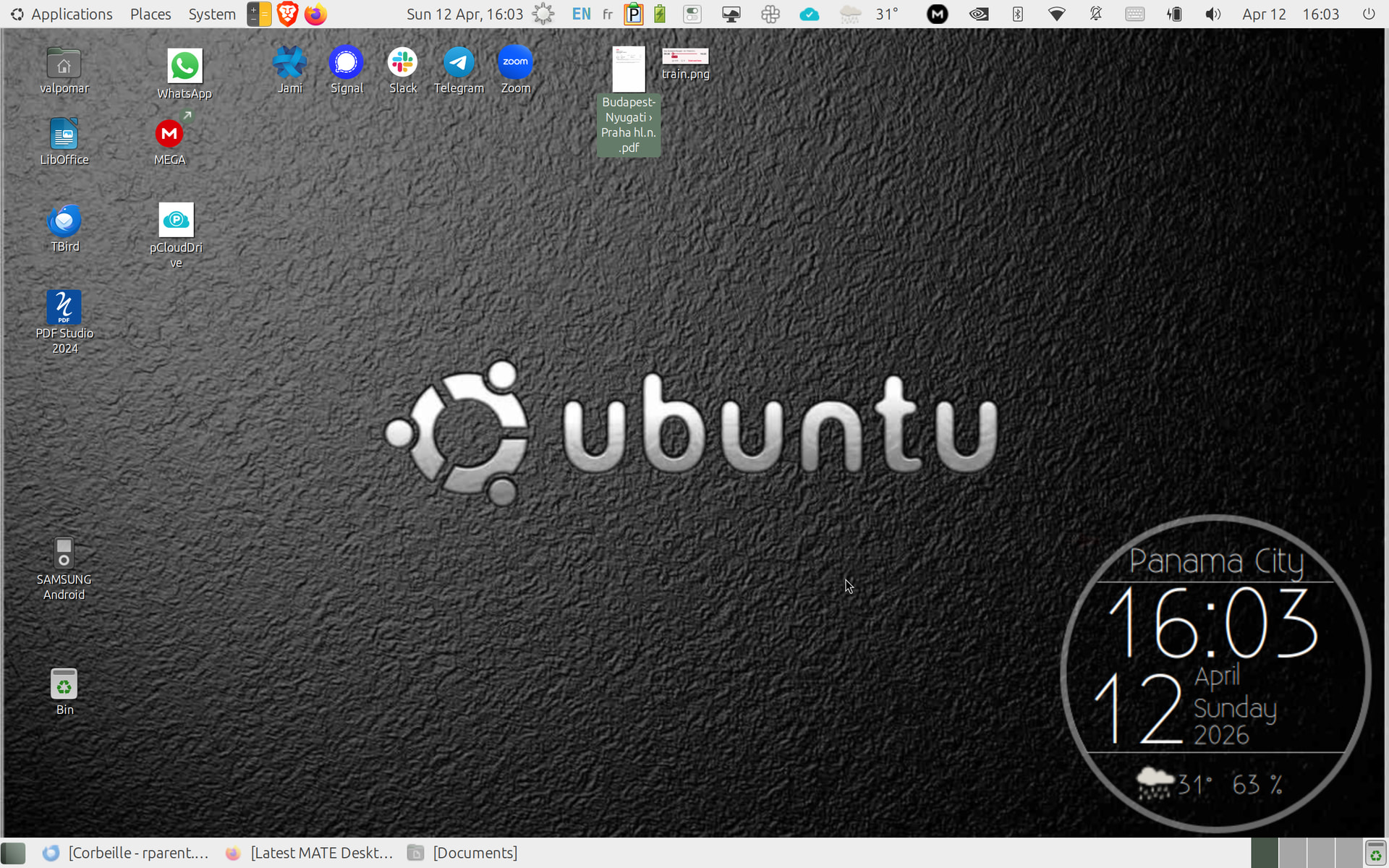
Wallpaper is customized version based on submission to Ubuntu 26.04 LTS competition for Resolute release set! I took the one without the logo and added my own smaller customized version of the logo, coloured green for MATE, and positioned it to look like a moonrise on Dune!
BTW, the icon at the middle of the top panel,

is a launcher for hide/show all desktop icons (currently all hidden, because of the mess!!!)
If interested on how to do that, take a look here!
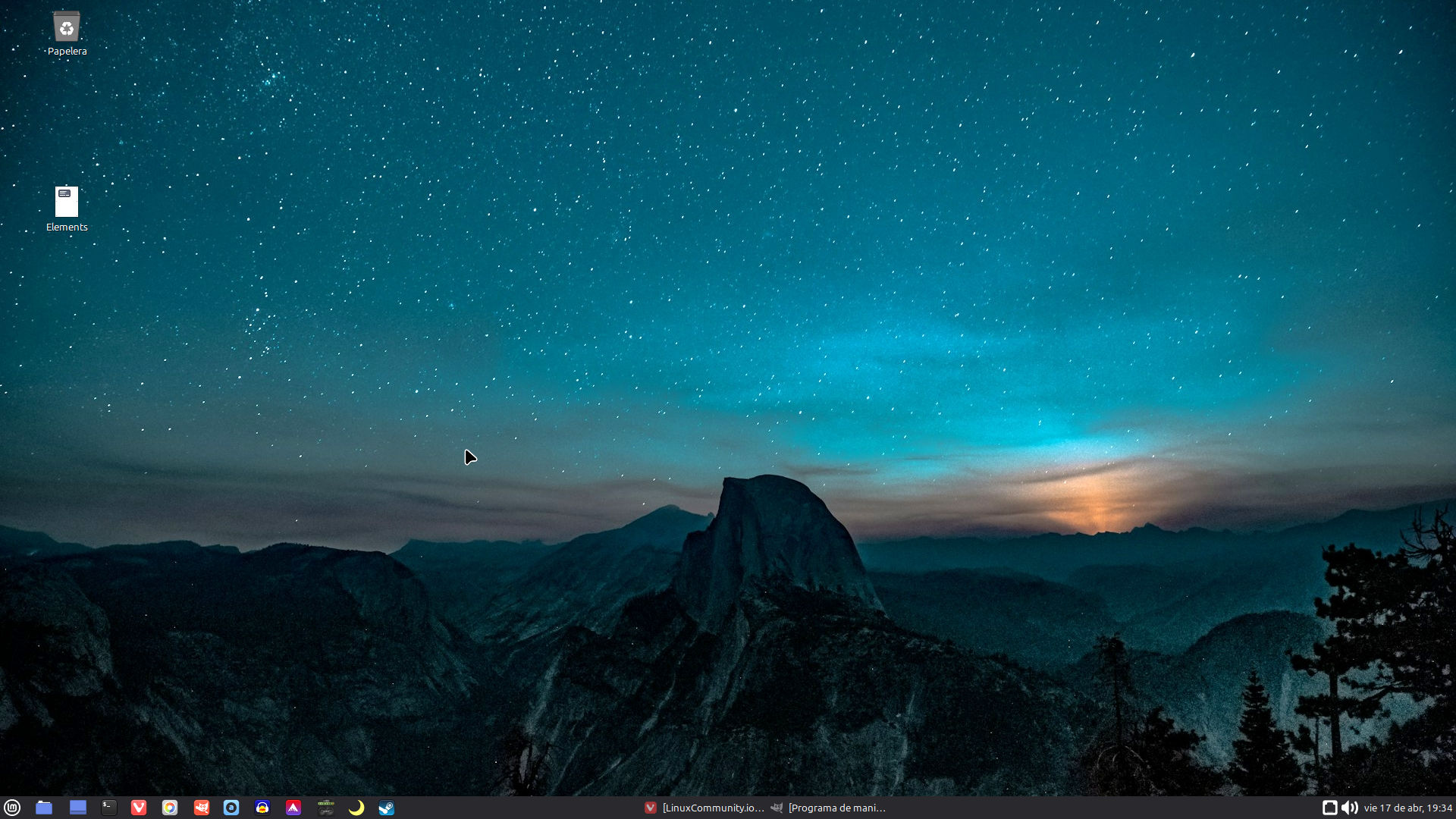
Here’s mine. MATE Desktop installed on top of Mint 22.3 XFCE Edition.
I like very few icons on my desktops, cannot stand those that are literally FULL of icons, files and whatever, those make my eyes bleed 
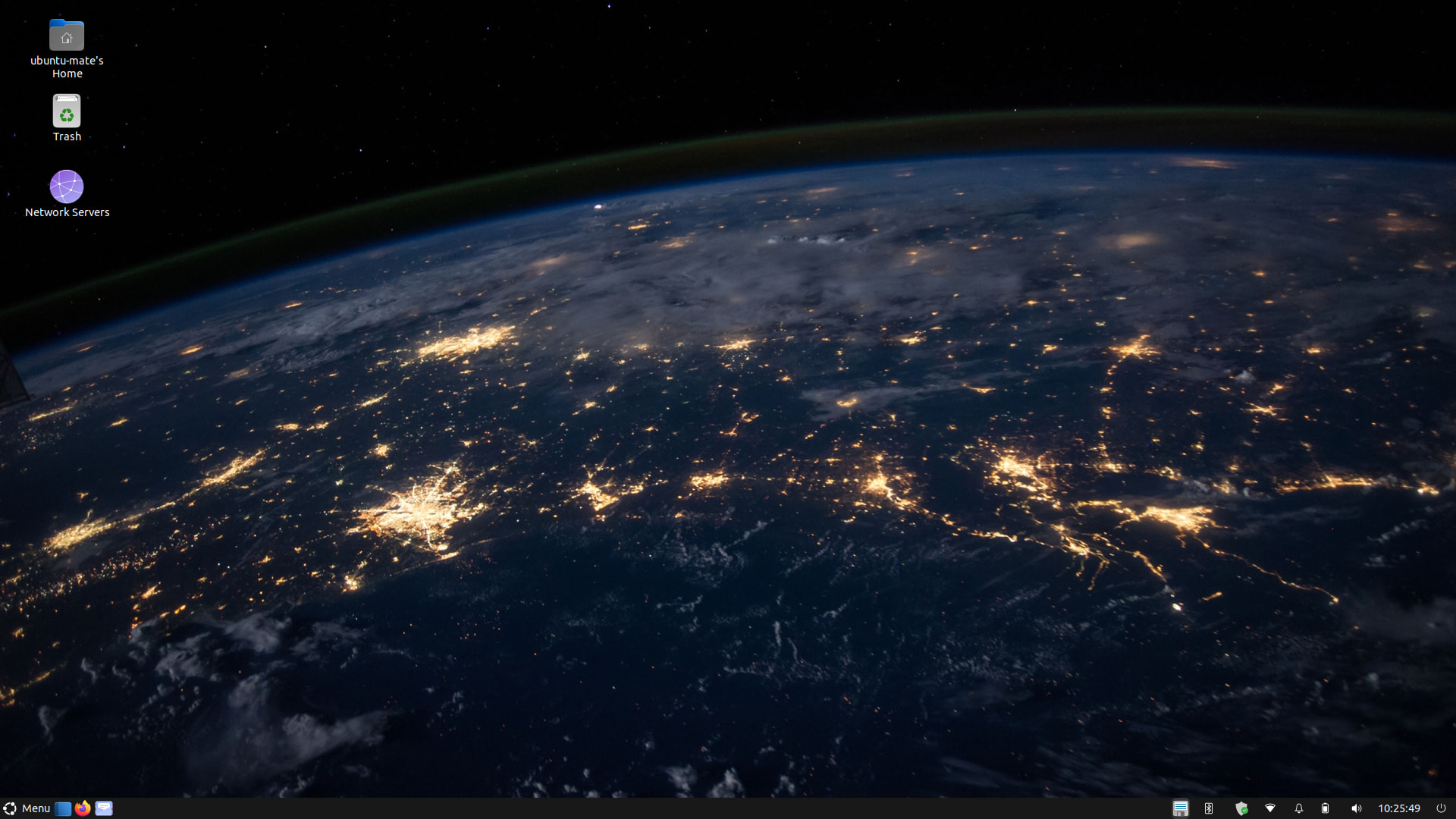

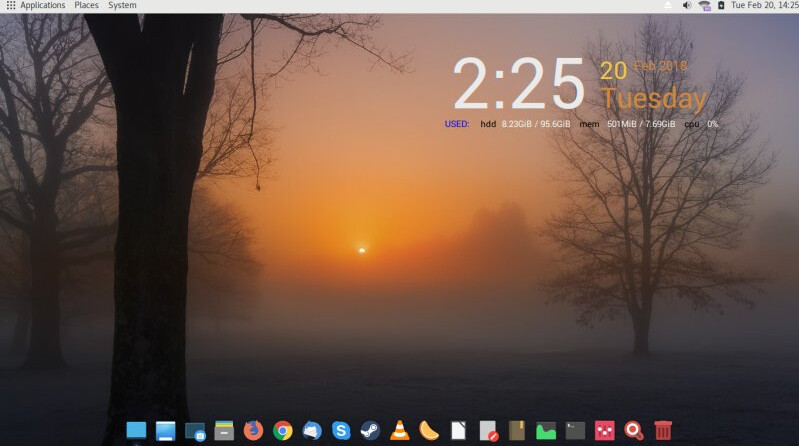
I didn’t realize you were a MATE user also. You should request to joint their group @MATE
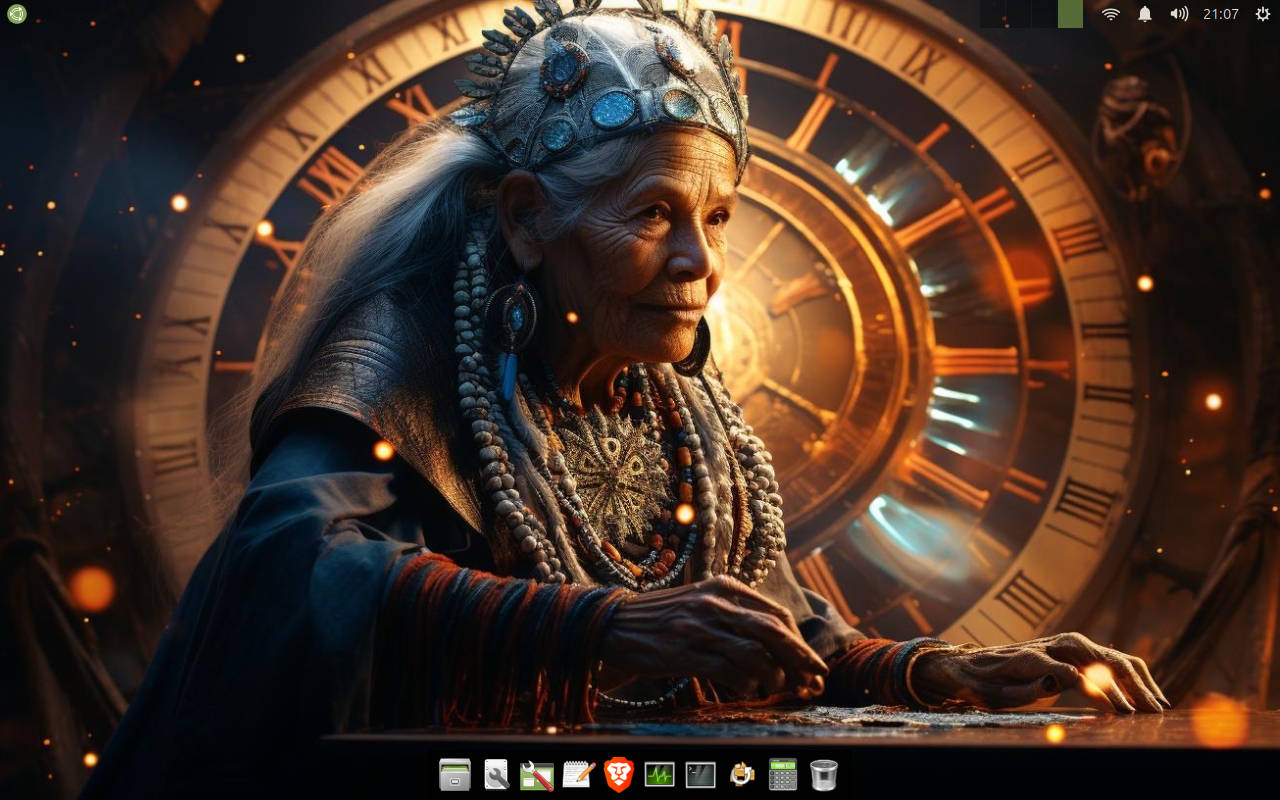
I know I already posted earlier my Mac theme on Ubuntu MATE but I am so happy that, for those who like the older look of Ubuntu MATE (16.04 era), that Ambiant-MATE still works on 26.04 and the ubuntu-mate-wallpapers-legacy still exists.
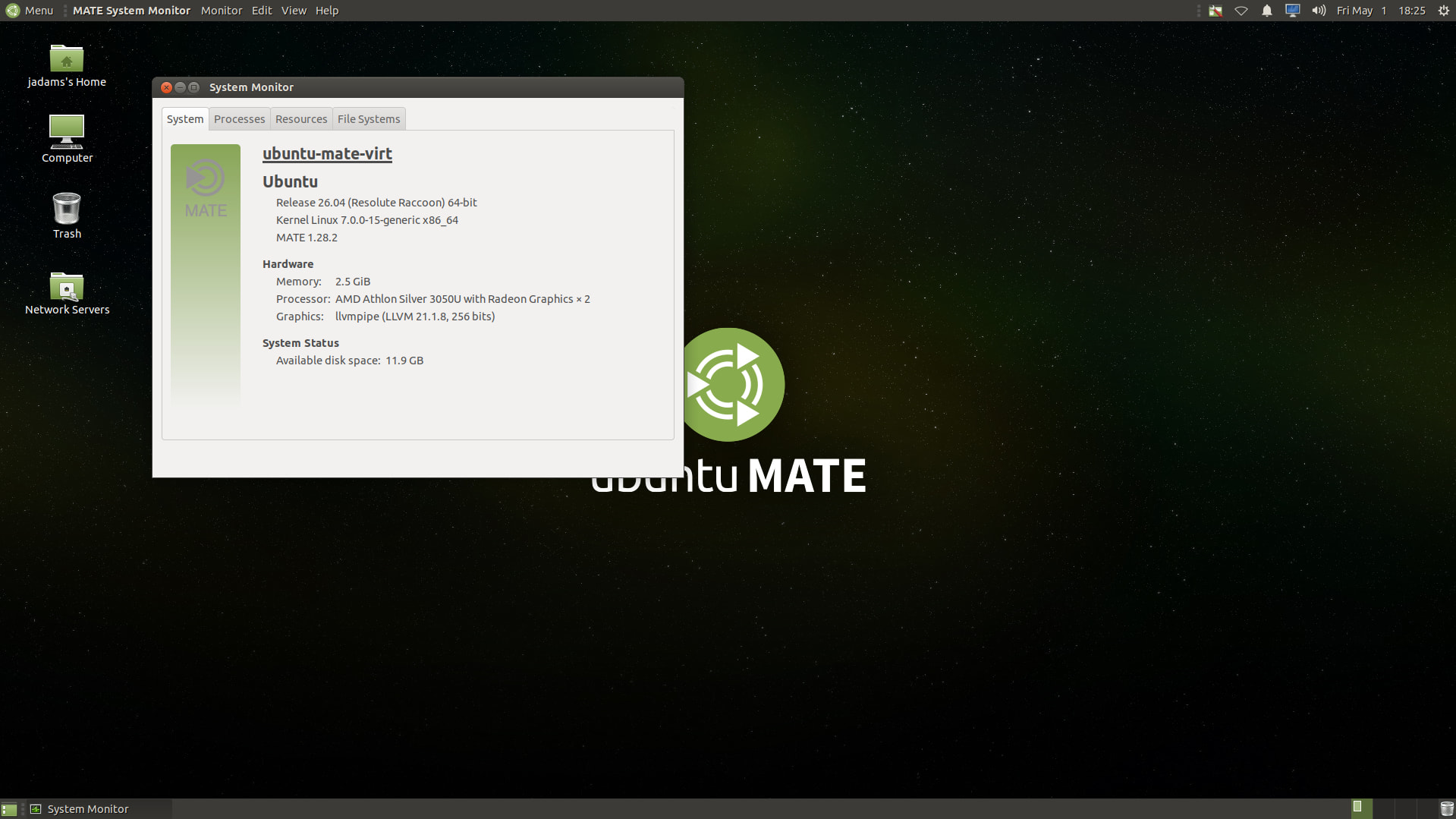
Classic Ubuntu fonts can also still be installed via sudo apt install fonts-ubuntu-classic.
After playing around with “Hackintoshing” my Ubuntu MATE it’s fun to get back to a classic.