I’ve been meaning to put this together for a while now. A lot of us Linux users, myself included at one point, don’t realize just how widely supported MATE actually is. We often assume Ubuntu MATE is THE option, when really it runs seamlessly across a wide range of distros.
That’s kind of the whole point, and part of what drew the MATE community to this forum in the first place since it’s distro-neutral. So we put together this guide as a living reference for anyone wanting to run MATE, no matter what base they prefer!
This is a wiki post, so if you spot something out of date, missing, incorrect, or want to add a distro or a tip, go ahead and edit it. That’s what it’s here for.
A bit of context first. MATE is a continuation of the classic GNOME 2 desktop, built for people who want a traditional, lightweight, no-nonsense layout.
It’s available pretty much everywhere, either as a dedicated edition, an official spin, or straight from a distro’s repos. Here are the main ways to run it.
Alpine Linux
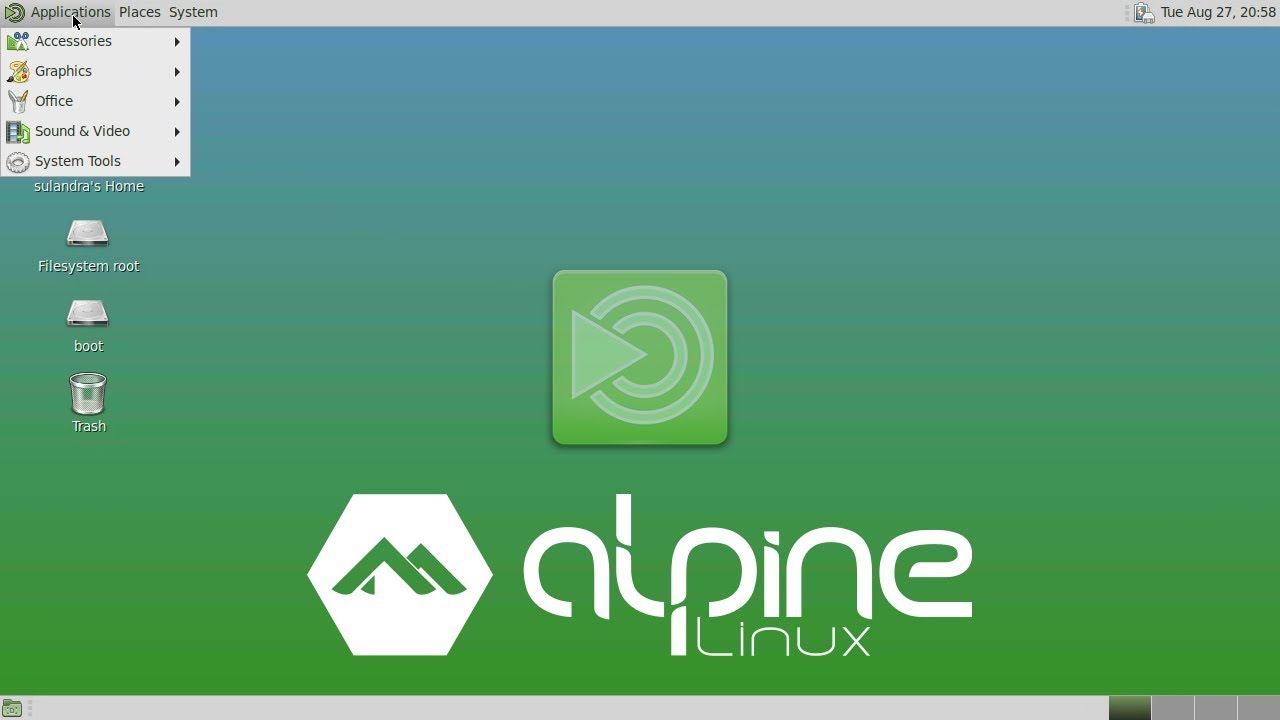
Alpine Linux is a security-oriented, lightweight Linux distribution based on musl libc and Busybox. The main focus of Alpine besides security is simplicity and resource efficiency.
Artix Linux MATE
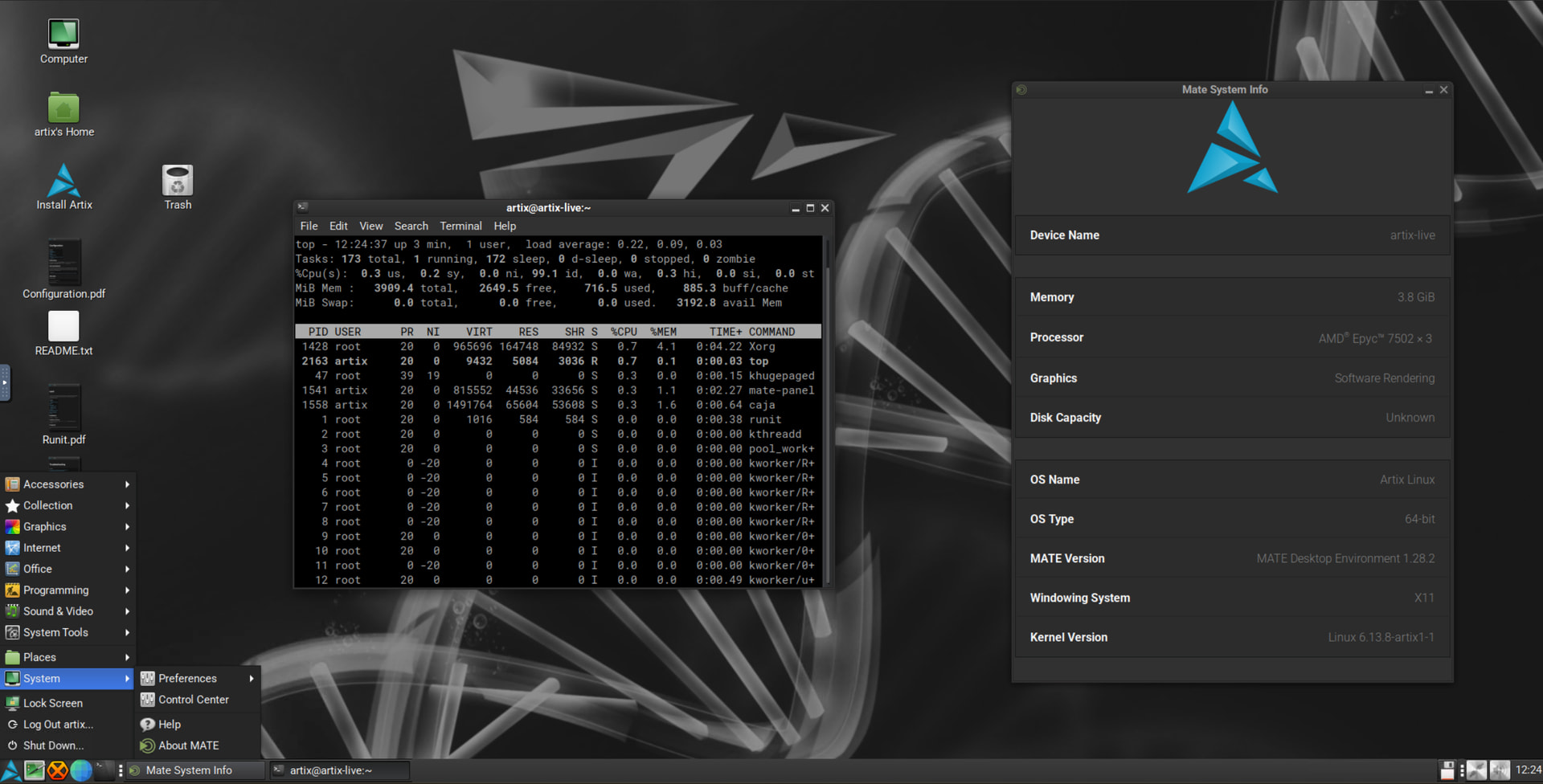
An Arch-based, systemd-free distro that offers MATE as one of its official editions. A solid pick if you want a rolling release with the classic MATE layout but prefer an alternative init system (runit, OpenRC, s6, or dinit) instead of systemd.
- Site: https://artixlinux.org
- Wiki: https://wiki.artixlinux.org
CachyOS MATE
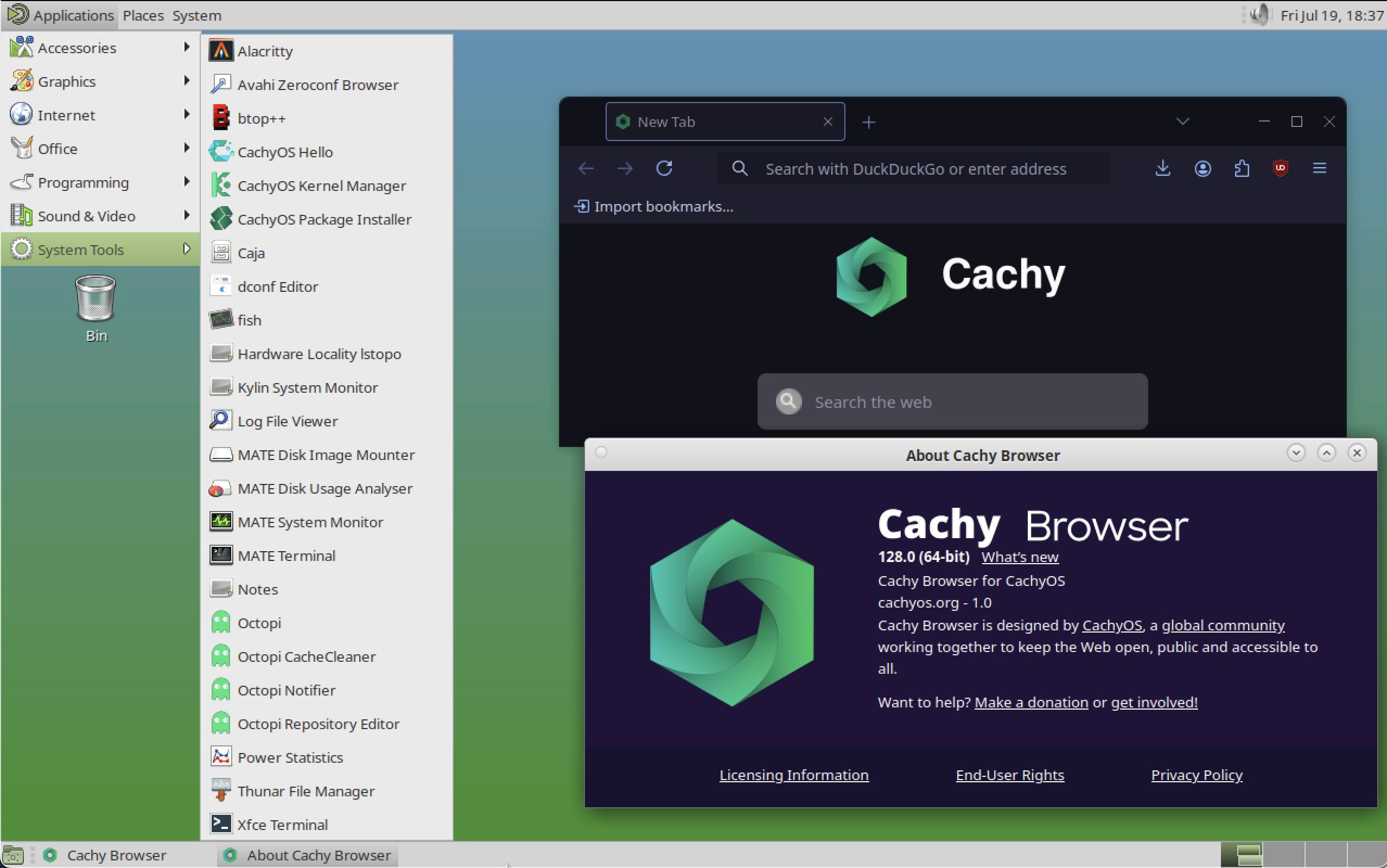
An Arch-based, performance-tuned distro that offers MATE as one of its selectable desktop environments. A good fit if you want MATE’s classic layout on a heavily optimized rolling base, with custom kernels and CPU-targeted builds doing the heavy lifting underneath.
- Site: https://cachyos.org
- Desktop environments: Desktop Environments | CachyOS
Debian (MATE)
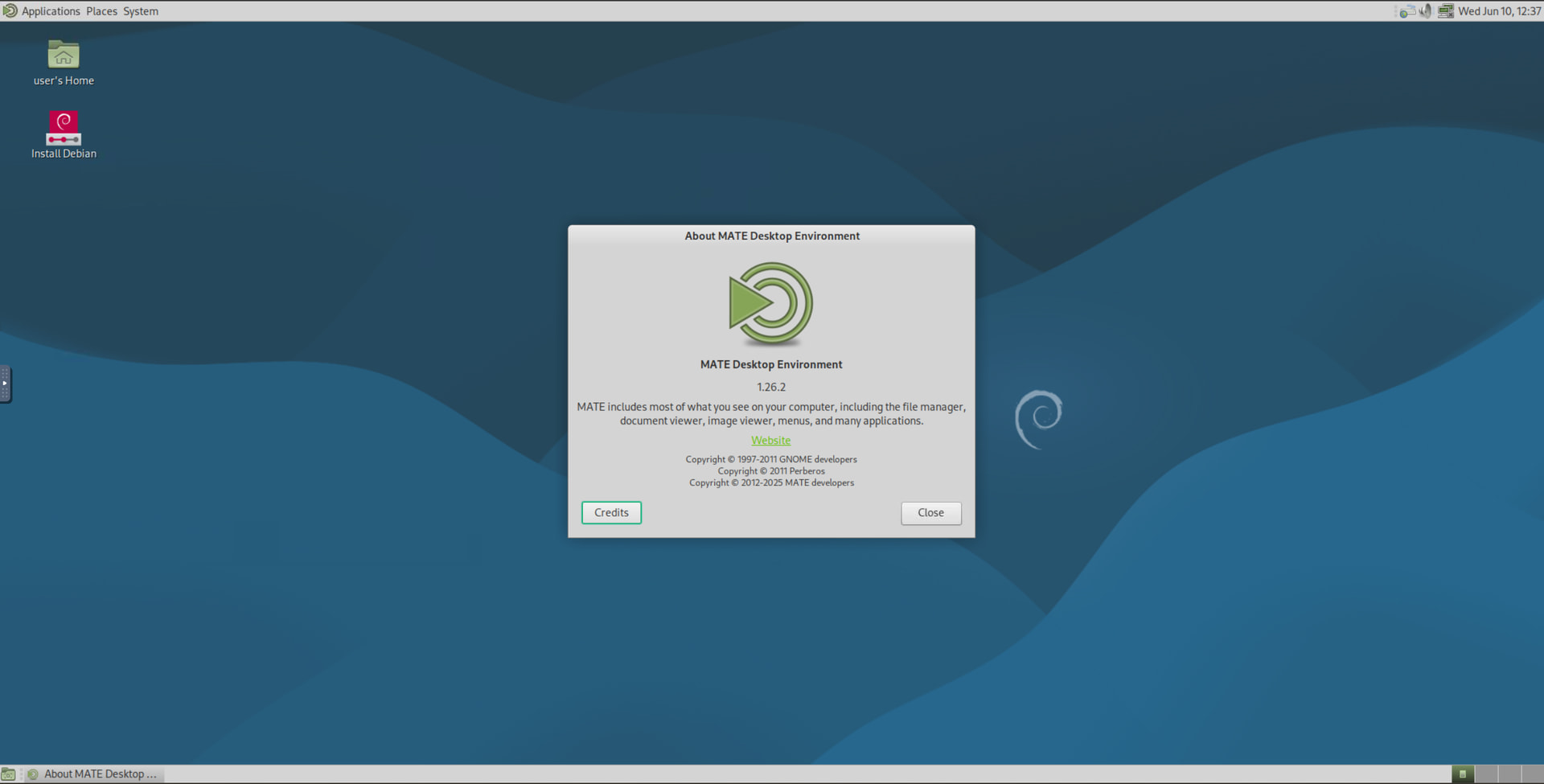
MATE is a first-class option in the Debian installer. Pick “MATE” in the desktop task selection during net-install, or grab a live image with “mate” in the filename. Rock solid and about as vendor-neutral as it gets.
- Site: https://www.debian.org
- Install info: Installation | MATEwiki
Fedora MATE-Compiz Spin
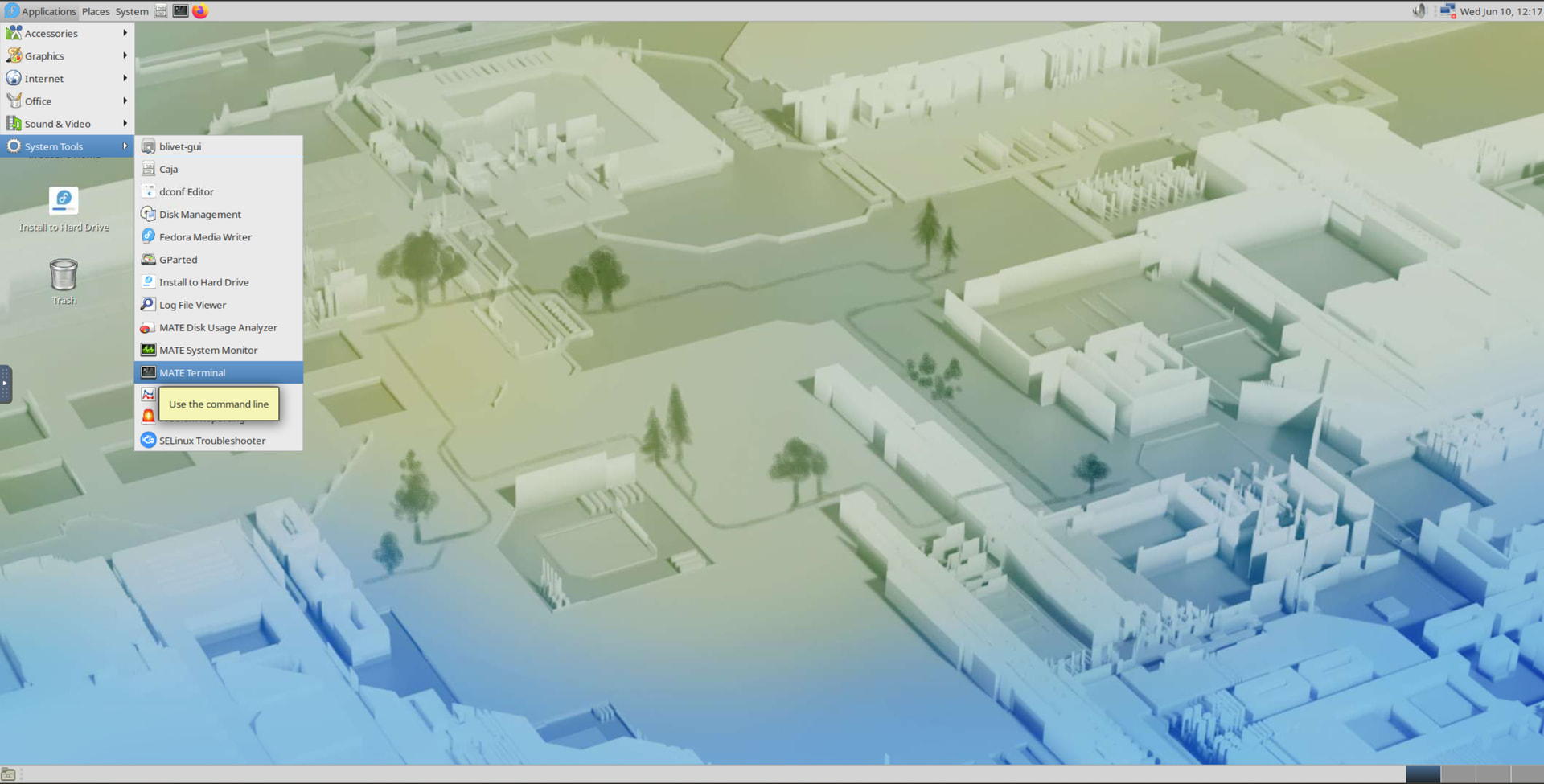
Fedora’s official MATE spin, bundled with Compiz if you want 3D window effects on top of the lightweight base. Marco is the default window manager, so you can skip Compiz entirely if you prefer something leaner.
Linux Mint MATE
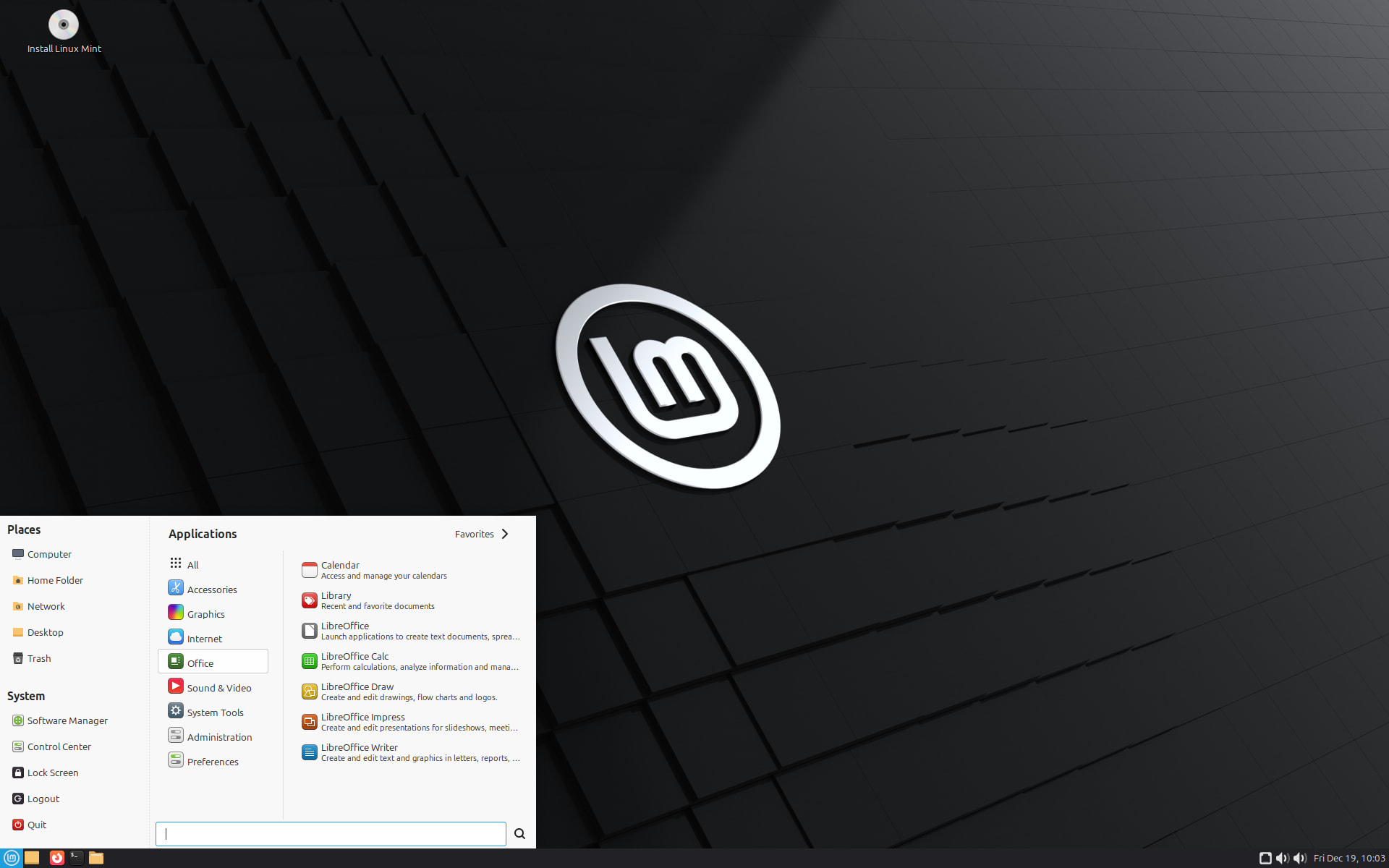
A polished, beginner-friendly option on the Ubuntu base. Stable, well-supported, and a common recommendation for people coming from Windows.
- Site: https://linuxmint.com
- Docs: Documentation - Linux Mint
Manjaro MATE (community edition)
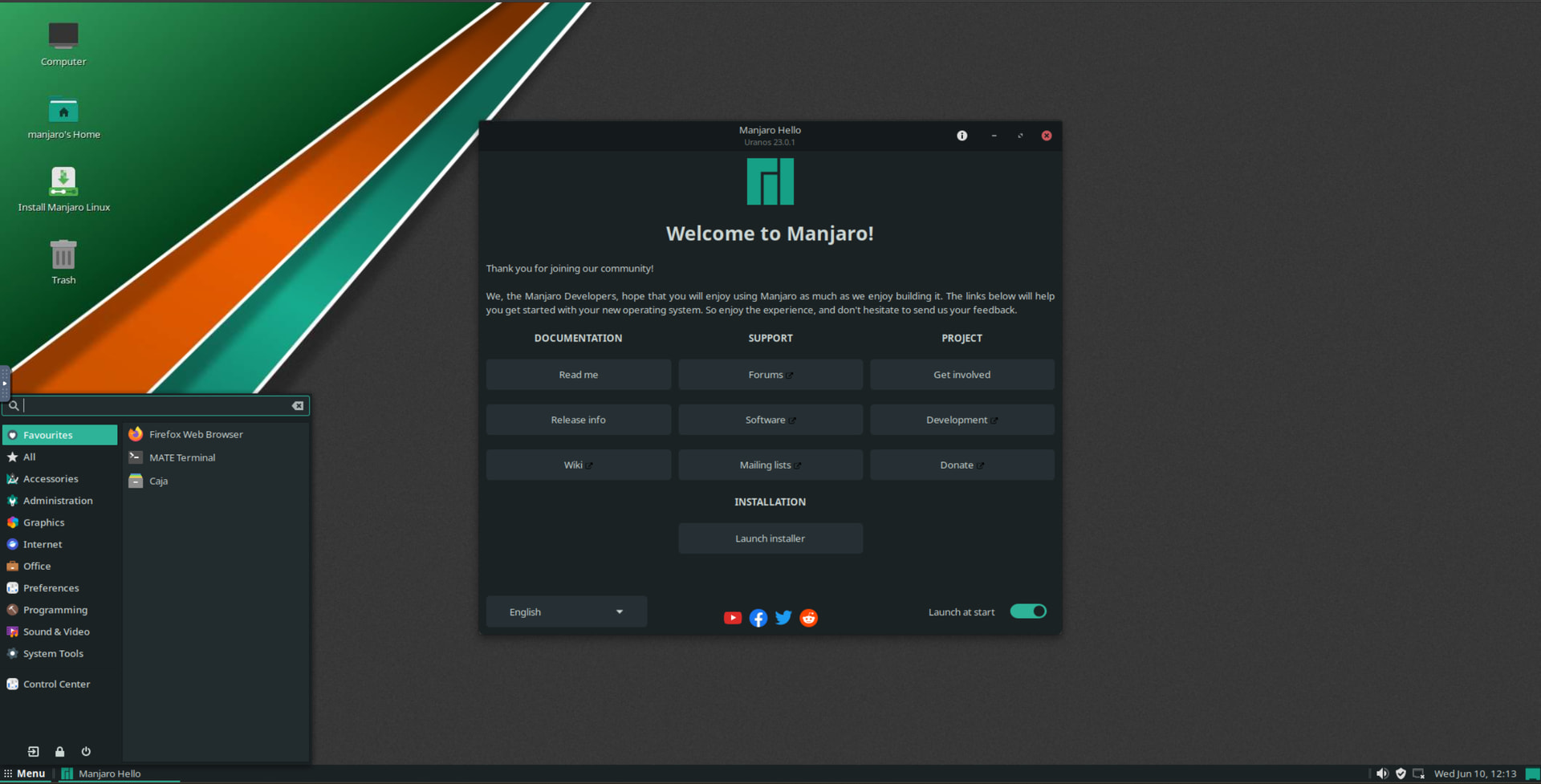
An Arch-based route to MATE with rolling releases and access to the AUR. Worth being upfront: this is a community-maintained edition, not one of Manjaro’s official flagship spins, so maintenance can be less consistent than the others here. Check current availability before committing.
- Site: https://manjaro.org
openSUSE MATE
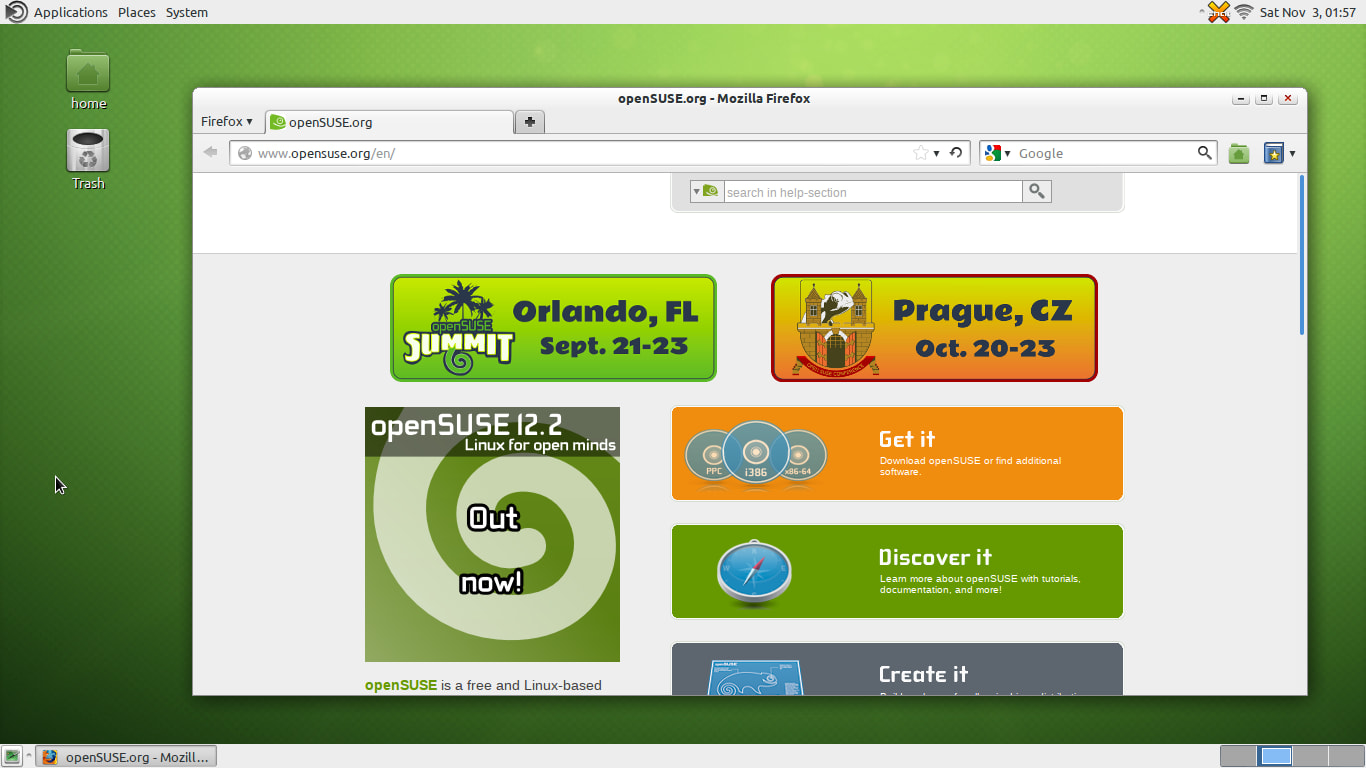
MATE is maintained for openSUSE through the X11:MATE repositories and works on both Leap and Tumbleweed. YaST makes setup and administration genuinely easy if you’re newer to Linux.
- Site: https://www.opensuse.org
- MATE portal: https://en.opensuse.org/Portal:MATE
Parrot OS
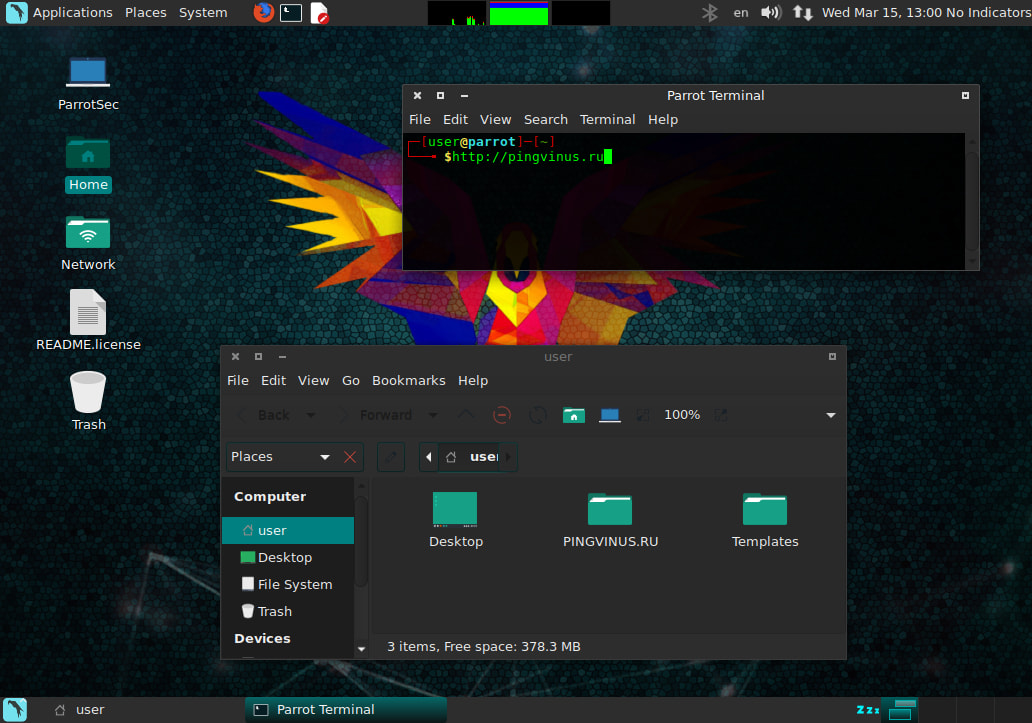
Parrot Security (ParrotOS, Parrot) is a distribution based on Debian Stable designed for security experts, developers, and privacy-aware people.
It includes a full portable arsenal for IT security and digital forensics operations.
Parrot used to have MATE-desktop as default. Now KDE-plasma is default but MATE and other desktops are installable and fully supported.
- Site: https://www.parrotsec.org/
- Docs: ParrotOS Documentation
Porteus MATE
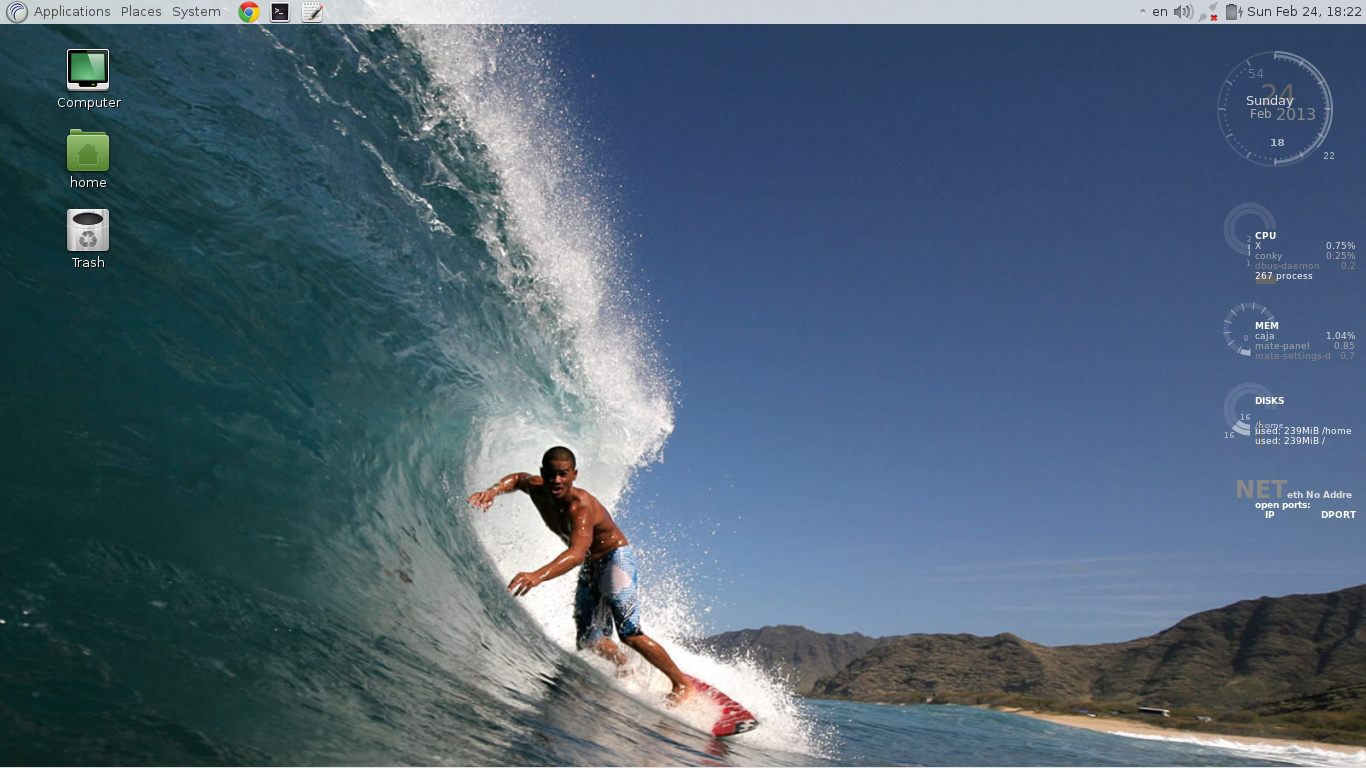
Porteus is a remix of the Slax Linux operating system, developed by a community of talented Slax users who want to keep its spirit alive. It is known for booting very fast, supporting several languages, and its ability to install, update and remove packages with a dependency-resolving package manager.
Distributed as hybrid Live CDs
This edition is distributed as two hybrid Live CD ISO images, one for each of the supported hardware platforms (32-bit and 64-bit). It can be burned to a blank CD disc or deployed on a USB thumb drive.
SparkyLinux MATE
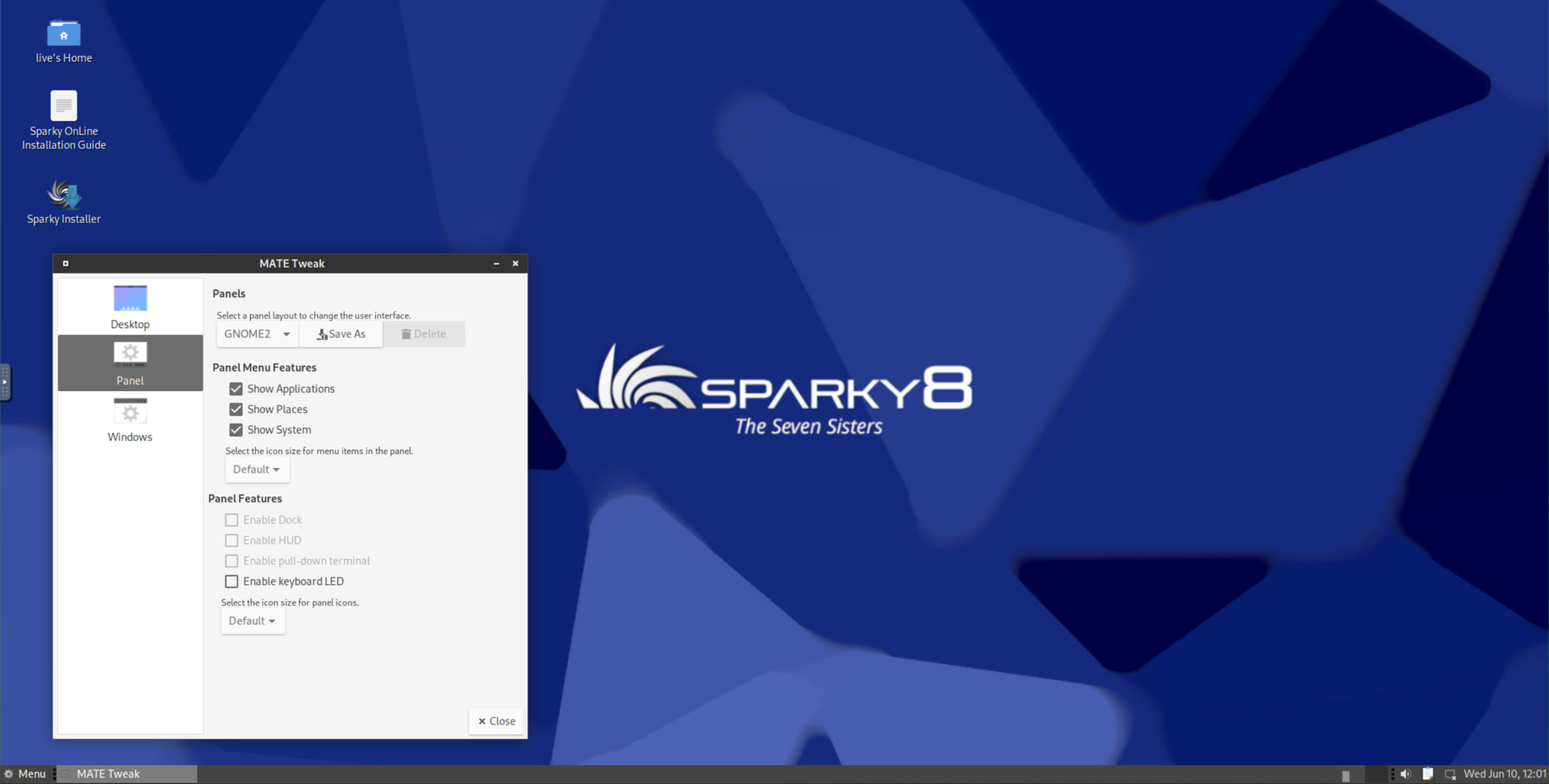
A lightweight Debian-based distro that offers a dedicated MATE edition. Built on Debian’s testing or stable branches depending on the line you pick, it’s a solid choice for older or lower-spec hardware where you want MATE’s efficiency plus Sparky’s own collection of custom tools.
- Site: https://sparkylinux.org
- Download: Download Sparky stable - SparkyLinux
- Tip: Sparky ships its own APTus tool, a GUI front-end that makes installing extra apps, drivers, and tweaks a few clicks instead of hunting through the command line. Worth exploring right after install to set the system up the way you want.
SpiralLinux MATE
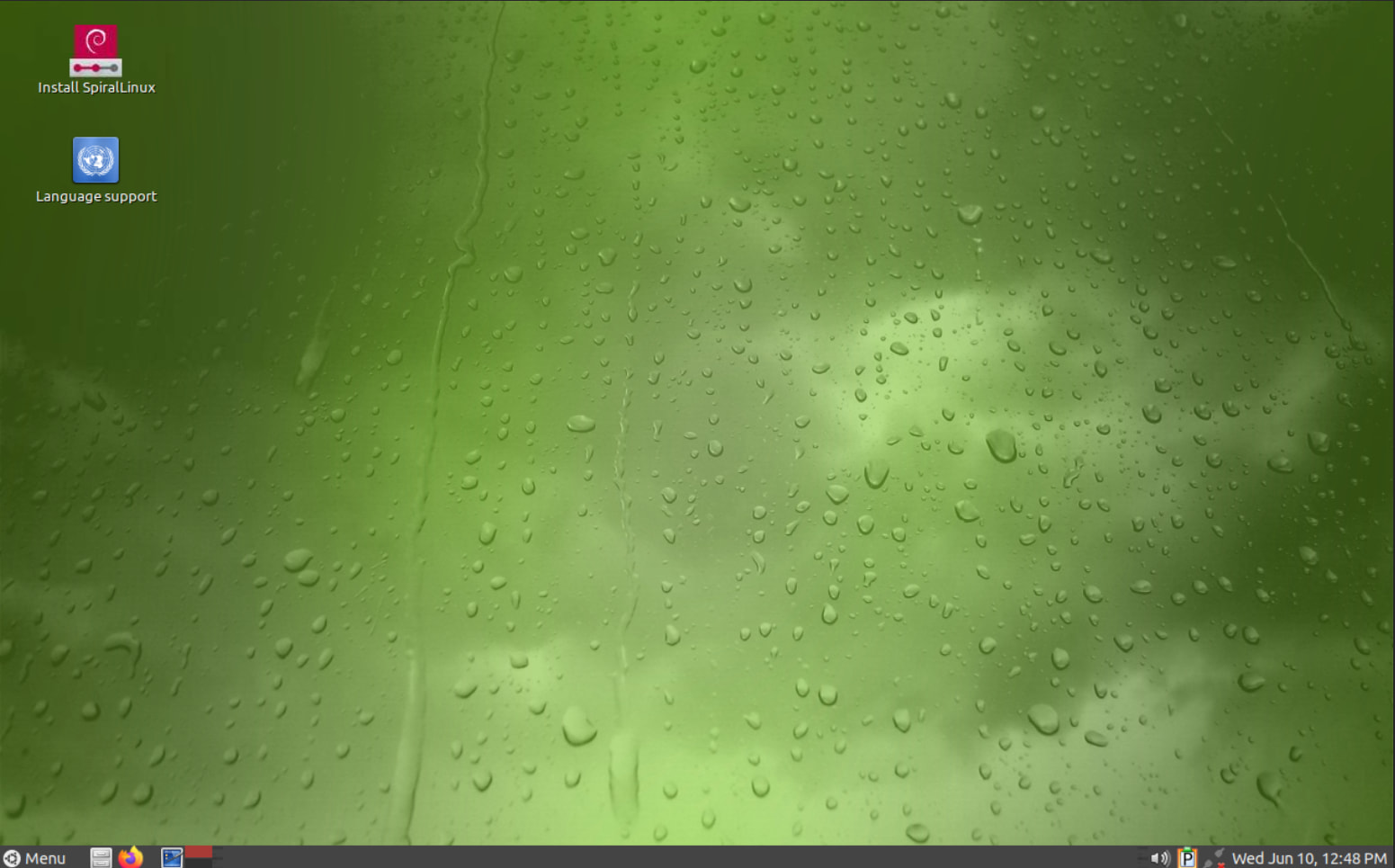
A set of Debian-based spins focused on simplicity and out-of-the-box usability, with a dedicated MATE edition. It’s essentially a preconfigured live installer that pulls from the official Debian repos, so you end up with a clean stock Debian system that’s already polished and ready to go.
Trisquel GNU/Linux
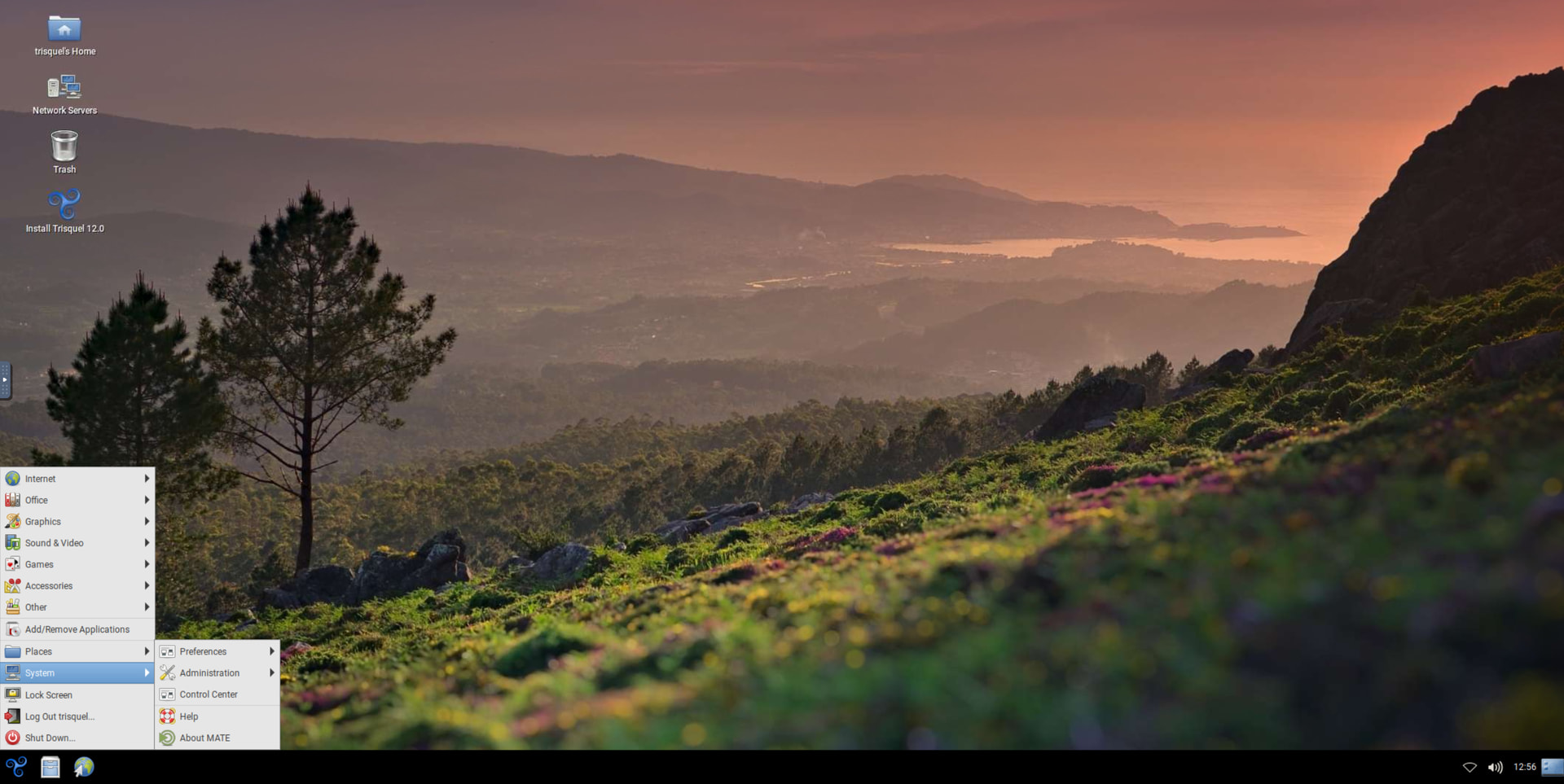
A fully free (libre) distro endorsed by the Free Software Foundation, with MATE as the default desktop on its flagship edition. If running a system with no proprietary blobs or non-free firmware matters to you, this is the MATE option built entirely around that principle.
- Site: https://trisquel.info
- Download: Download | Trisquel GNU/Linux - Run free!
Ubuntu
You can add MATE to an existing Ubuntu install with the ubuntu-mate-desktop package, then pick MATE at the login screen. Grab a base Ubuntu image here if you’re starting fresh.
Ubuntu MATE
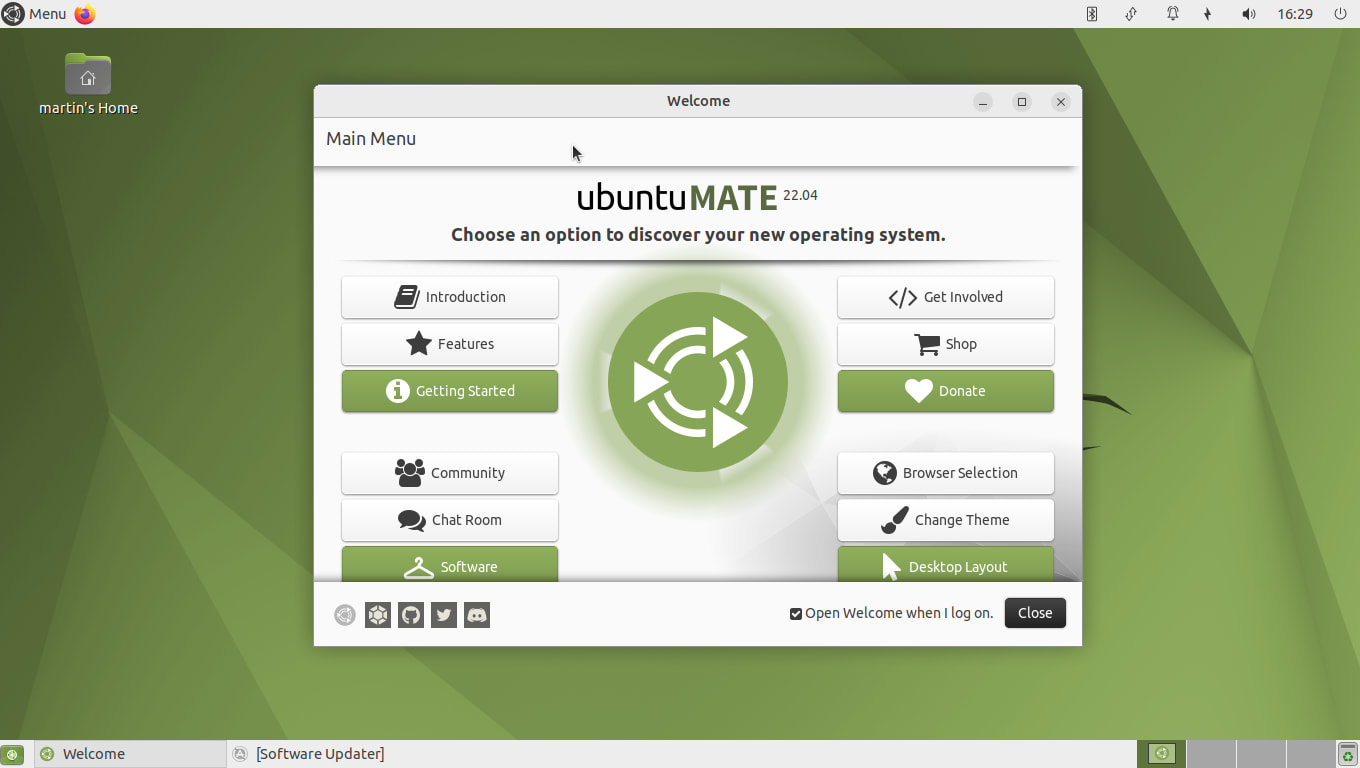
The flagship MATE experience, maintained by people on the MATE dev team itself. If you want MATE exactly as the developers intend it, start here. Great docs and an active community.
Don’t see your distro? You can probably still run MATE.
Almost every major distribution ships MATE in its repositories even without a dedicated edition. The MATE project keeps a general install guide covering manual installs from official repos, which is handy if you’re already running something else and want to switch desktops without reinstalling.
- General install guide: Installation | MATEwiki
- More? See “Which distributions support MATE?”:
You are welcome to add or edit the above post to improve it. That’s the whole idea of a community wiki post.
Most screenshots captured using distrosea.com




 .
. )
)
 emoji in reactions.