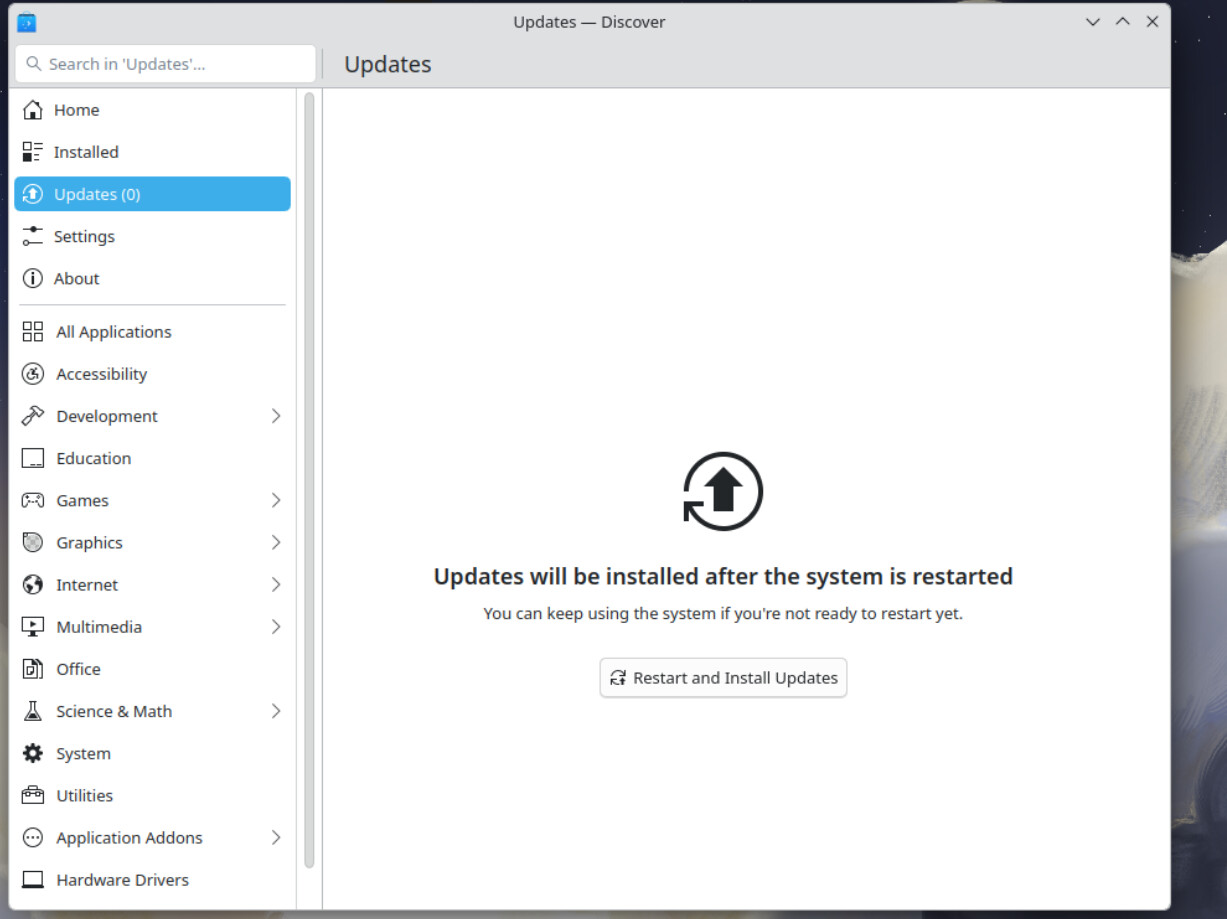
After the system is restarted??? WTH?!Have they not caught on to: reboot is only needed for kernel upgrades? Even Windows doesn’t make you reboot to start the update. SHEESH!
It does allow you to view the upgrades:
After you click on the “Update All” button it then brings a screen up with an options button if you click that it gives you the choice of restarting or shutting down. Choosing either of them starts the selected choice.
It then installs the update and brings the sign in screen.
All in all, if your fresh from Windows and want a distro for beginners you’ve found it!
That’s my two cents, let me know if you like it (the distro not my write up) or not.
Good write-up. Fedora KDE really does look more Windows-like than GNOME, which makes it a solid pick for newcomers. Yeah, they really should let users skip the reboot for non-kernel updates.
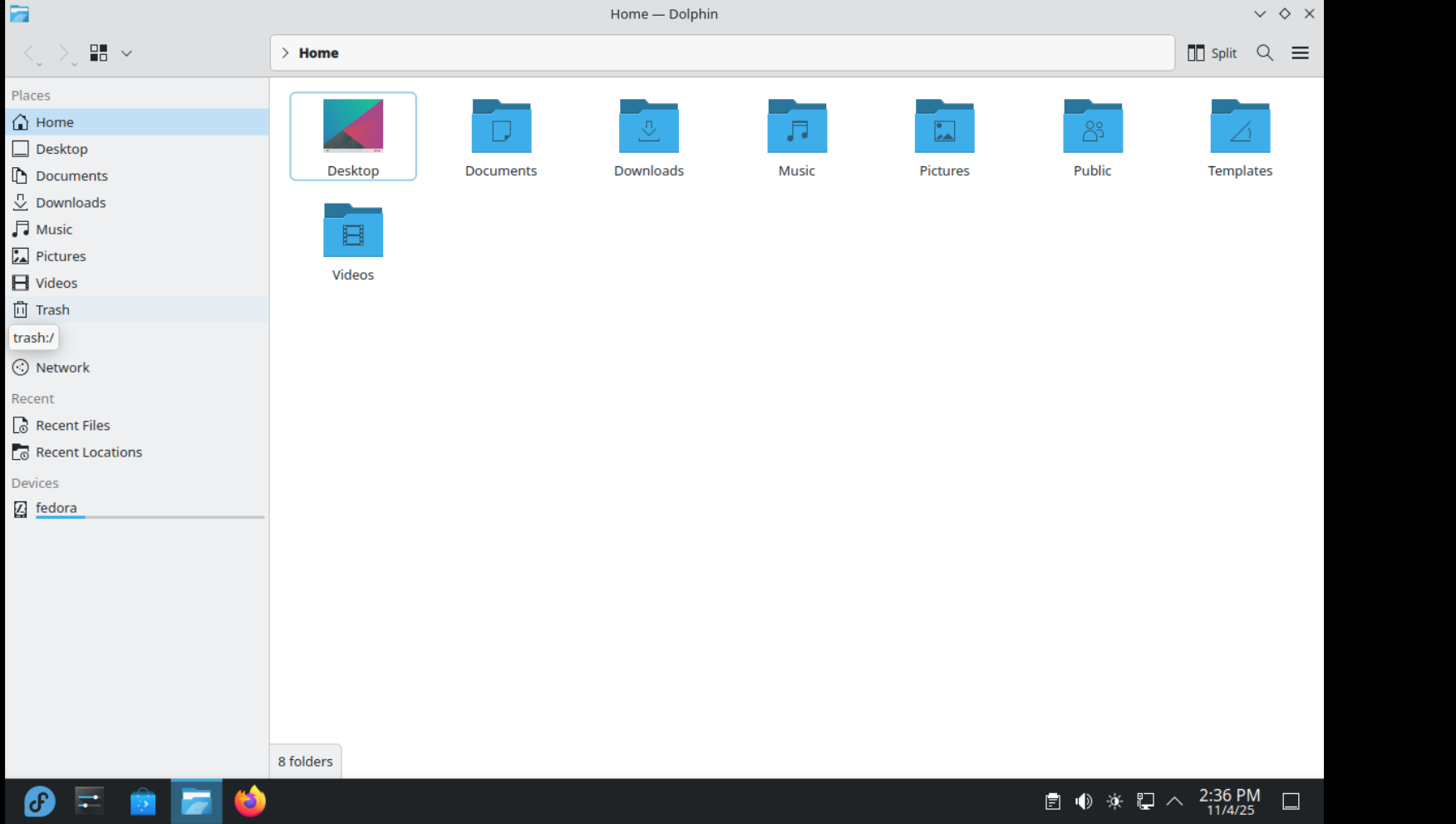
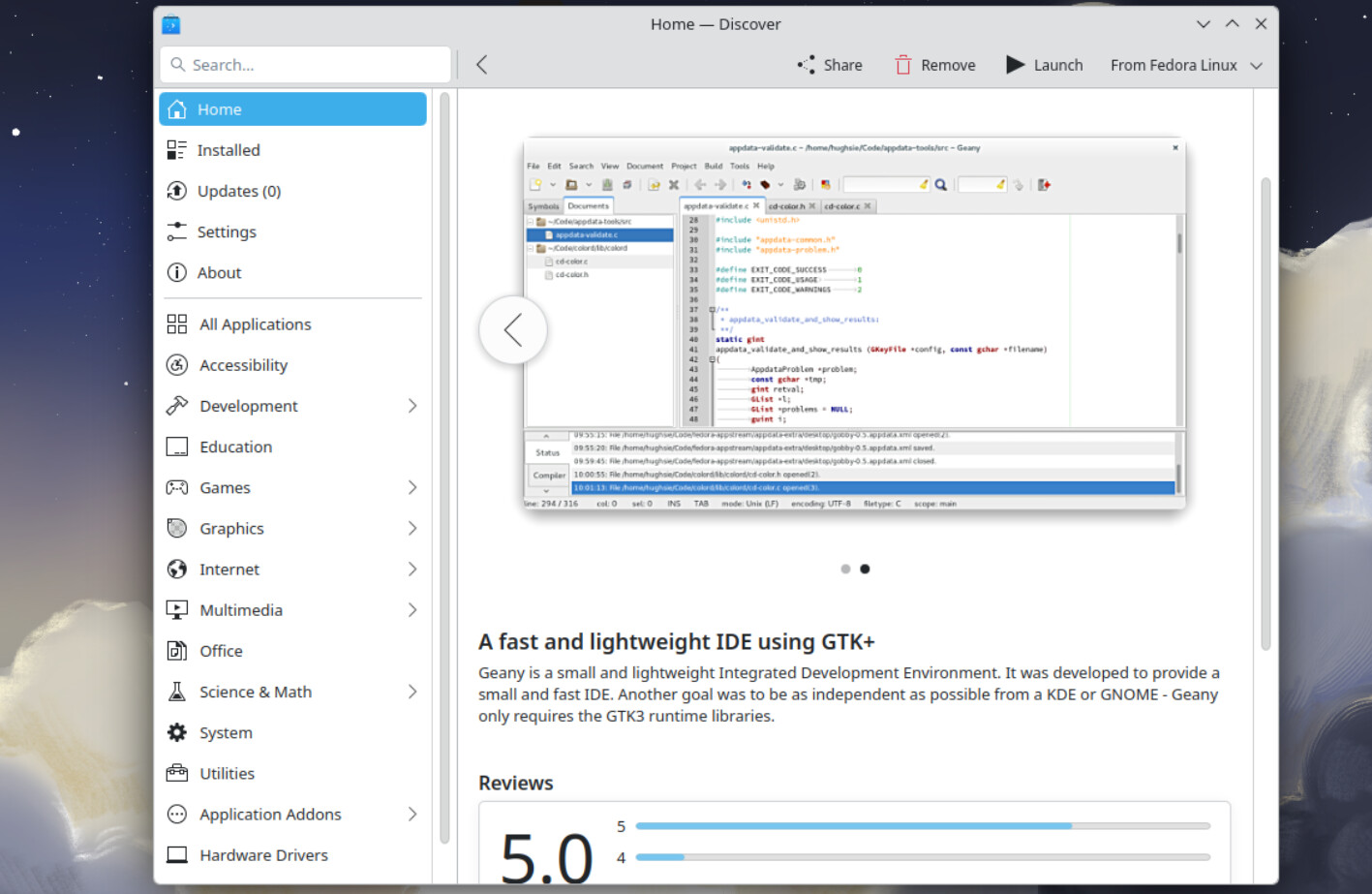
Dolphin and Discover are strong points, and with a few tweaks, it could be one of the cleanest KDE setups around.
Did you notice any performance difference compared to Neon or Manjaro?
Are there any plugins, extensions, or ways to setup tiling window management in KDE that work with custom keyboard shortcuts?
I did (Fedora 43 Workstation) and it’s still a resounding NO! Yes I realize Fedora GNOME isn’t the actual GNOME but it’s still butt fugly. And yes that makes you restart to update also; it must be a Fedora thing.
Well, let’s say I started using KDE Fedora spin because I felt a little unconfortable on XFCE, but for some reasons I still prefer XFCE.
I can’t use GNOME, does COSMIC is ready yet? It’s in beta since 2 years ago
I can’t fit myself with Cinnamon or LXQT, for now the most relatable DE for my needing and my taste preferences is KDE Plasma..
It’s usage is pretty easy indeed, thanks @tmick for sharing this. It might be a nice starting point for Windows refugers, but at the same time it’s a perfect compromise for expert users: having Fedora under the hood it means all the power and the all the new shining software releases.
NOTE: I can play without problems relative recents games with native Steam, Proton Lutris and Umu. The Kernel is just 5-7 days delayed then mainline release.
One new Linux user might start with *buntu or Mint, but notice that distros are based on Debian so with very old packages.
If the user is looking for fresh software for it’s machine equipped with latest AMD CPU, then *buntu or Mint (or Linux Lite) might be not the correct choice for it’s usecase.
Fedora from my point of view is the perfect compromise between stability, security and fresh softwares. That’s why it’s my daily choice.
@ricky89 I’m with you on this. In the early desktop days I was a KDE kind of a guy; that is up until about KDE 3.5; by then I was already working more with Xfce, like you. I have never liked either GNOME or any of the other variations, such as MATE or Cinnamon . Oddly enough, I do prefer the Gtk+ toolkit, and that’s where Xfce comes into the picture.
These days I hardly use Desktop Environments at all, though I DO try them: I’ve recently used KDE Plasma and Xfce (still no GNOME), but I’m a window manager kind of a person; the simple, configurable IceWM is what I use because I don’t need a lot of fancy fluff, nor do I care for the overhead. I try desktops mostly to get a sample; on rare occasions I’ve even tried GNOME (but it doesn’t take long to exit and use something else.
Your opinion is much valued, and it’s even nice when an opinion is similar to my own!
When I used COSMIC for about a month, I loved the fact that it had mixed a regular DE with TWM features. It had the status bar nicely set up, workspaces readily available and an easy switch right from the status bar to go between different tiling arrangements. They were also building out a good system manager GUI, similar to GNOME. So they had the best of both worlds which was what attracted me to them.
The one thing that discouraged me from it was the way they handled workspaces, just like gnome. You were able to have numbered workspaces, but if a workspace got empty it would automatically rearrange the numbers of the workspaces. So say you had workspaces 1 - 5 open. Workspace 3 became empty, it would then move workspace 4 to 3, and 5 to 4 so it’s numbered 1 - 4. That was a no no for a TWM. If your browsers are on workspace 6, you always want them on workspace 6 even if 1 to 5 are not open.
That was about a year ago, I don’t know if they have changed how that works, but for now I am sticking with Sway on Fedora.
I don’t have personal experiences with either COSMIC or sway.
You’ve shared your personal experience with COSMIC. For your own preferences you like sway. Can you explain what you particularly like and utilize with sway?
EDIT: It’s been five days since the comment and four days since this inquiry. If you are present, I’d appreciate more about your experiences and preferences with sway. Thanks!
@Brian_Masinick I haven’t forgotten, but thanks for the gentle reminder.
I remember DT on youtube put it best, many of us use tiling window managers, not for the tiling but for the workspace organization. So on my home system I have 22 workspaces. 1-10 is for home projects, F1-F12 is for Office Apps. As a sampling, on workspace 1 I have terminals, workspace 2 is firefox, workspace 5 is google, workspace 7 is a file browser.
Because specific apps are on a specific workspace, I just press Meta plus the workspace number and what I need comes up. I enjoy this especially across multiple screens. I barely move windows now, it’s either full screen or vertical or horizontal tiling.
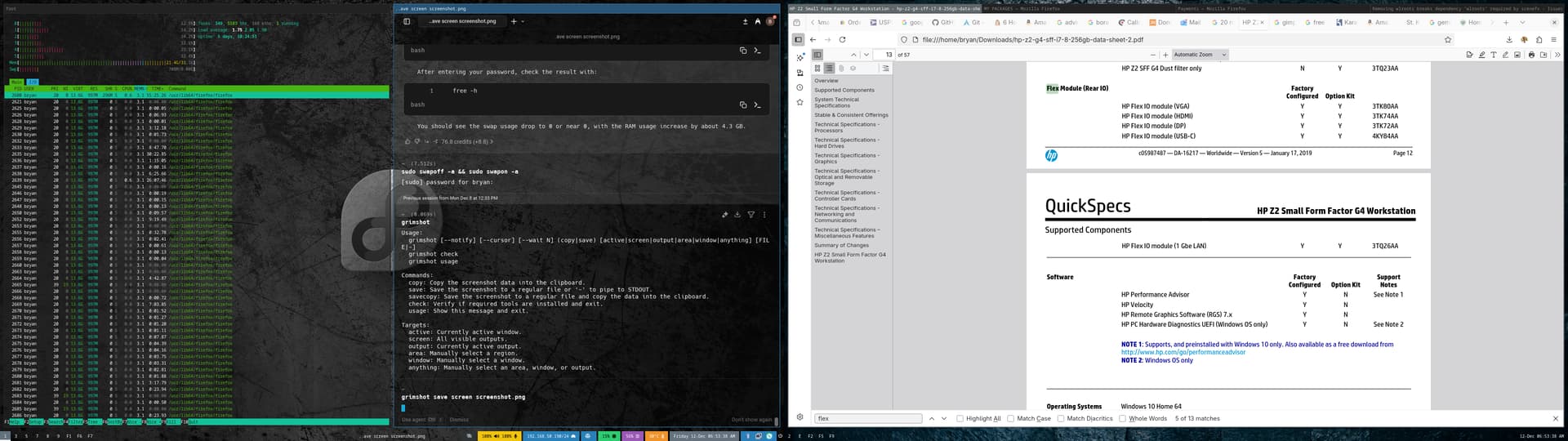
i3WM and Sway have tabbed workspaces, and I love their implementation of it. I especially use this feature when I have several browser windows open. Here is a sample of my dual screen setup.
So on one screen you see a vertical window tile, and on the next is the tabbed layout.
The reason I choose Sway over i3WM is Wayland. Wayland feels so much smoother, and the graphics I love. On a side note Hyprland has plenty of bling with the smoothness but no tabbed workspaces, at least not yet the last I checked.
So in summary, the tabbed workspaces and Wayland is the main reason I choose Sway.
Yes, nice explanation. I also use tiling WM for the workspace organization. And I’m hooked. I stopped using i3wm about 2 years ago, just because I enjoy the comforts of a full DE now. I had my fun with Arch + i3 and Kali + i3.
Now I’m at that place where I want the comforts and seamless features that a full DE offers. So I moved to Gnome but I used Forge and other extensions to clone my previous tiling WM and workspace setups.
I have 9 works spaces and like Bryan said I press super key + 1 to 9 for
Chrome - 1, terminal - 2, Termius -3, Helix -4, file manager - 5, Gimp -6, Google Chat - 7 Spotify - 8 and 9 is misc (sometimes discord app)
They all remain open and in a fraction of a second as Bryan mentioned you can switch between full screen workspaces.
The only times I use tiling is if I’m following instructions in the web browser I will open a terminal window tile to the right. But only because I don’t have two displays. I use a single 32” 2k display which for me is the perfect resolution and size for tiling. Also if I’m working on multiple servers I’ll use tiling sometimes on workspace 2 or 3.
I can’t imagine using any OS without tiling WM.
@shybry747 can you find the link to that DT video?


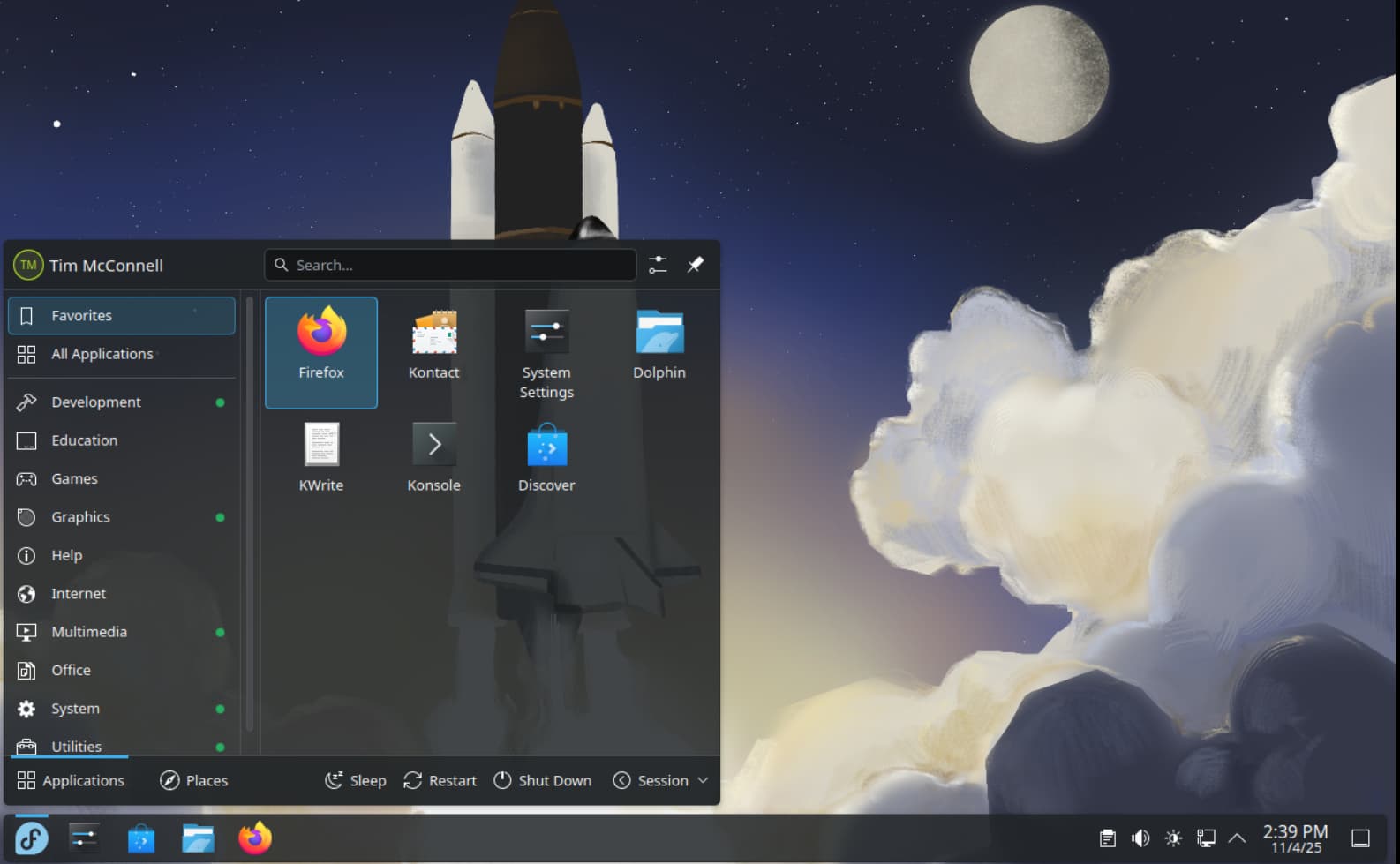


 I think it had a bad rep a while back and so most people have not really given it a 2nd look since.