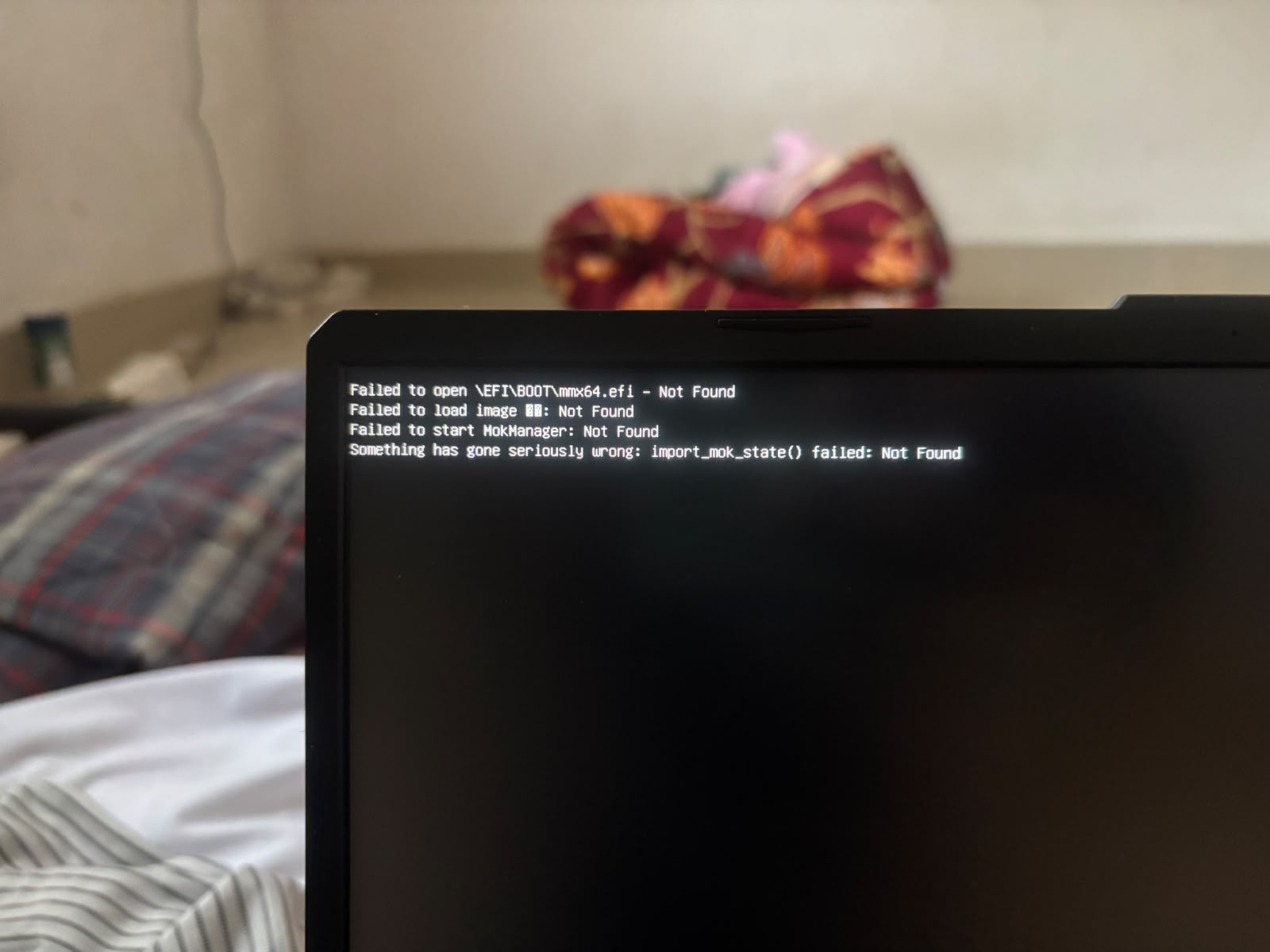
First I have installled linux throw pendrive ,till the particition part there i was unable to allocate space , after that i have shutdown my pc , then try to install this above msg pop up constantenly **I have try mulitple times using multiple pendrive but same message pop uped
**
4 Likes
Welcome to the forums @A_K_I_L_A_N, nice to meet you! 
2 Likes
Welcome to the forums @A_K_I_L_A_N 
I’m on mobile so will follow up on PC with more later. But for now can you temporarily disable Secure Boot in the BIOS and try booting/installing again? Are you already familiar with editing your BIOS? If not we can walk you through that.
Next, and only if turning off secure boot does not work…
What distro and how did you write Linux to the pendrive? what copy-to-USB app? Rufus, other?
Try using Etcher to copy the Linux distro to your USB, I’ve had the best success rates with Etcher:
6 Likes
Welcome to the forum @A_K_I_L_A_N !
3 Likes
When you boot,
-
are you able to enter the UEFI/BIOS or SecureBoot settings window?
-
do you have an option to enable/disable secure boot?
Which provider of BIOS or SecureBoot does your computer report as controlling your computer?
Are you trying to install Linux in parallel with Windows on the same physical disk drive? or do you intend to install a pure Linux configuration?
If Windows and Linux, you need to always install Windows first, then freeze the Windows (stop updates), then install Linux. Otherwise, Windows updates tend to tamper with the “shared” partition/boot files creating issues for Linux.
Can you boot using a Live ISO of the Distro you want to install? If so, please provide the report from the following command:
inxi -Fxxx
4 Likes
The error in your screenshot points to a Secure Boot / MOK issue rather than a partitioning problem.
You were able to reach the partitioning stage previously, which means the installer itself was capable of booting at least once. The failure now occurs before the installer starts.
The key message is:
Failed to open \\EFI\\BOOT\\mmx64.efi

Failed to start MokManager
MokManager (mmx64.efi) is used by shim when Secure Boot needs to process a pending key enrollment request. If that request exists in UEFI NVRAM but the boot media does not contain the required mmx64.efi file, boot can fail exactly as shown.
A few questions:
- Which Linux distribution are you installing?
- Is Secure Boot currently enabled?
- Did the installer previously ask you to create a Secure Boot password or enroll a key?
- Which tool was used to create the USB (Rufus, Ventoy, Balena Etcher, Fedora Media Writer, etc.)?
I would first try disabling Secure Boot temporarily, recreating the USB from a freshly verified ISO, and then booting again.
Based on the error shown, this looks more like a Secure Boot / MOK state problem than a disk partitioning problem.
6 Likes
1.Created a bootable Ubuntu USB drive.
2.Booted from the USB using the Boot Menu.
3.Started the Ubuntu installation process.
4.Followed all the installation steps one by one.
5.Reached the “Installation Type (Manual Partitioning / Something Else)” screen.
6.At the Partition Type and Location step, I noticed that I did not have enough free disk space for Ubuntu.
7.I exited the installer without completing the installation.
8.Later, I cleaned up some space on my C: drive in Windows.
9.I inserted the same USB drive again and tried to reinstall Ubuntu.
10.Now, whenever I boot from the USB, I get the following error:
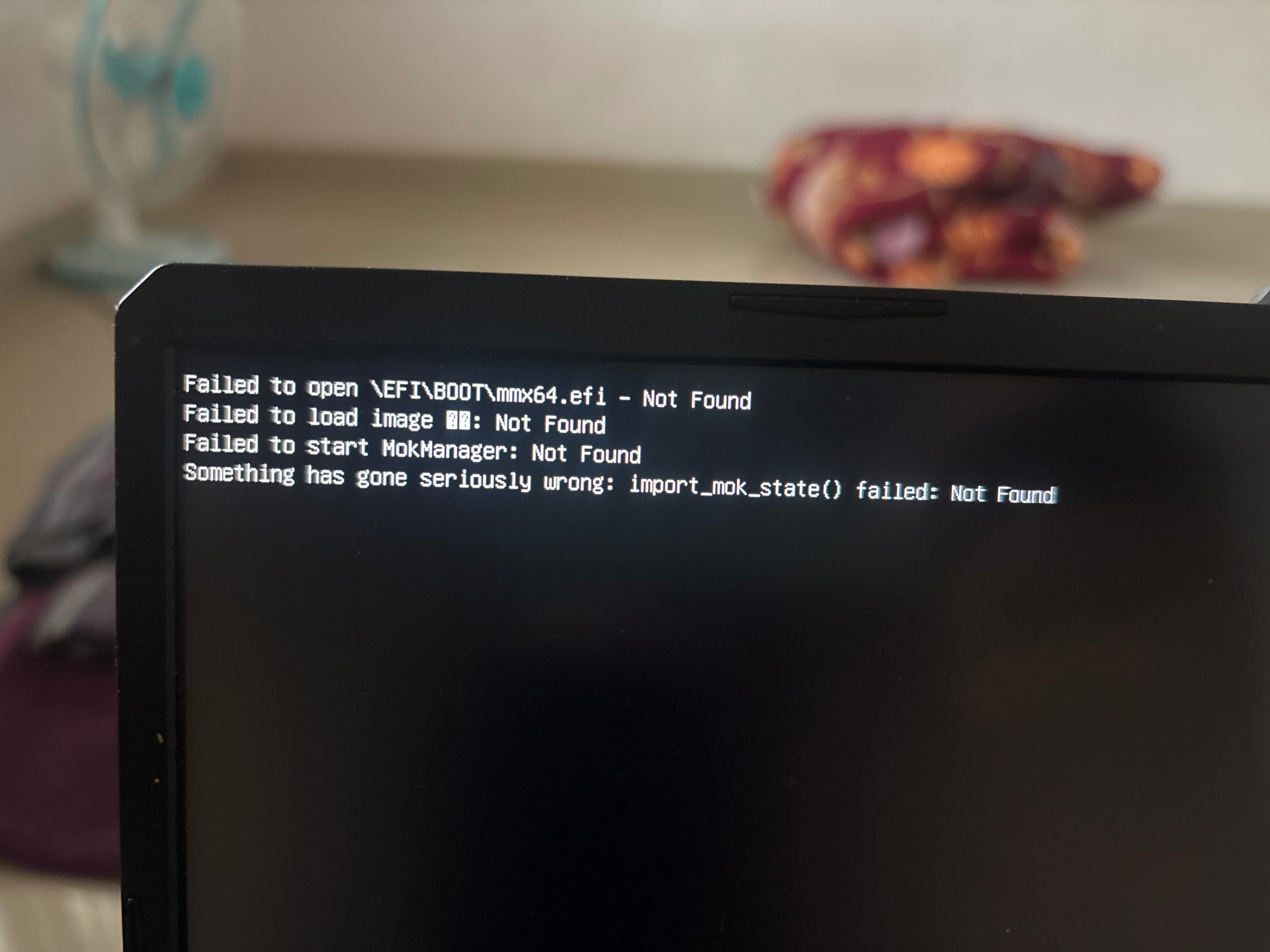
4 Likes
Have you checked in the BIOS whether Secure Boot is enabled or not?
4 Likes
Yes ,chatgpt told mee to disable the secure Boot
2 Likes
Have you disabled it? If not, try disabling it.
2 Likes
I am trying to install Linux Mint 22.3 Cinnamon 64-bit.
- Is Secure Boot currently enabled?
- No,secure boot is currently disabled
-
- Did the installer previously ask you to create a Secure Boot password or enroll a key?
- i can’t remeber but i had set a password
-
- Which tool was used to create the USB (Rufus, Ventoy, Balena Etcher, Fedora Media Writer, etc.)?
-I created the bootable USB using Rufus 4.14.
- Which tool was used to create the USB (Rufus, Ventoy, Balena Etcher, Fedora Media Writer, etc.)?
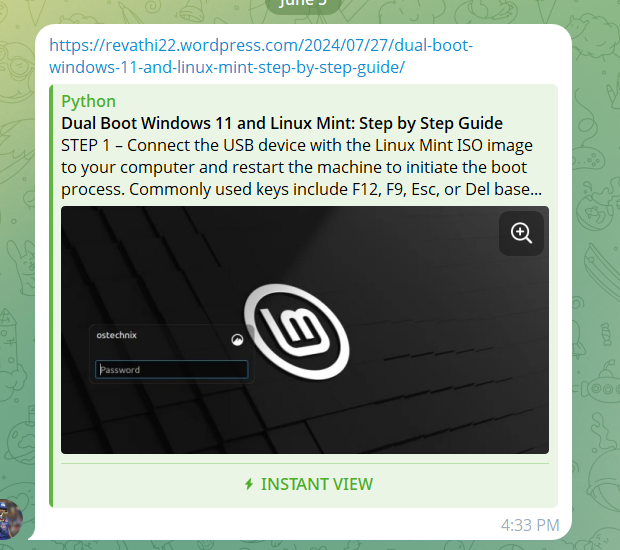
i had install using this above steps till **The step - 8 ** I had selected somthigelse and it show the space in the disk there is no space so i had quite the process
2 Likes
Thanks for the response.
I have already disabled Secure Boot in the BIOS, but the issue still occurs.
I am trying to install Linux Mint 22.3 Cinnamon (64-bit). I created the bootable USB using Rufus 4.14.
The first time I booted from the USB, the installer started normally and I followed the installation steps until I reached the “Installation Type / Manual Partitioning” screen. At that point I realized I did not have enough free disk space, so I exited the installer without completing the installation.
Later, I freed up space in Windows and tried booting from the same USB again. Since then, whenever I boot from the USB, I get the following above error:
i had install using this above steps till **The step - 8 ** I had selected somthigelse and it show the space in the disk there is no space so i had quite the process
2 Likes
Thanks for your response.
Yes, I am able to enter the UEFI/BIOS settings. My laptop is an ASUS TUF, and I have already disabled Secure Boot. The BIOS now shows Secure Boot as “Not Active”.
I am trying to install Linux Mint 22.3 Cinnamon (64-bit) alongside Windows 11 on the same SSD. Windows was already installed and is still booting normally through Windows Boot Manager.
During my first installation attempt, I booted successfully from the Linux Mint USB and followed the installer steps until I reached the “Installation Type / Manual Partitioning” screen. I realized I did not have enough free space, so I exited the installer without completing the installation.
After freeing up disk space in Windows, I tried booting from the same USB again. Now, whenever I boot from the USB, I get the following error:
2 Likes
After looking into Ubuntu bug reports, Linux Mint issue reports, and multiple user cases with the exact same sequence of events, I believe the root cause is a pending MOK enrollment stored in UEFI/NVRAM rather than a partitioning issue or a damaged USB drive.
The timeline matches almost perfectly:
- The USB booted successfully the first time.
- The installer reached the partitioning screen.
- A Secure Boot/MOK password was created.
- The installation was cancelled before completion.
- Every subsequent boot failed with:
Failed to open `\EFI\BOOT\mmx64.efi - Not Found
Failed to start MokManager
import_mok_state() failed
Linux Mint currently ships installation media that may not contain EFI\BOOT\mmx64.efi in the location shim expects when a pending MOK action exists. Once that MOK request is stored in firmware, shim attempts to launch MokManager on the next boot and fails because the required file is not available. This exact behavior has already been documented in Linux Mint issue reports and older Ubuntu bug reports.
I would recommend the following, in order:
-
Enter firmware setup and reset Secure Boot keys to factory defaults, or clear any pending Secure Boot/MOK enrollment entries if the firmware provides that option.
-
If available, boot an Ubuntu 24.04 Live USB. Ubuntu includes MokManager (
mmx64.efi). Booting it once often allows the pending MOK request to be processed or cleared. After that, the Linux Mint USB usually boots normally again. -
If the firmware supports it, temporarily switch Secure Boot off and perform a complete power-off cycle before testing again.
-
As a workaround, some users have copied or renamed
EFI\BOOT\grubx64.efitoEFI\BOOT\mmx64.efion the installation media. This has worked for many people, but it is only a workaround and not the proper fix becausemmx64.efiis supposed to be MokManager, not GRUB. It can also create Secure Boot chain-loading problems later.
Given that the installer worked correctly on the first boot and the failure appeared only after the installation process was interrupted, I do not think disk space, Rufus, or the USB drive itself are the primary cause. The evidence points much more strongly toward a leftover MOK enrollment state in firmware.
4 Likes