From what I can see the drive looks ok. It does have about 80,000 power on hours (roughly 9 years) and 119 unexpected power loss recoveries, so it’s lived a full life.
The only things that raise an eyebrow is the 119 unexpected power losses and the invalid SMART checksum warning, but seems ok overall.
Try unplugging everything USB and booting with just keyboard and mouse connected.
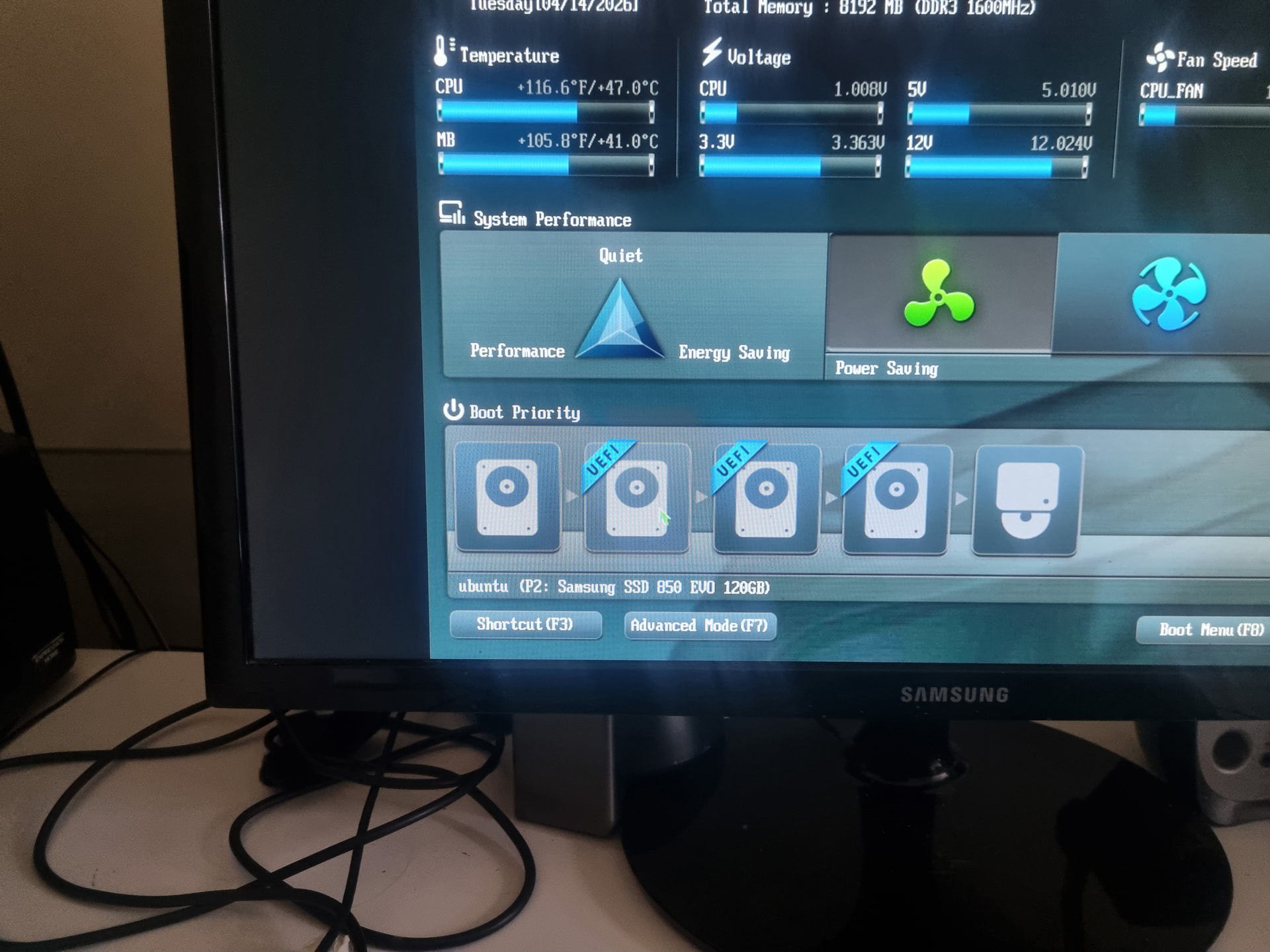
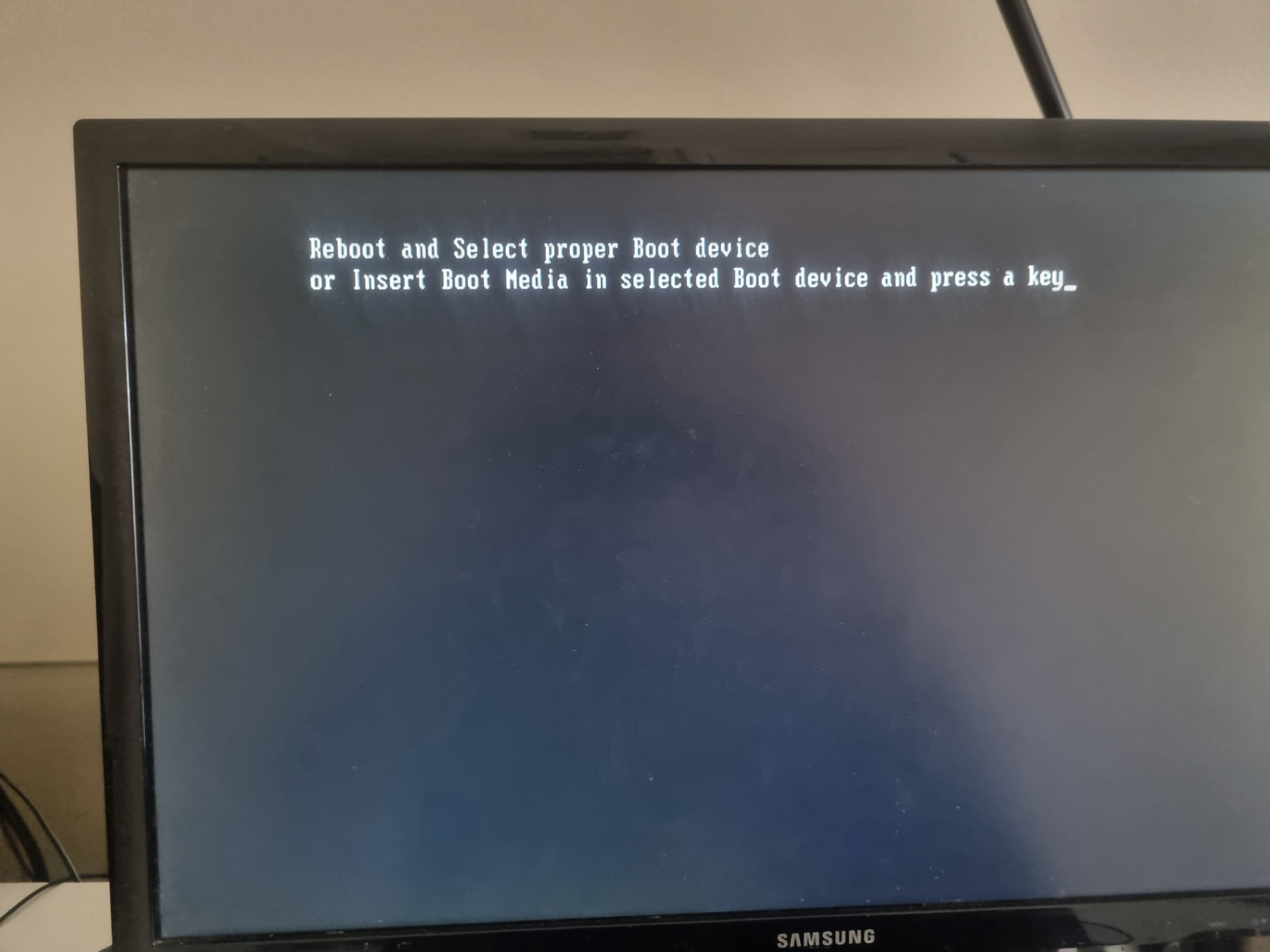
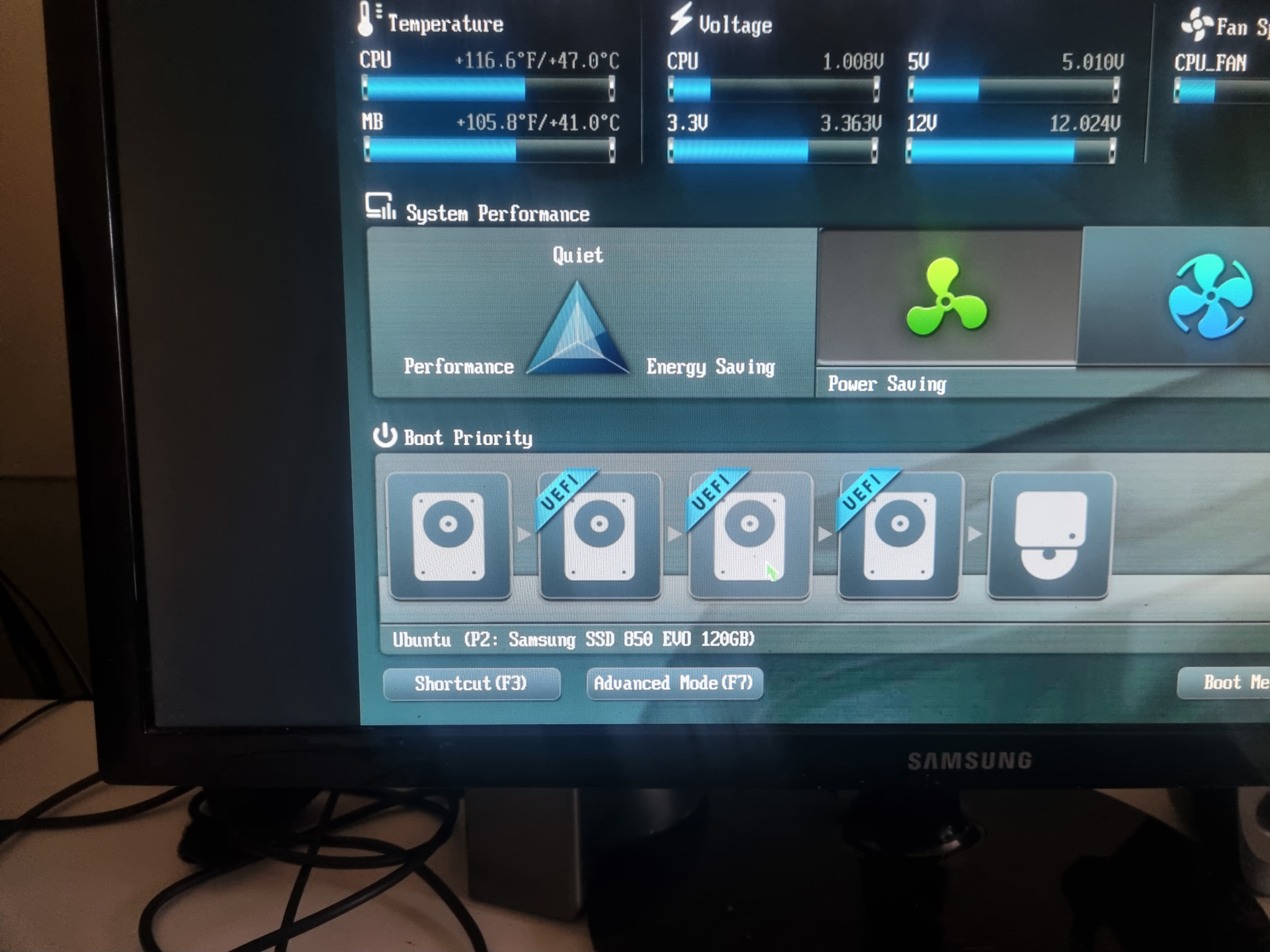
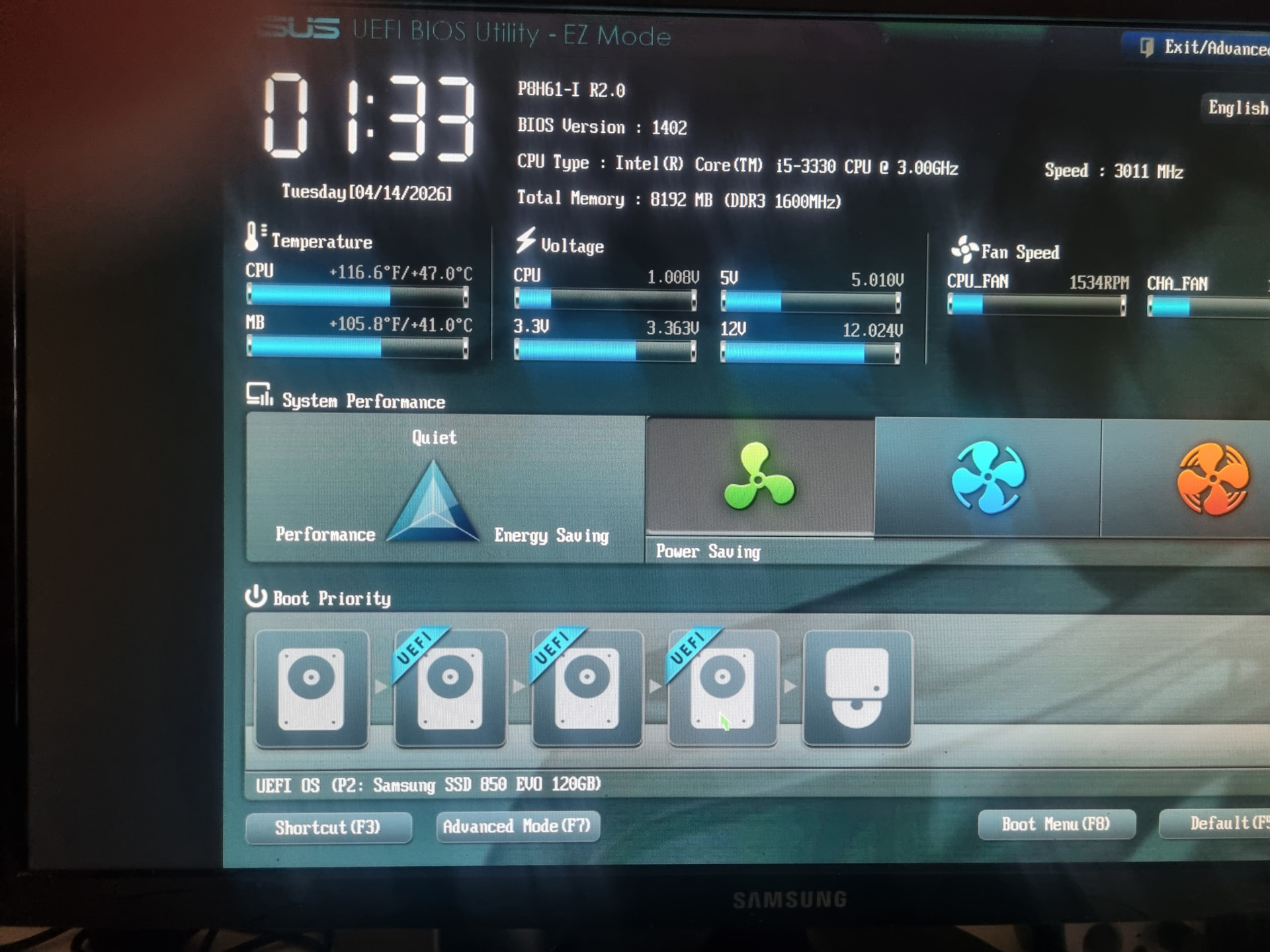
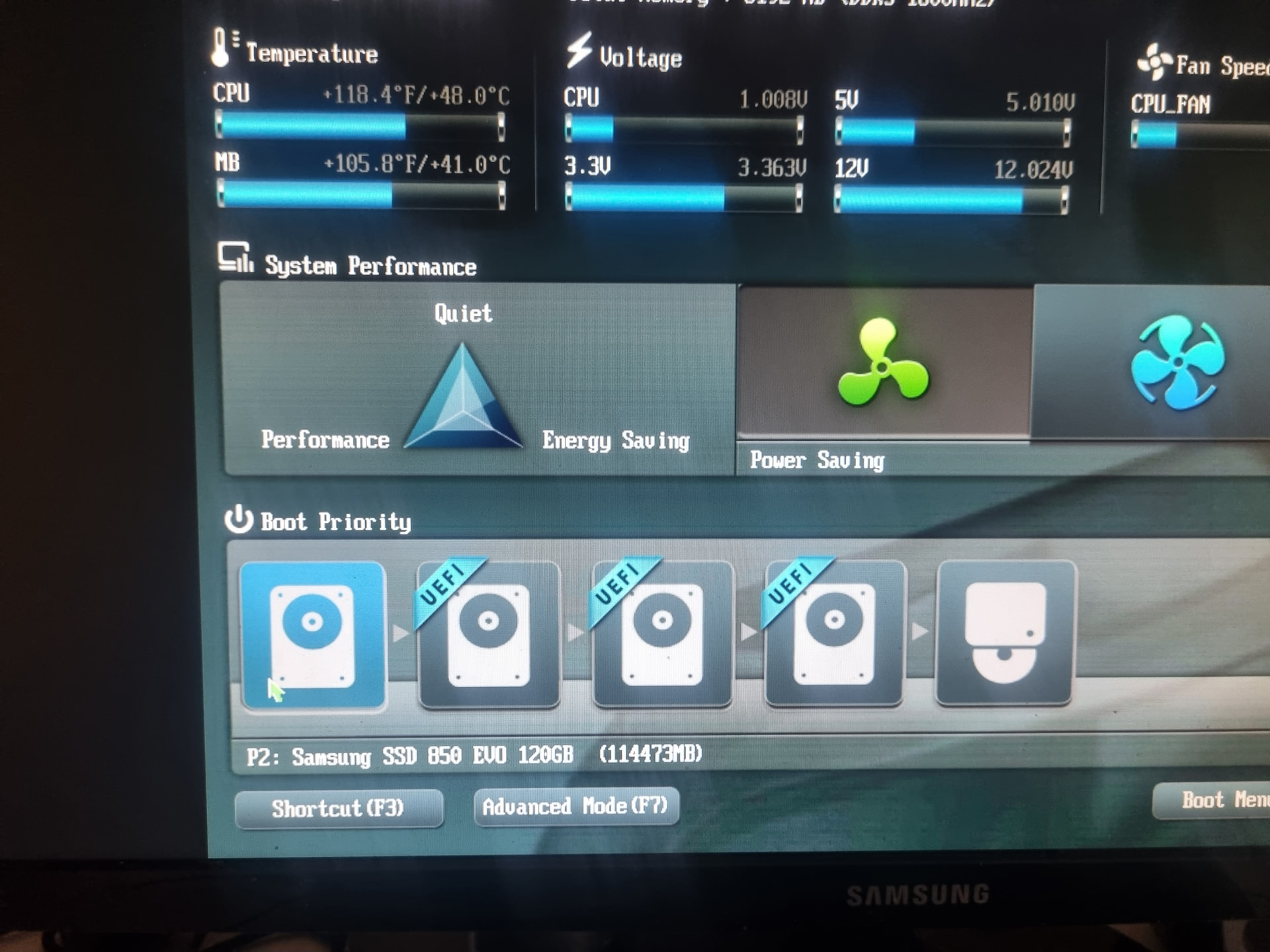
Before I leap in and reinstall, I thought I would show these images of the BIOS utility screen. Image #2 is the result of booting from the drive in image #1. I presume that means that it is useless. Images #3 to #5 seem to pointless or at least two of them would be. Is there a way of not having them show up please, because they are confusing?