With my subscription to ChatGPT and having done a fresh install of Ubuntu-Mate 24.04.5 LTS I’ve begun filing off some rough edges in my system. Some papercuts if you will…
One of the things that has really irritated is the way that GTK applications tend to lean Gnome instead of leaning towards fitting into the Mate Desktop. One of which was Sound Converter. A basic simple program which converted sound formats one to another. The problem is it was for Gnome not Mate.
Well not any more man…
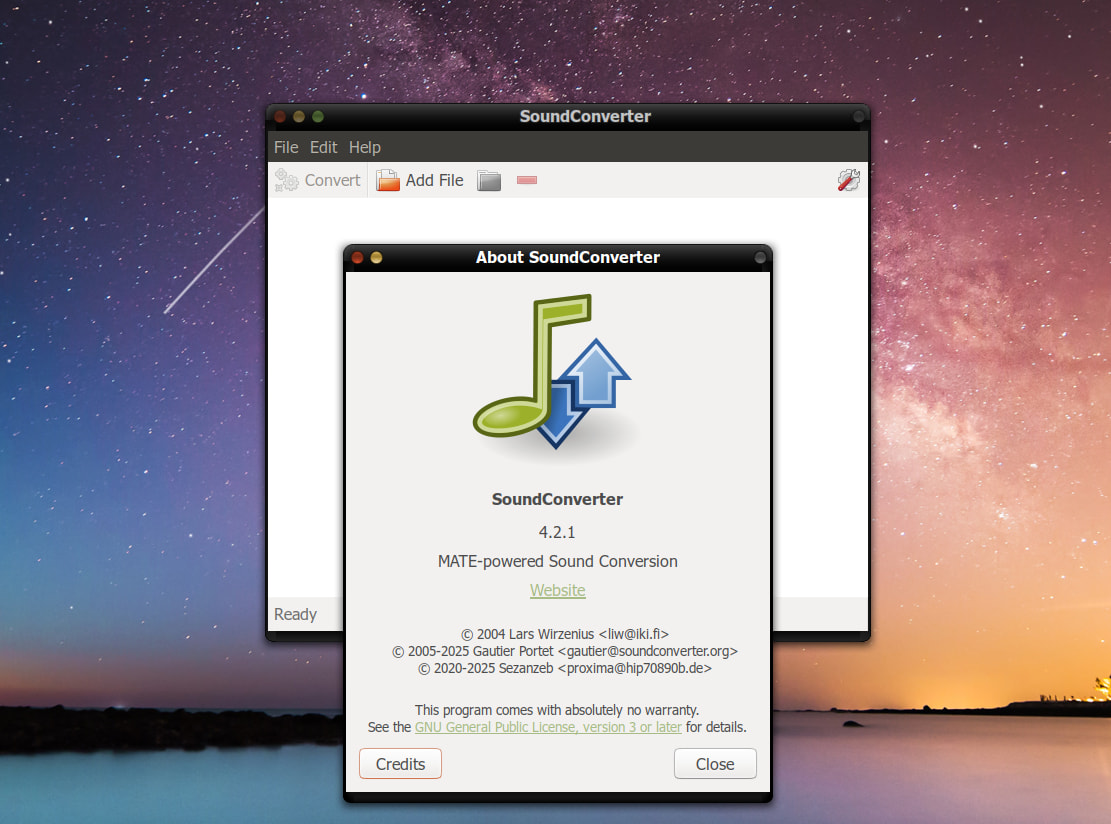
I’ll be doing this everywhere I can going forward now. There’s no reason to suffer through applications that break my desktop any more when I can just work with ChatGPT or some other LLM to make the application fit in. Don’t theme my apps indeed. 
Wanted to mention it in case it inspires others.