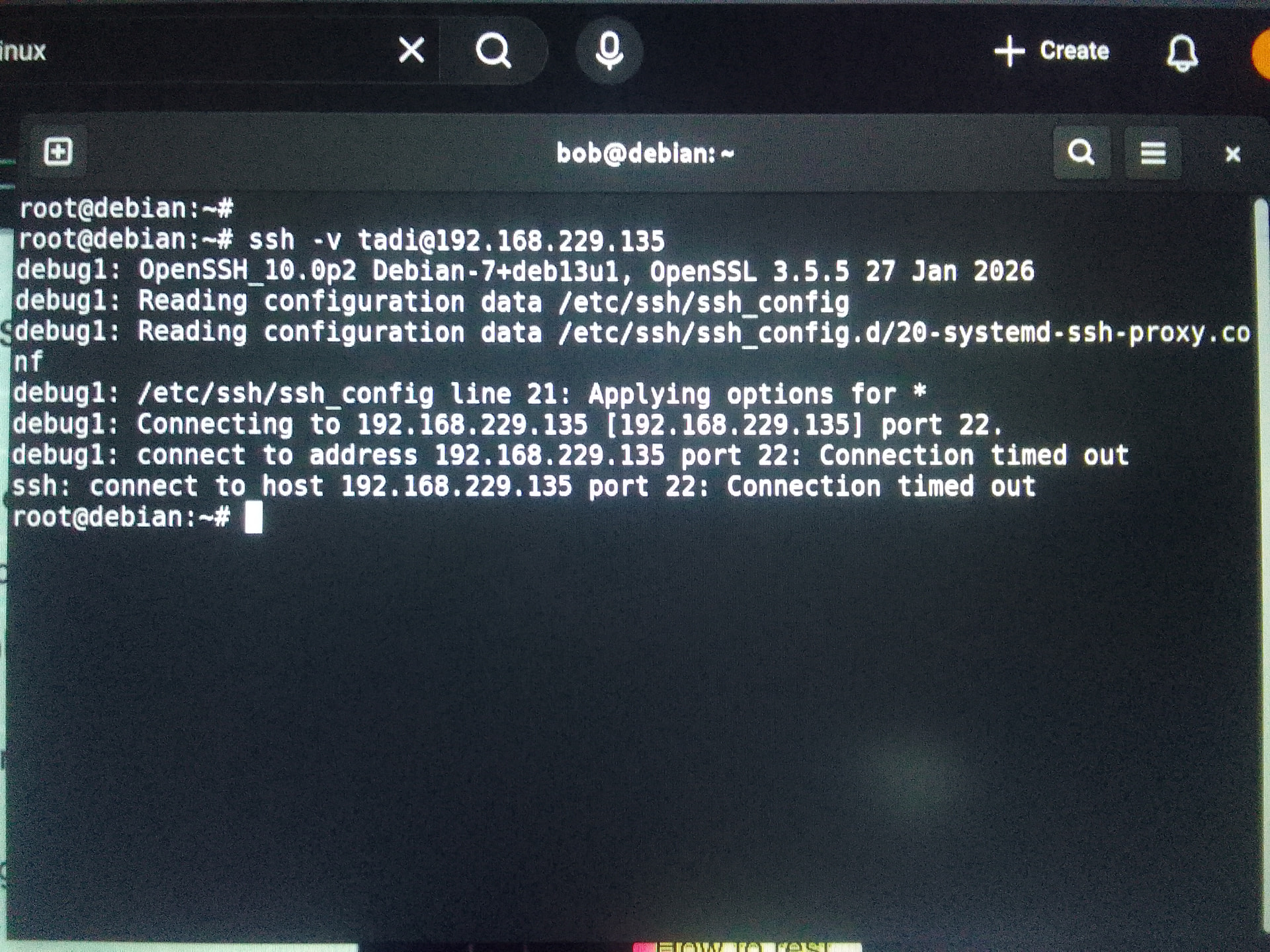
I am launching Ubuntu server on VmWare. My username is tadi@server1. On cmd I can get access the server on the same machine which uses windows OS. However, On the client side
when I try to connect using a different linux machine (laptop), "connection time out " error occurs.
Edit: What he said, much less rambling than my explanation lol
If you need to stay on NAT for some reason, the other option is to set up port forwarding in VMware so that traffic hitting the Windows host on a specific port gets forwarded to the VM’s port 22.
Hey MarcelStevano, You are right I was on NAT. And when I changed it to Bridge connection, the IP address also changed. And on my another machine which is installed with Linux OS, notified me with “remote host identification has changed” and using ssh-keygen -f /home… I removed it and finaly got a remote access. Can you explain what just happened please?
SSH stores a host key (a kind of fingerprint) in ~/.ssh/known_hosts and verifies it on every connection. When you switched from NAT to bridged, your VM effectively appeared as a different host (new IP / new identity), so the stored key no longer matched.
SSH flags this as a security warning to prevent potential man-in-the-middle attacks.
By removing the old entry with ssh-keygen -R you cleared the outdated key, allowing SSH to accept the new one. Nothing was broken , it was expected behavior