will try them mate. thank you and have a great one
1 Like
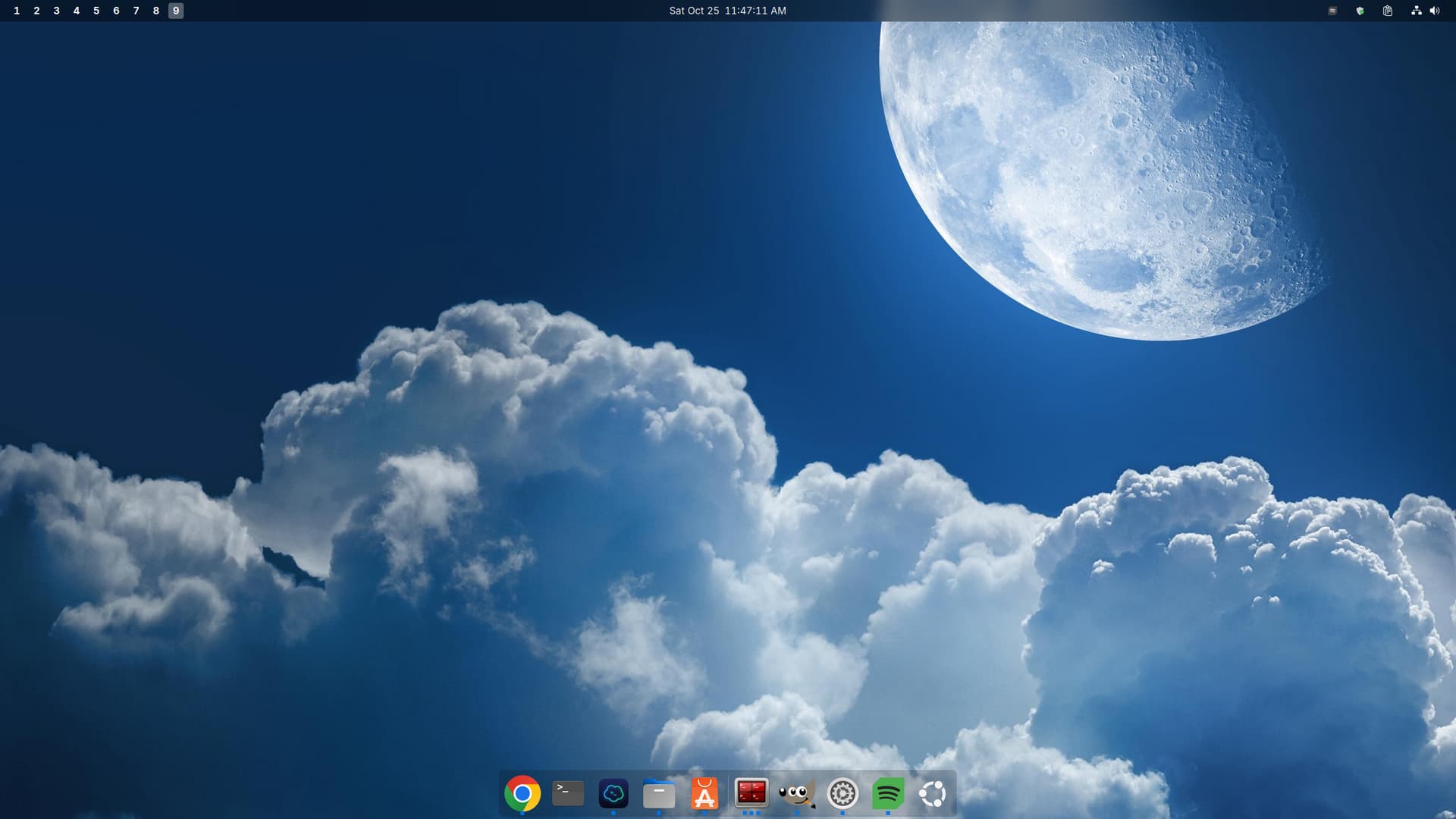
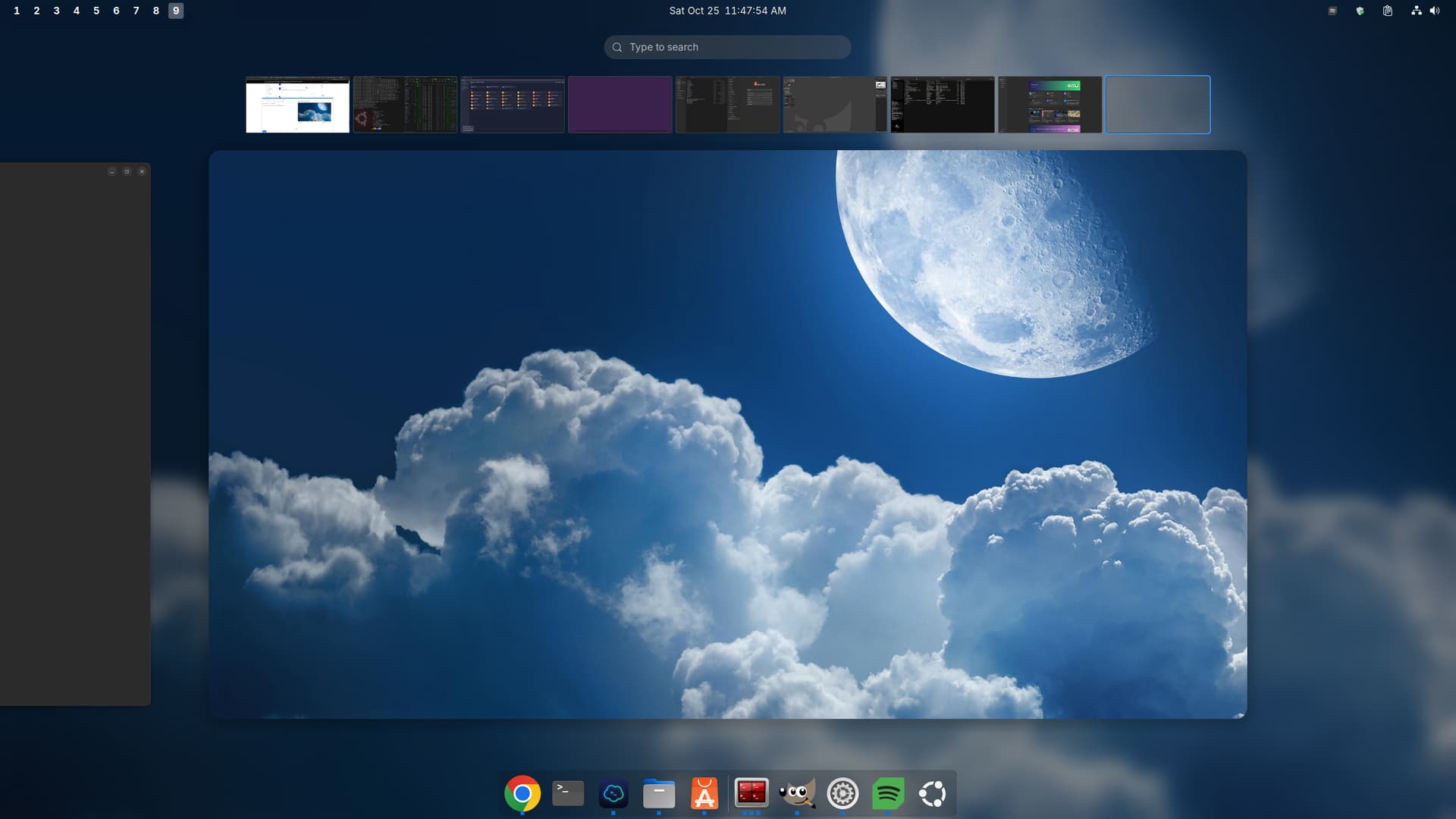
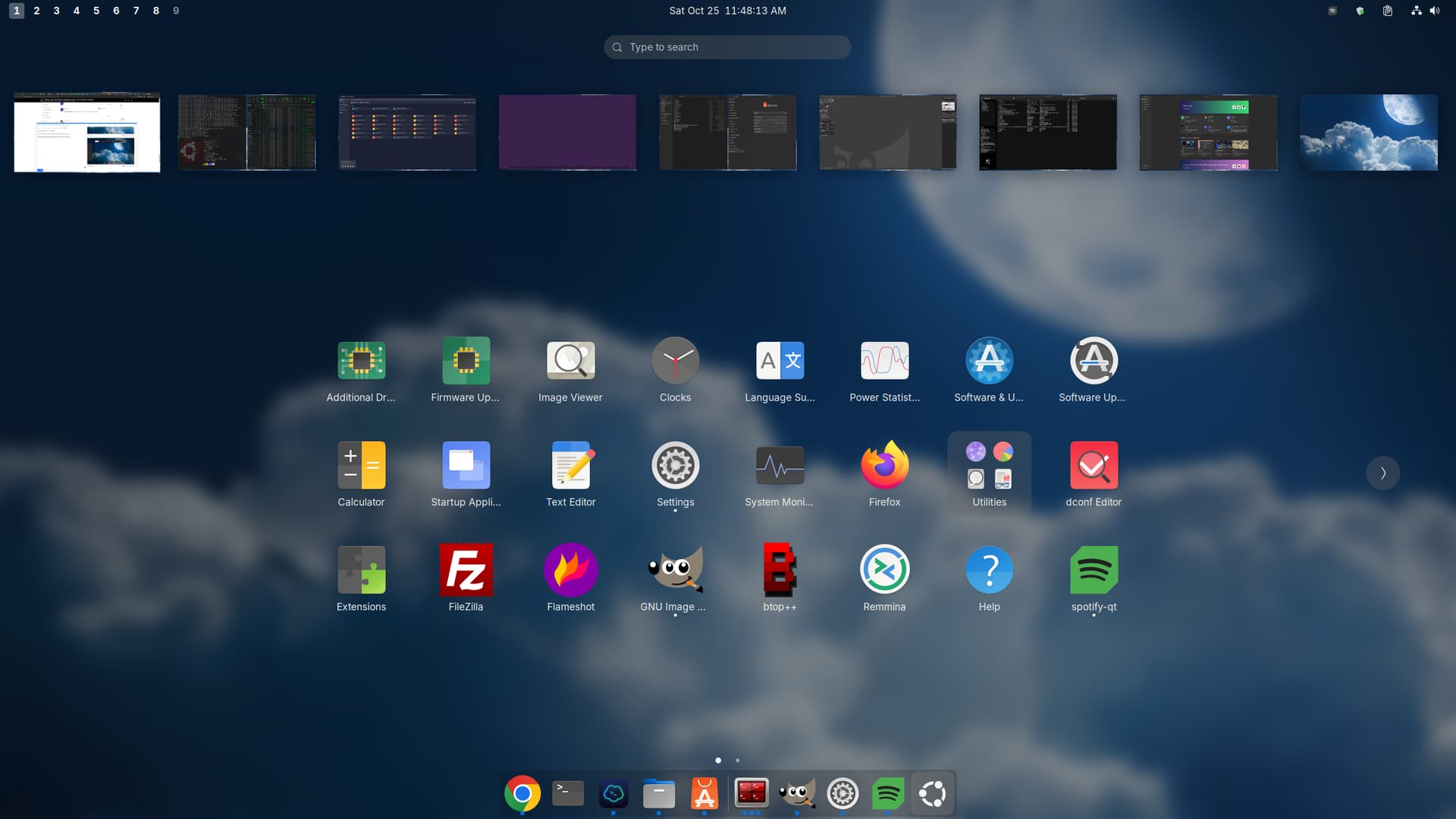
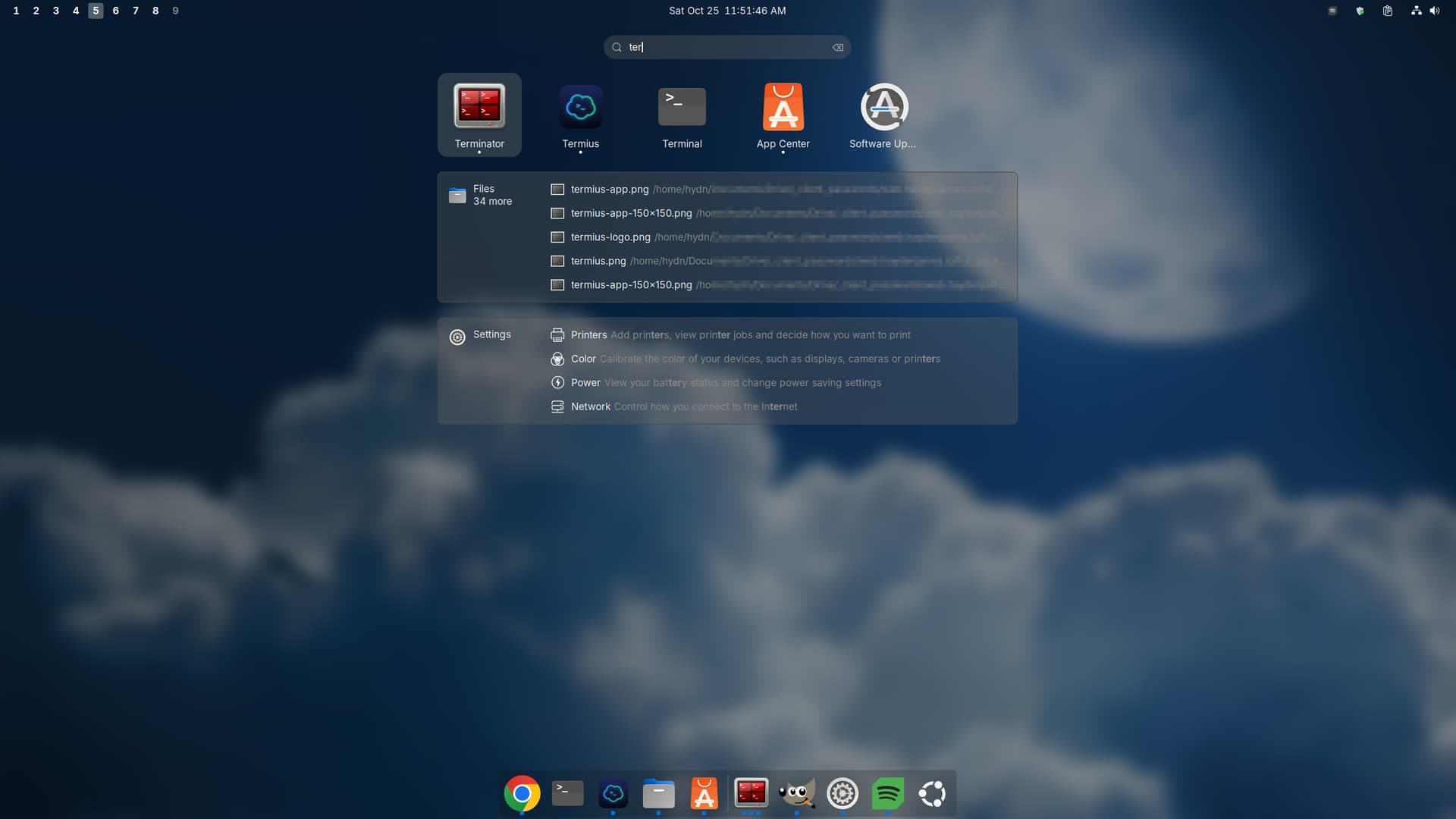
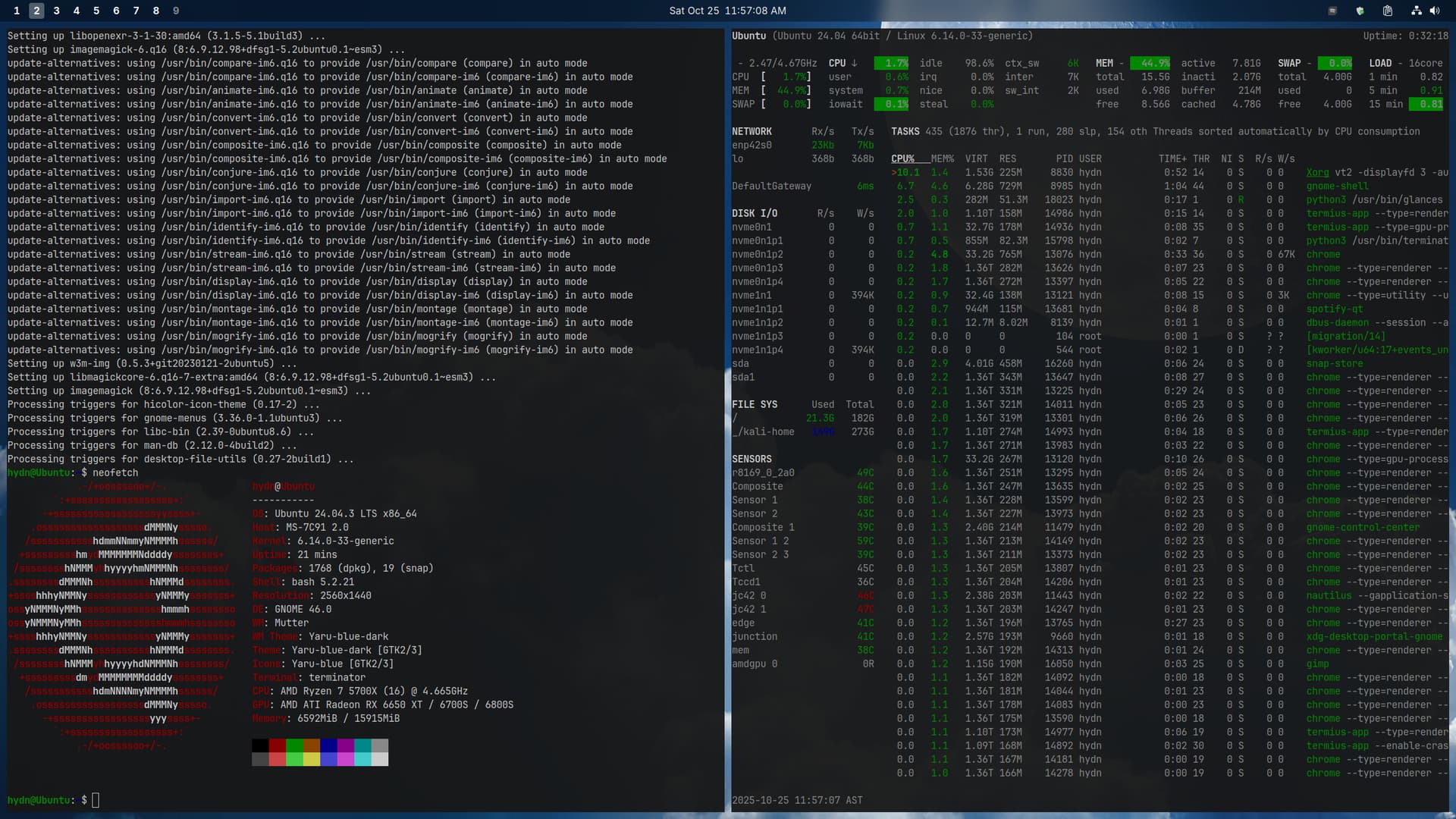
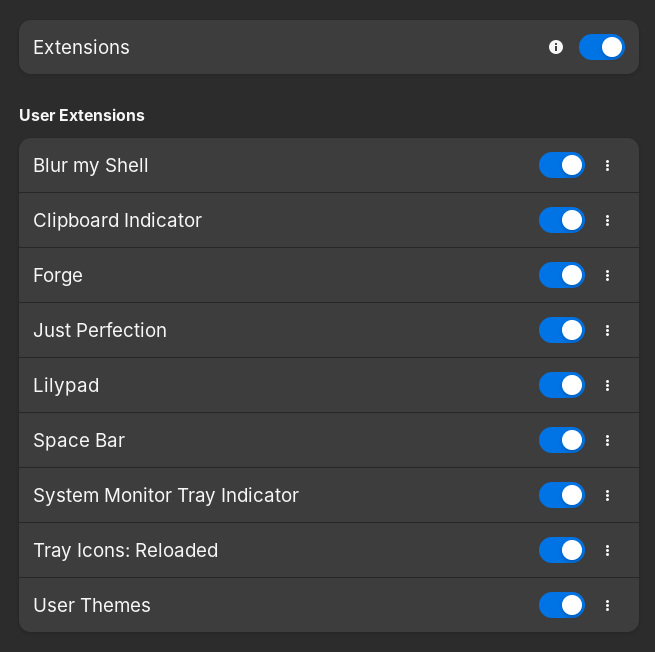

For Unbuntu and Gnome it looks okay.
2 Likes
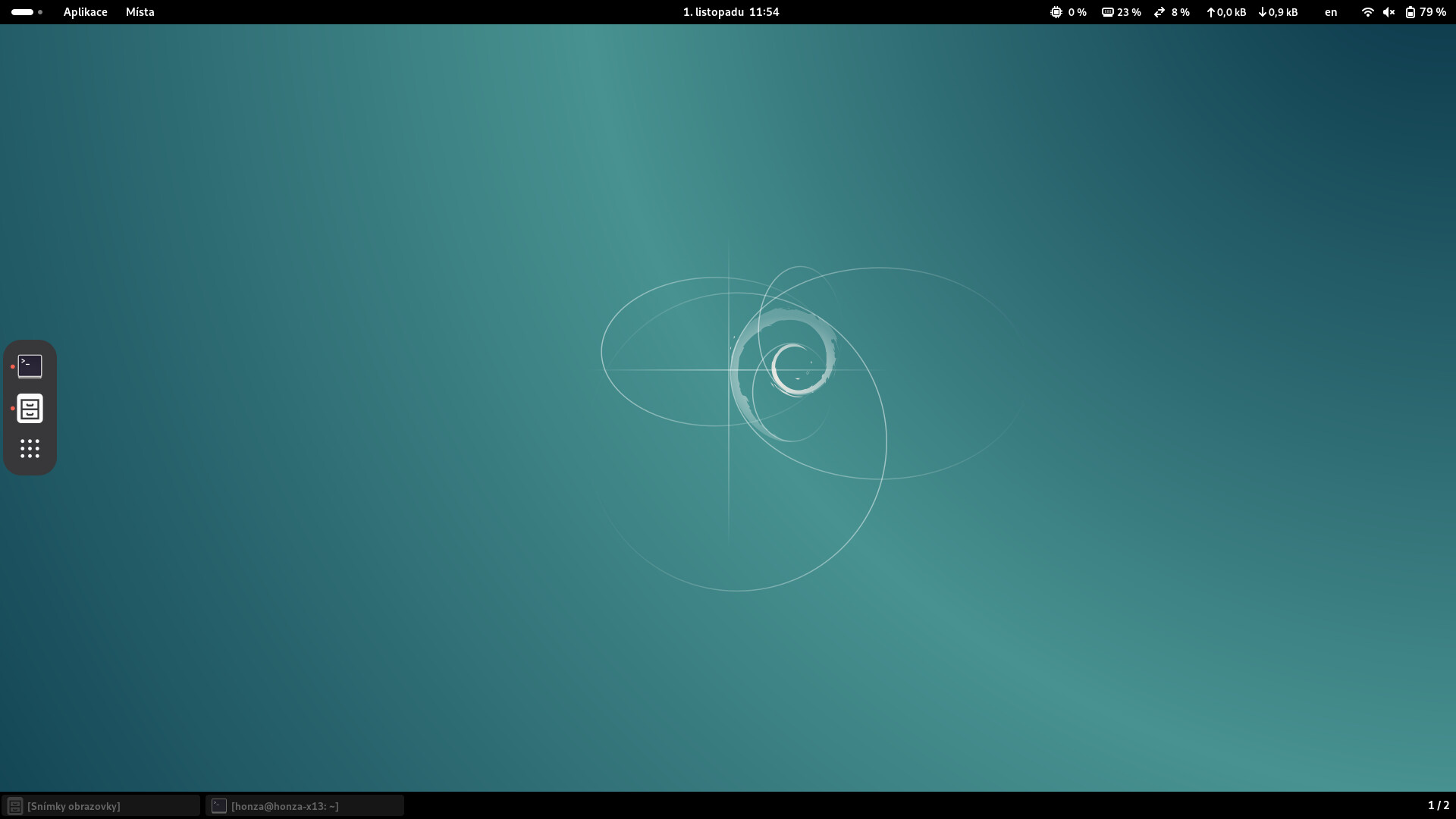
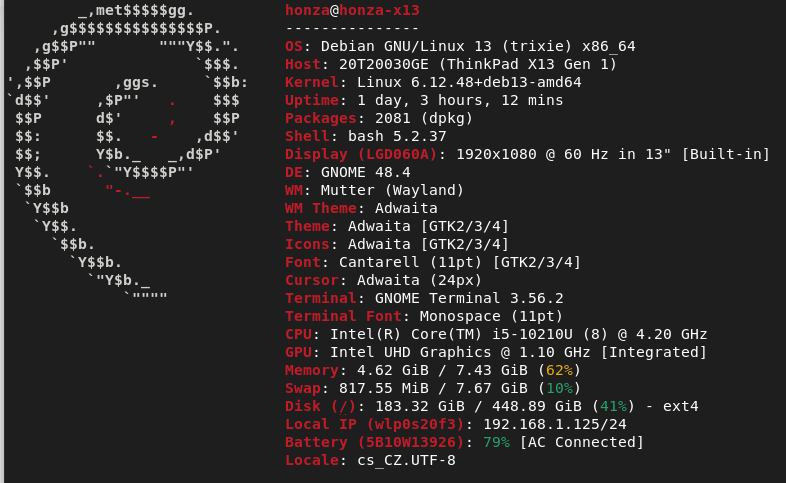
@HonzaHlava Welcome to our humble little group, hope you like Trixie now that it’s stable 
2 Likes
In Czech we call it “most stable”, in English it’s probably the same  As I said in another forum, I’m conservative and I like to use Debian in its stable and conservative distributions Thank you very much to the Debian team for the great work.
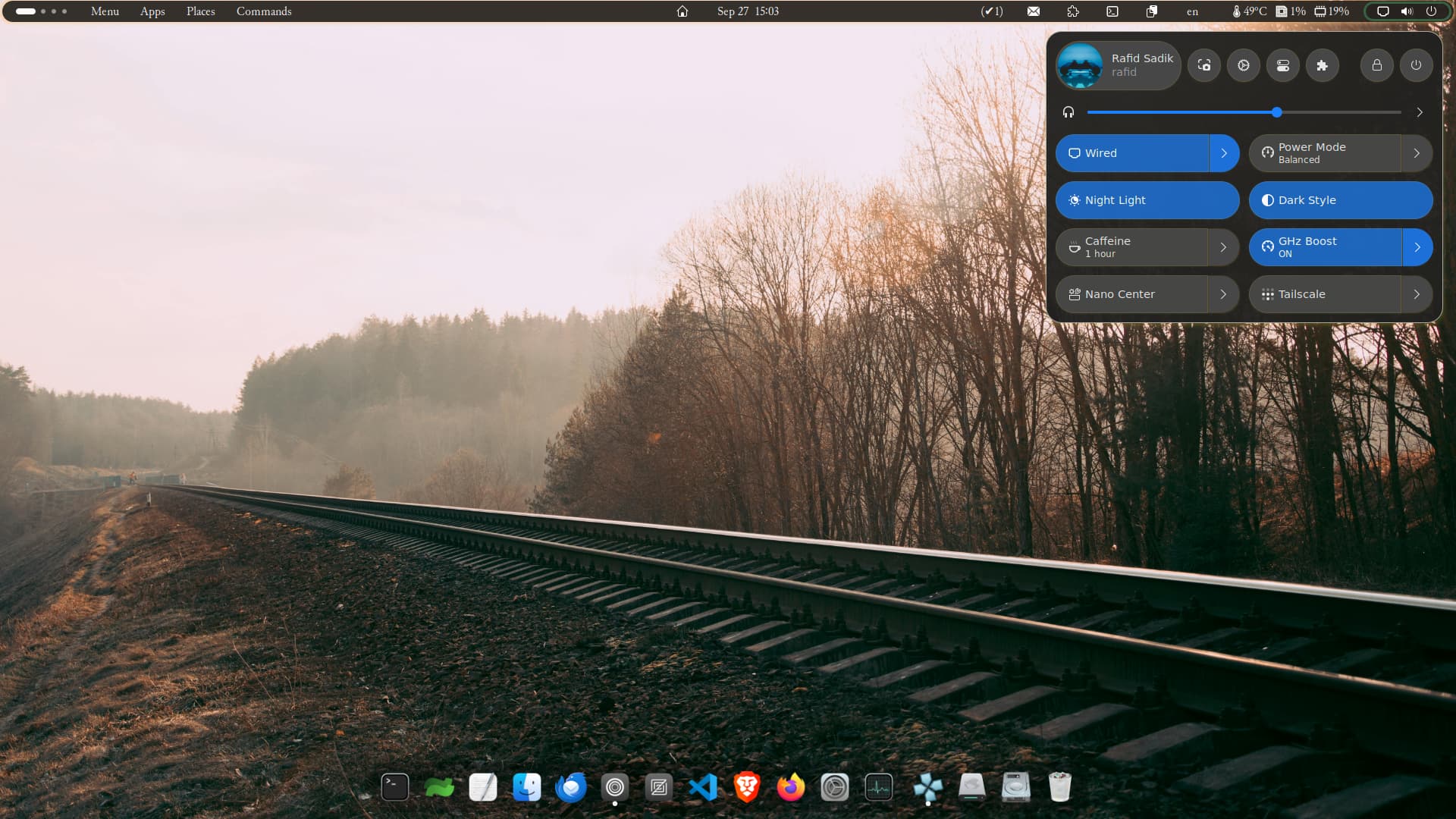
Looks really clean! Whats your setup? Can we get a screenfetch, neofetch, or similar? It looks like Gnome, which is very similar to macOS UI flow.
1 Like
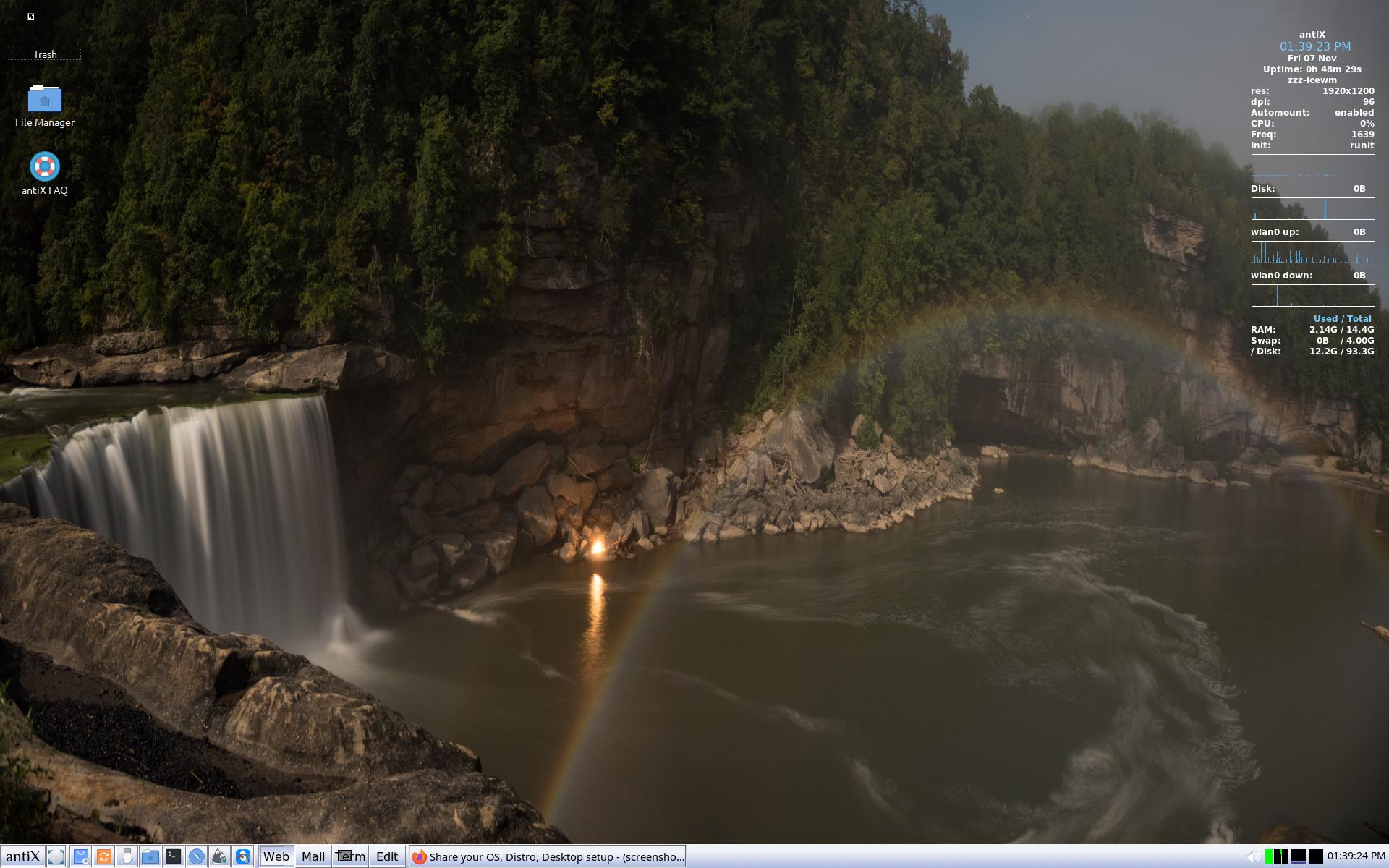
That’s the Cumberland Falls Moonbow Panarama wallpaper on antiX. I got this from the Cumberland Falls wallpaper site and I use it for many of my Linux distributions, including antiX.
5 Likes
Looks like a great fishing spot! And is pretty as well.
1 Like
I don’t know a lot about the Park. I can tell you that driving through the area is pleasant, though you can’t see the falls or the park without leaving the highway and heading to the park; I’ve never been there, just enjoy the wallpaper.
2 Likes
Eh, take the wife for a picnic there, and be sure to tell her the park isn’t as pretty as she is. 
1 Like
Yeah @tmick you have the right idea! The only reason NOT to do that is because when we’re traveling by there, it’s a pretty long drive and we don’t want to get home too late or spend yet another day away. The wife IS prettier than any ole’ park though! 
2 Likes
This is beautiful. It looks like paradise.
1 Like
I started with Softlanding Systems Linux in 1993, kernel 0.99.6.
Now, these many years later, my daily driver is MX Linux 23 KDE
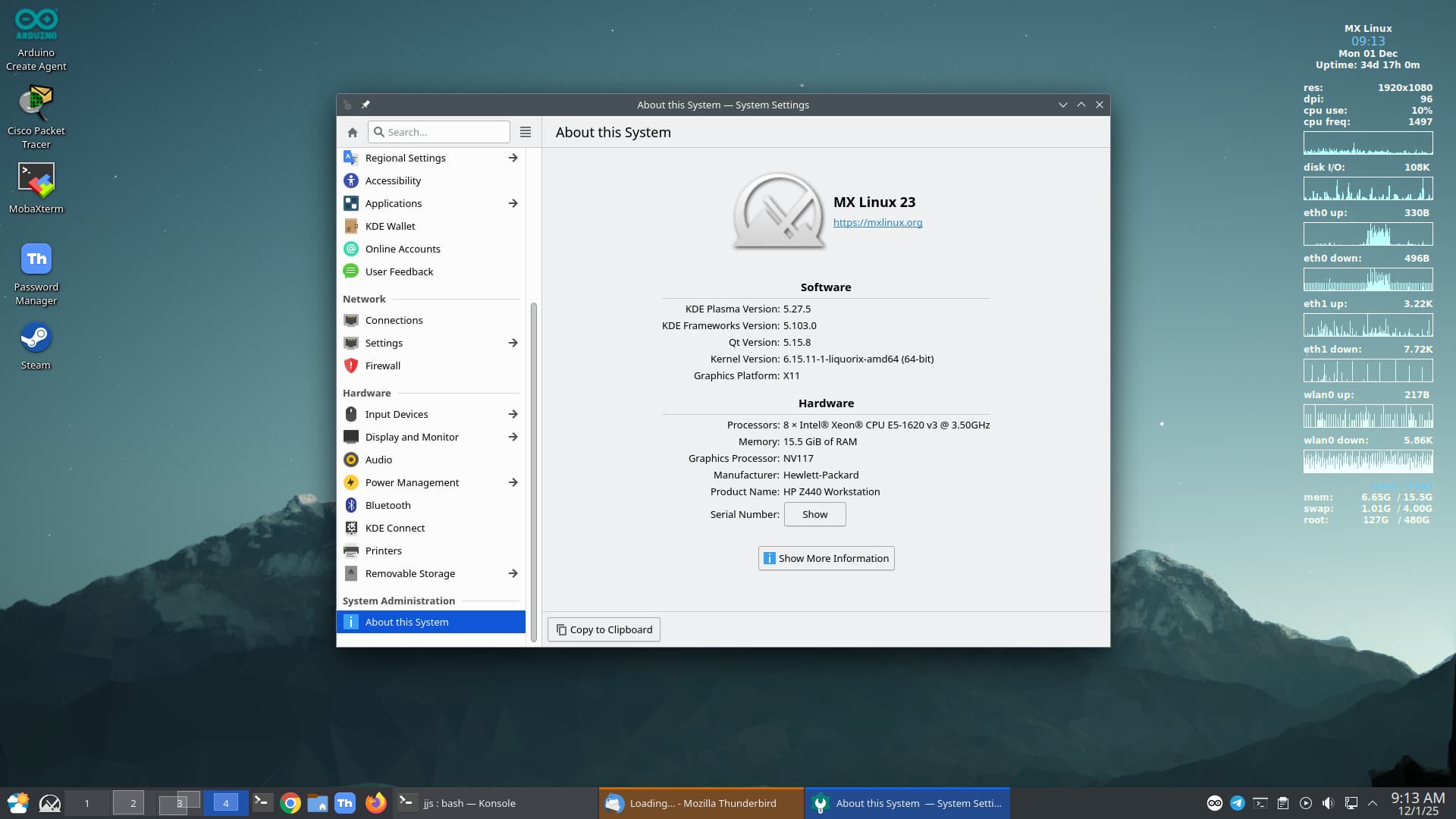
My home lab is using Debian (Proxmox), Ubuntu, RHEL and FreeBSD.
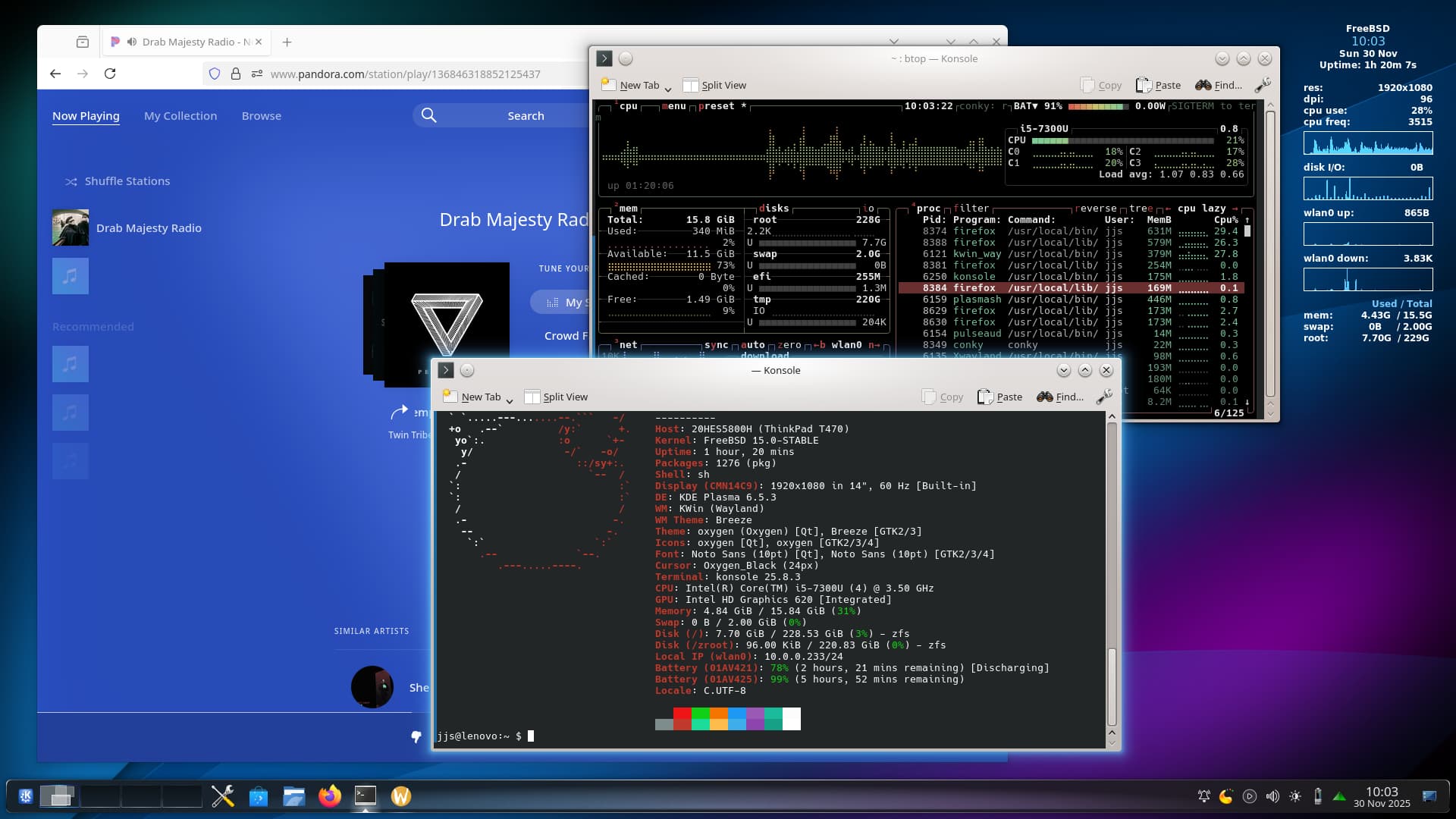
My laptop is FreeBSD 15
6 Likes
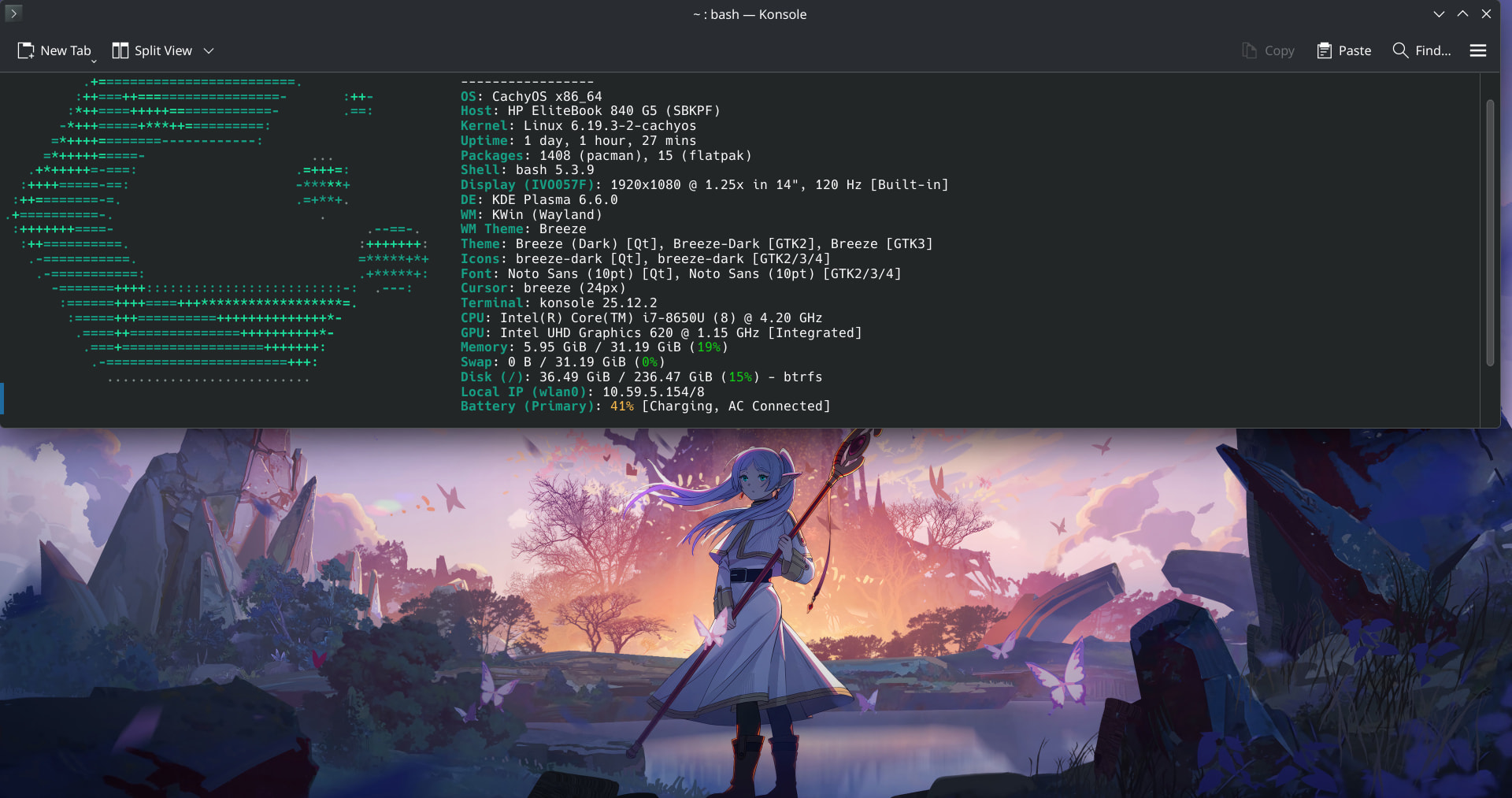
Update - after a pkg update killed plasma/wayland on the FreeBSD laptop, I decided to try other OSes instead of investing time to solve this particular issue. CachyOS emerged as the laptop OS of choice, and it’s been solid, as well as being innovative and performant.
3 Likes
Agreed. I’m also seriously considering it on my laptop as well:
2 Likes
I’m definitely a fan of CachyOS. It’s fast and surprisingly easy to manage with their main screen, though I typically use yay for packaging,
2 Likes
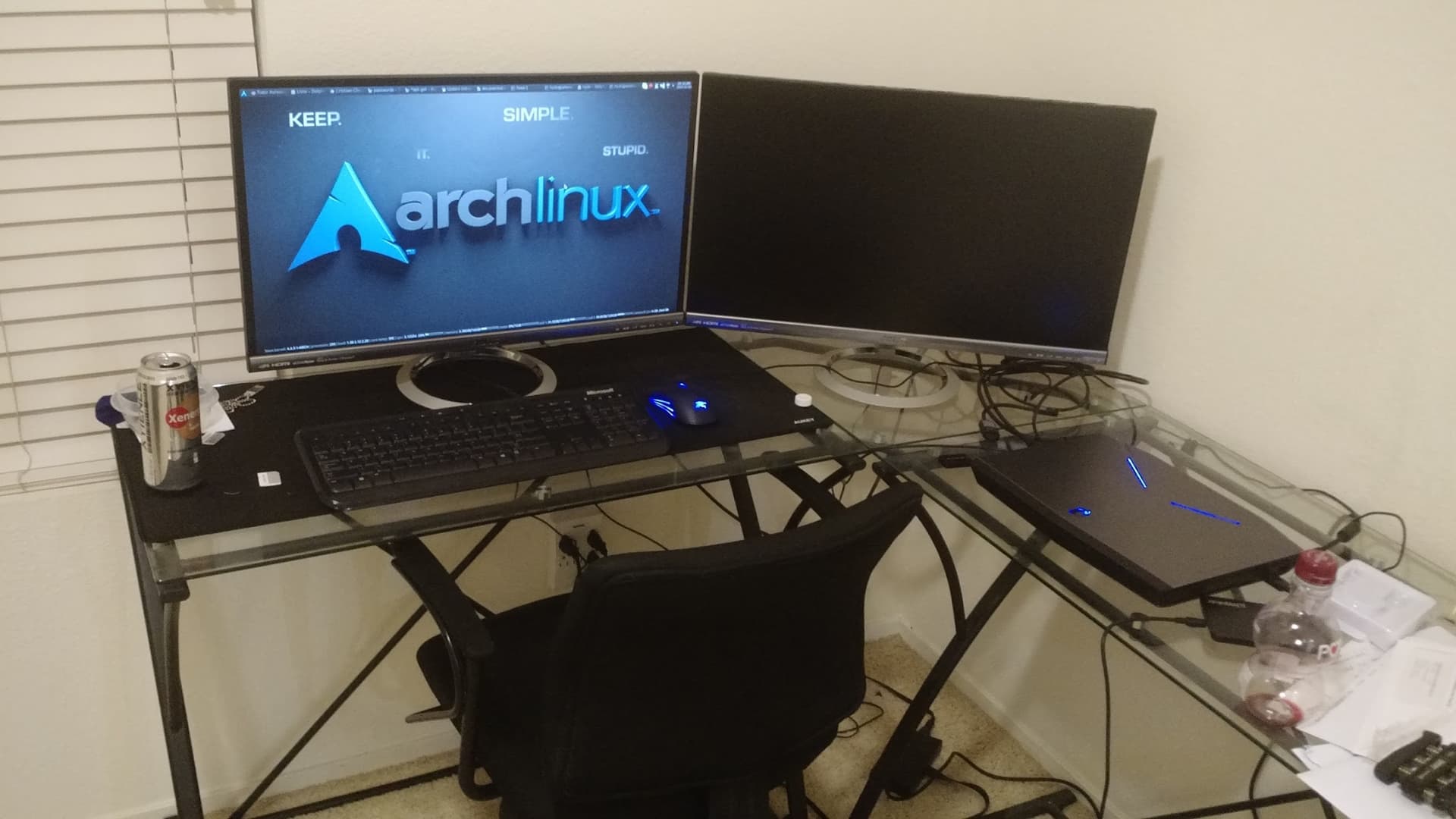
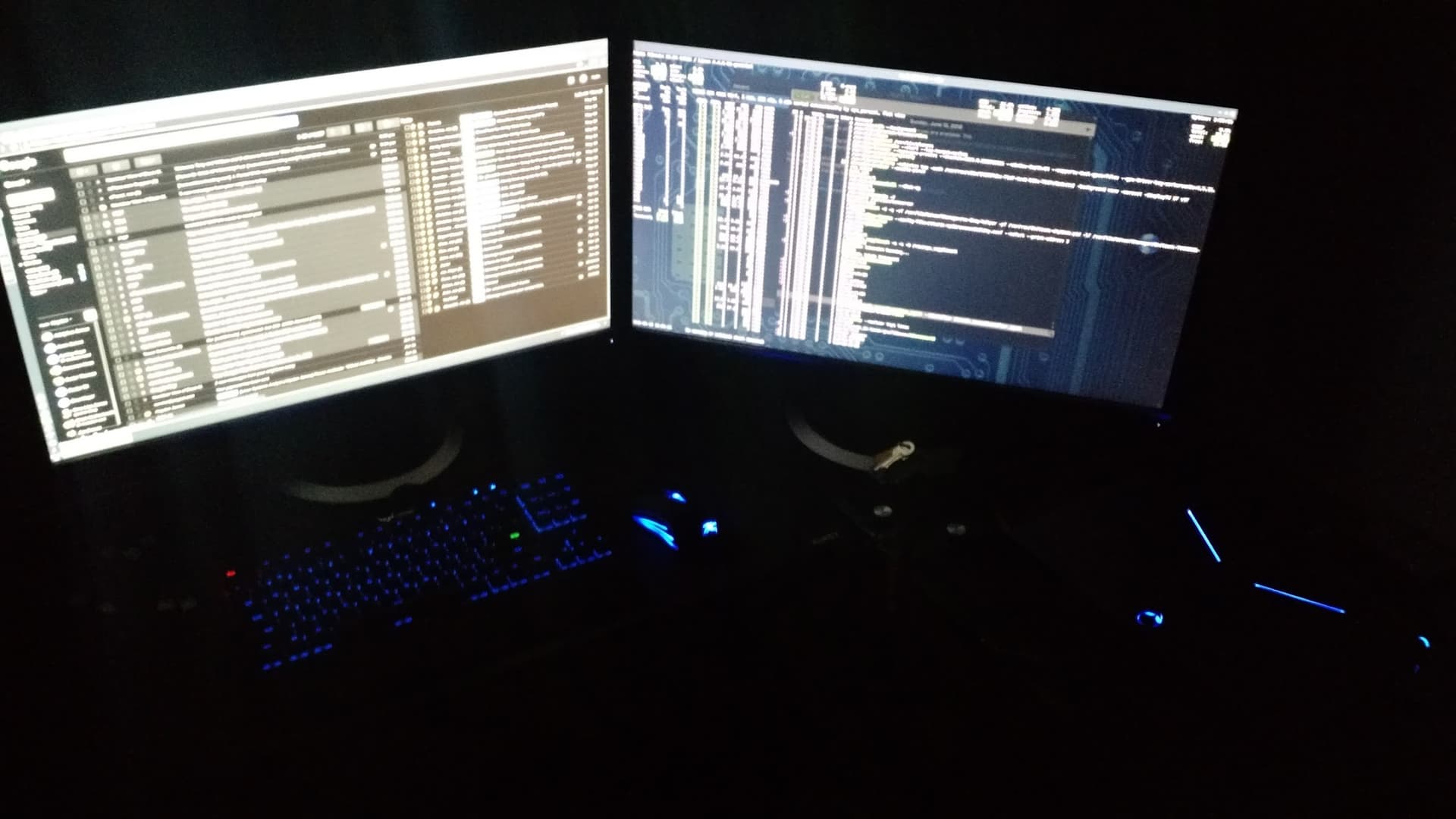
My setup 10 years ago
Then 5 years ago
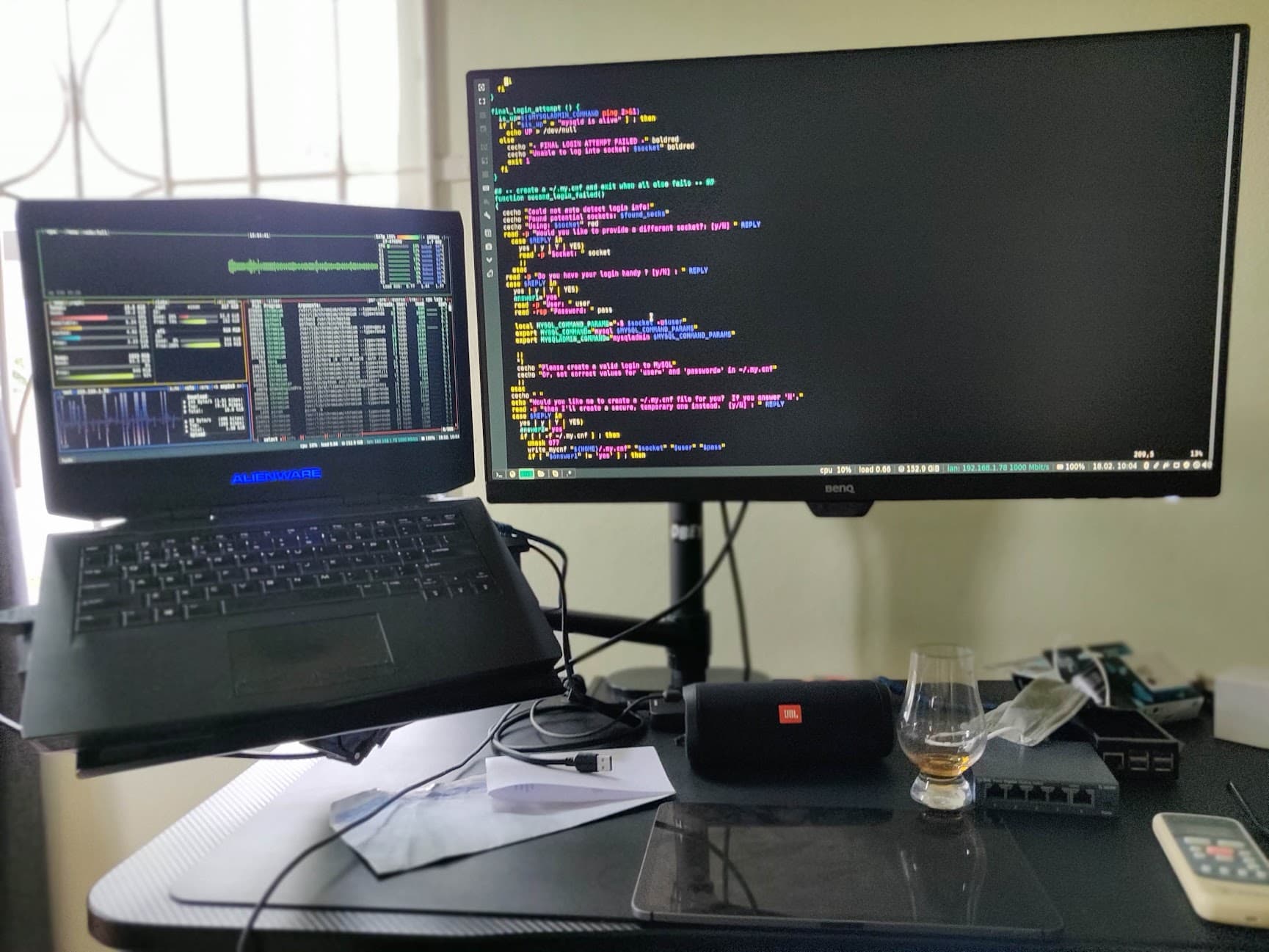
I think I’m devolving! lol. I went from 2 full sized monitors, to 1 monitor + laptop display and now down to one 32" monitor. 
On a serious note, though, it was a conscious choice. I realized I was not using my 2nd monitor enough, probably 80/20 in usage time at best. So the decision was made to move to a larger 32" but single display with enough resolution that a vertical split would have very little impact on what’s visible in each window.
Current setup
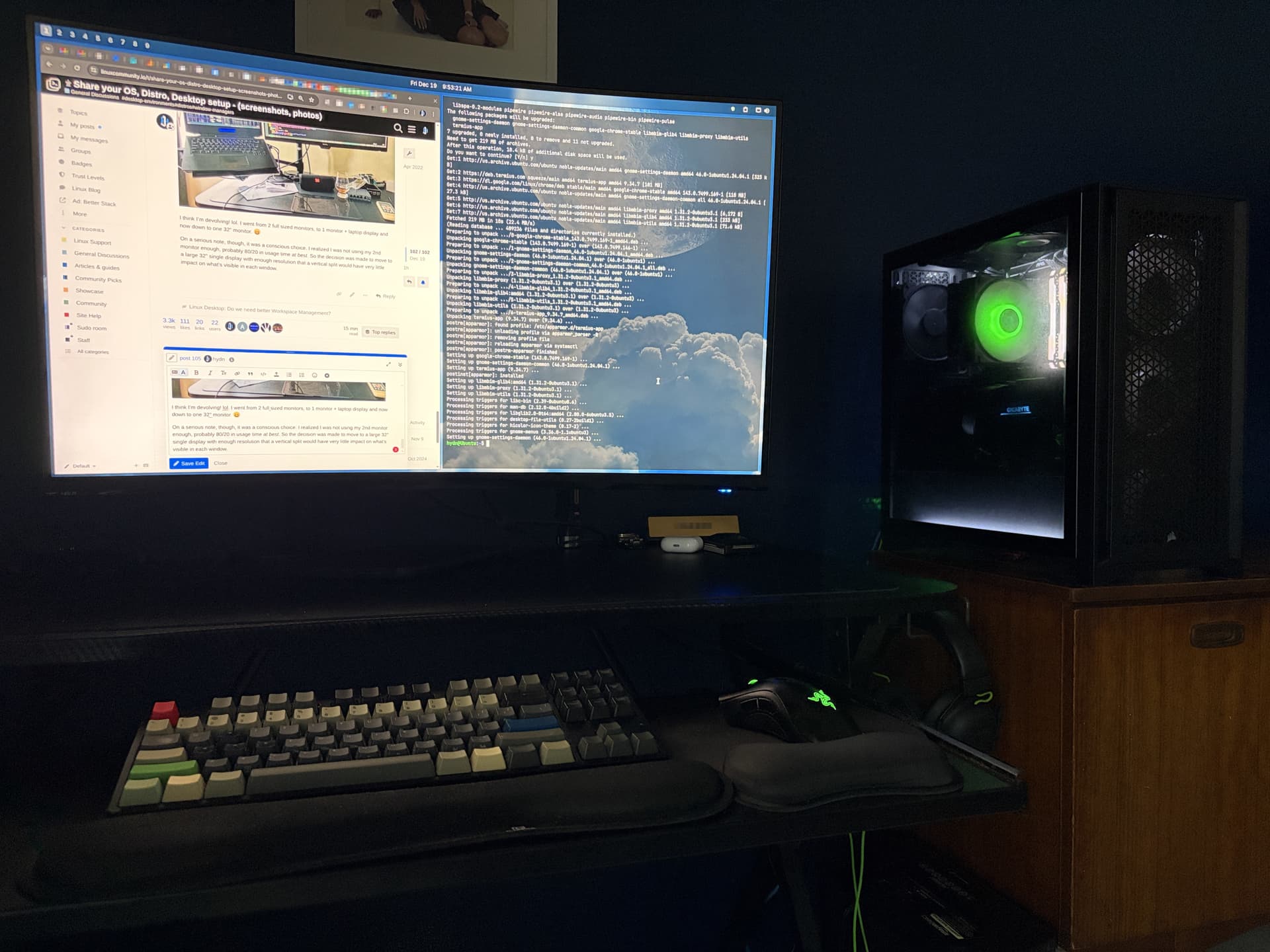
Normally, Terminal would live in workspace 2, but here it’s tiled just as an example. I also have text scaling set to 1.08 (as you can see, quite large), so if your eyes are better than mine, the default smaller text would allow an even higher percentage of content/text to fit in each window. But 2k rez for sure allows a lot more text/content to fit.
For me, this is the trade-off. I lose a little dedicated screen space, but I gain something more practical: one display that’s being used 100% of the time, while still letting me work in side-by-side windows almost like having two monitors.
I also avoided an ultrawide monitor for a simple reason: it creates the same inefficiency I had before. Most of my time is spent in a single app per workspace, especially the browser, which just leaves large unused margins on either side. Terminal windows become unnecessarily wide, line length suffers, and even video content like YouTube ends up boxed in with empty black space on both sides. So, for my workflow, ultrawide feels like overkill that’s better suited to gaming than day-to-day work.
Edit:
Speaking of ultrawide monitors, check out Niri WM!
8 Likes