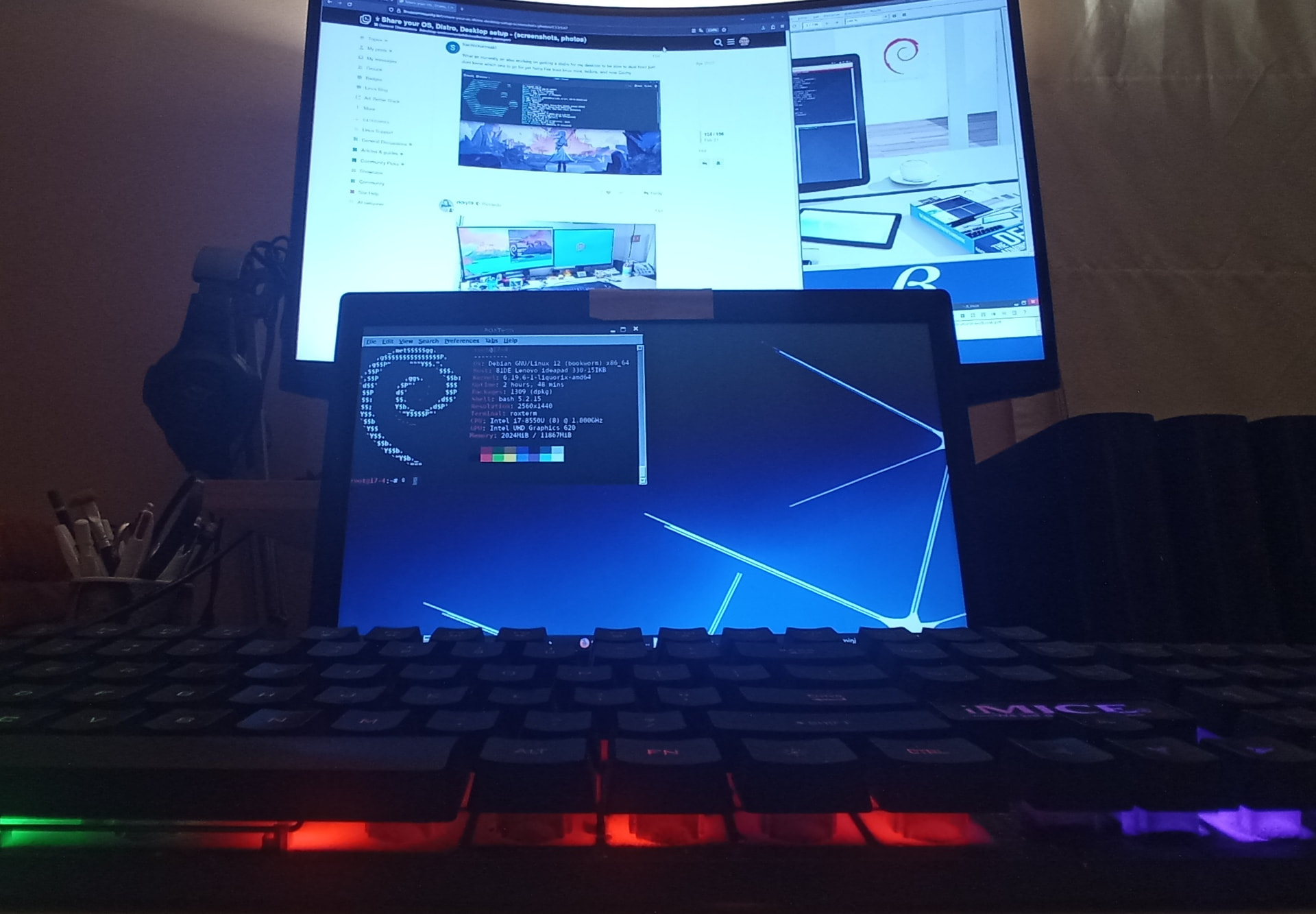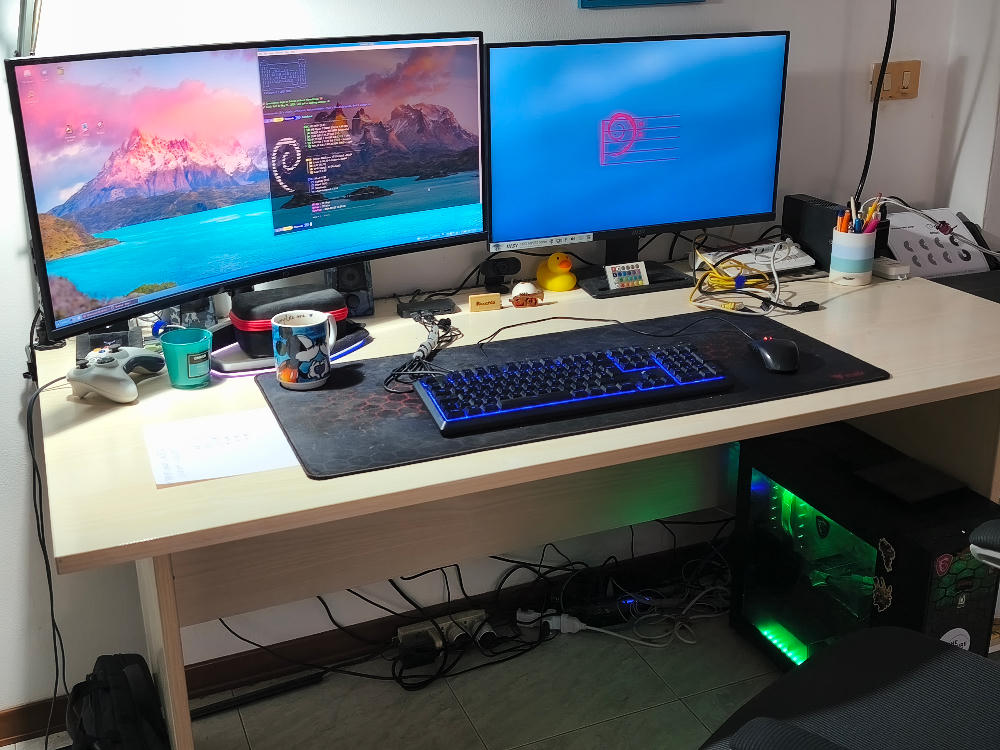
I’ve updated my setup with Debian and I’m absolutely thrilled about it 
I really love the logo: it reminds me of a bass clef, and as a musician, that instantly makes me feel at home 
I’ve updated my setup with Debian and I’m absolutely thrilled about it
I really love the logo: it reminds me of a bass clef, and as a musician, that instantly makes me feel at home
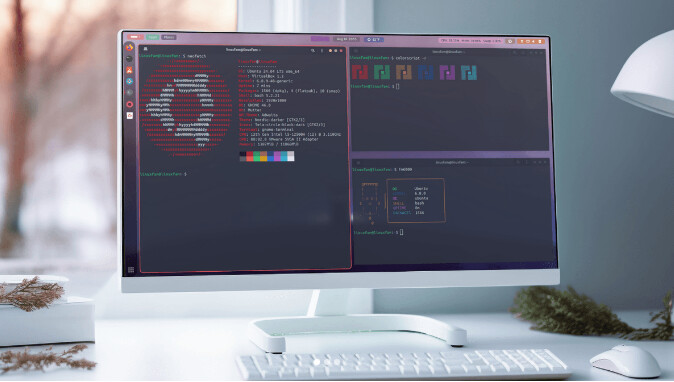
look absolutely beautiful!!!
So nice with neofetch at term(used in xBSD) and Conky at antiX Systems.
I actually do the heavy lifting through TTYs where I have open SSH, XRDP, or UltraVNC sessions when configuring the servers. The graphical environment is mainly for managing email and administrative applications via digital certificates.
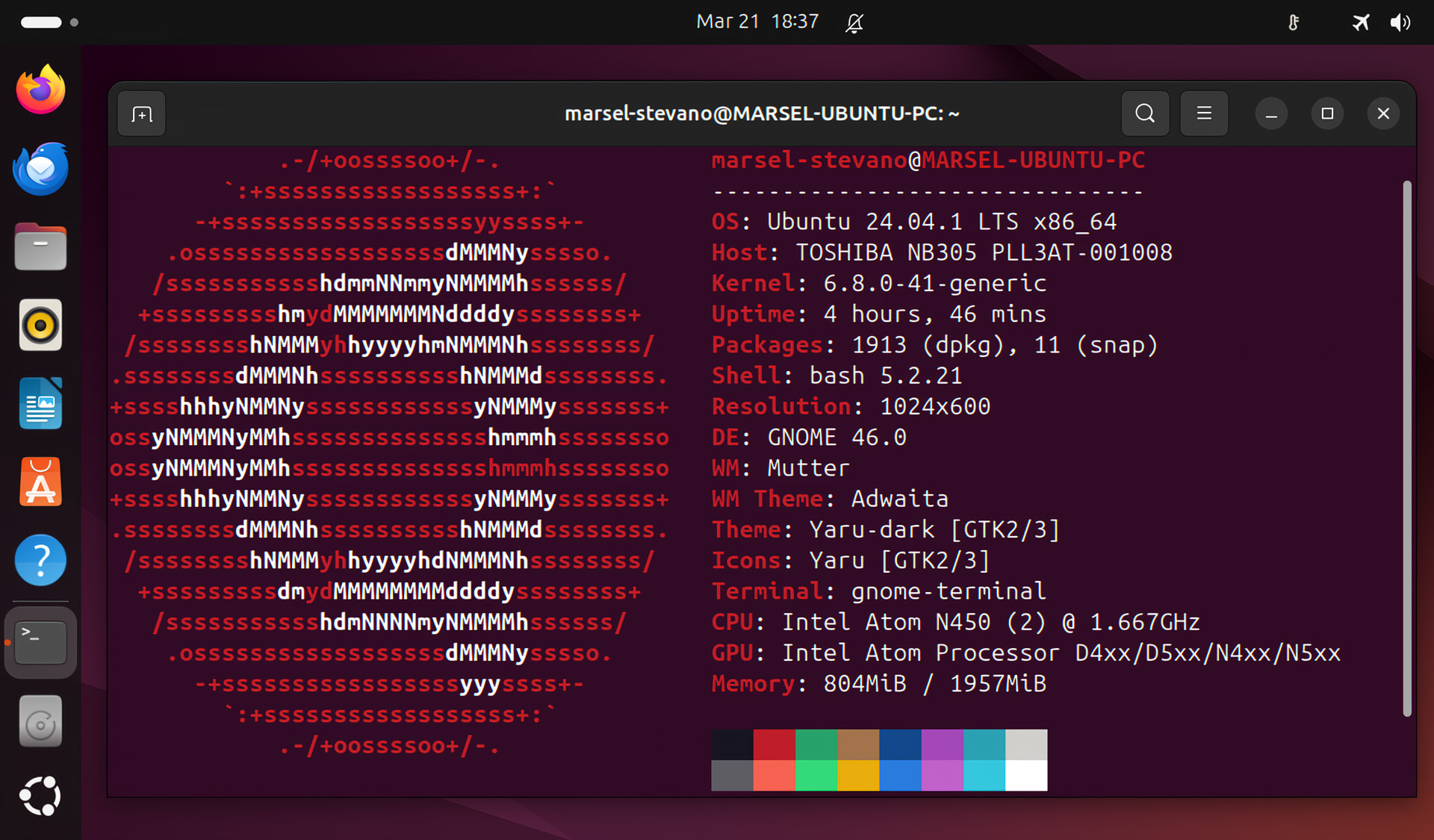
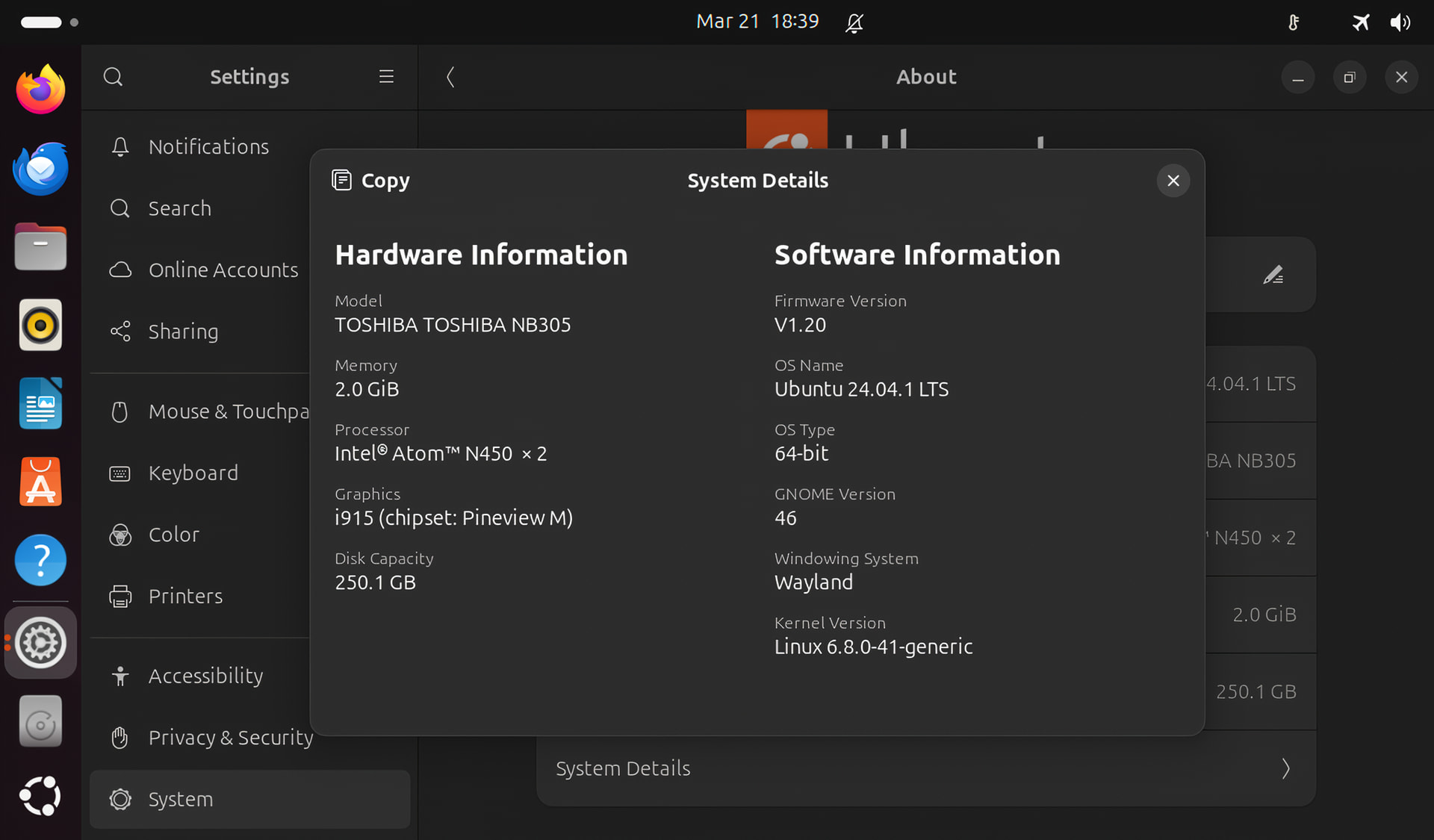
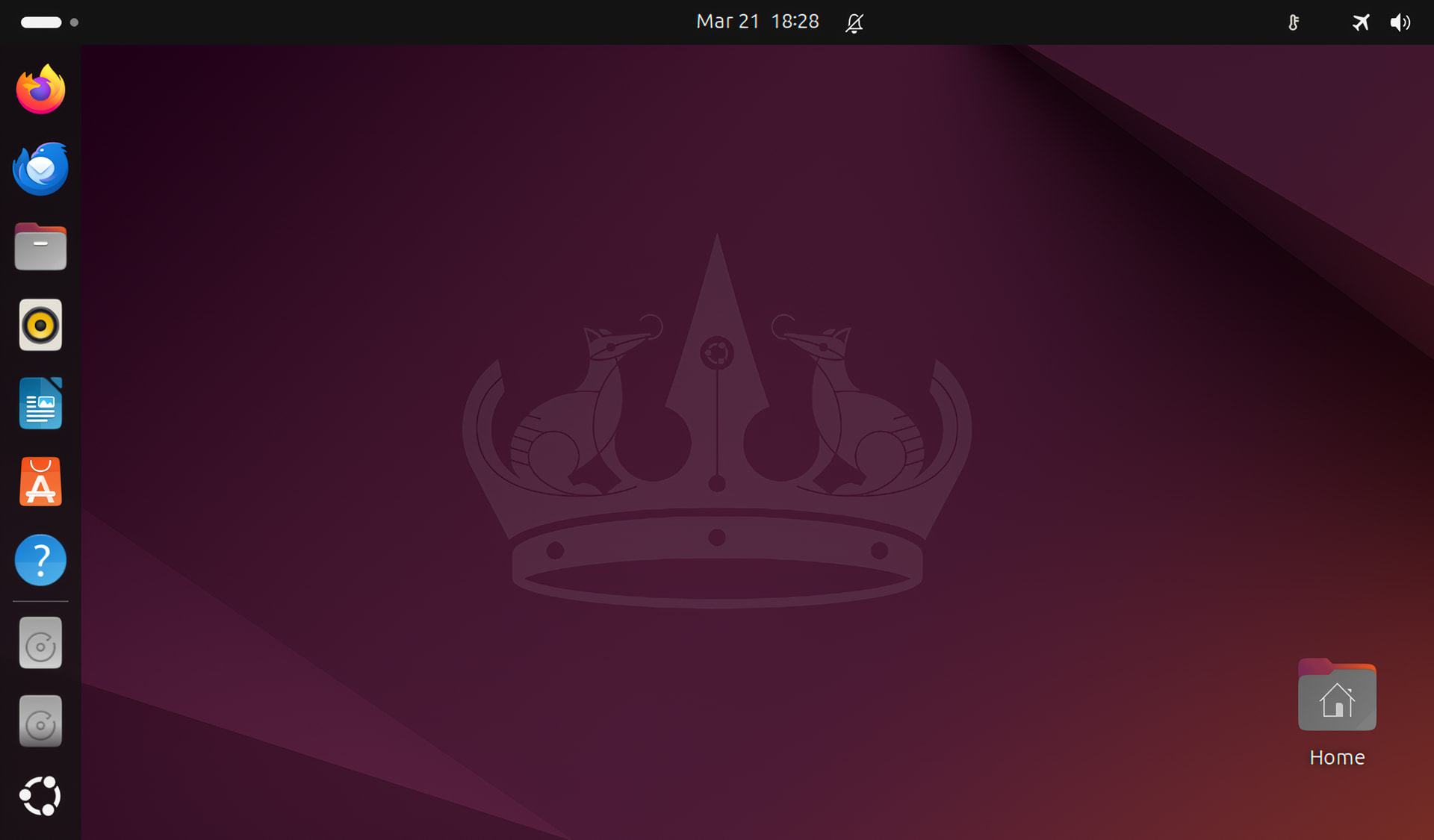
I use Ubuntu 24.04 on a very low end laptop, 2010 Toshiba NB 305
My setup:
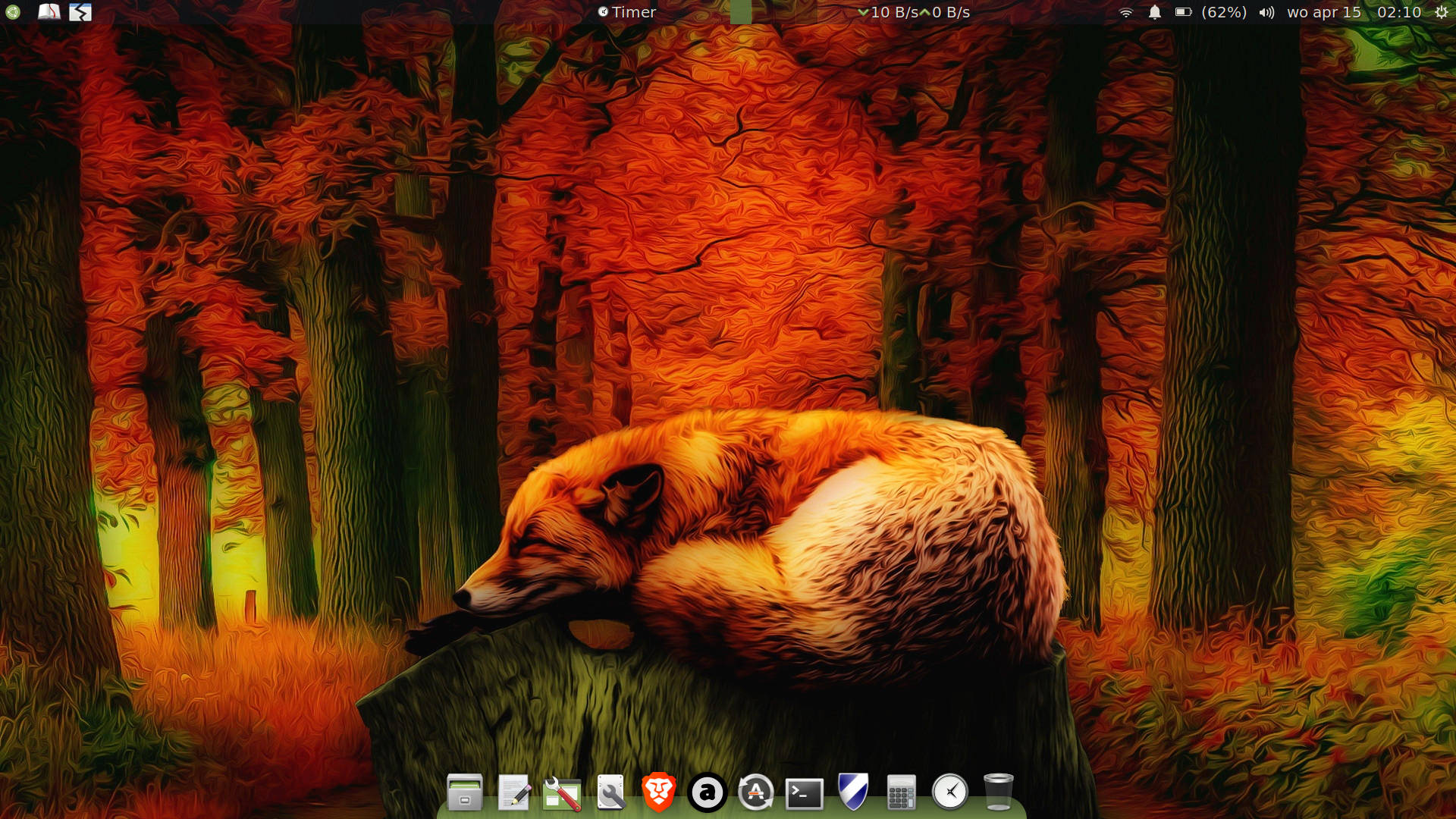
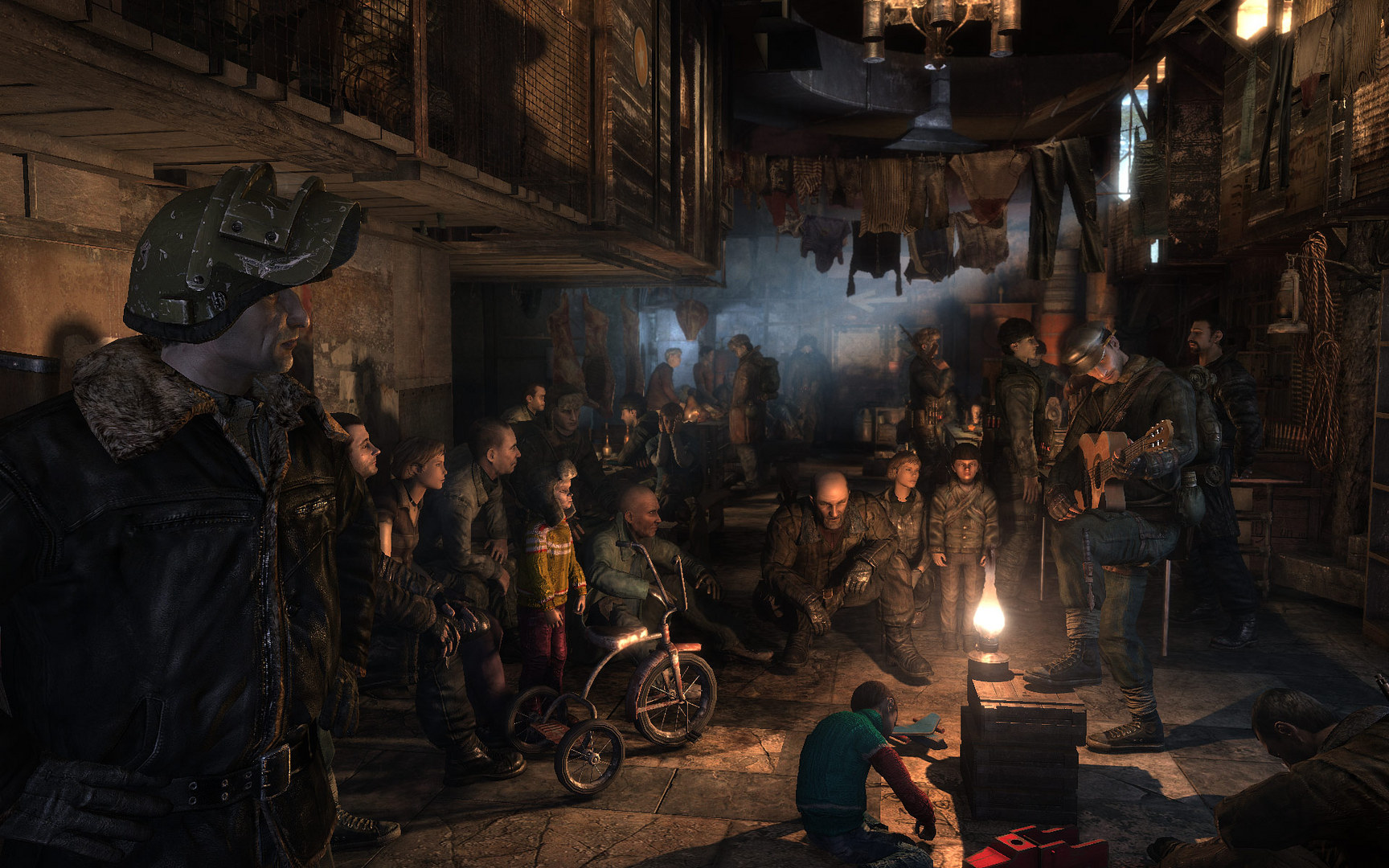
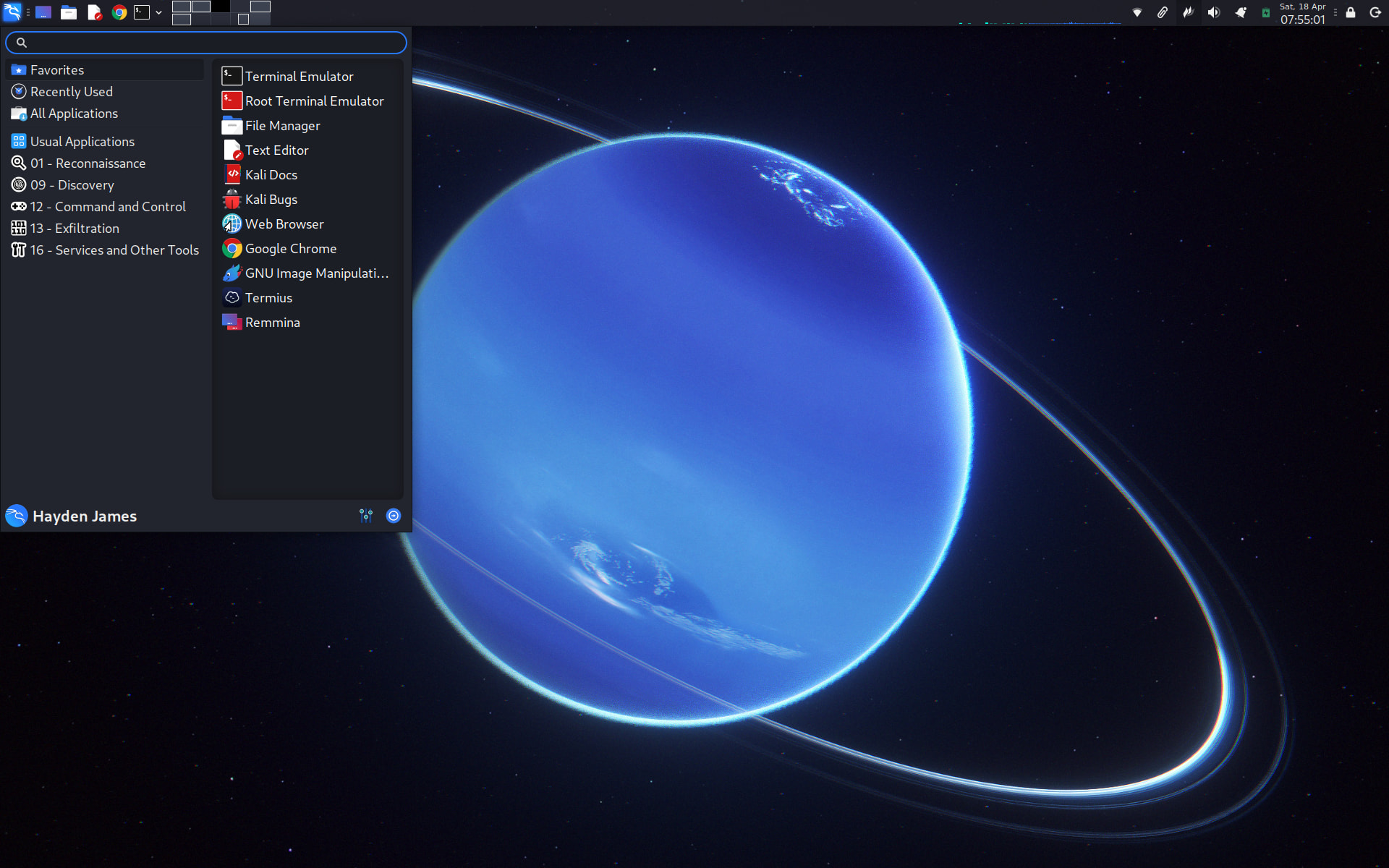
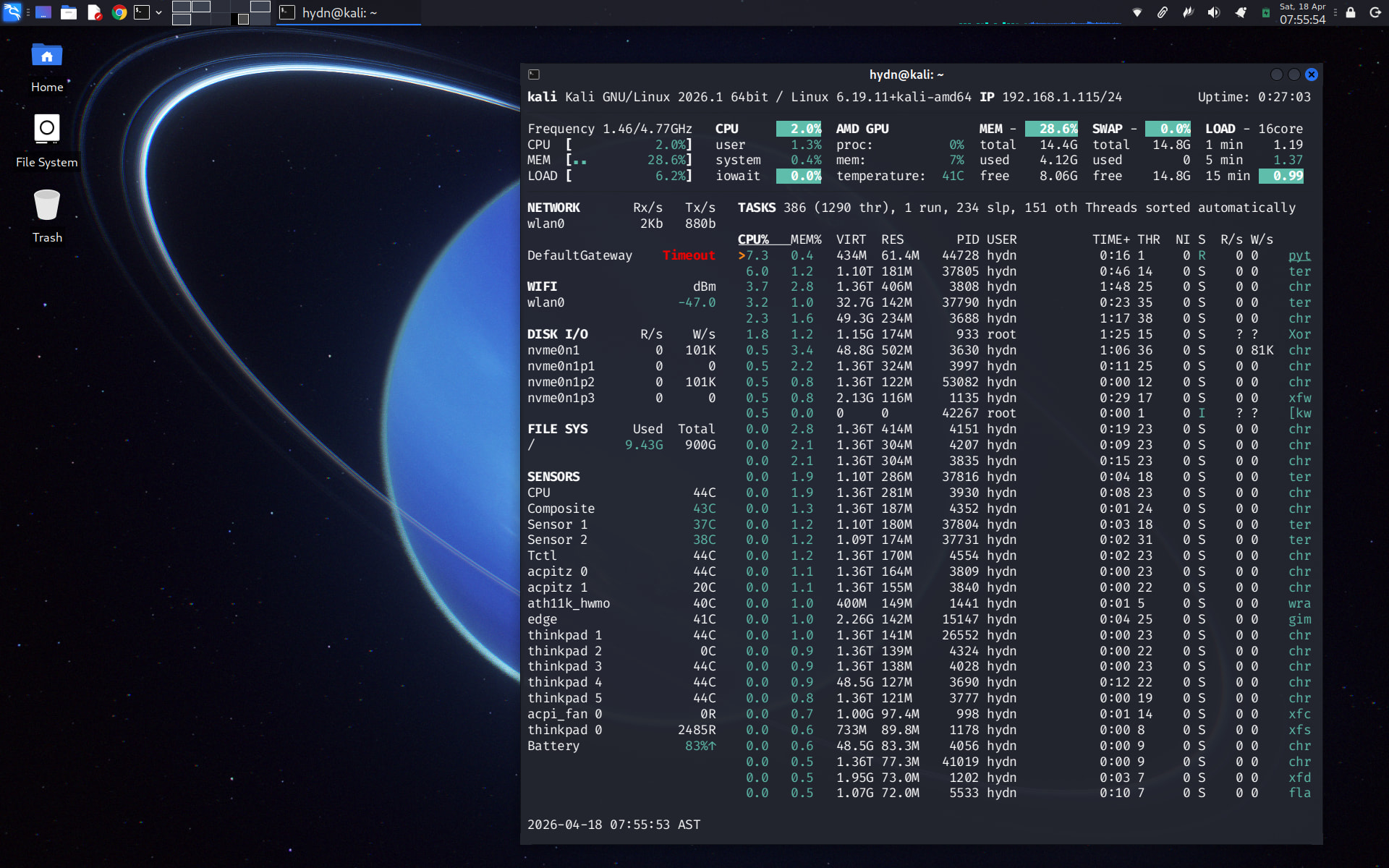
My desktop:
I have to tweak it, so it doesn’t lag too much, Even though opening the application takes a long time because I’m still using an HDD, I’m going to replace it with an SSD, Not too laggy unless you open a lot of apps (2gb ram), use XFCE or LXQt If you want to open the application without taking too long and with low RAM usage
My work laptop:
My mediacenter:
My mediacenter has the old classic top panel, it is just hidden.
Both running Ubuntu-MATE 24.04 LTS
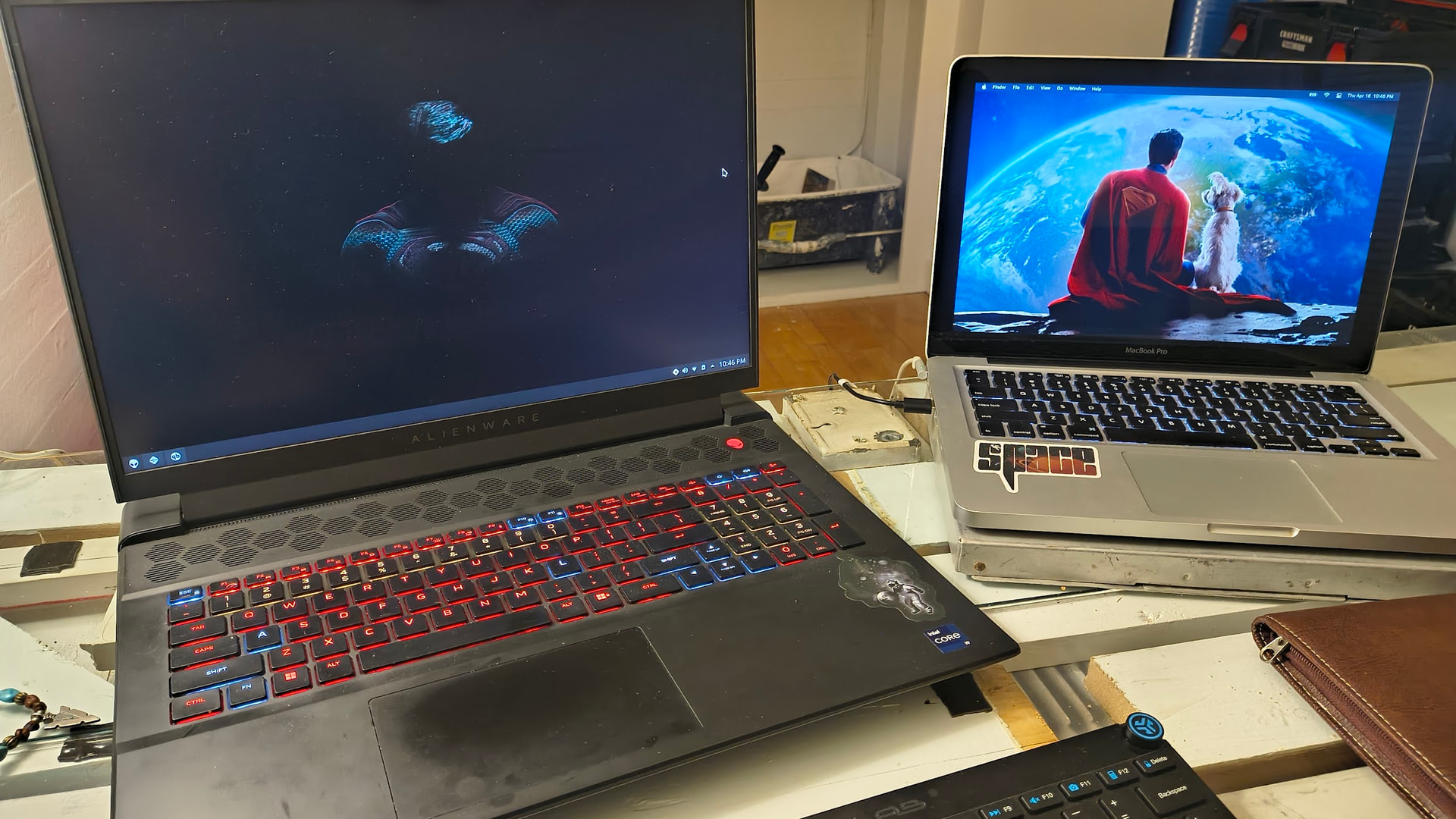
A tale of 2 laptops, parts of the same family but these guys are NOT related  A personal work unit and a throw in the bag whatever laptop. One likes life and colors and doesnt care much…the other one…troublemaker.
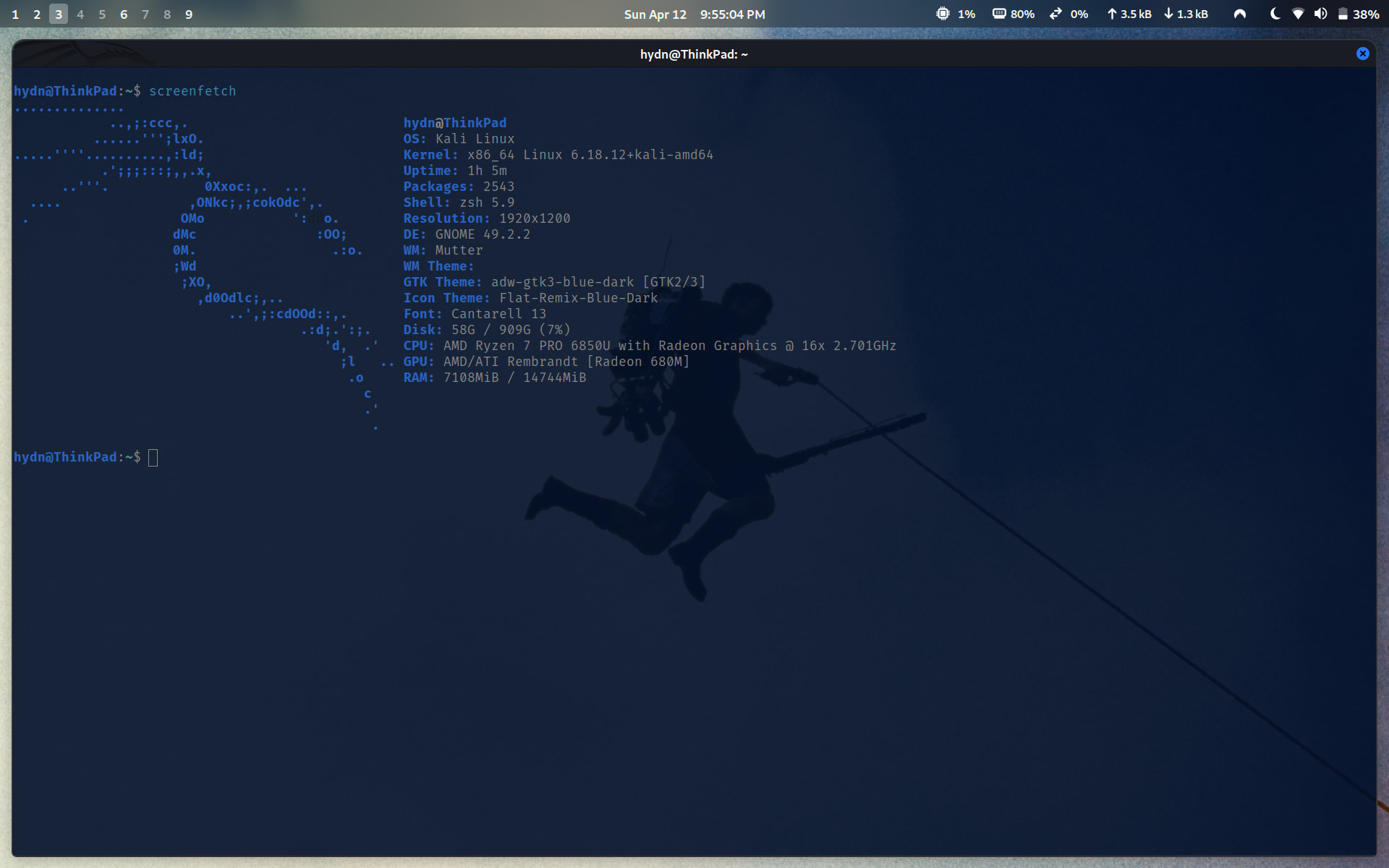
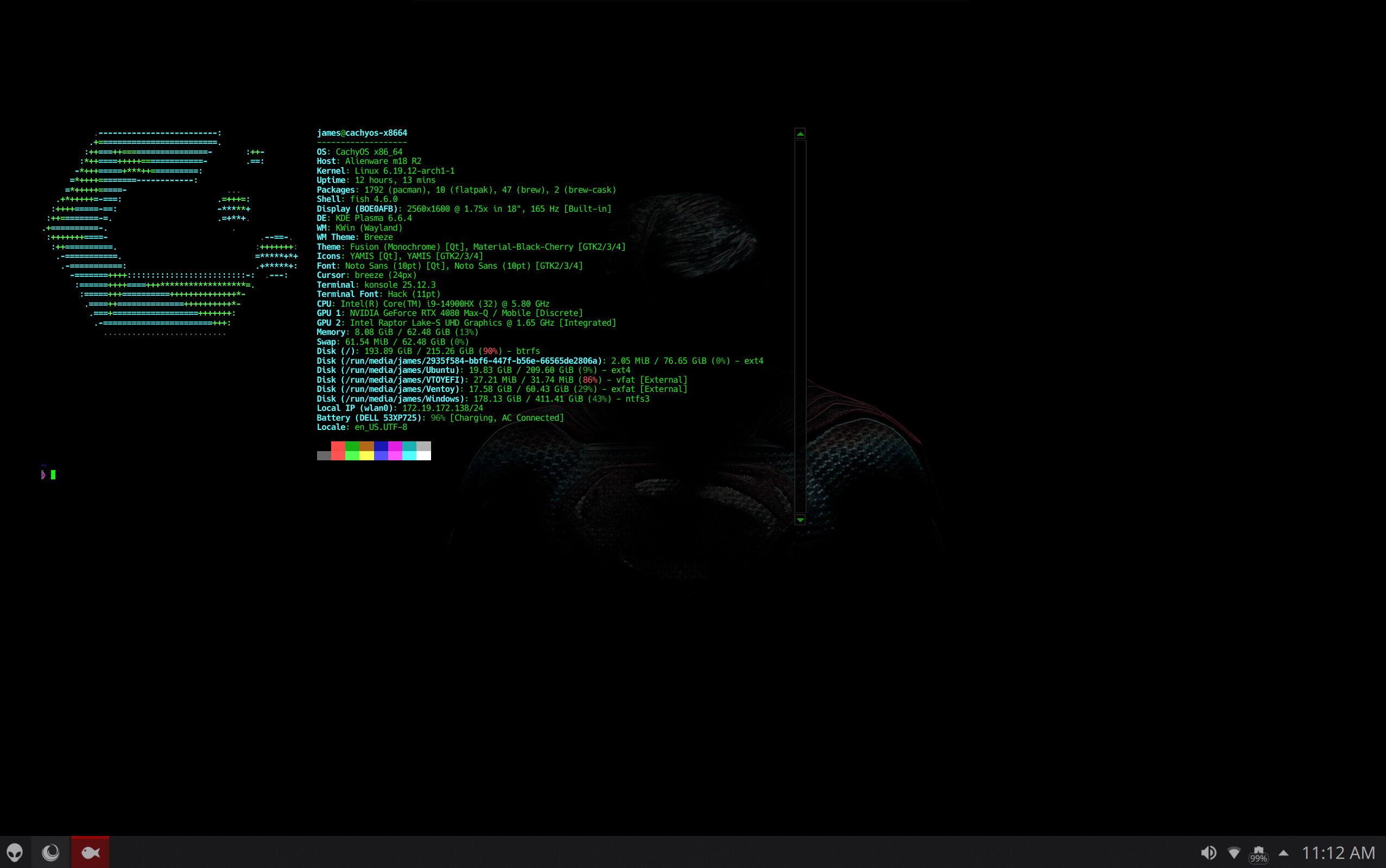
62 GB RAM used (90%) and 2.7 GB swap in use (27%), plus root Btrfs root at (90%). That’s a pretty tight / heavy, what are you running or doing to push it that hard?
Replacement of GNOME just aboutcomplete. It takes ~ 10 mins to setup/tweak XFCE, so for now this is the desktop:
…things dont worry about it 
my openclaw was probably being tortured that morning
Cool! Not often you see a wallpaper reference to the very imaginative Lexx spaceship design!
Eric, wow! Remarkably sharp eye for detail !
I had to turn up gamma a lot before I could see it for what it is.
Lexx was Canadian-German production.
I am Canadian.
Go figure! 
If you are ever interested, this site offers 3D models of the Lexx ship.
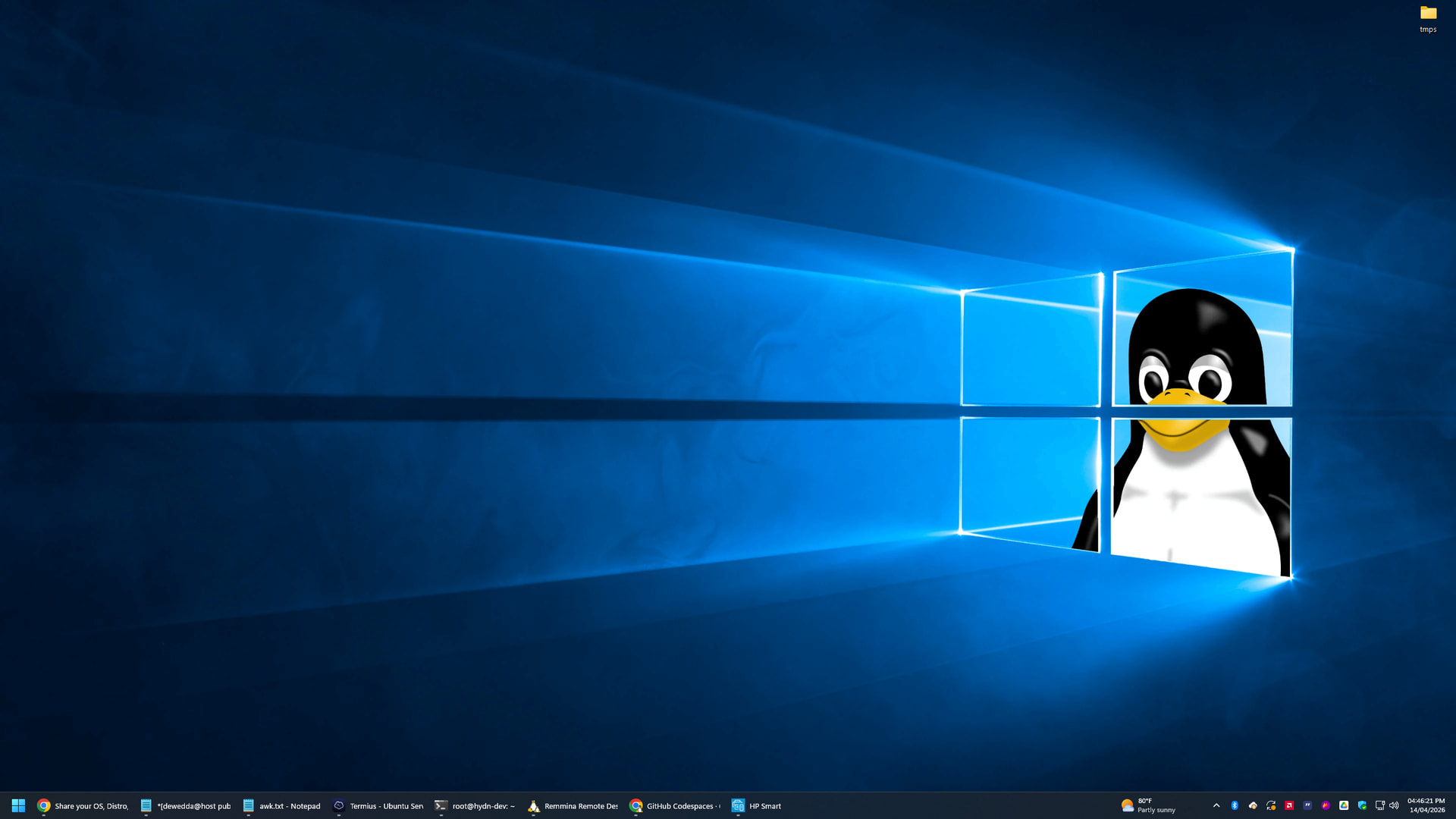
Windows 11 running WSL2 (Ubuntu 26.04 LTS):
Can open most apps natively like Remmina, Gparted, any browser, or just use command line for daily stuff like mtr, traceroute, dig, nmap, git, etc.
Cool !
Did you encounter any filename compatibility issues yet?
(like forbidden characters that are legal under ext4)