I also have to add that most of you are much more “artistic” than I am with my setups, though I do have some decent wallpaper on mine, but it’s not my own creation; it’s a copy of the Cumberland Falls “moonbow” on the Cumberland River near Corbin, Kentucky, USA.
I probably pass near that region almost every year, but I have never been to that location, so I rely on their image.
I thought Neofetch was no longer supported - no? Wasn’t it replaced by Fastfetch (or something like that)? Also, I’ve been trying out terminals - Tabby terminal, Termius, TMux, and Moba Xterm - what are you using? Why?
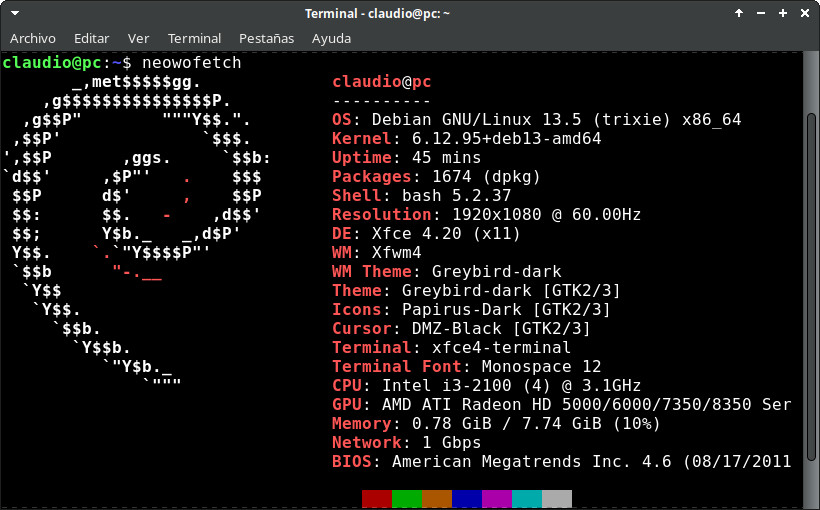
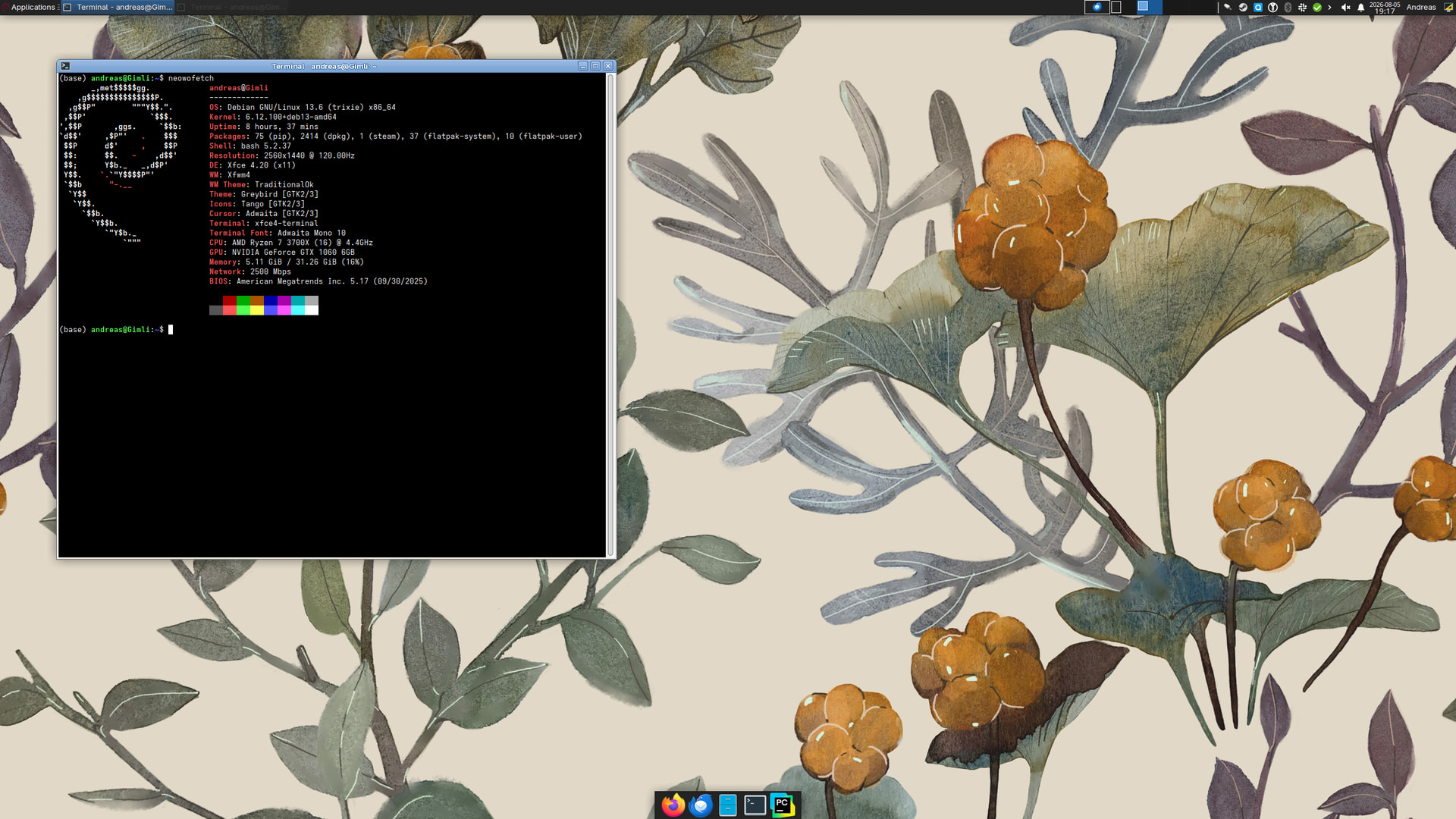
I’m using Neowofetch -see the wo between Neo and fetch-, it’s a fork of Neofetch. Neofetch was discontinued in 2024, although it’s still present on some repositories. It’s another alternative, same as Fastfetch.
Guess who had to swap DEs again—unfortunately had a bug on the Plasma lockscreen that froze my entire PC. Looking for something similar but a bit less buggy, I decided to try Xfce.
Thought so too—can’t believe when I just started using Linux regularly again I was on Arch and KDE, and now, many years later, on Debian + Xfce. I’d say that’s maturing
Loved XFCE since the times of Xubuntu 8.04 (18 years ago! ), later on Mint and then on Debian. And I’m on much older hardware than that. Never a single issue. Even on Mint is almost as light on resources as on Debian.
For reliability and user-friendliness, MATE gets my recommendation covering the vast majority of use cases. Its polish, familiarity and regular updates caters to most Linux gamers, developers and causal users alike.
Xfce wins out. Its frugal architecture simply leaves less potential attack surface. And decades of field-tested stability serves administrators well.
Choose MATE to most closely emulate a classic, functional Linux desktop feel. Go for Xfce when protecting scarce system resources is the overriding priority. Either way, you have two mature, reputable projects likely to remain pillars of the open source desktop experience for years to come.
The article gives side by side comparison or development cycles, resource usage and user participation in forums. Very useful in picking a Desktop. I greatly prefer MATE myself.
I recently installed Debian MATE on a really old small laptop, I don’t remember the full specs right now, but it’s got 2 Gb RAM (yeah, only 2 ). Runs fine, once I finish setting it up I’ll use it for basic stuff, not even web browsing, just writing, listening to music, some basic web coding, maybe some old games like Doom or Quake


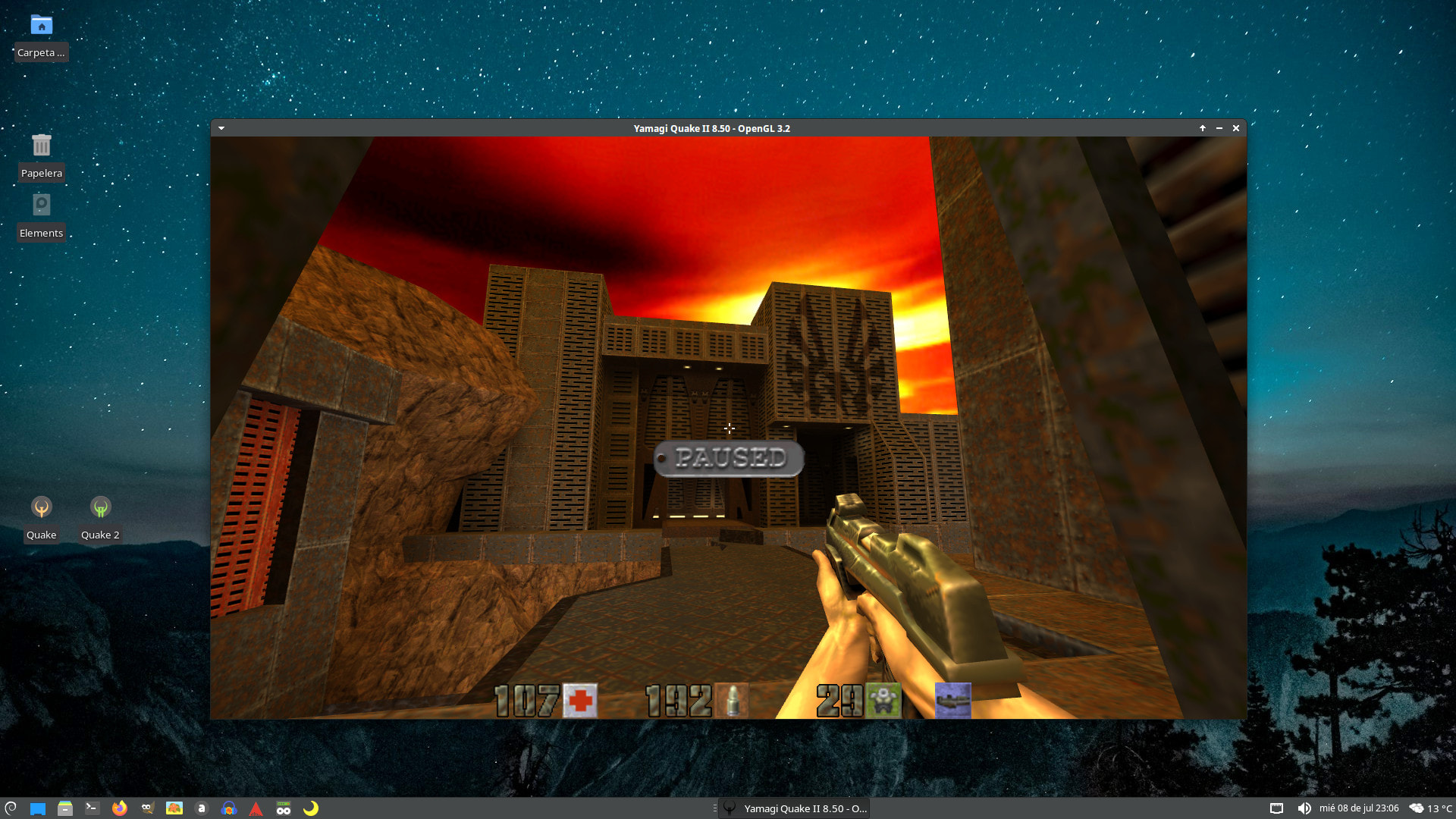




 ). Runs fine, once I finish setting it up I’ll use it for basic stuff, not even web browsing, just writing, listening to music, some basic web coding, maybe some old games like Doom or Quake