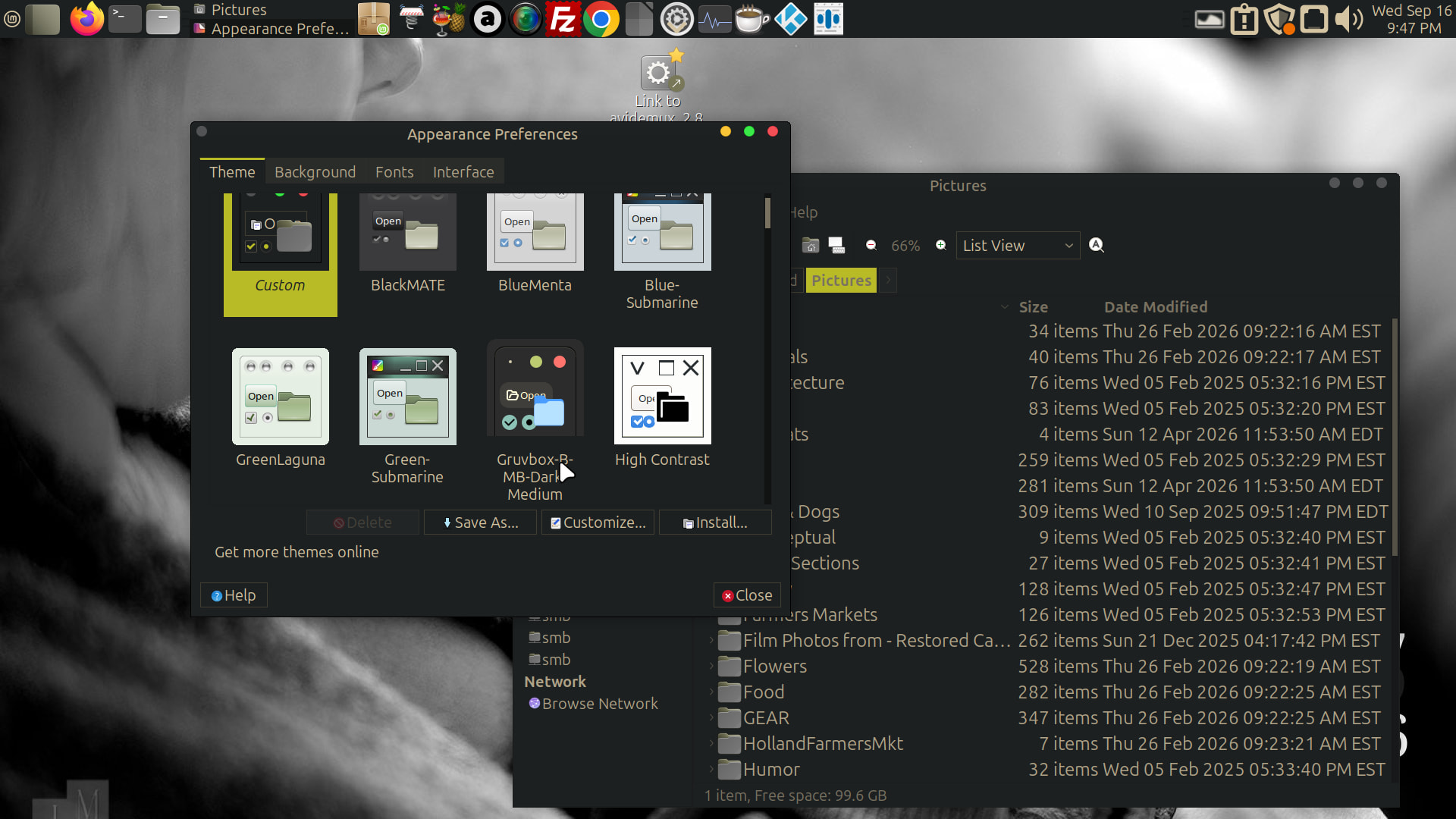
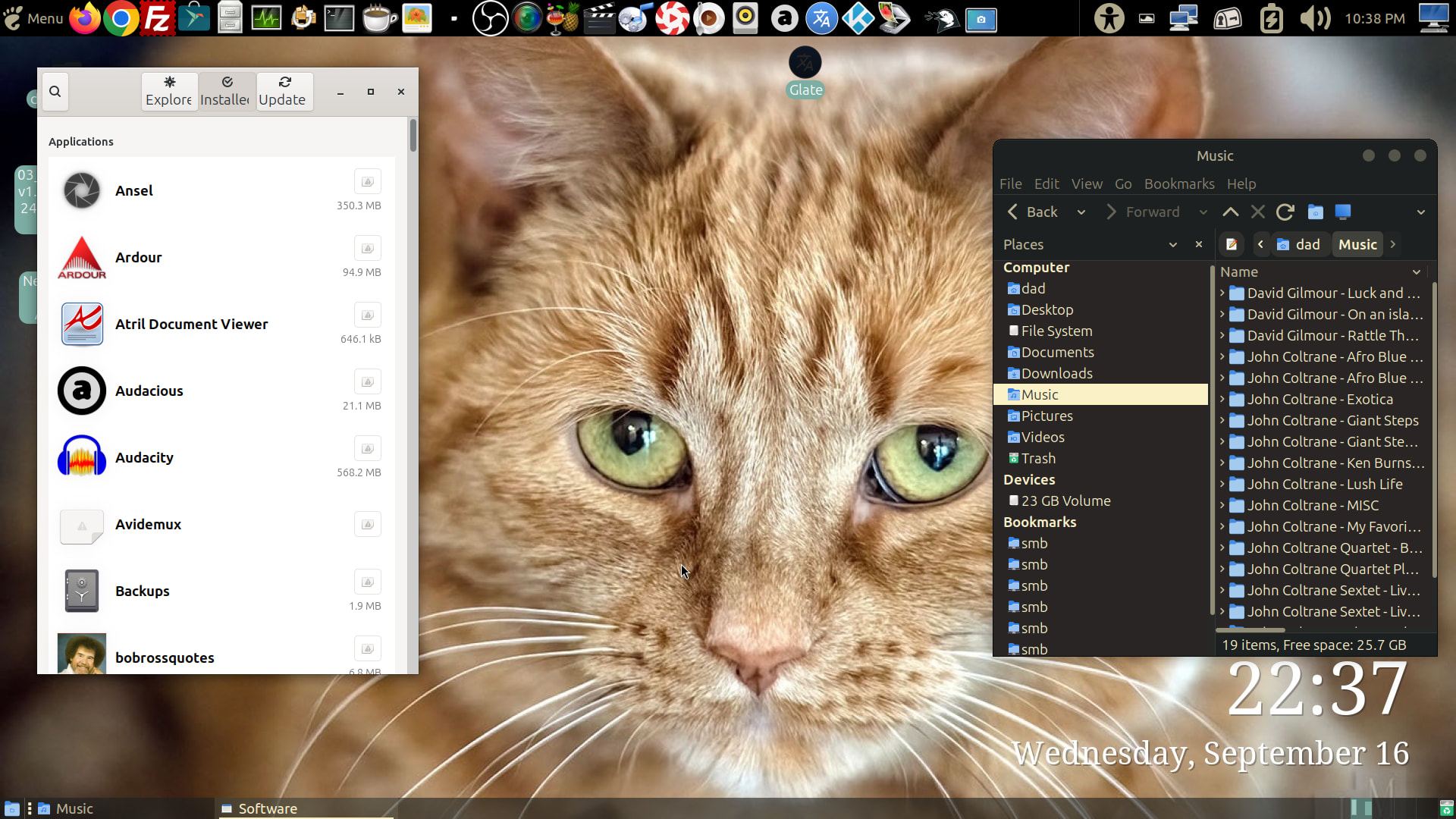
I am slowly losing my vision, and have compensated in various ways over the last three years. I currently have a bunch of VM’s to check out different distros, On Ubuntu Mint with the MATE DE I tried a theme known as Gruvbox Dark that really helps me see the menus and to read. I put as much of it as I can on the 26.04 Ubuntuu Mate install, and it looks a bit different. On both it is a bit of a mash up of window borders from other themes, and things from others. Is there a graphical way to control things like folder colors, font color, panel backgrounds, menu backgrounds, field outline color - basically everything? Don’t laugh at my example - you may need this someday. * Adding a second photo is of the theme on Ubuntu MATE v26.04 You can see it’s broken of the software app.
1 Like
Sorry to hear about that, @jmarkus!
Can you be a bit more specific about the condition that is developing?
- central tunnel vision?
- cataracts?
- peripheral vision only due to retinal detachment?
Different strategies, and Apps, are used for various conditions.