Halano
November 4, 2025, 9:43pm
1
Part of gnu/linux coreutils
I’ve some tricks and basic knowledge around date cli I want to share it with our members here at forums, it might be useful for user whose spend 80% of time in terminal,
change the system clock
date +%T -s "10:13:13" # set time 24H
date -s "11:48:00 PM" # set time 12H
sudo date -s "2026-02-01 00:00:00" # set date and time
# use hwclock to write/read -> cmos
count duration between two dates
echo $(( ($(date -d 2026-1-1 +%s) - $(date -d 2025-1-1 +%s)) / 86400 )) # Days
echo $(( ($(date -d 2026-1-1 +%s) - $(date -d 2025-1-1 +%s)) / 604800 )) # Weeks
Chronosphere
d1="2025-01-01" d2="2026-01-01"; s=$(( $(date -d "$d2" +%s) - $(date -d "$d1" +%s) )); echo "Days: $(( s / 86400 )) Weeks: $(( s / 604800 )) Months: $(( ( $(date -d "$d2" +%Y) - $(date -d "$d1" +%Y) ) * 12 + $(date -d "$d2" +%m) - $(date -d "$d1" +%m) )) Years: $(( $(date -d "$d2" +%Y) - $(date -d "$d1" +%Y) ))"
Print day name from date
date -d "2026-02-28" +"%A"
print the date from 3 days ago
date --date='3 days ago'
print the date after 42 days
date --date='42 days'
print date after 5 months and 2 days
date --date='5 months 2 day'
Unix Timestamp
date +%s
7 Likes
hydn
November 5, 2025, 1:28am
2
Nice one! Reminding us how versatile the GNU coreutils are. Thanks for putting this together.
2 Likes
date “+%r, %D” is another example; it produces output as shown below:
3 Likes
ricky89
November 13, 2025, 8:21pm
4
Thanks @Halano for this explanation
2 Likes
My “duplicity” backup script creates a variable containing the hostname, date, and time, and then creates a folder using the variable name:
backupName=$(hostname)
date_time=$(date +"%Y-%m-%d_%H%M")
bdt=$backupName'_'$date_time
mkdir $bdt
3 Likes
@MarshallJFlinkman I really like this logic. I’ve used similar code and it works well in scripts.
2 Likes
tkn
April 18, 2026, 5:16pm
7
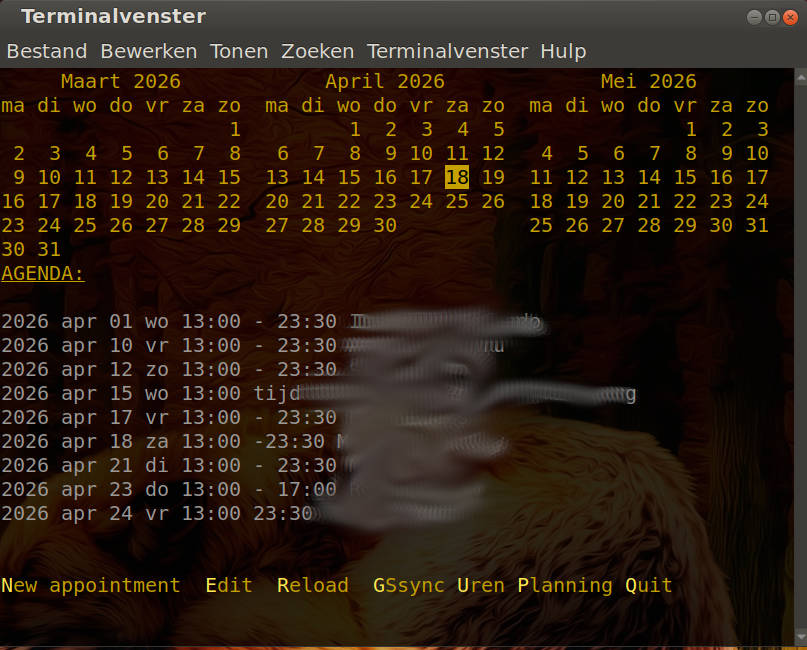
date is indeed very versatile.date and cal to quickly cobble a diary together in bash as a temporary thing until I would find a good piece of software to replace it.
Well…you know how it is with temporary solutions right ?
(sorry , had to smudge the appointments: other peoples privacy)
4 Likes
Nice job of protecting privacy and still displaying an effective calendar with dates AND events!
3 Likes
hydn
April 18, 2026, 9:31pm
9
If you havn’t already, check out flameshot .
2 Likes
tkn
April 18, 2026, 9:38pm
10
Do you mean that flameshot has a blur/smudge function ?
2 Likes
tkn
April 18, 2026, 9:46pm
12
I’m going to install it RIGHT NOW !
EDIT: Works terrific !!
2 Likes
ugnvs
April 20, 2026, 1:22pm
13
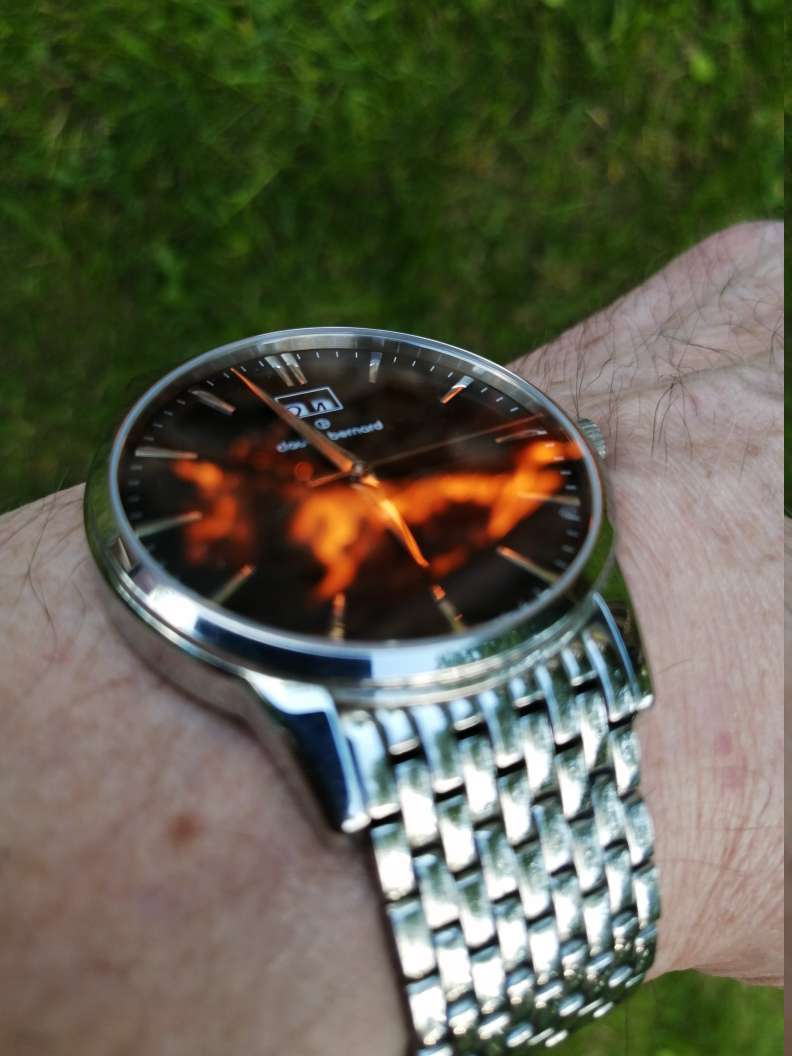
When I need to adjust my wrist watch I open terminal and issue
watch -n 1 date
3 Likes
Halano
June 6, 2026, 6:23am
14
daemonless ntp time update
make sure your time zone is correctsudo timedatectl set-timezone Africa/Cairo << set your location
sudo sntp -sS pool.ntp.org # use google if you want time.google.com
cg you have the correct time :-
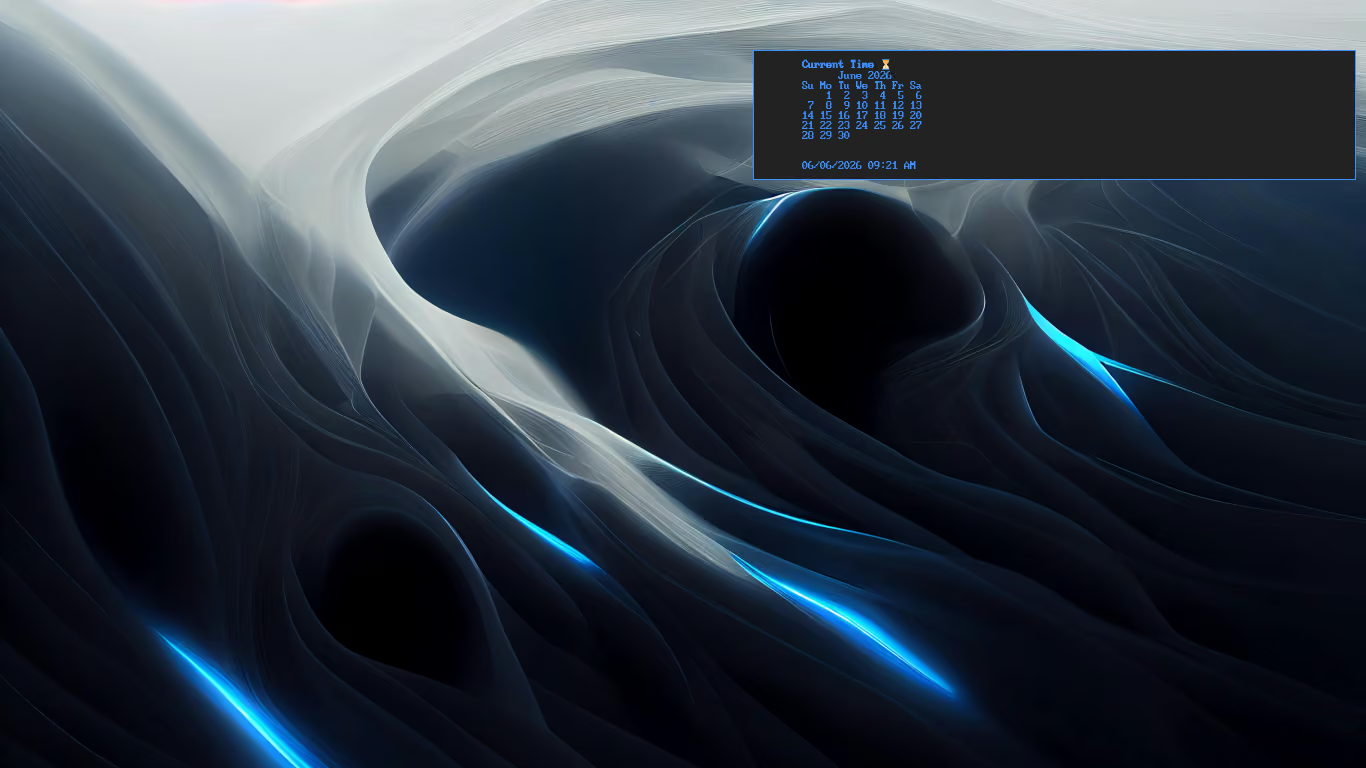
My i3 bind <super+t>
notify-send "Current Time ⏳" "$(cal&&echo&&date +'%d/%m/%Y %I:%M %p')" -t 7000 -i /usr/share/icons/breeze/actions/24/clock-symbolic.svg
6 Likes