I’m using Mint MATE. I’ve long been intrigued by Debian - a likely first step would be to try a Debian (non-Ubuntu)-based distro like Peppermint, LMDE, or MX. As an ‘intermediate’-level Linuxer, pure Debian seems a bit daunting.
Only thing is, I’m partial to MATE at the moment, and none of the options come with a MATE desktop by default. Still, this thread is tempting me to give it a go.
Ah, that sounds easier than I thought. Would there not be conflict with having two DEs at once, though? Like two file managers, duplicates of all kinds of other things? I’ve often seen recommendations against installing two desktops in the Mint forums, which put me off trying.
There will be some duplicates, which you will see on the menus, mostly. If you’re on XFCE you will be using Thunar, if you’re on MATE you’ll be using Caja, and so on.
Yeah, I’ve seen that too in the last few months I’ve been on Mint. Right now I’m not on Mint anymore, but from what I remember, don’t install any mint-mate meta package. That is what will screw things up. Take a look here Installation | MATEwiki
sudo apt install mate-desktop-environment
sudo apt install mate-desktop-environment-extras
and keep going from there. I install everything through Synaptic Package Manager, it’s easier to see dependencies and recommended packages in case something is missing.
I won’t get off my antiX or MX Linux distributions as two of my steady Debian-based distros, but have any of you experimented with any of the BSDs recently or ever?
FreeBSD was probably the most frequent one I used, but I haven’t done much with any of them in recent years. OpenBSD has been claimed to be the most secure, and one of the most secure OS, period. Haven’t used any of them recently though. Anyone tried one recently?
I tried both of them briefly when I was looking for a distro to be my home. Admittedly, I was fairly converted to Linux by then but, because of what I’d read about them, I really wanted to like them. But they just didn’t feel right.
Maybe that was just because of where I was at that point in time. But I’ve never had reason (yet) to revisit them again.
I tried to download FreeBSD yesterday and I tried TWO different images: first a mini .img file type, hoping to set it up to run live from memory; I loaded it onto a Flash Drive and my system recognized the device but refused to boot it.
Then I downloaded another image, this time building from a true ISO image; took many times the size and time, but again no success. Not entirely positive why. In distant days past, I successfully used a Dell Dimension 4100 desktop, put two disks on it, and was able to, at different times, run this unit with a dozen Linux distros PLUS one of either FreeBSD, NetBSD, or OpenBSD; I was also able to successfully get VxWorks running on it; and that even led to a short term assignment testing actual real time systems; VxWorks was ONE of the daily builds I’d test. It was also around the time when I was doing grad school work, so I wrote myself a test suite so i could repeatedly test all of the test cases across 2-3 real time images each day, and I cut my day down to SIX hours instead of 8-9, still got my work done, so I’d have time to do grad school work on one of the earliest online grad school programs between 1999-2001.
Doesn’t seem like the BSDs are much better at universally recognizing hardware; my Lenovo Thinkpad is mainstream and it’s not even a brand new model; any Linux distro knows its hardware; BSD couldn’t swing it apparently.
@ericmarceau The guy in that picture has nothing directly to do with antiX that I’m aware of, but few of us have created any recent videos, so this person happened to create one long ago for antiX 22.
Ironically enough, that wasn’t one of our better releases; the antiX 23 release was one of the best; it was based on the Debian Bookworm release and it ultimately had the main release and two minor releases; antiX 23.2 remains supported until 2029 when the last of the “Bookworm” support, other than commercially paid for extensions, runs out.
The antiX 26 release is very good, but unfortunately we lost a few of the tools we had in 23 because Debian, in Version 13 “Trixie”, dropped quite a few things.
I understand why they did it; only a small percentage of people continued to use what they dropped, but a large percentage of the “small percentage of people” happen to run ancient hardware and software, supported not by Debian but by antiX, so that’s why so many things “disappeared”.
That’s also a reason why I run both releases: though my hardware can run newer stuff, I like the old and simple things; they are closer to what I’ve done for a very long time, so not only do I know some of the old stuff, my body and my fingers remember using them for multiple decades!
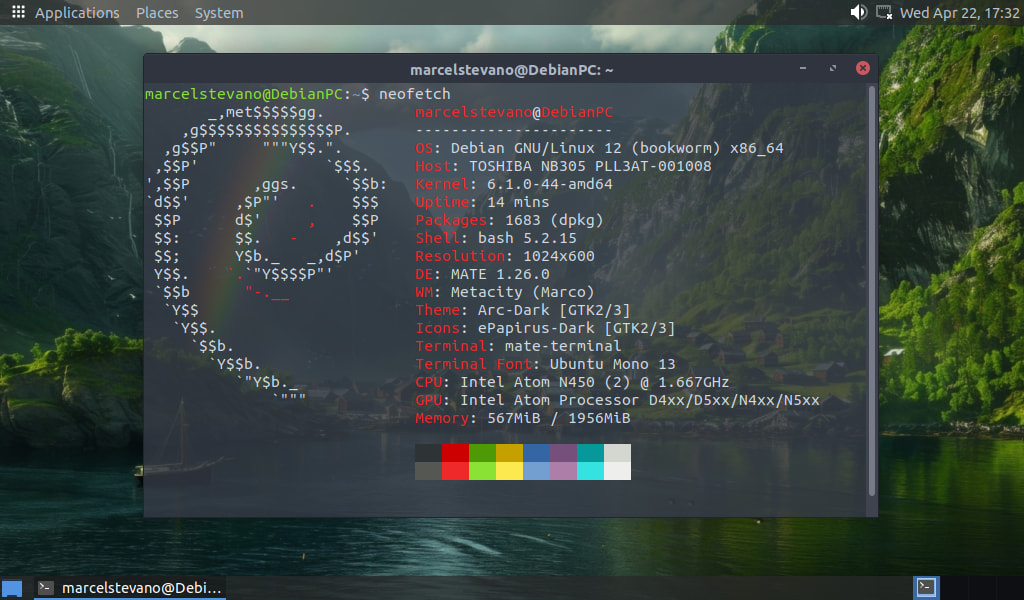
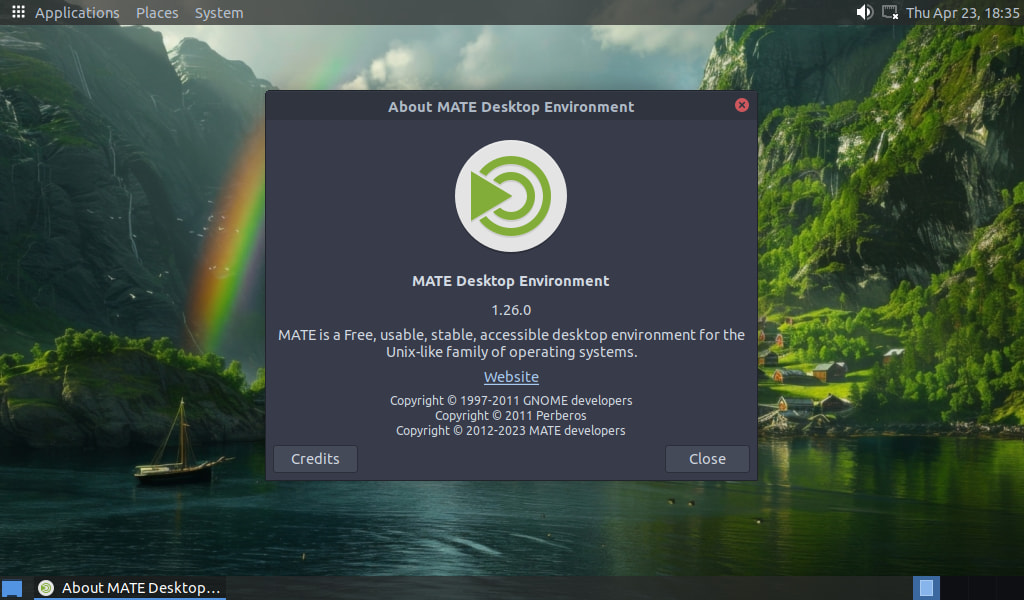
I’m running Debian 12 (Bookworm) with MATE as my Desktop Environment. It’s a fantastic combination if you’re looking for rock-solid stability and a traditional, lightweight interface that just works.
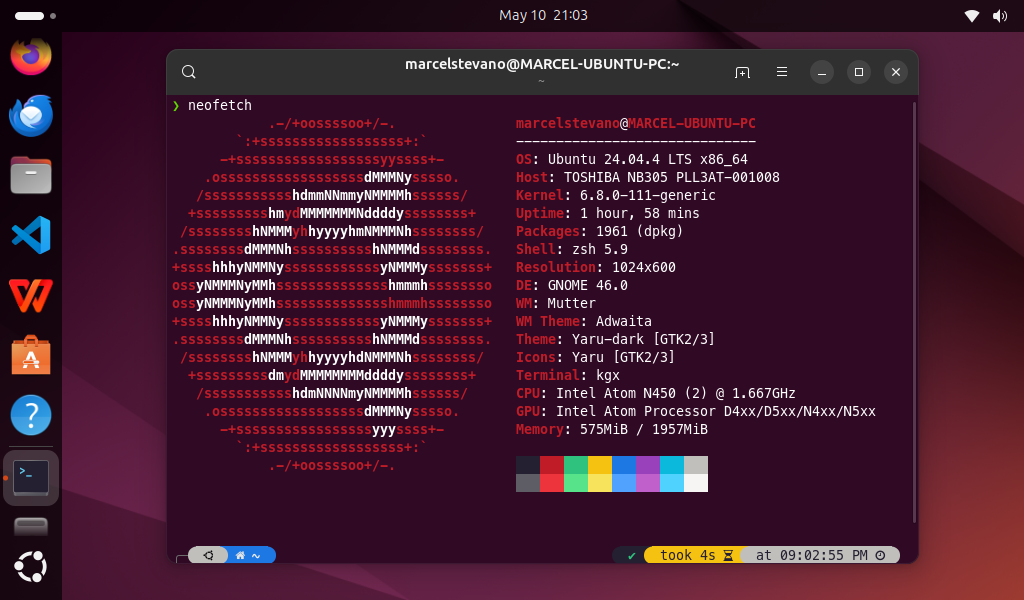
That screenshot is from April, I almost never screenshot desktop and about MATE anymore, because I’m busy with my work and other OS, Fedora 44, Ubuntu 26.04, 24.04 and Arch Linux
@Jakarta2 I’m with you! I am not a personal fan of Snaps or Flatpaks. The ideas sounded good, but the implementations have not lived up to their expectations at all, as far as I am concerned.
The only file and packaging collection (other than the existing package managers) that I do find useful at times is the Appimage format.
I want to update my Desktop progress, I once answered in this post that I’m using Debian 12 MATE
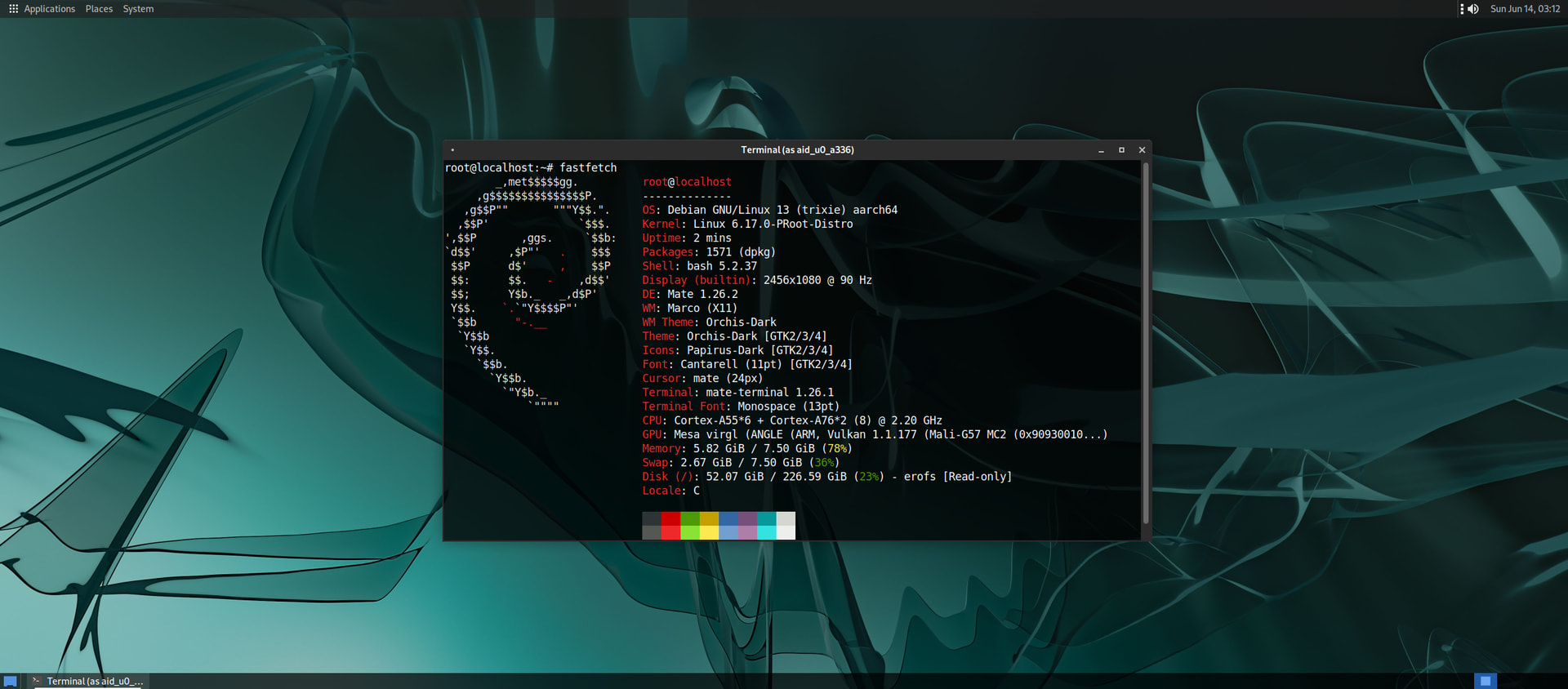
I’m currently using Debian 13 on Android, if Debian 12 on my laptop, the desktop I changed it to XFCE, so that the DE is not the same on the laptop and phone
Nice job with this @tkn. The only nice thing to add to this would be a text object that displays this stuff in a cleaner organization; it’s rather “run together” in this presentation. Maybe @hydn can teach a few of us how to do this better in our posts! (hint, hint).
Yes, you’re right.
Whatever code is written, when it’s quoted (on discourse) it gets a mess.
I don’t know how to prevent that.
Better to follow the link and to look at the code i wrote in the original post.
Quite a difference.
( If there was a way to stop discourse from doing that, I would.
The best I can do is preventing discourse to expand the link at all, like this: Script to remove or reinstall snap Ubuntu 26.04 / 24.04 and maybe it would have been better if I had done that )
However, If you expand the quote by clicking on the arrow in the upper right corner of the quote, you’ll see the original in an undistorted way.
Yeah, I read you loud and clear @tkn, that’s why I added @hydn; maybe he can write a SIMPLE article that people who are not great with the widgets in this forum can explain in language that a person from “this planet” can understand!