I have asked in two places, already:
-
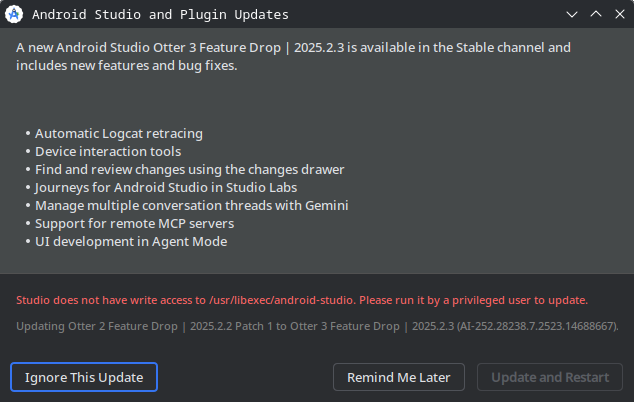
github.com/terrapkg/packages/discussions/9299, where I ask:run0 dnf5 upgrade --refresh android-studioreturns 0 results, so I want to update the package via its in-built updater. Is this feasible without corrupting the package? I ask because, by default,issuetracker.google.com/issues/37024375#comment1reproduces: [1]Prepending
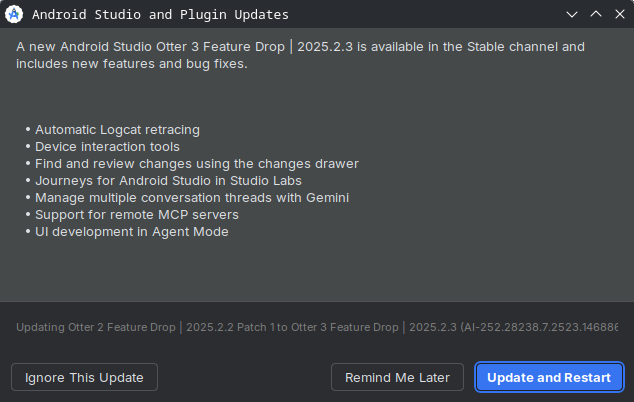
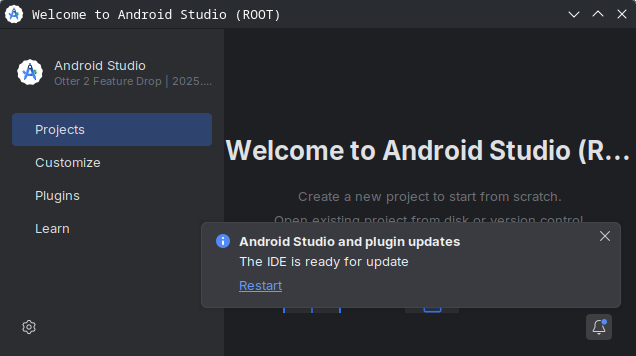
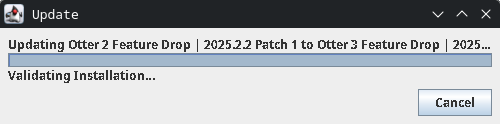
sudo[2] [3] bypasses it, but still fails: -
linux.codidact.com/posts/296174, where I ask the same (but about the Canary build), because Codidact permits multiple answers, unlike Discourse’s Solutions plugin.
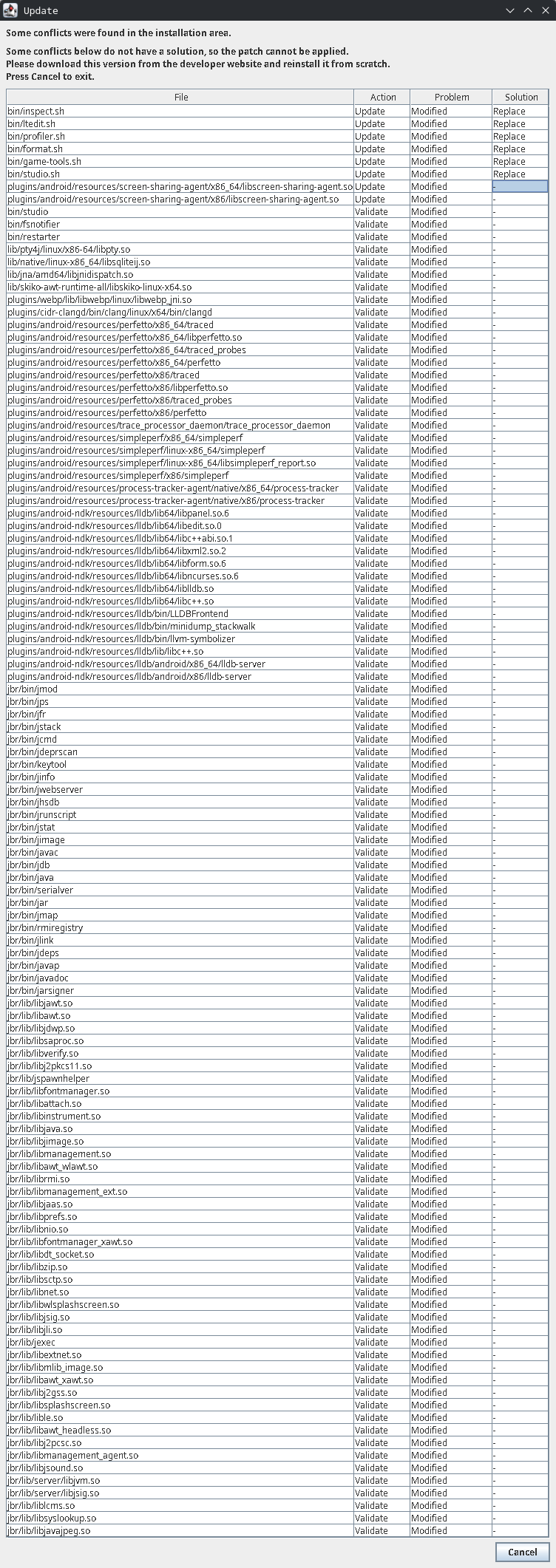
However, nobody appears to know what the solution is.