hello, I’ve suffer from Windows 11 humour and now I’m want to move into linux mint cinnamon, and maybe arch one day, actually I have NO CLUE how to dowload even with the documents official of mint, it doesn’t help me, so I am asking if there is anyone who can help me to download and give me some documents or advices to use linux
5 Likes
Welcome to our community @Cherry_apple
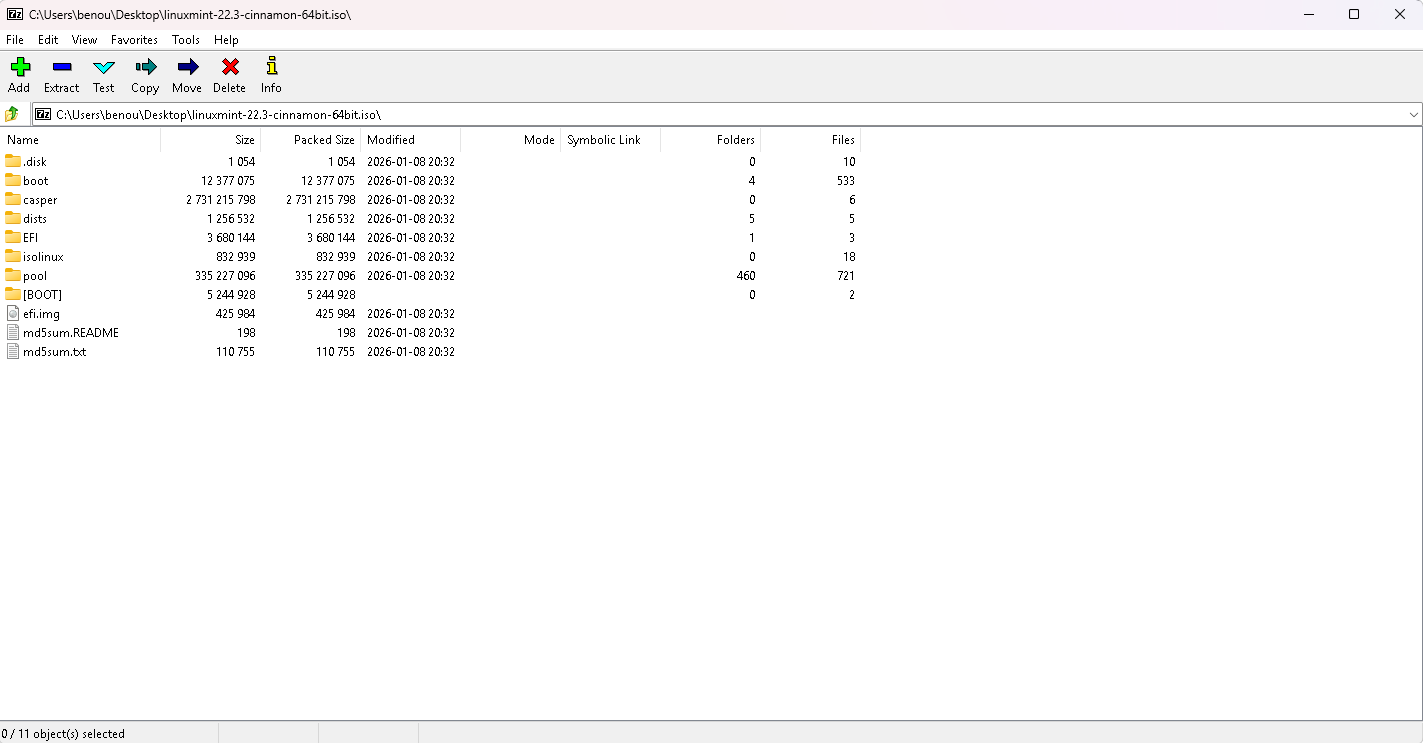
Grab the Cinnamon ISO from Download Linux Mint 22.3 - Linux Mint
Flash it to an 8GB+ USB with Rufus (rufus.ie), then reboot and tap your boot menu key to launch it.
Try the live session first, then run the installer on the desktop.
Back up Windows first. You’ll do great!
5 Likes
So … is your issue that you don’t know how to download
- PDFs?
- Application packages?
- Destop themes/icons?
- Use streaming music/video players?
- actual Distro?
I’m a bit confused as to how to reply because your question is a bit vague on your specific issue.
If you just want general guidance and references on Linux/Bash in general, this other post has many detailed posts that cover various different aspects of the very wide scope of what could be your intended target. You need to pin it down for people to help you specifically.
2 Likes
Have a look here:
4 Likes
why you choose mint ? because low cortisol 

what’s your specs , your hardware components
win + r > msinfo32
and how deep you want to hope into technology and I’ll guide since you mentioned arch it’s very serious decision for new user to consider.
3 Likes
haha yeah I though starting with mint will be better to switch to arch one day
Oh ty I already knew some videos but didn’t help, and some videos I didn’t know about
FYI, I made the change from Windows to Linux (Linux Mint) about a year ago. It does take work but for me it has been well worth it. I have not had regrets about making the move (except one recent issue). You do have work to do. I have had to stay on top of old windows files, photos, etc but it has been manageable and achievable.
For me, the first difficulty I had with leaving Windows is finding a Text To Speech (TTS) software. I write books, as part of my editing process I found that (Particularly for dialog ) if I heard the words I’d written for dialog played back to me it made unrealistic dialog jump out to my attention allowing me to ID it and make changes. Microsoft Word 2019 included in integral Text To Speech capability that I want to find for Linux … so far, I’ve found a lot of “Stuff” and many free but they just don’t come close to working right. So, That is my 2 Cents, good luck
4 Likes
Welcome @Cherry_apple . I’m on Linux Mint Cinnamon for several years now. The videos shared by @hydn should help. Also, sharing a little about your level of computer experience would help us know how best to help you.
Things like:
- Are you comfortable with creating a bootable USB from an ISO?
- Do you know how to boot into your BIOS/UEFI, or from a USB instead of booting into Windows?
- Are you walking away from Windows completely? Or do you still need to use some Windows applications?
- Are these statements gobbledygook?
4 Likes
oh I’m using Linux mint in a virtual box because my father didn’t want I switch to Linux mint
4 Likes
I think IronRod was asking questions about startup setup, because he may have been thinking of installing a bootable image on an external USB key.
That could be set up in such a way as to only allow operation on the USB key, and maybe a second key as a Data/swap drive, such that the internal disk is not touched, but give you the performance that you wouldn’t have from the virtualization.
2 Likes
That’s a great option especially for checking things out.
4 Likes
I think trying it out in a VM is a great way to test out Linux, especially if you’ve never used it before. You can see what applications are available and whether all your use cases can be addressed in a way that works for you.
2 Likes