Hi On Linux (Ubuntu 24.04.3) I want to use server time.cloudflare.com which supports nts (NTP over TLS)
This forces system to ask time via NTS (TLS) so nobody can intercept or spoof it.
Any guidance? Many thanks!
Hi On Linux (Ubuntu 24.04.3) I want to use server time.cloudflare.com which supports nts (NTP over TLS)
This forces system to ask time via NTS (TLS) so nobody can intercept or spoof it.
Any guidance? Many thanks!
Hi @US3R welcome to our Linux community forums. 
Nice pick! Using Cloudflare’s NTS-capable server time.cloudflare.com is a solid way to secure time sync against spoofing or MITM. I may be bias, I’m a Cloudflare junkie! 
Ubuntu’s default systemd-timesyncd does not support NTS. You need to use Chrony or ntpsec (Chrony is the more common choice and recommended).
Here’s a clean way to set up Chrony on Ubuntu 24.04.3…
My laptop is still on a Debian based distro, but I plan to switch it to Ubuntu 24.04 LTS, but meanwhile I’ll switch to Cloudflare NTS with you. 
Here we go; you should be able to follow this as I’ll provide the Ubuntu commands to cut and paste:
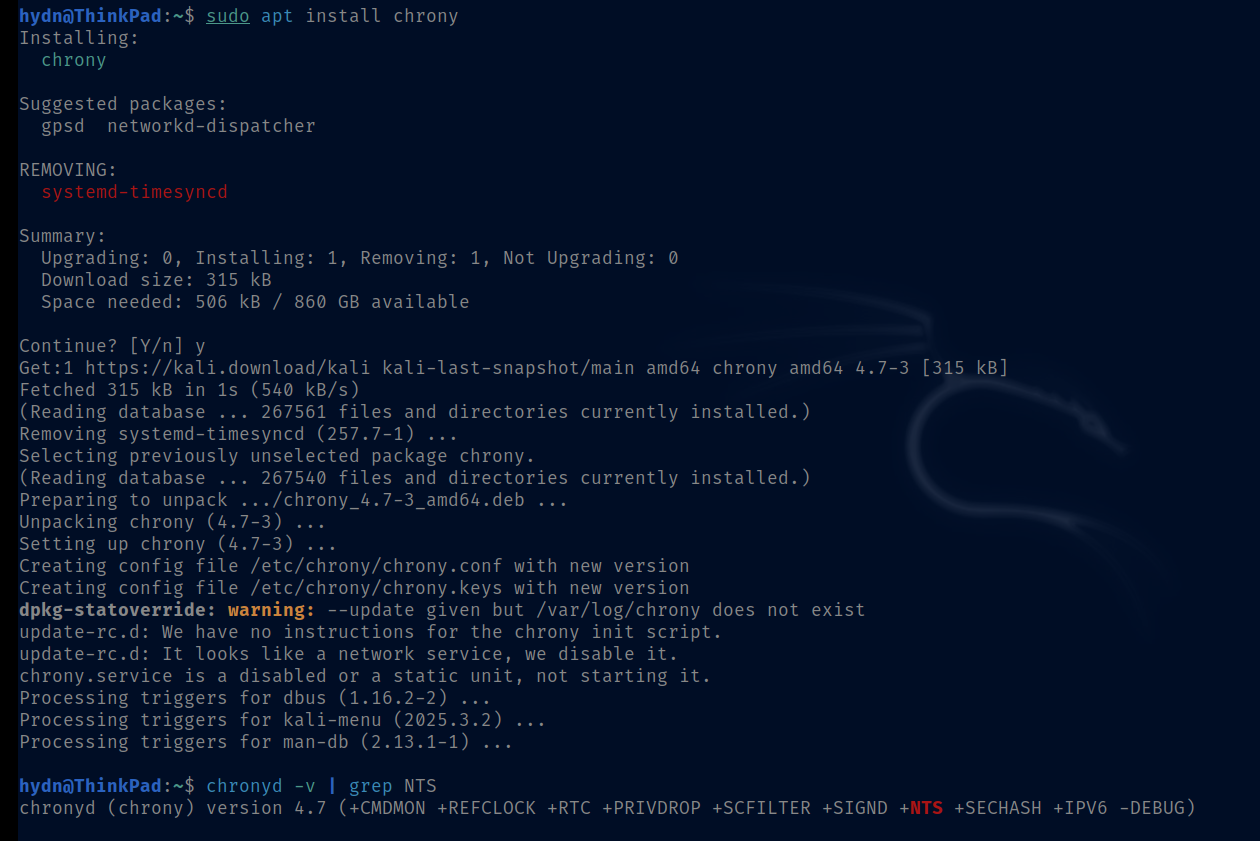
sudo apt install chrony
sudo nano /etc/chrony/chrony.conf
Comment out old server line(s) and add:
server time.cloudflare.com iburst nts
Like this:

Then:
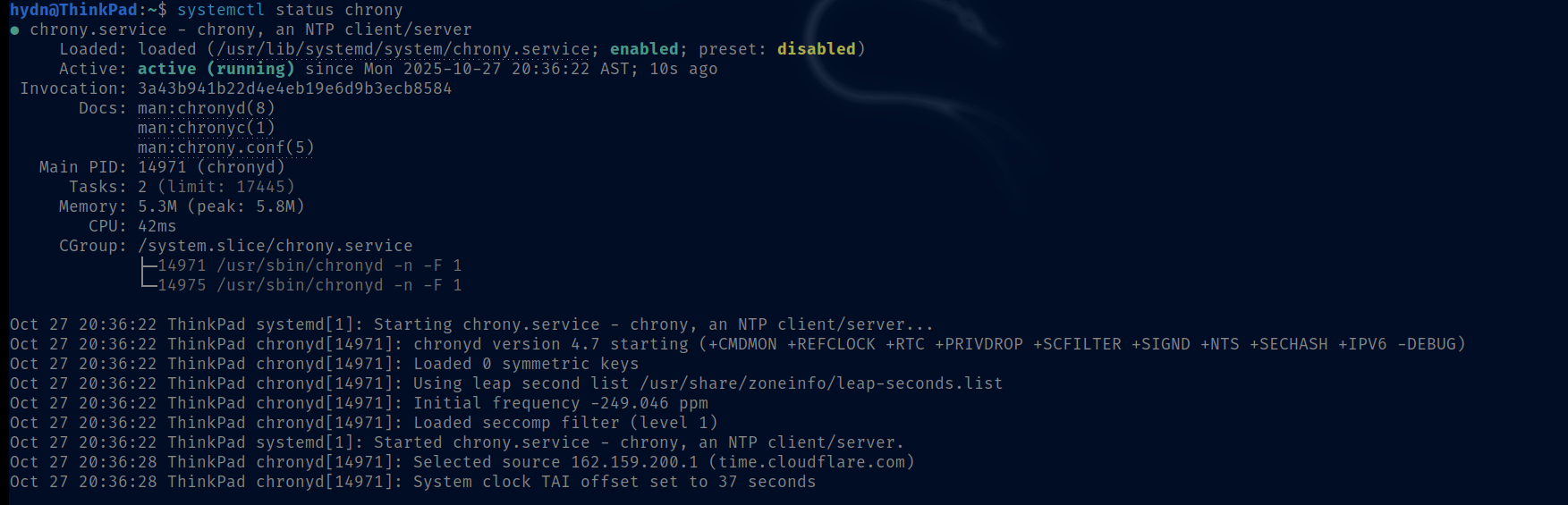
sudo systemctl restart chrony
sudo systemctl enable chrony
On some systems it’s chronyd (I think RHEL)
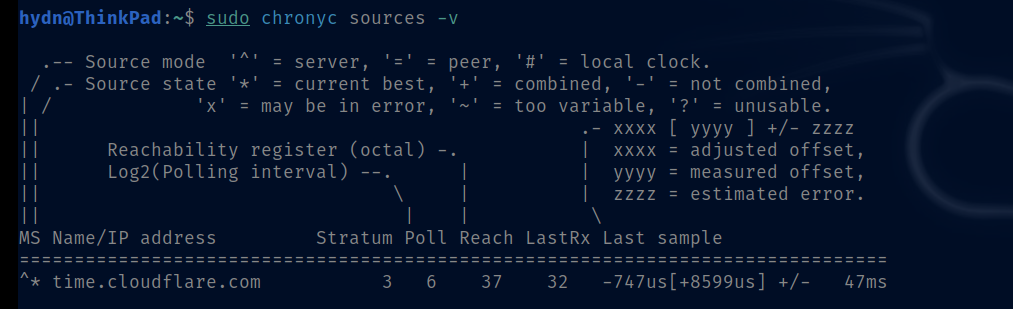
Check if NTS is working:
sudo chronyc -N authdata
You should see NTS for time.cloudflare.com.
(Optionally disable systemd-timesyncd to avoid conflicts.)
This gives you secure time sync with NTP over TLS.
P.S. my desktop PC is on Ubuntu 24.04 so if you have any issues, I’ll grab screenshots there.
No issues! It worked! Many thanks 
That’s good news. Thanks for confirming.