Fail2ban watches your log files and automatically bans IPs that repeatedly fail authentication, protecting your Linux server from brute-force attacks on SSH, web servers, and more. This guide covers installation, jail configuration, testing, and practical tuning to get real protection instead of just running defaults. continue reading.

Another tip:
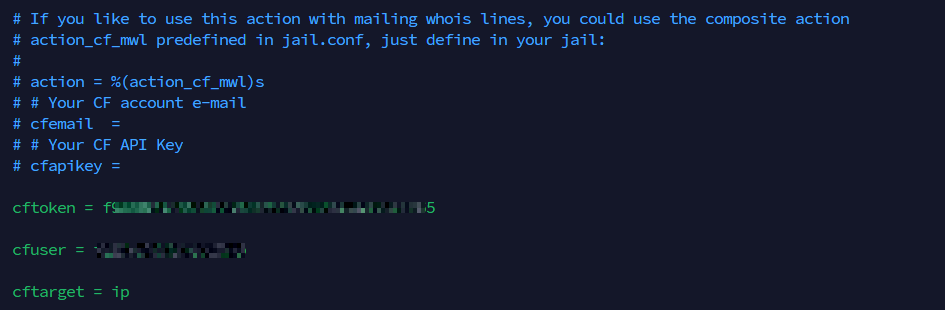
Cloudflare + Fail2ban combo - If the server sits behind Cloudflare, logpath IPs will all be Cloudflare’s ranges unless you restore the original visitor IP (via mod_remoteip for Apache or real_ip_module for Nginx).
You can then connect via Cloudflare API to also pass banned IPs to your Cloudflare block list:
Definitely. I use fail2ban on my servers.
Yes indeed. It is really helpful. There’s the approach for example where we admins can move or close ports, or, we can run things on the popular ports like port 22 and permanently block offenders. I think the latter is arguably better to block as soon as mal intent is detected than trying to evade. Of course nothing is absolute, and both approaches need to be balanced out, but in general, I prefer that more aggressive posture.
That approach is used here for our forums as well, not just fail2ban but also with Cloudflare’s WAF. More aggressive filtering to keep the noise down, save bandwidth, have much easier to read logs and less false positive blocks.

