Howdy! First post here. I’d like to start a little project with Debian, but I’m not sure of exactly how to do it.
For some context, I’ve been running Xubuntu on a Chromebook (x86) for a couple months now. I’ve formatted the flash drive I used for it and installed Ventoy onto it. I’m not entirely helpless, but I also did just start. I’m aware of Arch and I’m interested in that kinda DIY distro thing, but I’d prefer to be able to keep using apt and .deb, so… I wanna use Ventoy to run a barebones Debian (probably netinstall), and slowly build it up to a functional state before wiping Xubuntu and installing the Debian build to my internal drive. My main questions are:
Is it viable to do it like this (running Debian with persistence entirely on a USB drive before installing it to my main drive)? If not, what else would you recommend?
How exactly would I do persistence with Debian in this case, and what’s the best way to migrate the installation from the USB to my internal drive when I’m ready?
Advice would be greatly appreciated! Many thanks in advance!
Welcome to the forums. Yes, it’s technically viable, but not ideal long term. USB persistence is slower and flash drives wear out quickly with lots of package installs and updates.
If your goal is to build a minimal system, it’s probably cleaner to use the Debian netinstall and install directly to the internal drive with only standard system utilities, then build everything up from CLI using apt.
To migrate, you would probably reinstall and then just replicate your packages and configs.
I should have jumped in here earlier because I know for a fact that two Debian based distributions do offer persistence: the antiX that I am frequently writing about and MX Linux. They offer root and home persistence, frugal persistence and more and they can do all of this with a live USB drive. I recommend both. If you want a traditional desktop environment and reasonably current, stable software, go with MX Linux. If you want a really lean setup that is particularly good for old hardware, but also works reasonably well with some recent generation hardware too, then antiX Linux could be right for you.
I recommend checking out their Website or forum.
So, if I understand correctly, you have not created a 2nd partition on your Chromebook, for you to install a parallel Linux image?
If you haven’t created that 2nd partition, do you have enough spare room on your computer to do so? GParted has the resize option which would allow you to “shrink” the partition, such that it would free space to create that new partition.
If so, an actual internal partition would be better. Also, when you are ready, you can use the rsync command to “mirror” the second partition to replace the ChromeOS partition, IF that is what you want.
As for the question of working with a functional install on a USB stick (a.k.a. persistent image), the answer is yes, it is workable, but hopefully you have USB3, and not just USB2, and that your stick is rated for USB3 as well!
Again, once you’ve “organically grown” your custom install, you can then perform the above-mentionned rsync mirroring for the same effect of swapping in your new OS. Of course, your new OS would be the one running at the time you perform the mirroring and OS swap-out.
Not knowing enough about Chromebook hardware, I would maybe recommend keeping a minimal ChromeOS image installed, if only to handle Chromebook hardware/firmare updates which might not be available otherwise. But you probably want to talk to individuals having “actual” extensive experience with Ubuntu/Debian on Chromebook to help you make that decision.
I agree with this; good idea to keep that Chrome OS image even if it is rarely used; it could become critical if a mistake is made at some point.
I have a friend who put antiX on a Chromebook. I don’t know if he kept Chrome OS or scrapped it entirely. He dug pretty deep and I think he used some tool with Mr. Chrome or Dr. Chrome something; been a while.
The Flash Drive is a good idea until you are comfortable with what you are doing and Ventoy is a creative way to be able to run multiple different ISO images.
Yeah, that’s pretty interesting. I did some work quite a few years ago and I setup what was a fairly large USB Flash Drive at that time and I put quite a few Linux ISO images on it, so I could boot into any of them just by inserting the USB Flash Drive into my system, but as far as I knew at THAT time, Ventoy either did not yet have that Persistence option, or I hadn’t yet seen anything about it.
I’ll tell you THIS: well before I ever heard of Ventoy, in 2009, just two years after antiX was introduced, the antiX project started work on making their software work with USB drives. I was running it fairly often from READ ONLY CD drives, which were super cheap, but one day I was reading on the forum and they were already talking about making massive, game changing steps. They leveraged a LOT of really good work; not all of it was their invention. For instance, KNOPPIX did a lot of the ground breaking work of making systems boot and run well from CD technology. That’s ancient now, but it became an early stepping stone to a lot more.
A guy who did some very cool work based off of the fantastic Slackware work wrote another really cool distribution called Absolute Linux. The antiX team was smart to leverage stuff there too, but when smaller, wallet sized USB sticks became available, not only did the antiX team want to have lean, efficient stuff, they wanted to feature those cool little sticks. Little did they know that by later in the decade we’d have tiny little “thumb drives”; that’s what i use quite often to make my antiX ISO Snapshots.
That’s not it though. When it came to persistence, THAT is what anticapitalista saw with USB technology as opposed to CD or even DVD technology; you could write on this technology more than once, plus you could carry it in your pocket!
So while the guy in his video above has some pretty cool stuff.
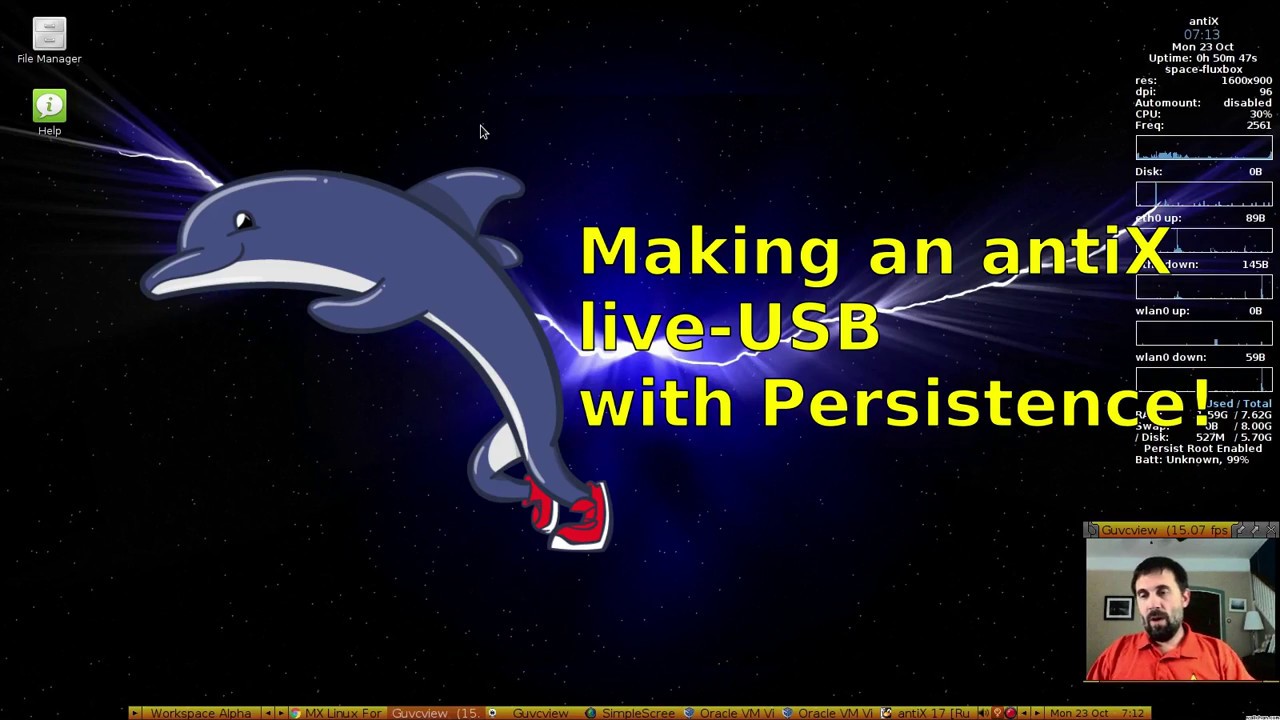
I’ll share a 2017 video about antiX and persistence next!
This is an oldie, but you can do this and more with a brand new antiX 26 installation - persistence, ISO Snapshots, remastering a thumb drive image and more!
@witty_pseudonym I’m curious where you ended up with this; please provide an update.
I have an Acer Chromebook (CB515-1HT-P39B) I converted to run Linux Mint via Mr. ChromeBox’s firmware. It worked really well. It makes for a very light and usable laptop though it is now stuck at 6.11 due to the audio chip no longer supported on later kernels. The internal microphone wasn’t recognized but that was easily rectified with a tiny USB microphone. (I generally use ear buds anyway.)
The approach I took was to make a backup of the ChromeOS image – so I could always go back to that – and I did once or twice during the time I was figuring out the conversion – and then just install Linux Mint to the eMMC via my Ventoy. I originally tried Ubuntu on it – which also worked well – but I subsequently settled on Linux Mint.