I am wondering if anyone who has experience in virtualisation can help me with this.
I am looking to set up a “dual boot setup” where the primary OS is installed to bare metal, but the secondary OS is in a virtual machine but with as near-native performance as possible.
I have been an on-and-off Ubuntu MATE user for a year and a half and absolutely love the MATE desktop. It fits my workflow very well and is very minimal and speedy. On the other hand, I find myself missing Unity as well, and with the Ubuntu Unity flavour releasing 26.04 and Ubuntu MATE not able to, I would like to try setting up as follows:
Ubuntu Unity 26.04 on bare metal;
Ubuntu MATE 26.04 (i.e., Ubuntu Server 26.04 + ubuntu-mate-desktop) virtualised with as close to near-native performance as possible.
Basically, I am trying to have my cake and eat it too.
I have watched some videos about PCI pass-through and stuff like that but that’s way too complicated and I don’t have the hardware for that (I have an Acer laptop with 6 GB of RAM).
I also know I can have multiple DEs on the same install, but I would prefer the systems be kept separated.
It may be too complex or overkill, but possibly the use of
cgroups
by the host environment (Unity 26.04) might help give improved priority to the virtual environment while it is running. If you enter the following query in Google search, you might find the information interesting.
Linux how can cgroups be used to raise execution priority of child processes associated with a virtual environment
Thanks, Eric. I’ll definitely take a look at cgroups.
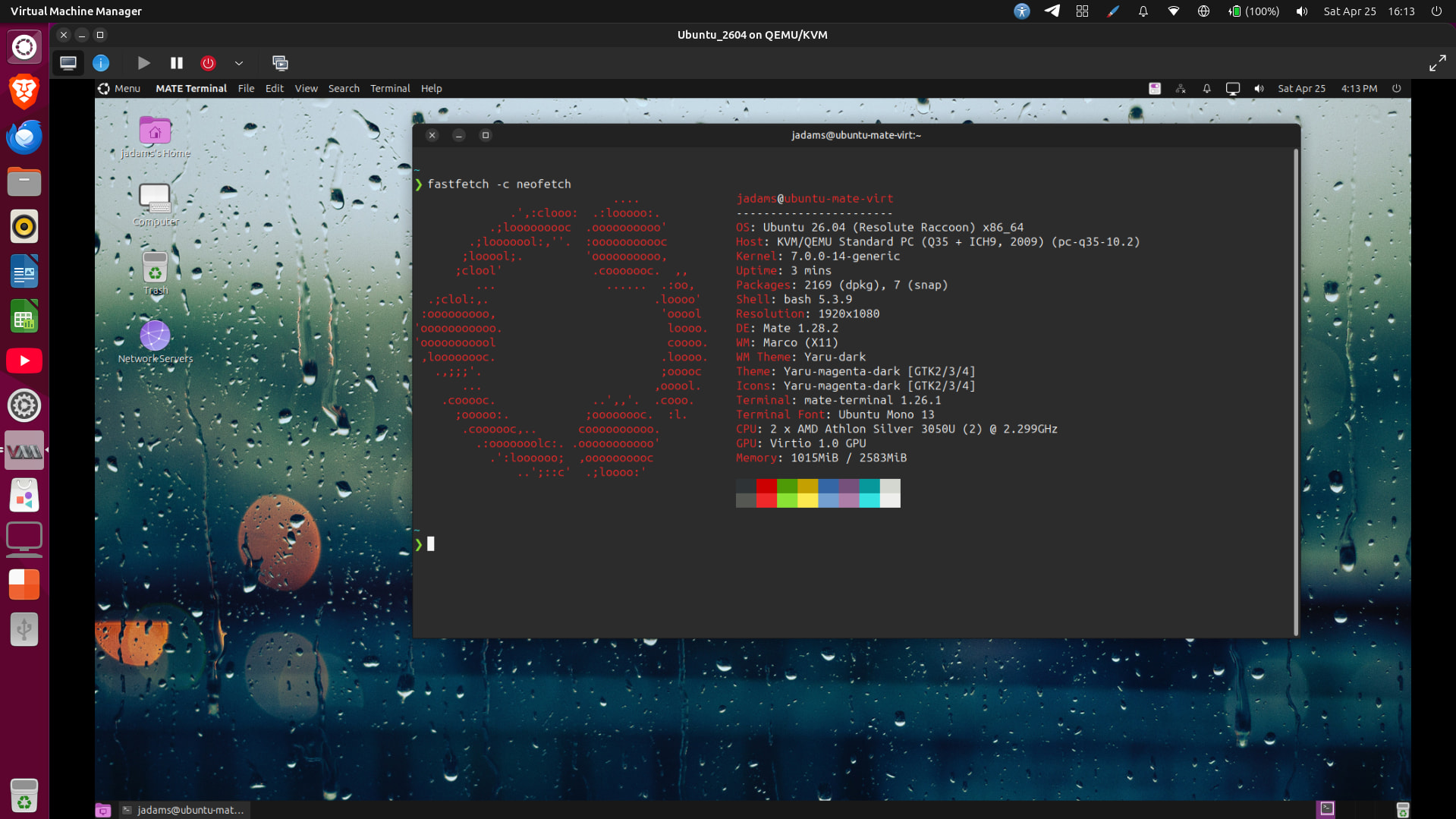
I am reminded of how amazingly lightweight MATE is when I installed Ubuntu Server 26.04 yesterday using virt-manager and added mate-desktop on top of it. I gave the VM 3 GB of RAM and left the settings as is (BIOS instead of UEFI, etc.). I honestly got close-enough to native performance on that VM that I was happy with it!
QEMU-KVM’s video options of QXL and Virtio offer very good performance for day to day desktop activities; however, gaming and watching videos is beyond its capabilities.