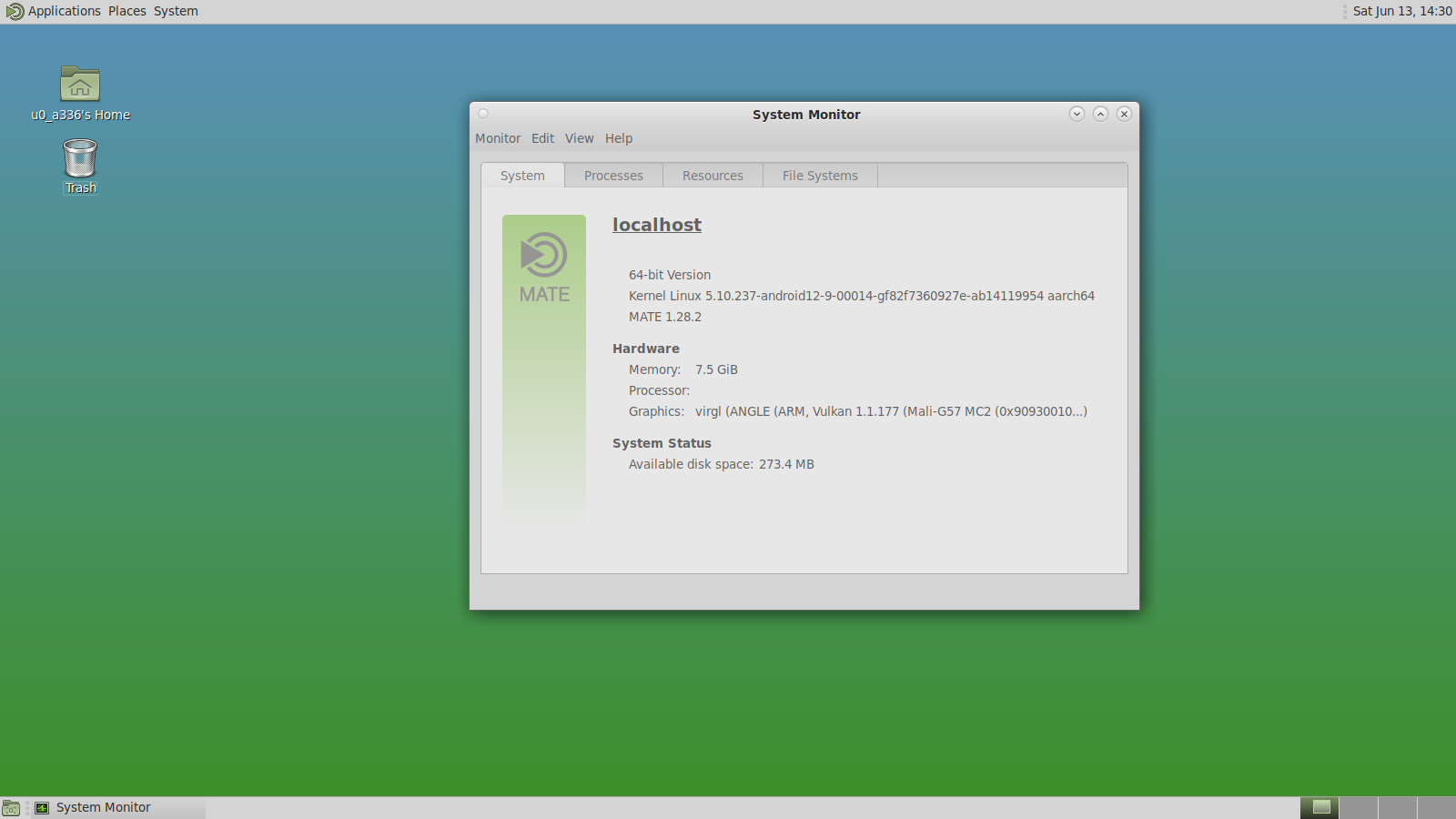
MATE Desktop on a Android Phone with Native Termux
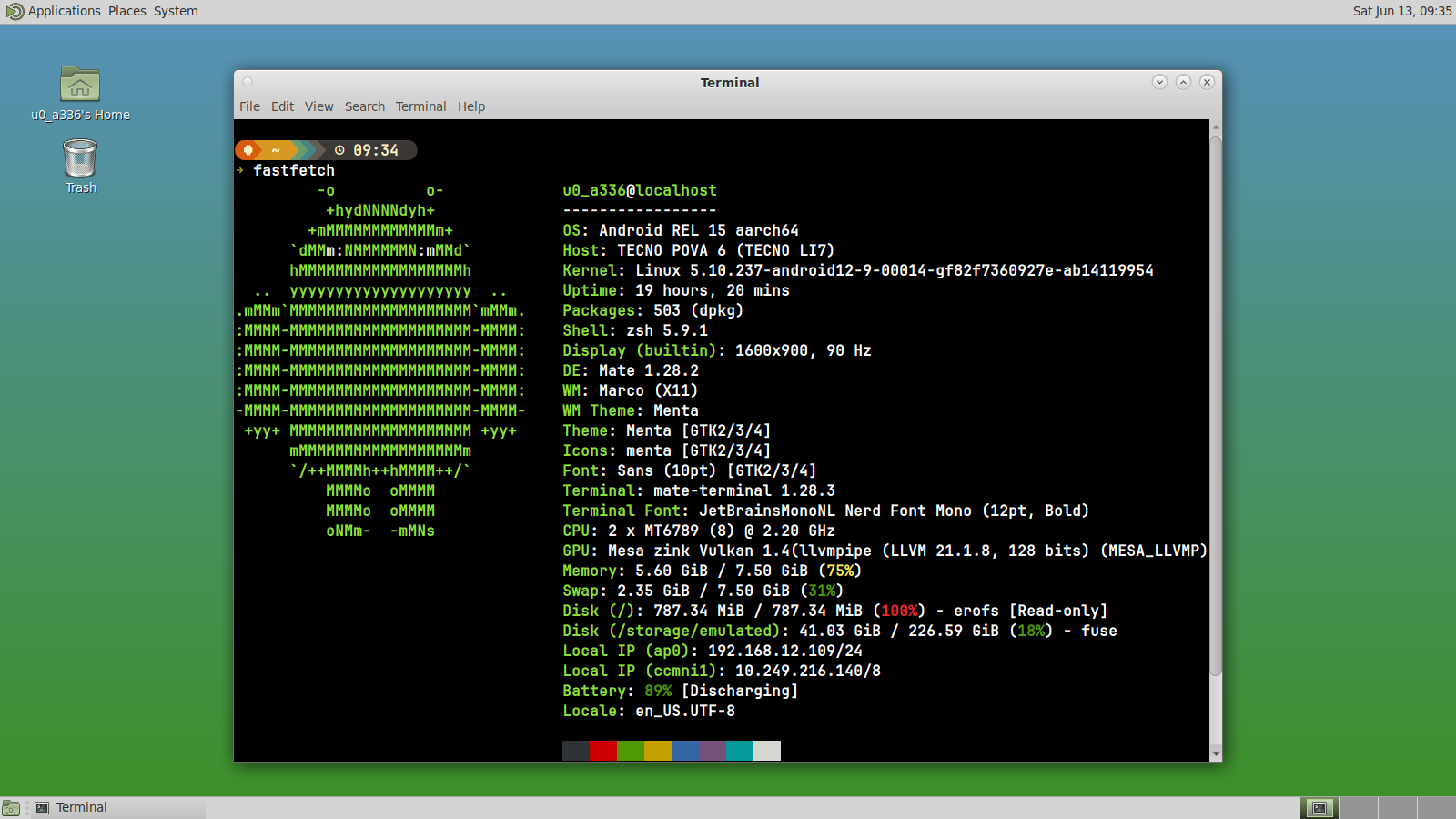
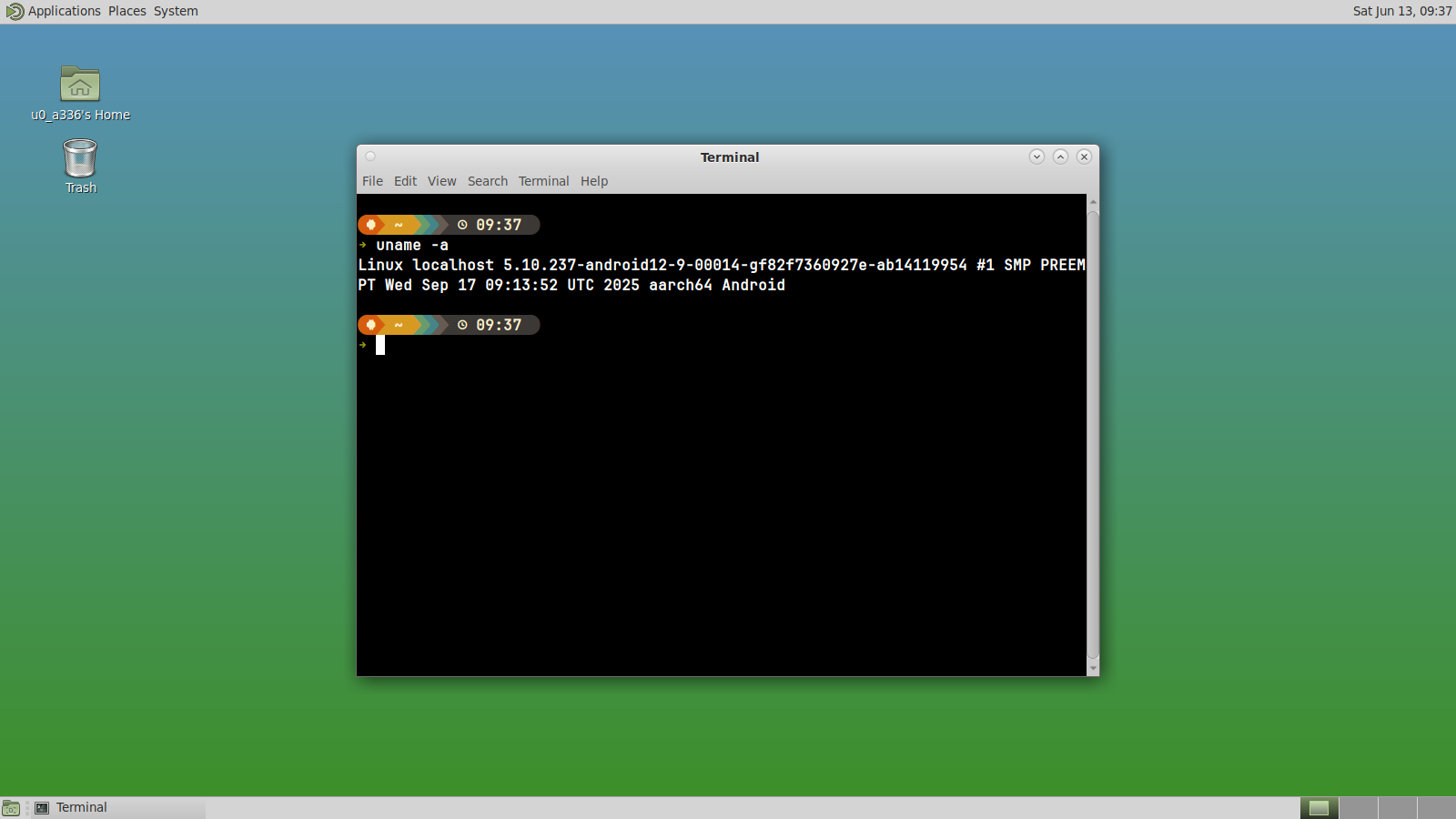
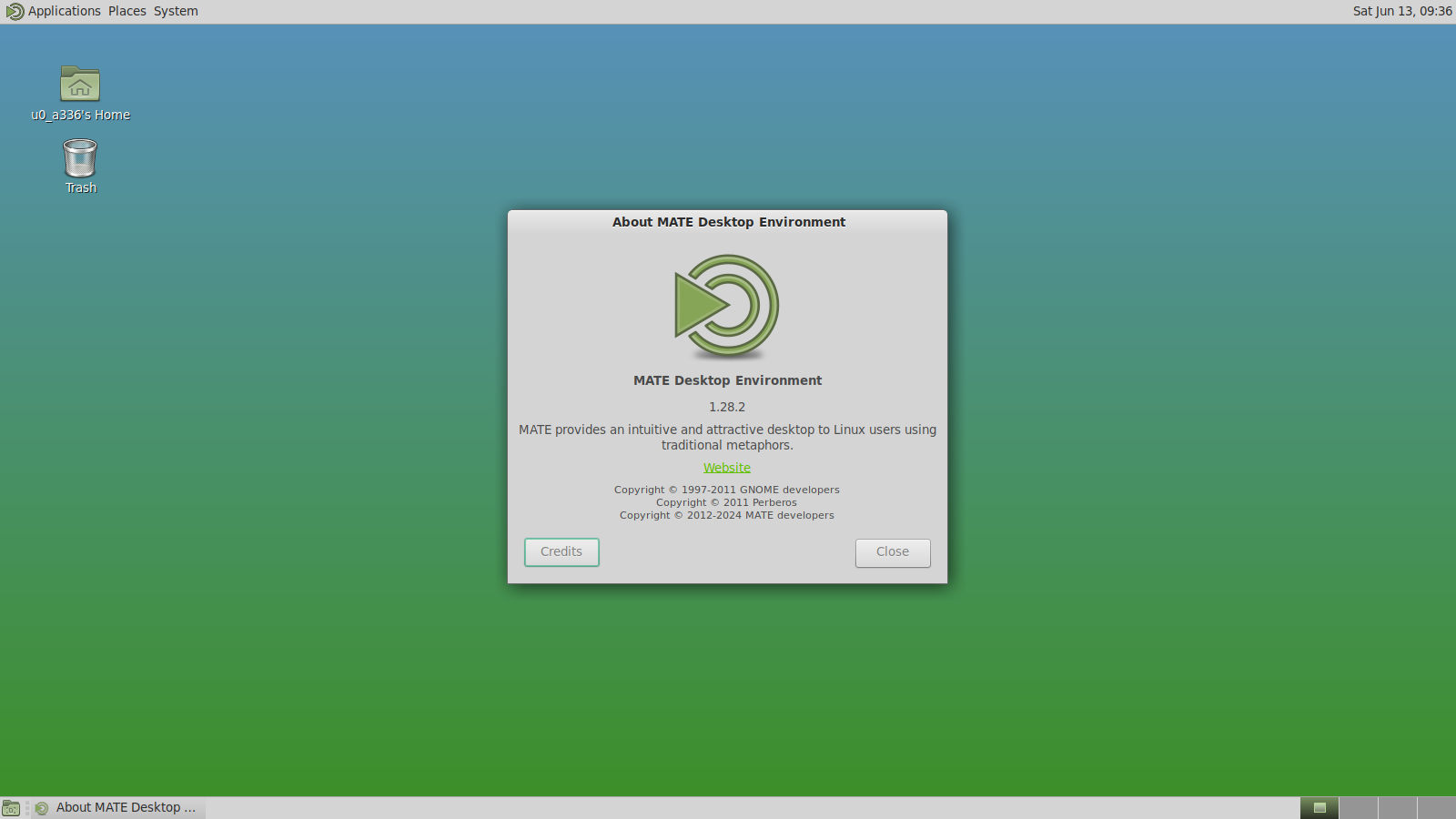
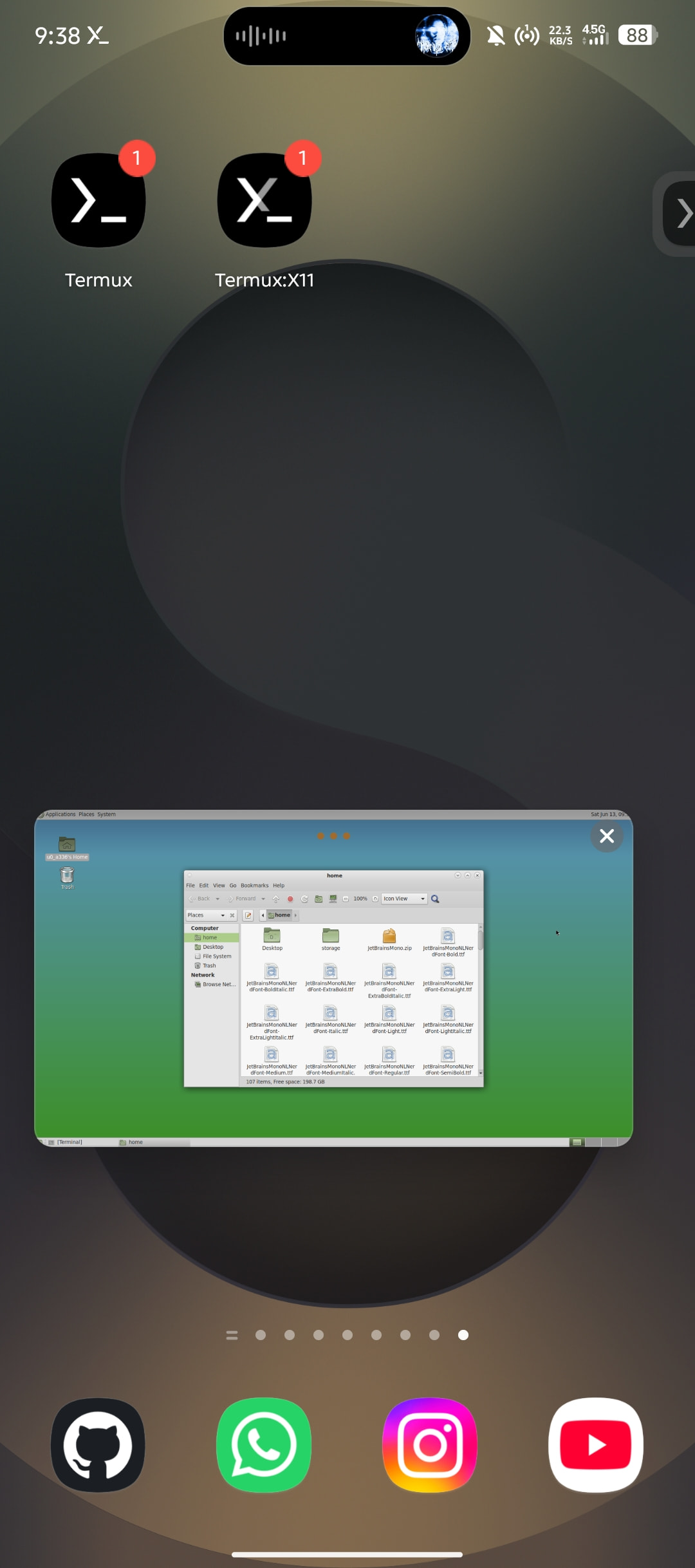
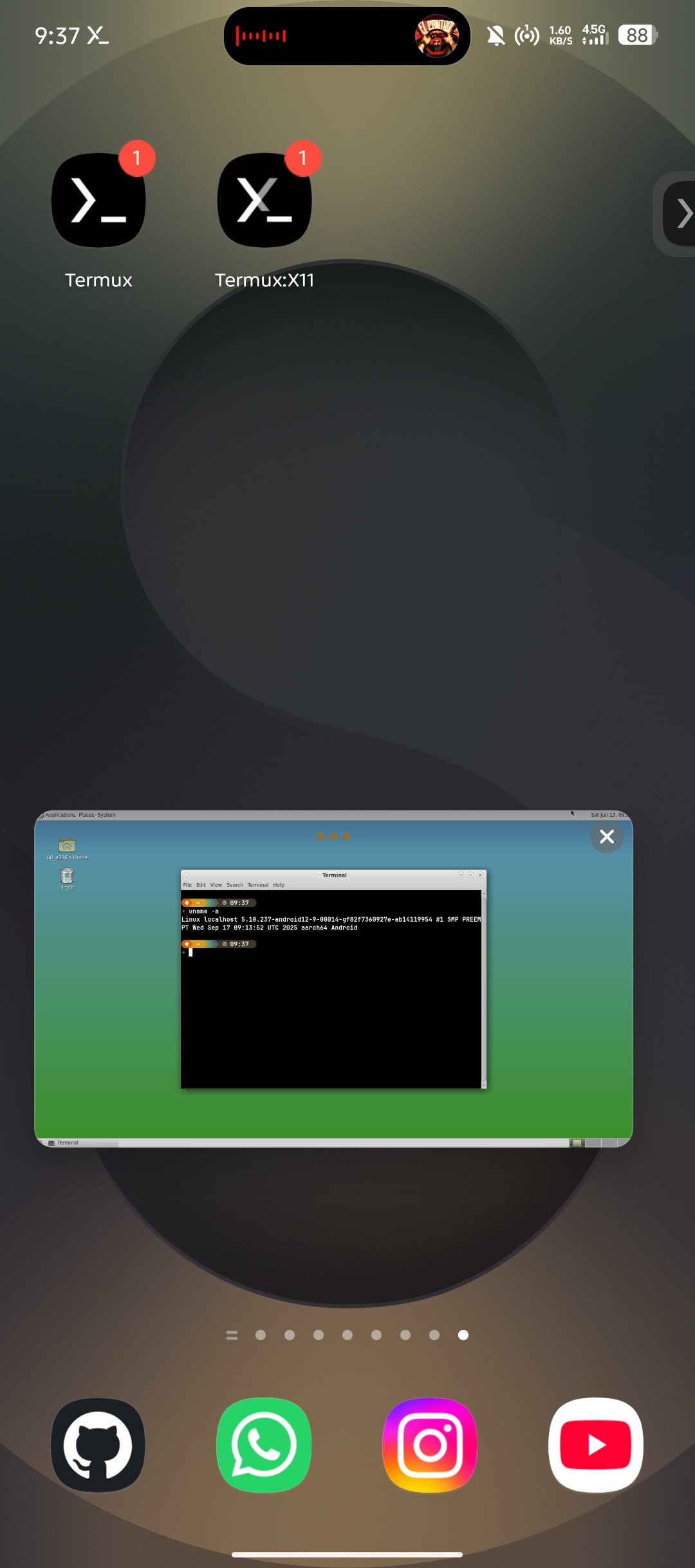
If it’s not understand, I’ll explain in full what Termux and PRoot is and how to run DE Linux on Android
Termux is a Linux terminal environment for Android that allows users to run many common command-line tools and programming languages without root access. Unlike traditional terminal emulators, it includes its own package repository and can install software such as Python, Node.js, Rust, Git, GCC, Clang, Vim, and many others. Applications running directly inside Termux use Android’s native Linux kernel, making them fast, lightweight, and efficient in terms of RAM, storage, and battery usage.
PRoot is a user-space implementation of chroot that does not require root privileges. It allows users to run complete Linux distributions such as Debian, Ubuntu, Arch Linux, or Alpine inside Termux. PRoot works by intercepting system calls and presenting an alternative filesystem layout to applications, making them believe they are running in a standard Linux environment.
Architecture Difference
Native Termux
- Runs directly on Android kernel
- Uses Android-compatible libraries (Bionic libc)
- Packages are compiled specifically for Android
- No emulation layer between user space and kernel
PRoot (proot-distro)
- Uses Linux distributions with standard GNU/glibc userspace
- Runs inside user-space emulation layer
- Intercepts filesystem and process calls using ptrace
- Simulates root filesystem without real root access
In simple terms:
- Termux = Android-native Linux environment
- PRoot = Linux distro running through a compatibility layer on top of Android
Package Repository Model
Termux Repository
Termux uses its own repository:
- Built and maintained specifically for Android
- Packages are heavily patched or rebuilt for Bionic libc
- Optimized for ARM Android devices
Includes:
- Python (Termux build)
- Node.js (Android-optimized build)
- Rust toolchain
- Clang / GCC
- Git, SSH, Vim, etc.
- Other packages
Key point: Not all Linux packages exist here because everything must be Android-compatible.
PRoot Repository (Debian/Ubuntu/Arch)
PRoot uses official Linux repositories:
- Debian: stable/testing/unstable repos
- Ubuntu official repos
- Arch Linux repos
Includes:
- Full GNU/Linux ecosystem
- System tools not available in Termux
- Desktop packages
- Office suite
- Browser
- other packages
Key point: This is a complete Linux software ecosystem identical to PC Linux distributions.
Performance Comparison
The main advantage of native Termux is performance. Applications run directly on Android with minimal overhead, making it the preferred choice for scripting, programming, automation, SSH, development tools, and lightweight servers. Because there is no translation layer, system calls are executed directly, resulting in high efficiency and low latency.
PRoot, on the other hand, introduces a user-space translation layer. It intercepts system calls, especially filesystem operations, and rewrites them dynamically. This introduces measurable overhead.
Real-world impact
Native Termux performance:
- Very fast startup time
- Fast package execution
- Efficient file I/O
- Low RAM usage
- Battery efficient
PRoot performance:
- Slower package installation (apt/dpkg)
- Slower file extraction
- Higher memory usage
- Noticeable overhead in build systems (npm, cargo, gcc large projects)
Practical Performance Insight
In practice, the performance difference is often small for tasks like:
- Editing files
- Running scripts
- Using Git
- SSH connections
- Remote server administration
However, workloads involving frequent filesystem access or large-scale compilation can be noticeably slower under PRoot. This includes:
- Building large C/C++ projects
- Installing heavy npm dependencies
- Compiling Linux software from source
- Extracting large archives
The bottleneck in PRoot is not CPU, but filesystem emulation overhead.
Compatibility vs Performance Trade-off
Native Termux
- High performance
- Limited Linux compatibility
- Android-centric ecosystem
- No full systemd support
- Not a full Linux distro
PRoot
- Full Linux compatibility
- Access to Debian/Ubuntu/Arch ecosystems
- Can run desktop environments
- Supports wider software range
- Slower due to emulation layer
Desktop Environment Support (DE)
PRoot becomes especially important when running a Linux desktop environment.
Supported DE inside PRoot:
- XFCE (most popular, balanced performance)
- LXQt (lightweight)
- MATE
- KDE Plasma (heavy but usable)
- GNOME (very heavy, not recommended on low-end devices)
With tools like:
- Termux:X11 (modern approach)
- VNC server (traditional method)
This enables a full Linux desktop experience inside Android without root access.
Native Termux can also run GUI applications, but it is more limited and requires additional configuration.
Resource Usage
Native Termux
- Small installation footprint
- Shared Android libraries
- Efficient memory usage
- Minimal battery drain
PRoot
- Large storage usage (full Linux filesystem)
- Higher RAM consumption
- Duplicate system libraries
- More CPU overhead during filesystem operations
The trade-off between Termux native and PRoot is straightforward.
The main advantage of native Termux is performance, simplicity, and efficiency. It is ideal for development workflows, scripting, automation, and lightweight server tasks directly on Android.
PRoot, on the other hand, offers much greater compatibility with traditional Linux software and package repositories, but introduces additional overhead, particularly for file-intensive operations such as package installation, archive extraction, and large software builds.
For most users, native Termux is the best option for everyday development and command-line work. PRoot becomes useful when specific Debian, Ubuntu, or Arch packages are required, or when setting up a full desktop Linux environment through solutions such as Termux:X11.
If you want a complete setup method, I will separate it into a separate topic, and then I will experiment installing Ubuntu via PRoot and then installing Full GNOME.
Device: Tecno Pova 6
Phone specs:
- SoC: Mediatek Helio G99
- GPU: Mali G57MC2
- Ram: 8GB LPDDR4X
- Storage: 256GB UFS 2.2
- OS: Android 15