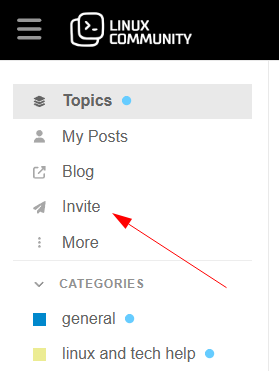
Invite link now available in the sidebar

Good news! We have now added the invite link to the sidebar, and selecting it opens the invite popup directly.

The goal is to make it quicker and easier to get to the invite popup and copy the link to share. You can even share specific topics/categories. To prevent abuse (especially automated bots that love to attack and flood forms), only trusted members are allowed to use this feature (Trust Level 2 and above).

Also read our Our Trust Level System for more details.

Note also that as per the previous announcement, accepted user invites = 10 cheers.

Please tell your Linux friends and colleagues about us, our Linux community and let us know if you have any feedback or questions!

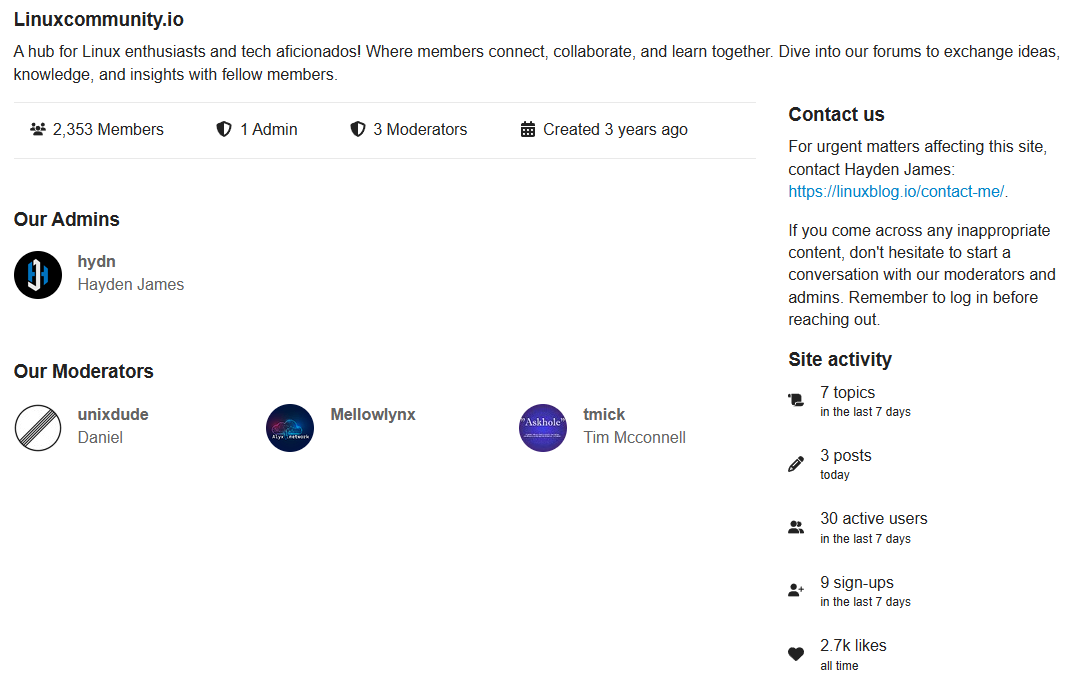
Edit: Also, the about page has been updated.

3 Likes

This is something really good and i am glad to see this and appreciate your efforts. Happy Halloween to all

2 Likes

Iโ€™ve seen references to newcomers being invited, but I donโ€™t see that link in the sidebar anymore, as was documented above.

  • Is that functionality still available?

  • Is this intended for any particular category of person or is it open to any individual we may feel would be interested in what is offered by this site?

  • Does this involve using an email address for the person being invited?

2 Likes

Hi @ericmarceau

The function is still enabled and set to default (Trust Level 2+). The sidebar link isnโ€™t there anymore. The placement was evaluated for about a year, but it was never used.
However, you can create and send invites from your profile page: https://linuxcommunity.io/my/invited/pending

Also see:

If you would like a link to invites always enabled in the side bar you can also it with the + icon at the bottom of the sidebar.

Also see:

2 Likes

Thank you, Hayden. I will set that for myself. Thank you as well for those references.

2 Likes