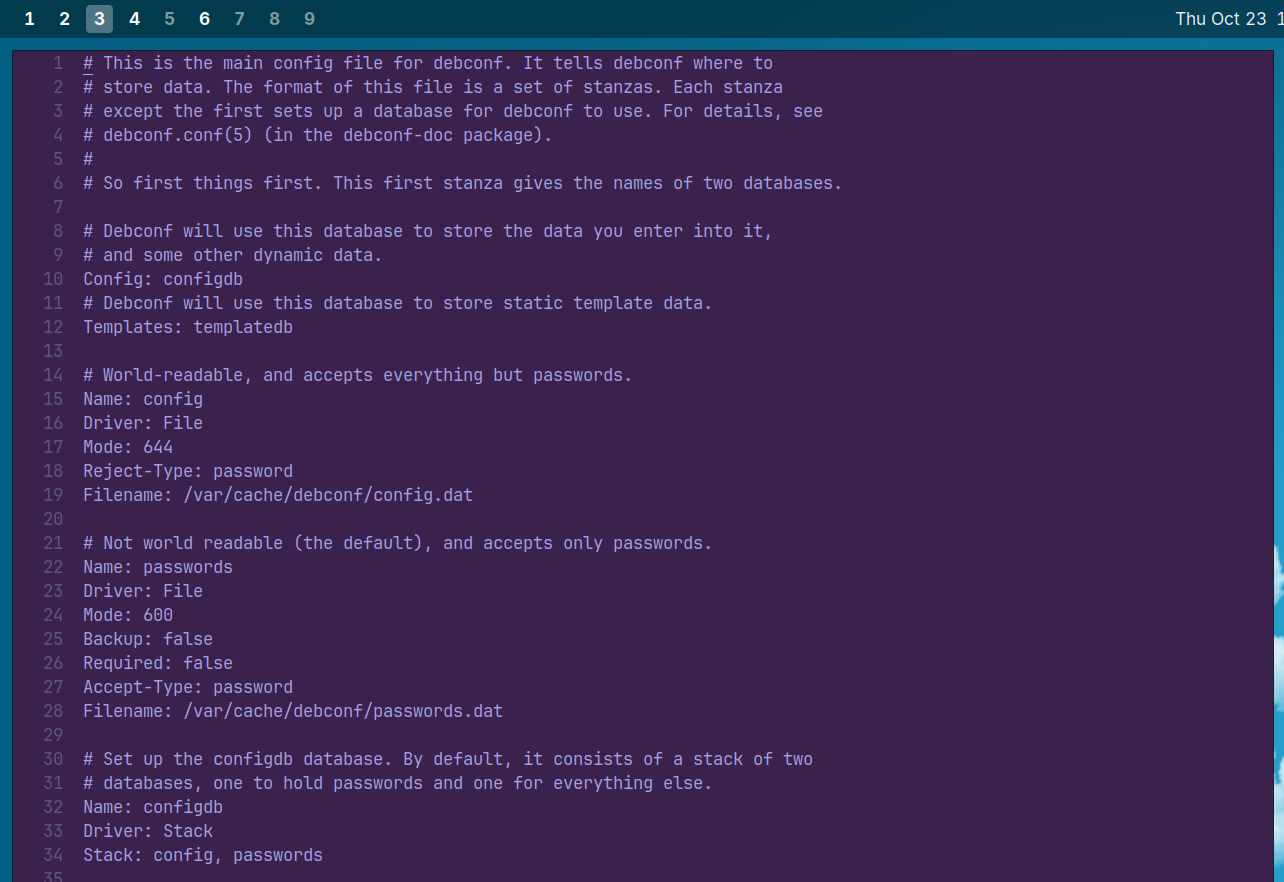
On my Linux I sometimes use nano or vim as internal terminal text editor, but I honestly prefer use gui softwares.
I mostly use:
Geany
Gedit
Visual Studio Code (as main projects editor)
Notepad++
Visual Studio Community 2022
(The last 2 in Windows virtual machine)
I also have installed Mousepad and Kate, but I’m not so addicted to them.
Notive I’ve installed Kate just for the software Krusader compatibility, which is part of KDE desktop.
All of the editors you use are solid.
For those who are old enough to remember there used to be flame wars between advocates of emacs versus vi, then we got plug-in and extended capabilities to both. The truth is that there are several editors that are very capable of handling any reasonable workload.
Sure, once you get familiar with your favorite configuration it may be uncomfortable to change, but the truth is that they all work.
One of the best efforts to prove this is Doom Emacs. I believe that the configuration was created by a vi user. Frankly it gives you the best of either editor.
On the other hand the neovim refactoring of vim is very good too and there’s a lot of GUI interfaces available, plus custom key bindings so it can do the job too.
Notepad++, notepadqq, vscode, ultra edit, all of them have sufficient capability even if they operate slightly different.
I have decades of testing with several of them. The truth is that only the personal degree of familiarity separates them; each of these can handle most workloads. It’s the human who has to remember how to use each of them properly.
As far as the desktop environment editors I don’t use them as often. Again, nothing wrong with any of them, I simply happen to stick with editors I can use in any command environment.
I thought I’d add a list of a few editors I’ve used over the past few months. Most of them have already been mentioned.
I’m actually familiar with a lot of editors, and frankly, it all depends on what you want to do. I’m comfortable with vi, vim, Emacs, Notepadqq and Notepad++. One editor that is quite powerful, yet very simple is XnEdit; it’s a modern version of Nedit, once known as “Nirvana”. It doesn’t require fancy key bindings but it does have macro capability and excellent searching capabilities, so it’s definitely more than a notepad.
For the real geeks, Doom Emacs is a fantastic merge of Emacs and Neovim, and it even has a space key leader binding for those who hate the original Emacs bindings. As for me, before Doom Emacs, I built my own key bindings; actually I did a few of them. Emacs had an EDT emulator for DEC users; I added a WPS keypad emulator, but then I had a 20 function keyboard, so I bound most of the key bindings I actually used to that; so you can see that I’m definitely the geek type.
I had to mention one of the old editors that happened to “pop up” today because apparently I had built it some time ago in Endeavour OS using the AUR source code package of Vile.
It took 1-2 minutes to recompile Vile today, and the AUR packaging scheme took care of all of it. I don’t have anything fancy configured, but I found it amusing to come back to this today, because this one seems like the founding father of efforts like Doom Emacs – all attempts to bring the best features of vi and Emacs together. This one was built a long time ago to overcome buffer limitations of the vi versions at that time. It’s still a lean and very effective vi modal style editor, slightly bigger than the original vi, but smaller and much more lean than Neovim or Doom Emacs today.