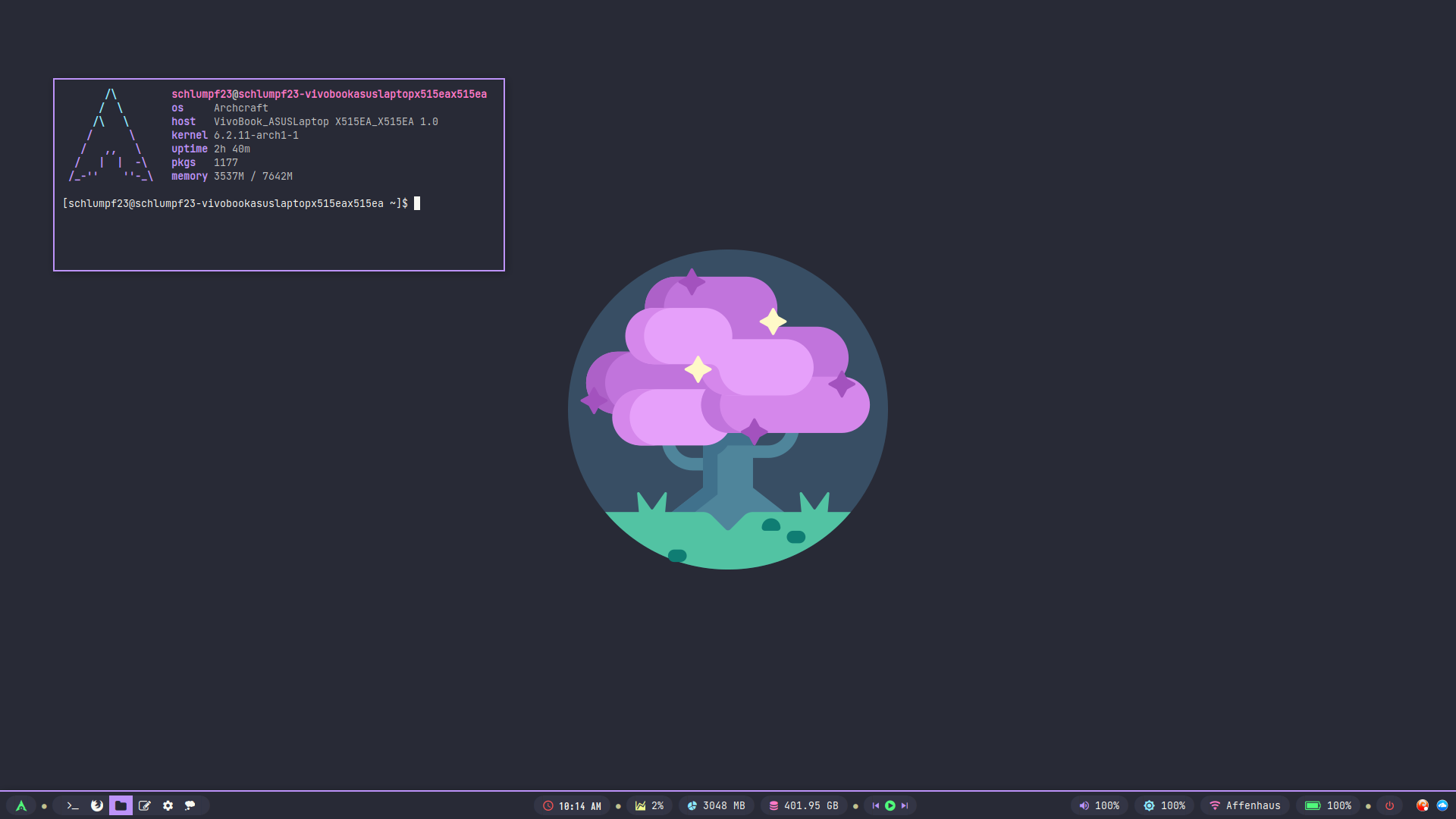
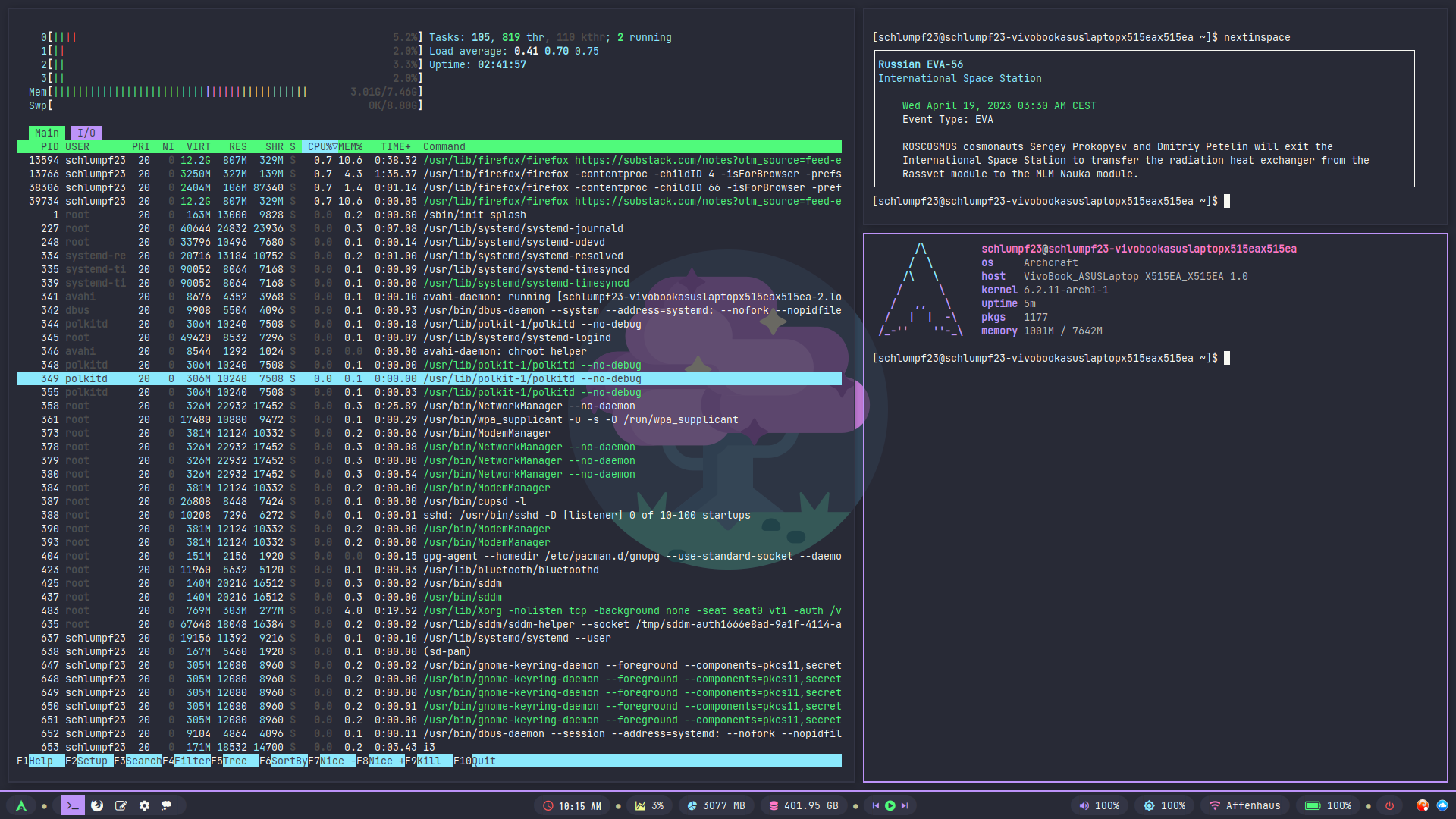
I first started using Linux in the late 90s, mainly Mandrake etc. T then drifted to Windows until about 2010 when I finally cracked and returned to Linux. 13 yrs later, I’m now using Archcraft, particularly Bspwm and i3. Although I do have a soft spot for Berry. I have 2 laptops, so concentrate on each WM on a different laptop. Today I’m using i3, so I’ll
Our experience seems similar with Linux and Windows. I’m at this moment trying to choose my distro as well for a new desktop .
I saw Archcraft Linux, not bad. How do you feel about prebuilt WMs, isn’t it best to start from scratch or considering the time involved do you prefer WMS that are preconfigured?
It’s always good to learn how to set up a tiling window manager from scratch. But once you’ve done it a couple of times, something like Archcraft is a joy, all the theming done for you. Also, with Archcraft, you can just use the installed theme as a basis for something else, take the theme in a completely new direction. I love it.
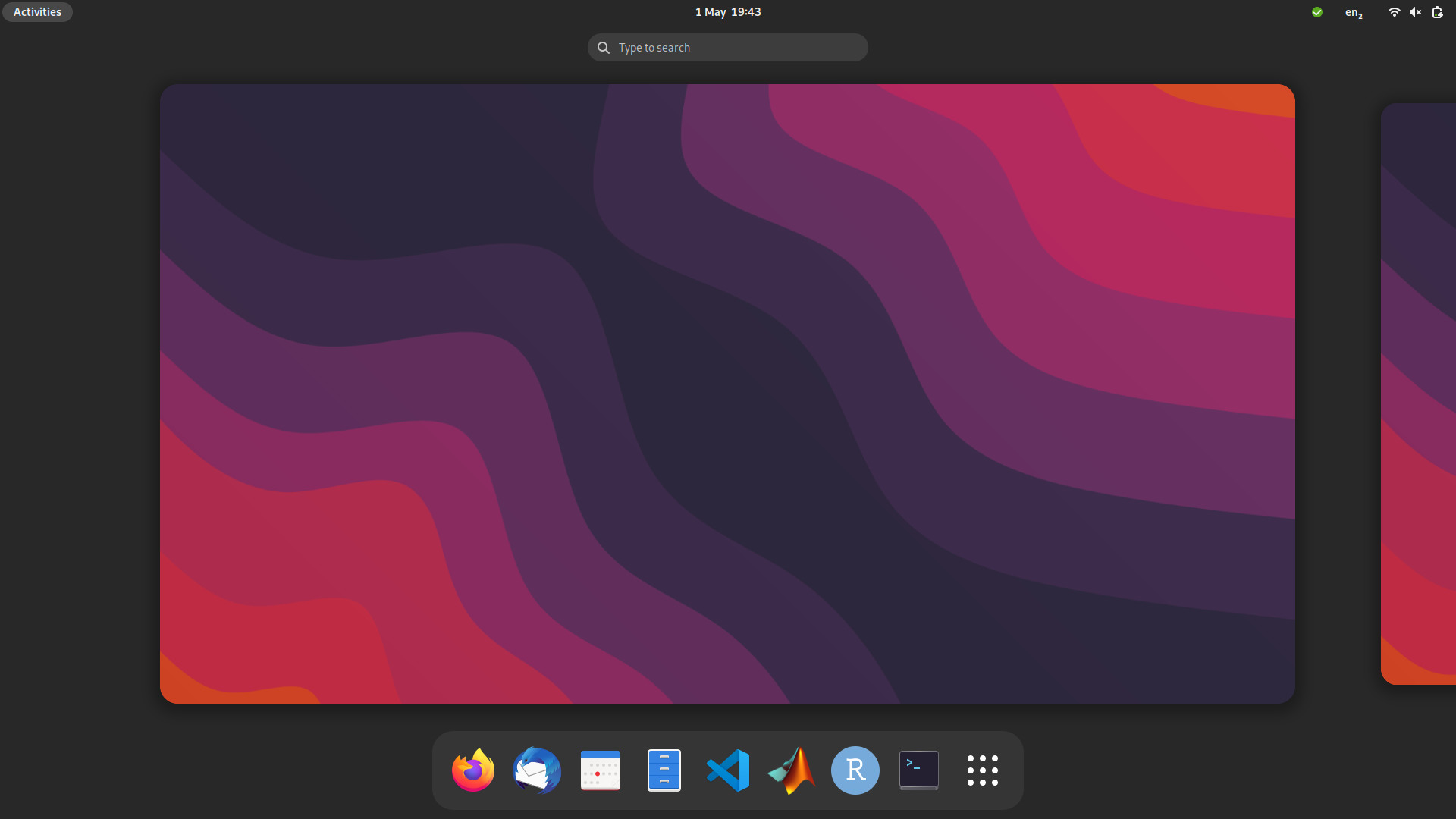
Running Fedora Linux 38. I have run Ubuntu and openSUSE Tumbleweed before. I like the philosophy of Fedora but it is just ever so slightly more convenient than openSUSE (although I’m struggling a bit with mesa freeworld from RPMfusion now). I think my first encounter with Linux was around 2014, when I tried Ubuntu and elementaryOS. I only got back into it two years ago, as I got increasingly fed up with Windows. Right now I only run Linux! If I ever had to switch I think I’d go to Debian or openSUSE.
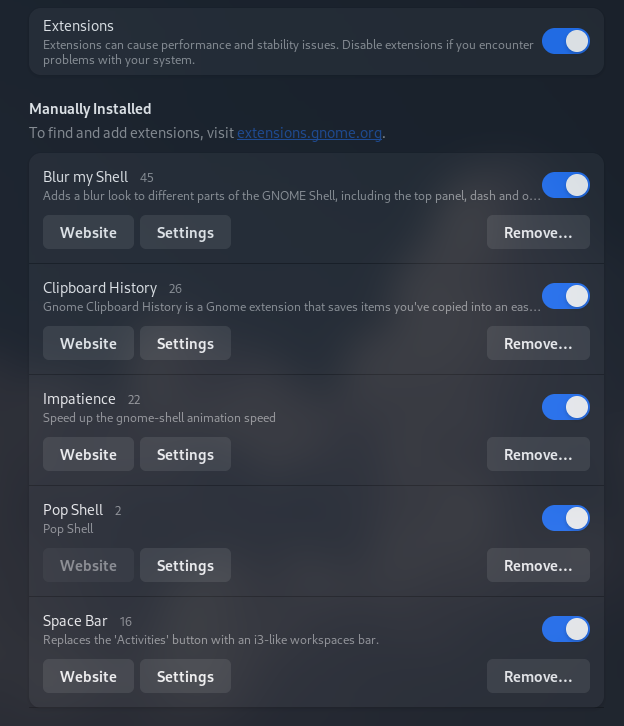
Impatience really makes a difference when using i3 type workspace navigation because, very often AI toggle back and forth between 2 workspaces. The default animation is very slow.
I believe that’s GNOME Terminal (confusing, I know). GNOME Console is a modernised version using GTK4 and libadwaita, built from the ground up. It still lacks quite some functionality compared to Terminal.
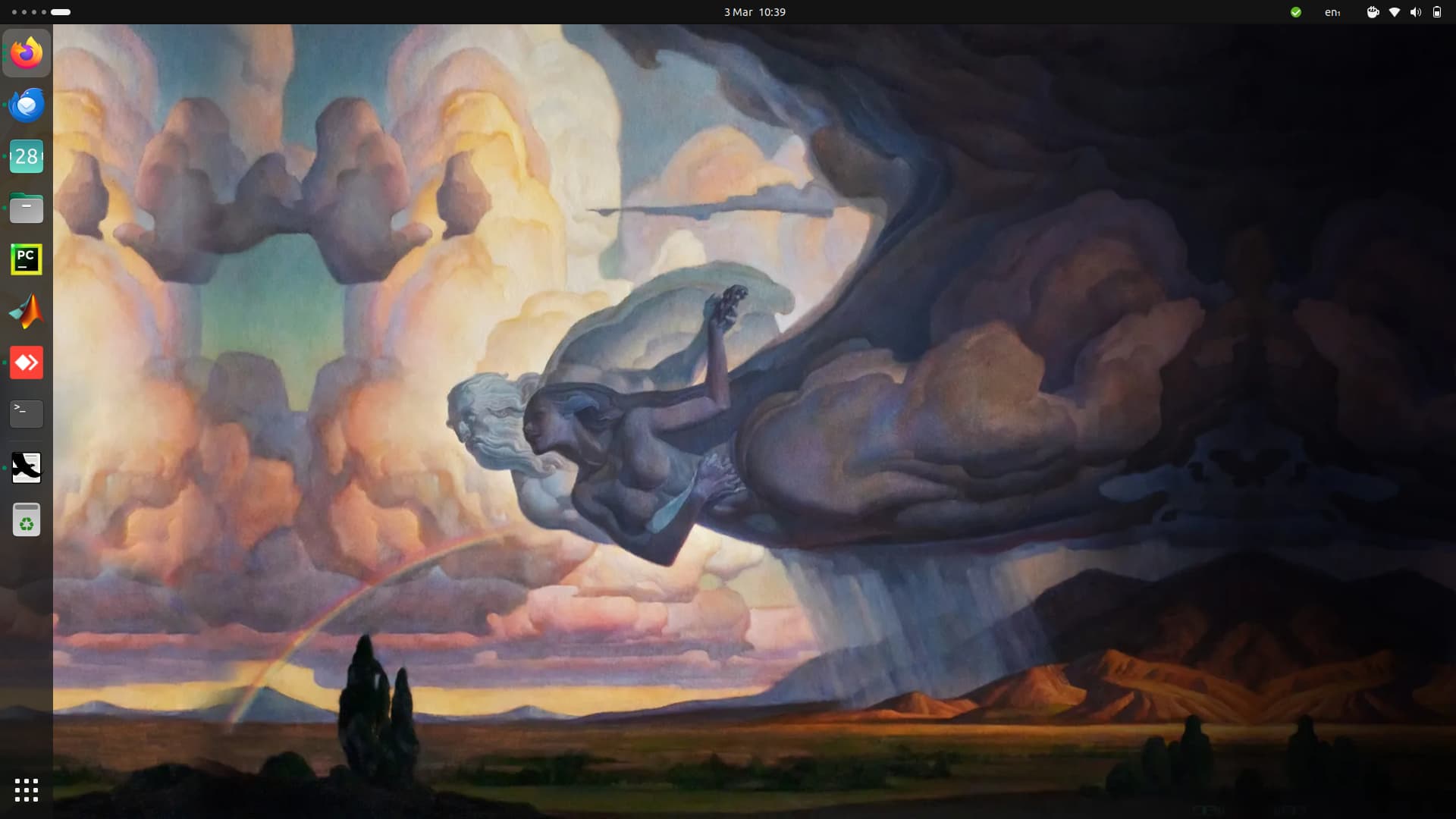
using Linux mint as given by my university and logged just now to post some code for the Linux community. Using gnome shell and desperately need good wallpapers?. Any suggestion.

 .
.